



Nasıl etkinleştirilir
- Steam uygulamasını yükleyin ve hesabınıza giriş yapın (ücretsiz hesap yeterli).
- Üst menüden „Oyunlar” → „Steam'de Bir Ürün Etkinleştir…” seçeneğini seçin.
- Anahtarı siparişinizde göründüğü gibi (tirelerle) girin ve onaylayın. Oyun kitaplığınızda görünür.
Oyun hakkında
Renovate your Zoo!
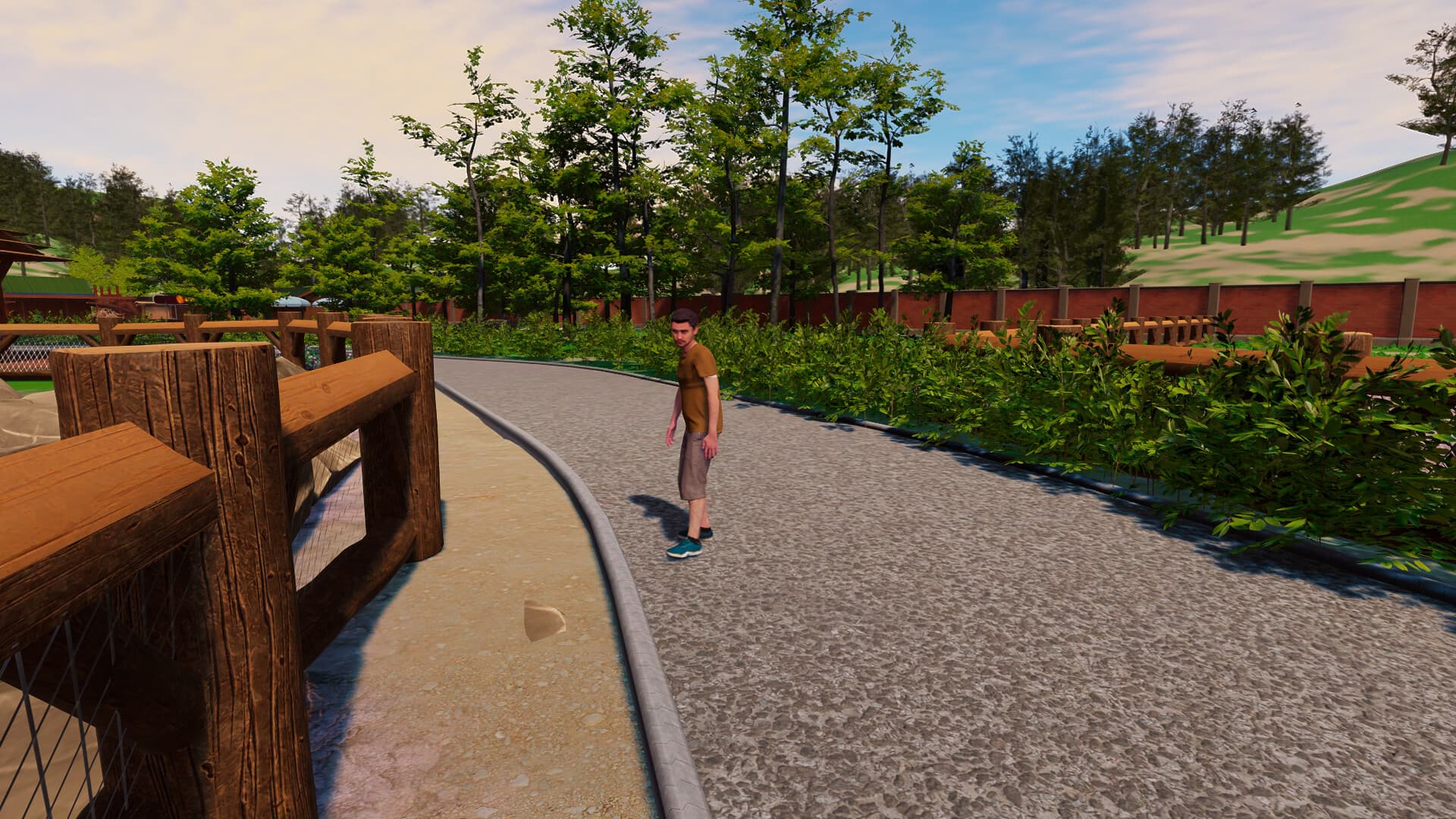
In Zoo Simulator, one of your first tasks will be to restore the zoo. You will have to put a lot of effort into cleaning neglected alleys and damaged places for your future animals. To do this, you will be using a lot of tools such as welders and water washers. Remember - hard work can result in a crowd of delighted visitors!
Various species of animals ...
System Requirements
Minimum
- İşletim Sistemi
- Windows 10 64 Bit
- İşlemci
- Intel Core i3 3.0 GHz
- Bellek
- 12 GB RAM
- Ekran Kartı
- Nvidia GeForce GTX 1060 6GB
- DirectX
- Version 11
- Depolama
- 8 GB available space
Recommended
- İşletim Sistemi
- Windows 10 64 Bit
- İşlemci
- Intel Core i5 3.4 GHz
- Bellek
- 16 GB RAM
- Ekran Kartı
- NVidia GeForce GTX 1060 6GB
- DirectX
- Version 11
- Depolama
- 12 GB available space