






Nasıl etkinleştirilir
- Steam uygulamasını yükleyin ve hesabınıza giriş yapın (ücretsiz hesap yeterli).
- Üst menüden „Oyunlar” → „Steam'de Bir Ürün Etkinleştir…” seçeneğini seçin.
- Anahtarı siparişinizde göründüğü gibi (tirelerle) girin ve onaylayın. Oyun kitaplığınızda görünür.
Oyun hakkında
Face the Warships!
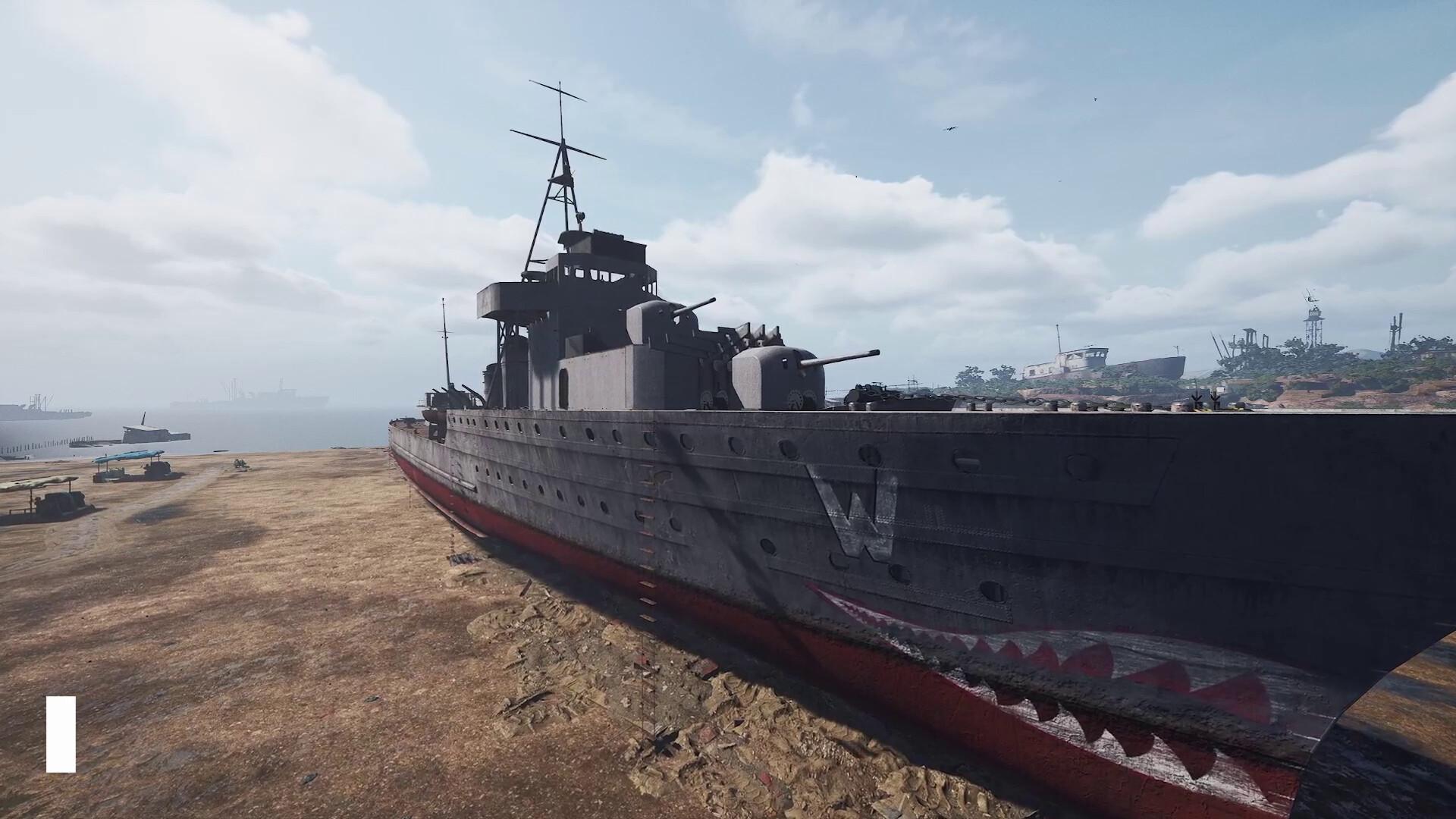
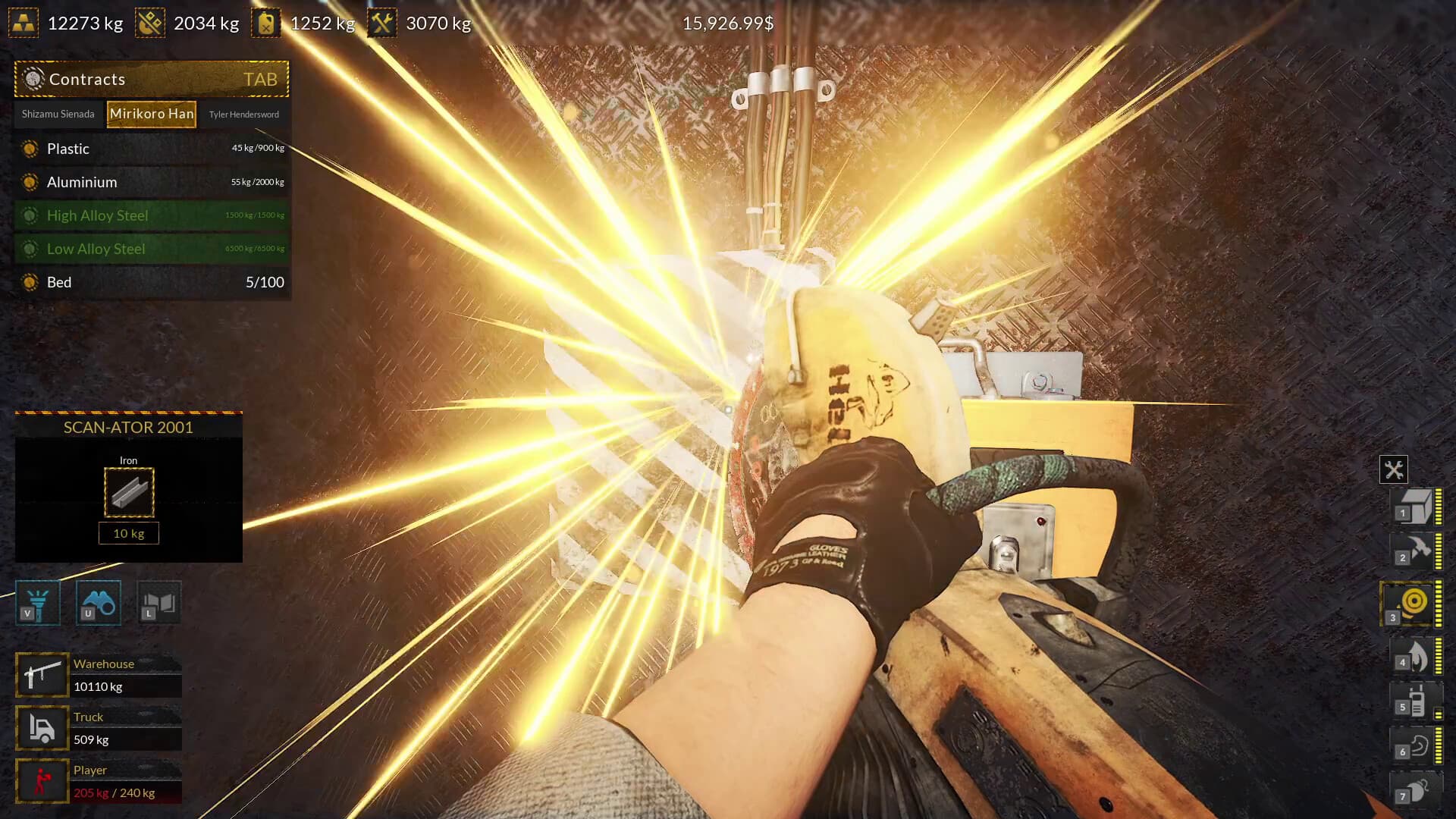
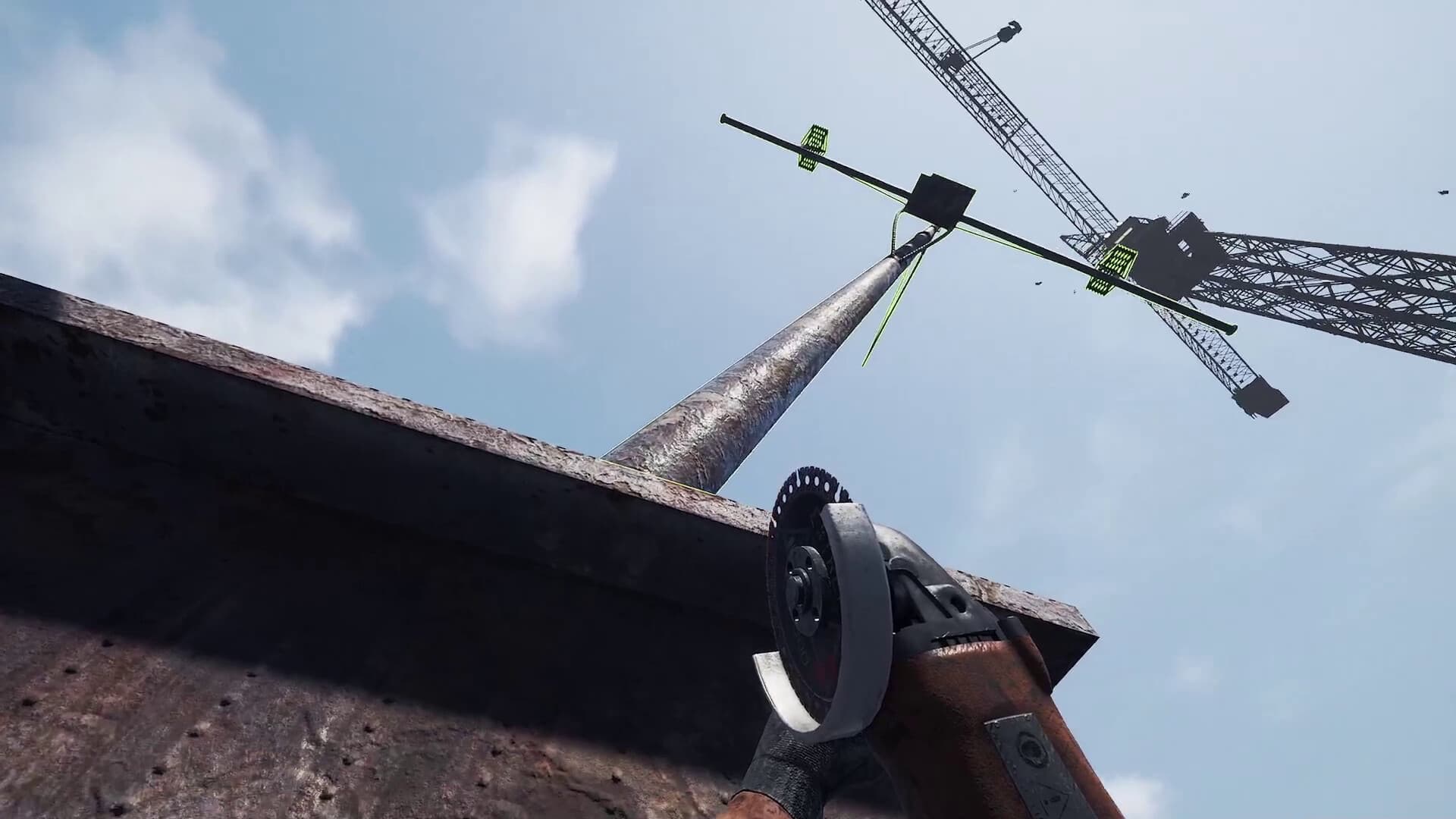
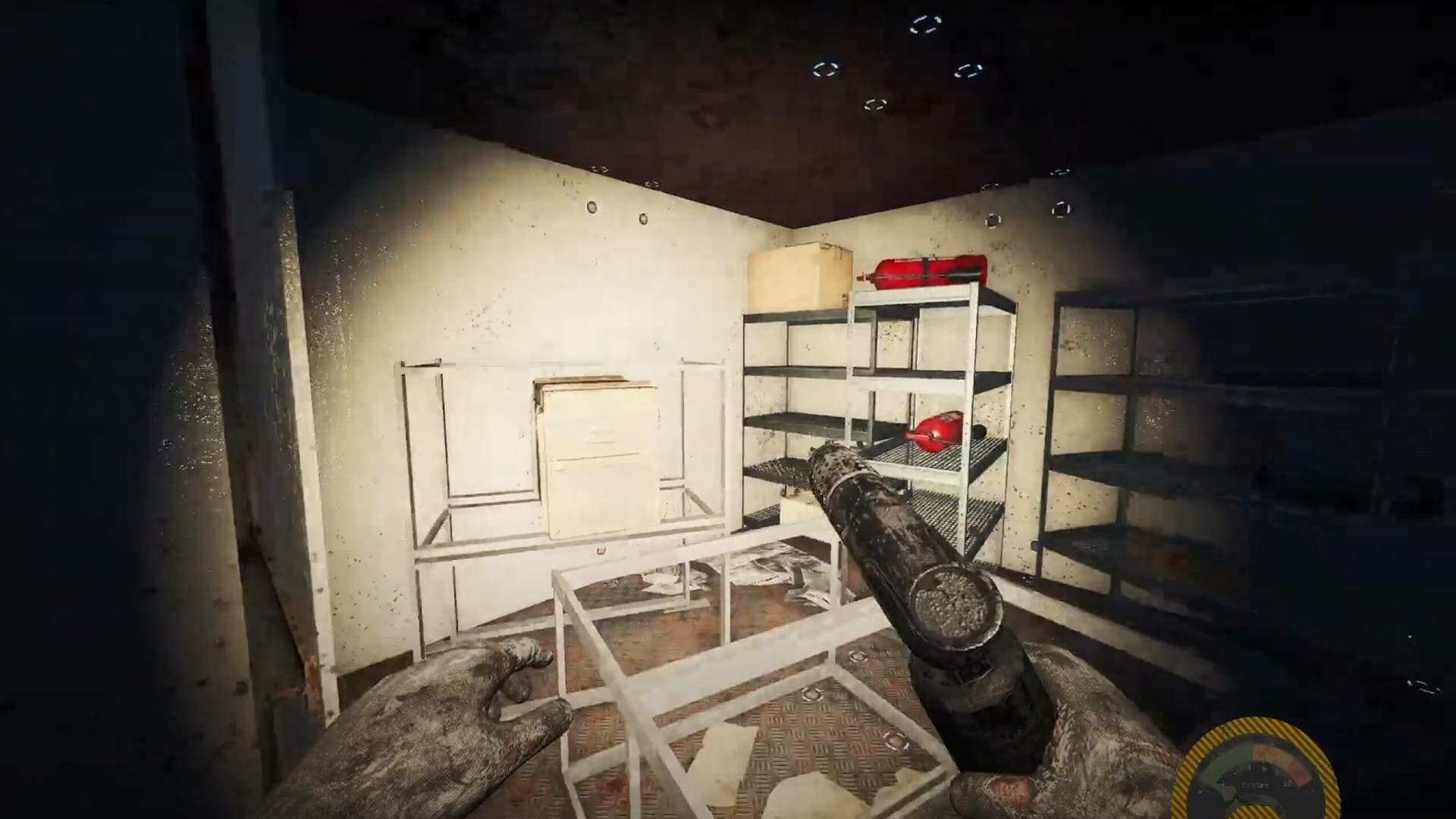
Go into the unknown with the new DLC for Ship Graveyard Simulator 2 - Warships DLC! Discover the exciting world of warship demolition, where your ship demolition skills will be tested again this time with massive warships. Exciting tasks, new locations and much more await you!
New Challenges – Radioactive Materials ...
System Requirements
Minimum
- İşletim Sistemi
- Windows 10 64 Bit
- İşlemci
- Intel Core i3 3.0 GHz
- Bellek
- 12 GB RAM
- Ekran Kartı
- Intel Arc 380, Nvidia GeForce GTX 960
- DirectX
- Version 11
- Depolama
- 8 GB available space
- Ek Notlar
- Recommend installation on an SSD drive
Recommended
- İşletim Sistemi
- Windows 10 64 Bit
- İşlemci
- Intel Core i5 3.4 GHz
- Bellek
- 12 GB RAM
- Ekran Kartı
- Intel Arc 580, GTX 1660 Ti
- DirectX
- Version 11
- Depolama
- 12 GB available space
- Ek Notlar
- Recommend installation on an SSD drive