




Nasıl etkinleştirilir
- Steam uygulamasını yükleyin ve hesabınıza giriş yapın (ücretsiz hesap yeterli).
- Üst menüden „Oyunlar” → „Steam'de Bir Ürün Etkinleştir…” seçeneğini seçin.
- Anahtarı siparişinizde göründüğü gibi (tirelerle) girin ve onaylayın. Oyun kitaplığınızda görünür.
Oyun hakkında
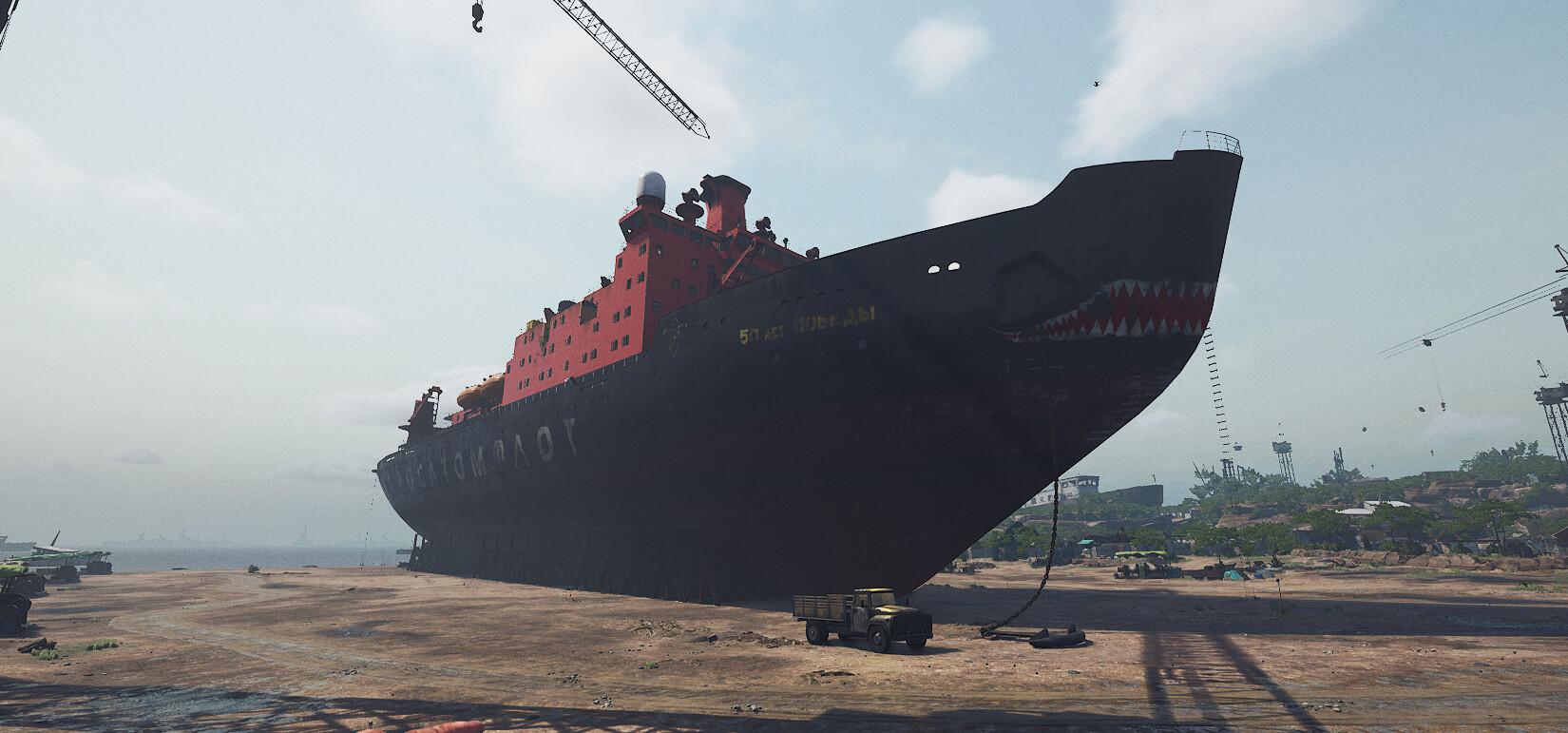
NEW STEEL GIANTS TO DESTROY
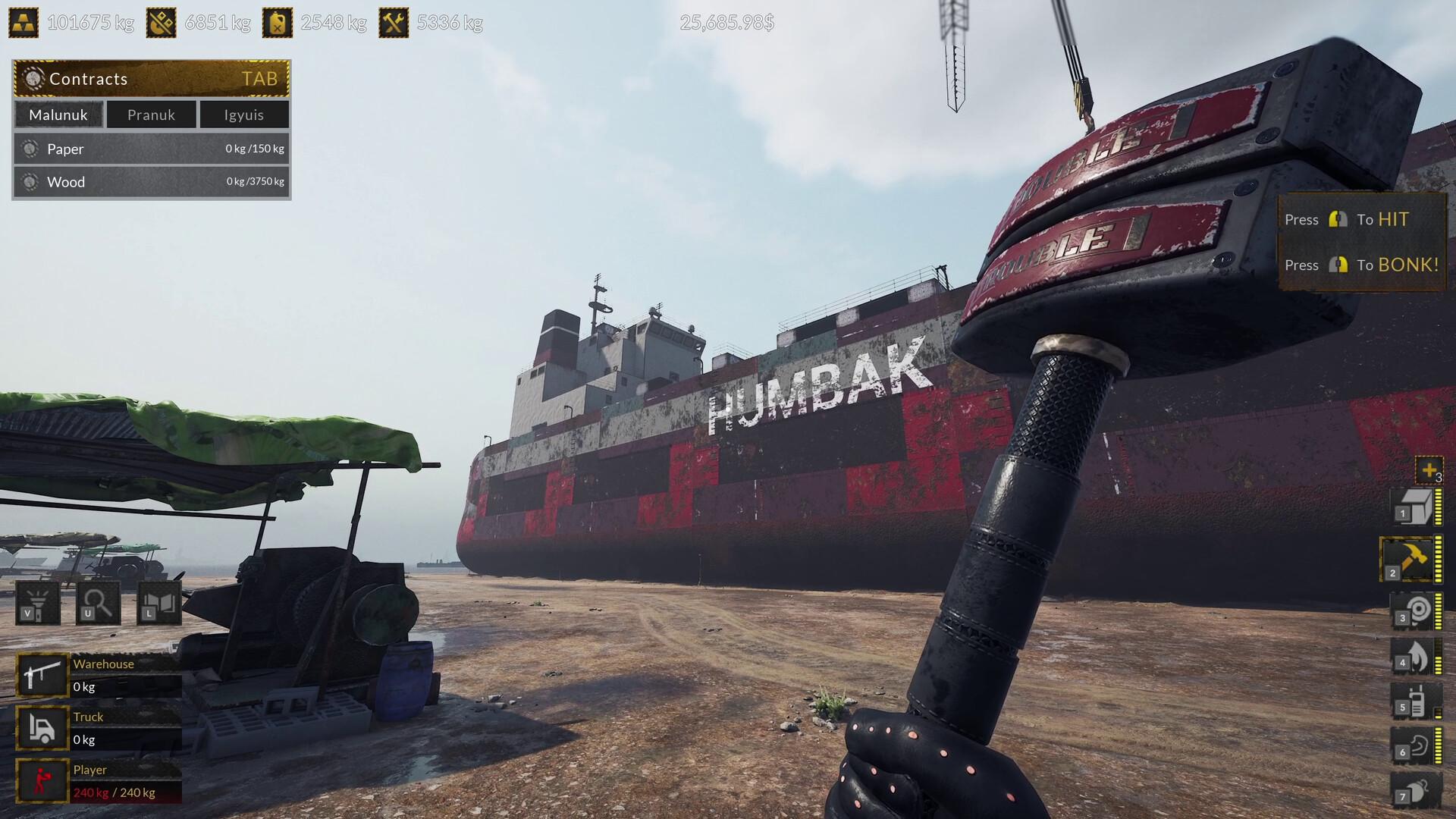
Prepare for the ultimate challenge in ship dismantling with the Steel Giants DLC for Ship Graveyard Simulator 2. New four colossals: a tanker, a gas carrier, a nuclear icebreaker, and a huge container ship. Each of them presents unique challenges and opportunities in those giants!
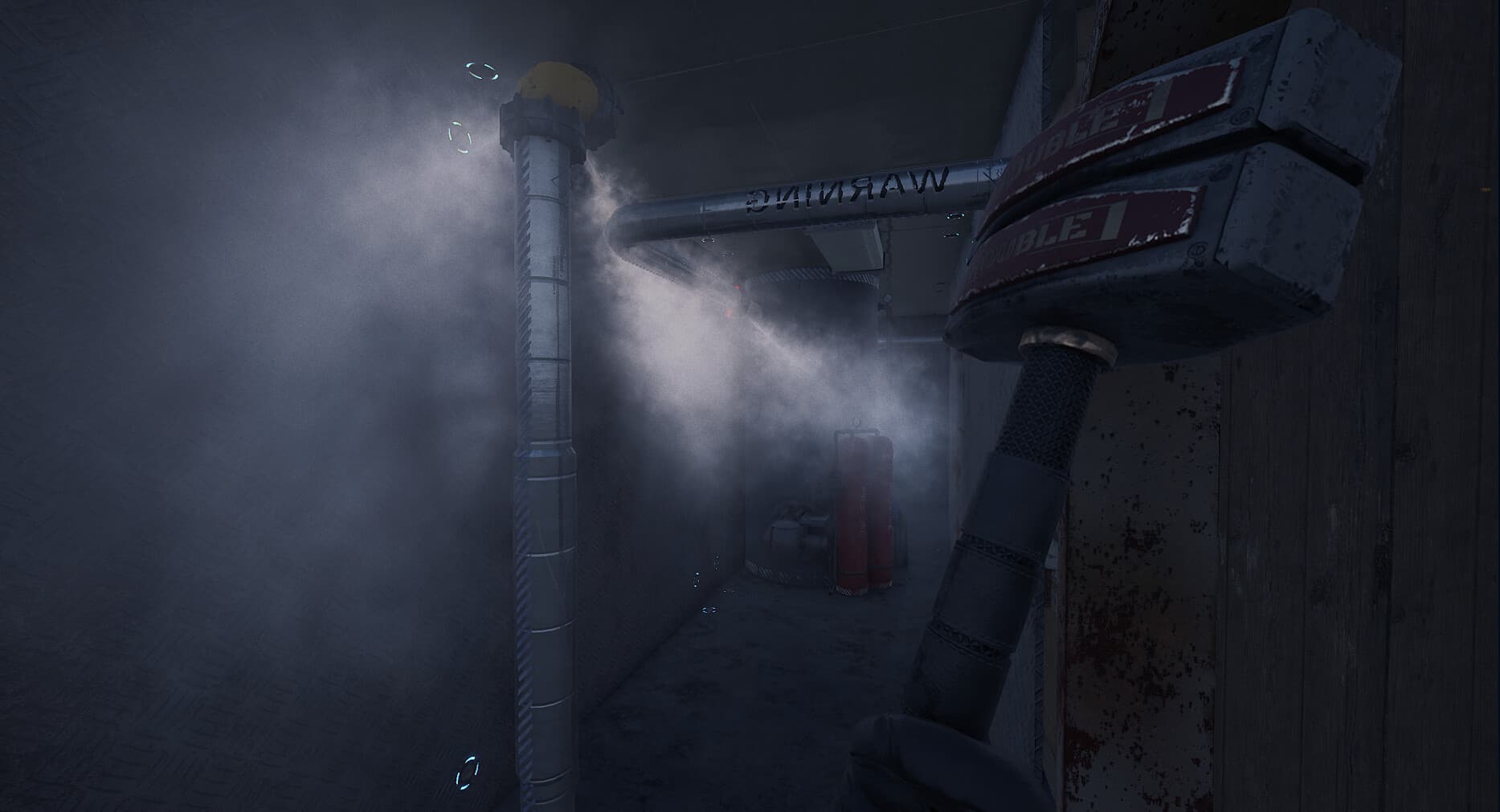
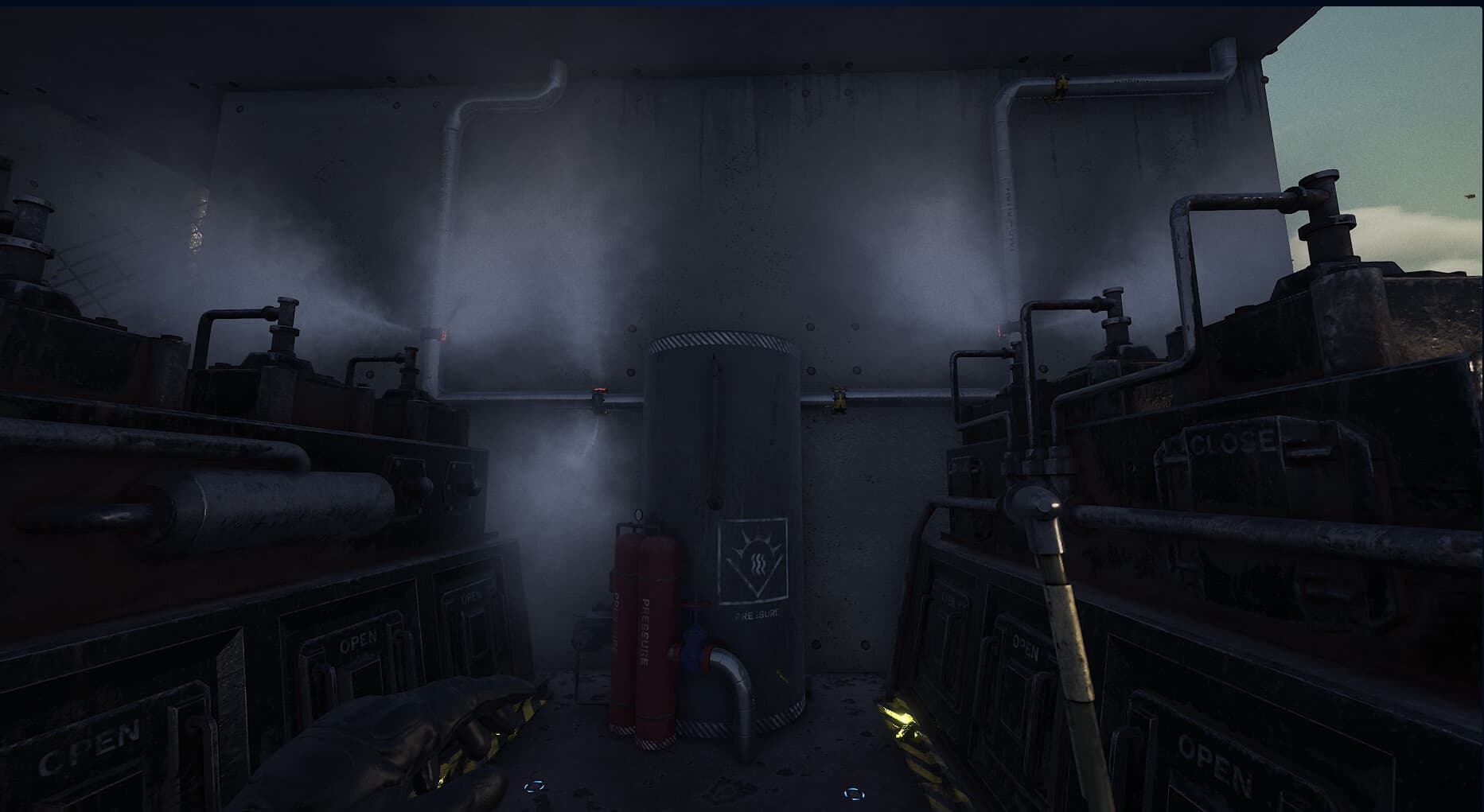
NEW CHALLENGE - STEAM PIPES
Face a new challenge - blocked passages through exploding steam pipes. Carefully plan to cut off their supply so that you can destroy these giants freely and safely. Cutting pipes in the wrong way can cause many complications. ...
System Requirements
Minimum
- İşletim Sistemi
- Windows 10 64 Bit
- İşlemci
- Intel Core i3 3.0 GHz
- Bellek
- 12 GB RAM
- Ekran Kartı
- Intel Arc 380, Nvidia GeForce GTX 960
- DirectX
- Version 11
- Depolama
- 8 GB available space
- Ek Notlar
- Recommend installation on an SSD drive
Recommended
- İşletim Sistemi
- Windows 10 64 Bit
- İşlemci
- Intel Core i5 3.4 GHz
- Bellek
- 12 GB RAM
- Ekran Kartı
- Intel Arc 580, GTX 1660 Ti
- DirectX
- Version 11
- Depolama
- 12 GB available space
- Ek Notlar
- Recommend installation on an SSD drive