





So aktivieren Sie
- Installiere Steam und melde dich bei deinem Konto an (ein kostenloses Konto reicht).
- Wähle im oberen Menü „Spiele“ → „Ein Produkt bei Steam aktivieren…“.
- Gib deinen Key genau wie in der Bestellung ein (mit Bindestrichen) und bestätige. Das Spiel erscheint in deiner Bibliothek.
Offizielle Aktivierungsanleitung von Steam
Damit Sie das Spiel aktivieren können benötigen Sie einen 'Steam-Account'. Weitere Informationen zur Aktivierung finden Sie unter diesem Link: https://support.steampowered.com/kb_article.php?ref=5414-TFBN-1352
Über das Spiel
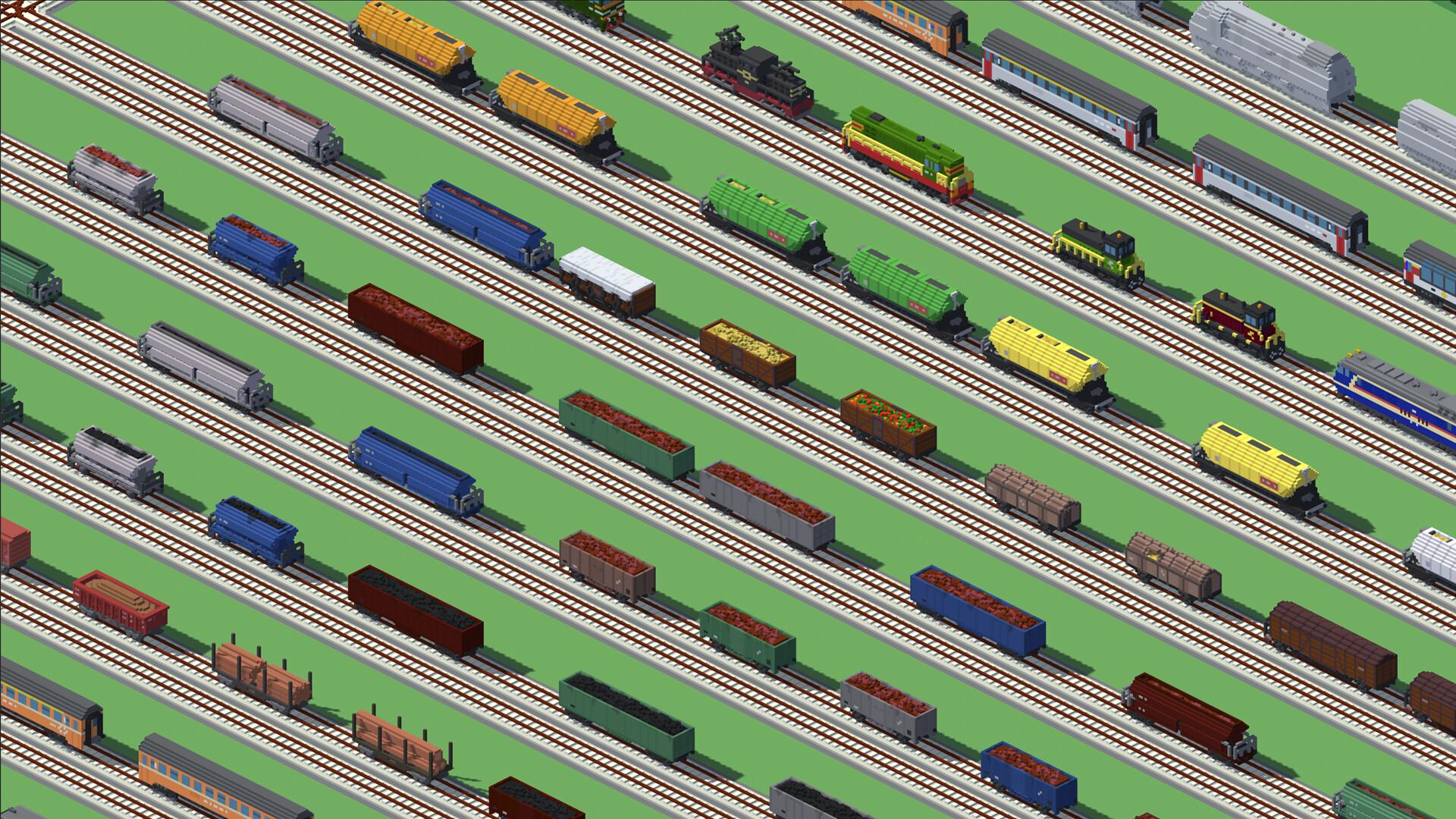
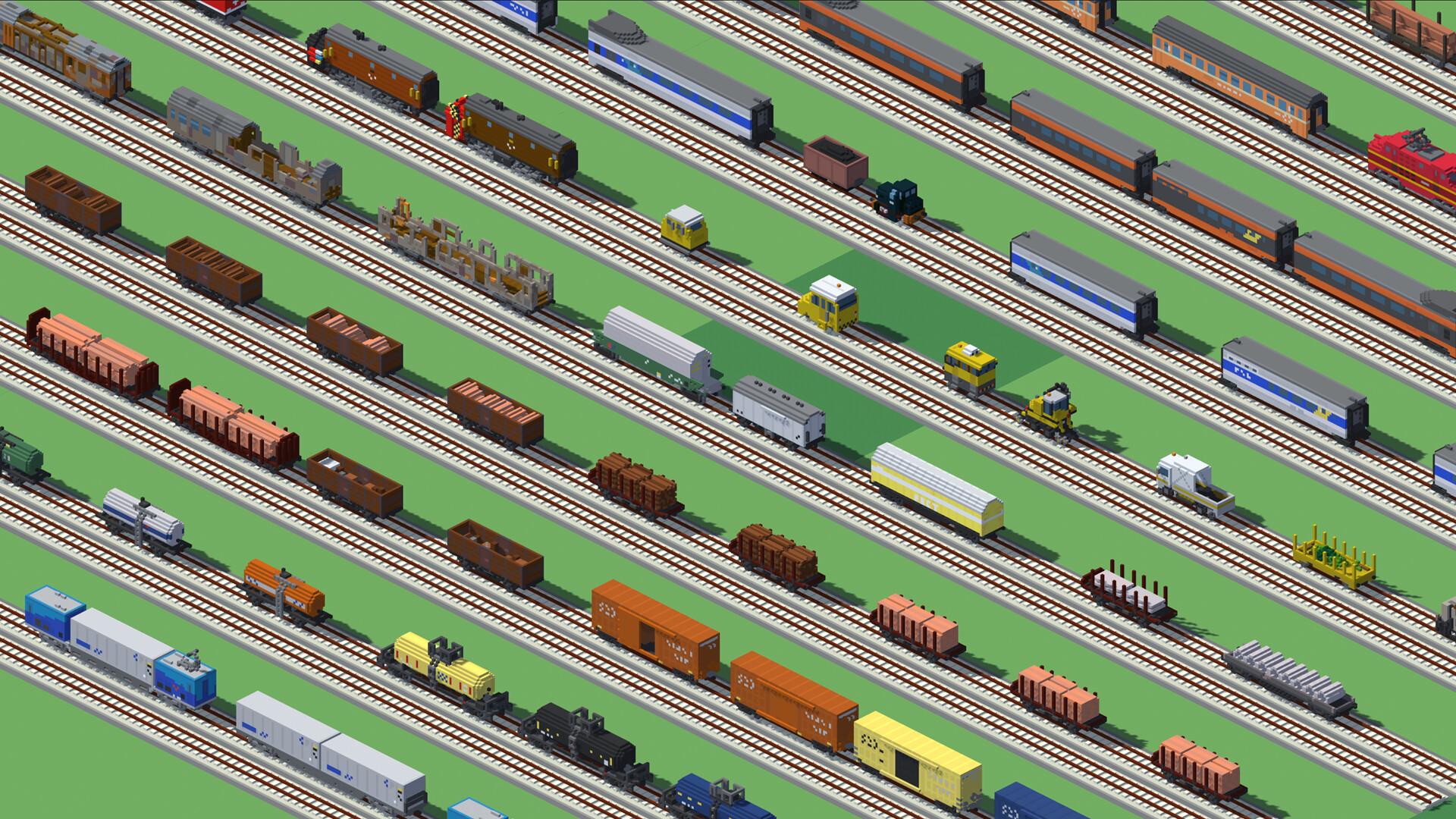
Build trains
There are more than 30 models of railroad cars, locomotives and train stations.
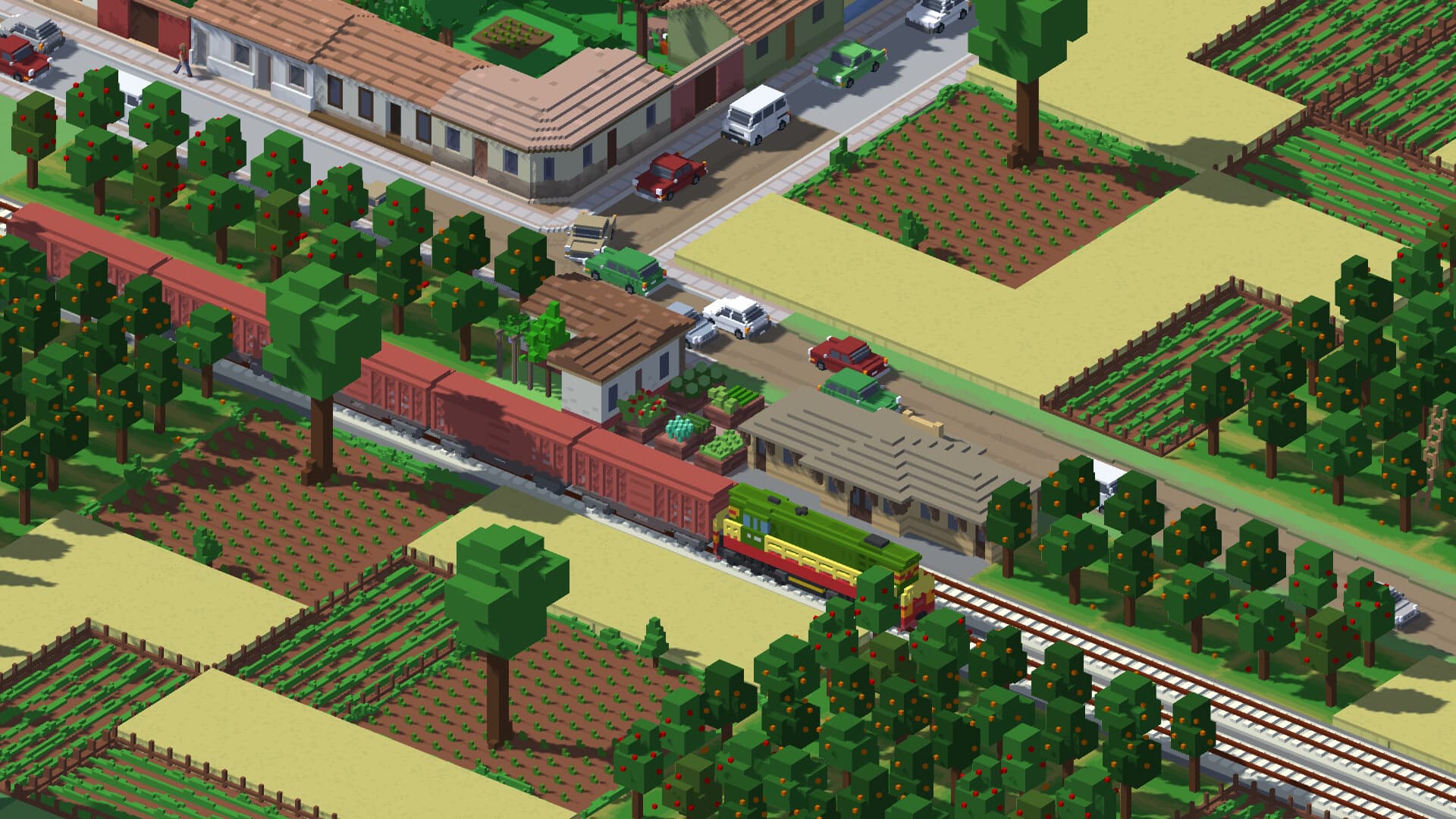
Connect your population
The population will produce more work and science if it is close to train stations connected to densely populated ones.
Connect your productive buildings
Connecting an iron mine to the steelworks will increase production. So will other pairs of buildings, such as sawmills with lumber camps, etc.
Systemanforderungen
Minimum
- Windows
- Betriebssystem
- Windows 7 64 Bit / Windows 8 64 Bit / Windows 10 64 Bit
- Prozessor
- Intel Core i5-2500k or equivalent
- Arbeitsspeicher
- 4 GB RAM
- Grafik
- NVIDIA GeForce GTX 770 2GB or equivalent
- DirectX
- Version 11
- Speicherplatz
- 2 GB available space
Empfohlen
- Windows
- Betriebssystem
- Windows 10 64bit
- Prozessor
- Intel Core i5-4590 or equivalent
- Arbeitsspeicher
- 8 GB RAM
- Grafik
- NVIDIA GeForce GTX 960 4GB or equivalent
- DirectX
- Version 11
- Speicherplatz
- 2 GB available space


