




So aktivieren Sie
- Installiere Steam und melde dich bei deinem Konto an (ein kostenloses Konto reicht).
- Wähle im oberen Menü „Spiele“ → „Ein Produkt bei Steam aktivieren…“.
- Gib deinen Key genau wie in der Bestellung ein (mit Bindestrichen) und bestätige. Das Spiel erscheint in deiner Bibliothek.
Offizielle Aktivierungsanleitung von Steam
Damit Sie das Spiel aktivieren können benötigen Sie einen 'Steam-Account'. Weitere Informationen zur Aktivierung finden Sie unter diesem Link: https://support.steampowered.com/kb_article.php?ref=5414-TFBN-1352
Über das Spiel
Defend your city
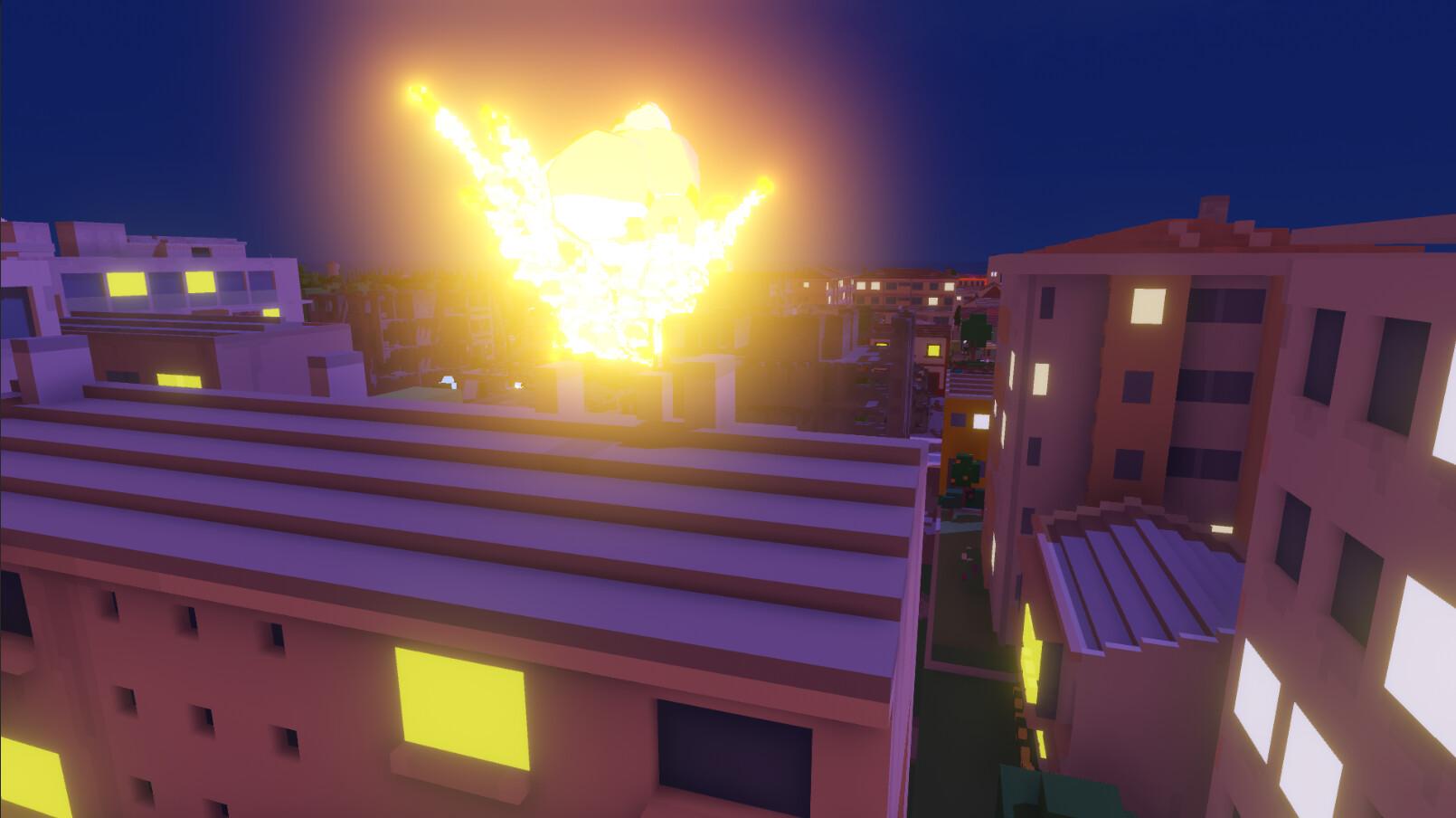
Build military facilities to be able to defend against enemy bombings. Increase the range of your defences so you can expand without fear of being destroyed by bombardment.
Incremental bombardment
The attacks will get stronger and stronger and you will need better defences if you don't want to lose parts of your city.
New biome: Mountains
Food is hard to come by in a frozen world. Give it a try! Although the snow will bring new tourism options, such as ski slopes.
Systemanforderungen
Minimum
- Windows
- Betriebssystem
- Windows 7 64 Bit / Windows 8 64 Bit / Windows 10 64 Bit
- Prozessor
- Intel Core i5-2500k or equivalent
- Arbeitsspeicher
- 8 GB RAM
- Grafik
- NVIDIA GeForce GTX 770 2GB or equivalent
- DirectX
- Version 11
- Speicherplatz
- 3 GB available space
Empfohlen
- Windows
- Betriebssystem
- Windows 10 64bit
- Prozessor
- Intel Core i5-4590 or equivalent
- Arbeitsspeicher
- 8 GB RAM
- Grafik
- NVIDIA GeForce GTX 960 4GB or equivalent
- DirectX
- Version 11
- Speicherplatz
- 3 GB available space


