










So aktivieren Sie
- Installiere Steam und melde dich bei deinem Konto an (ein kostenloses Konto reicht).
- Wähle im oberen Menü „Spiele“ → „Ein Produkt bei Steam aktivieren…“.
- Gib deinen Key genau wie in der Bestellung ein (mit Bindestrichen) und bestätige. Das Spiel erscheint in deiner Bibliothek.
Offizielle Aktivierungsanleitung von Steam
Damit Sie das Spiel aktivieren können benötigen Sie einen 'Steam-Account'. Weitere Informationen zur Aktivierung finden Sie unter diesem Link: https://support.steampowered.com/kb_article.php?ref=5414-TFBN-1352
Über das Spiel
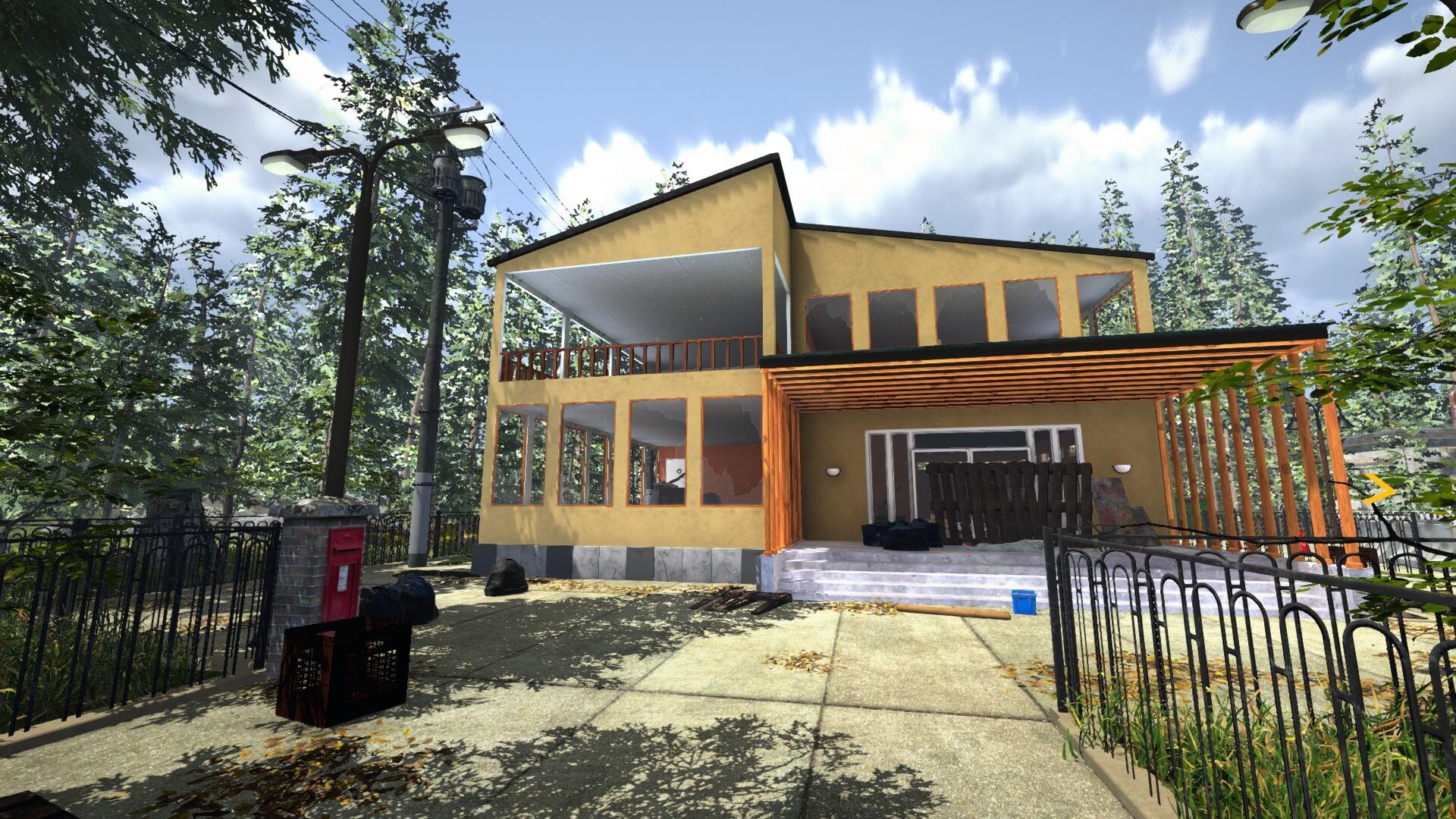
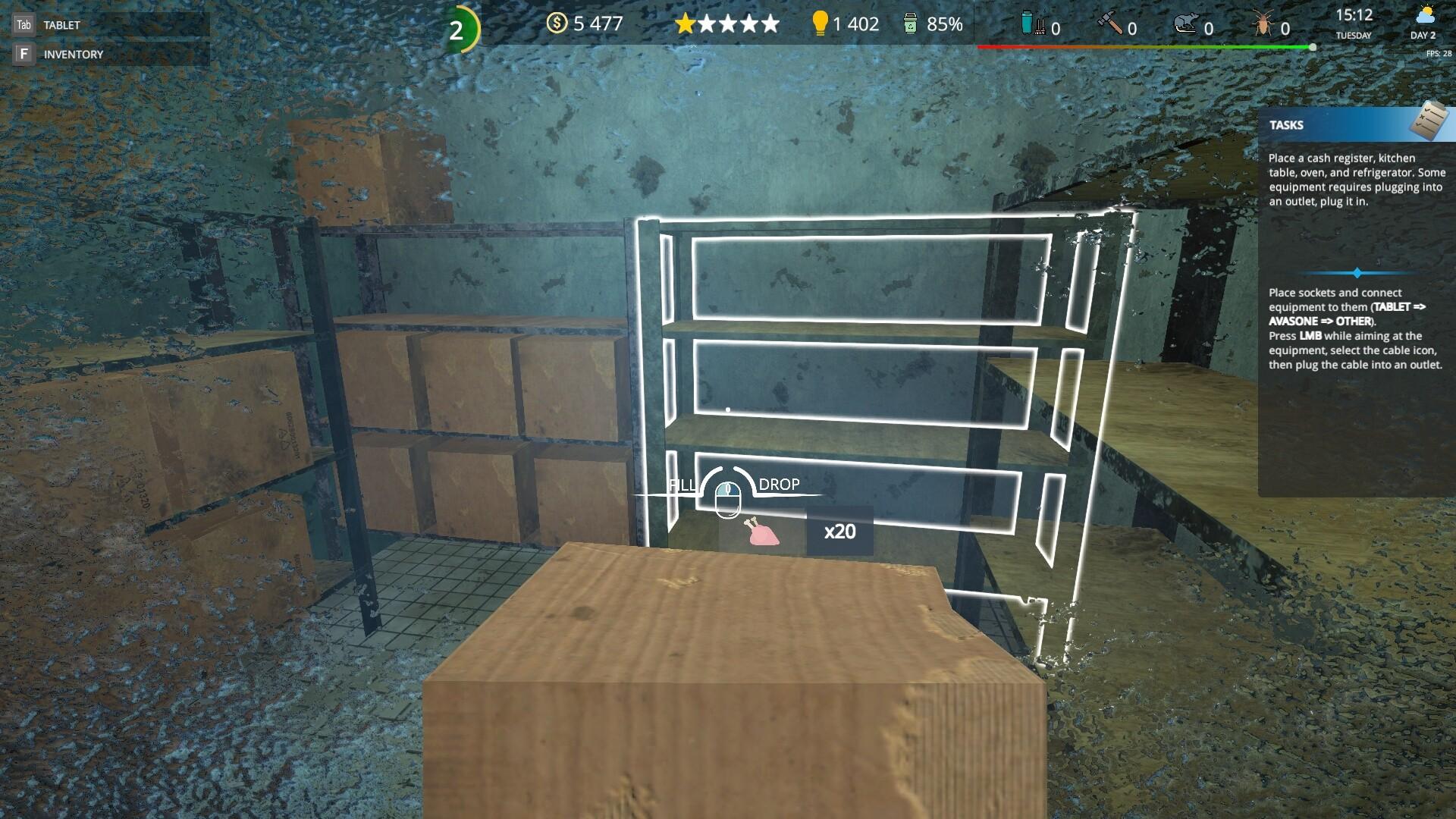
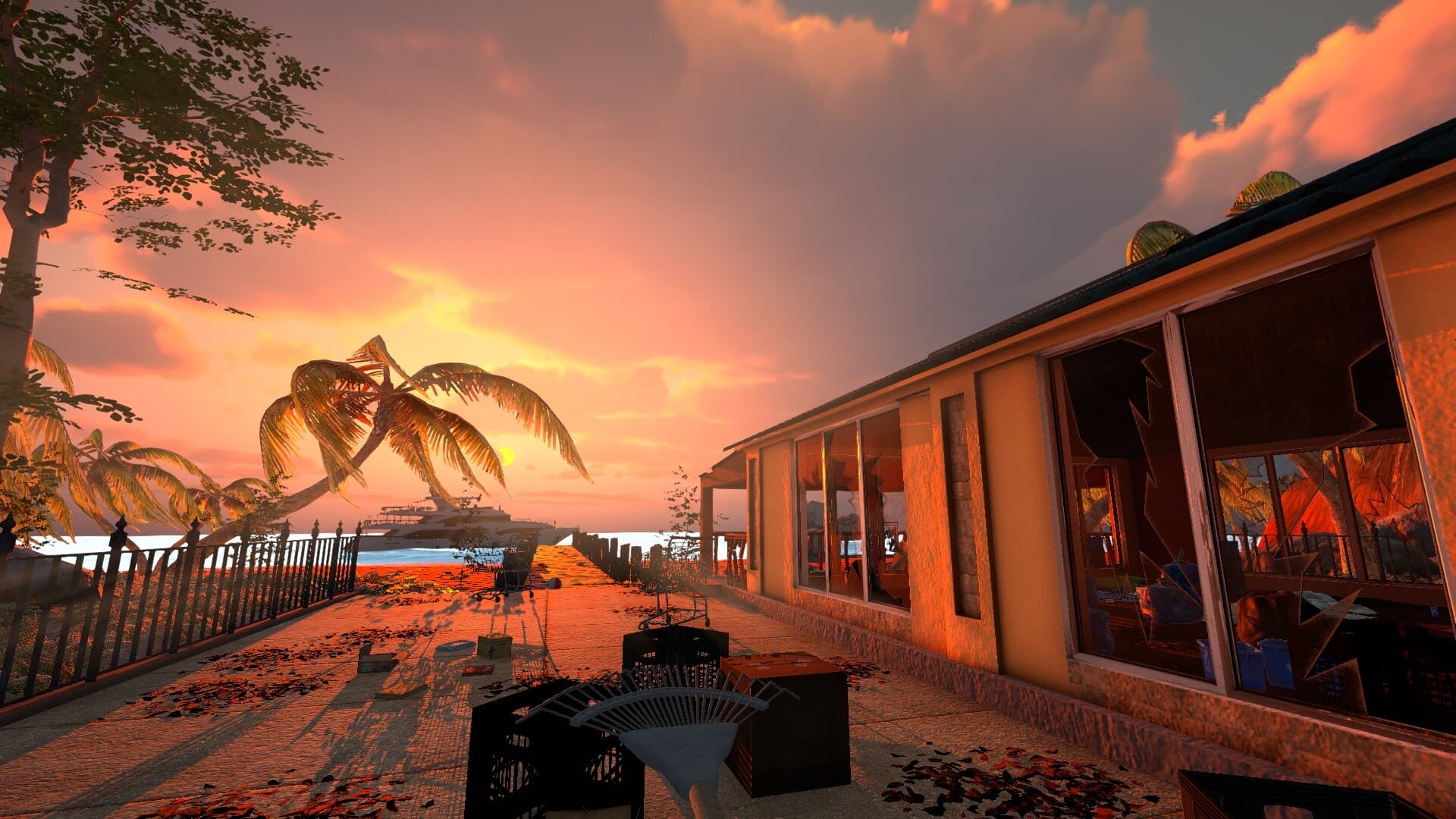
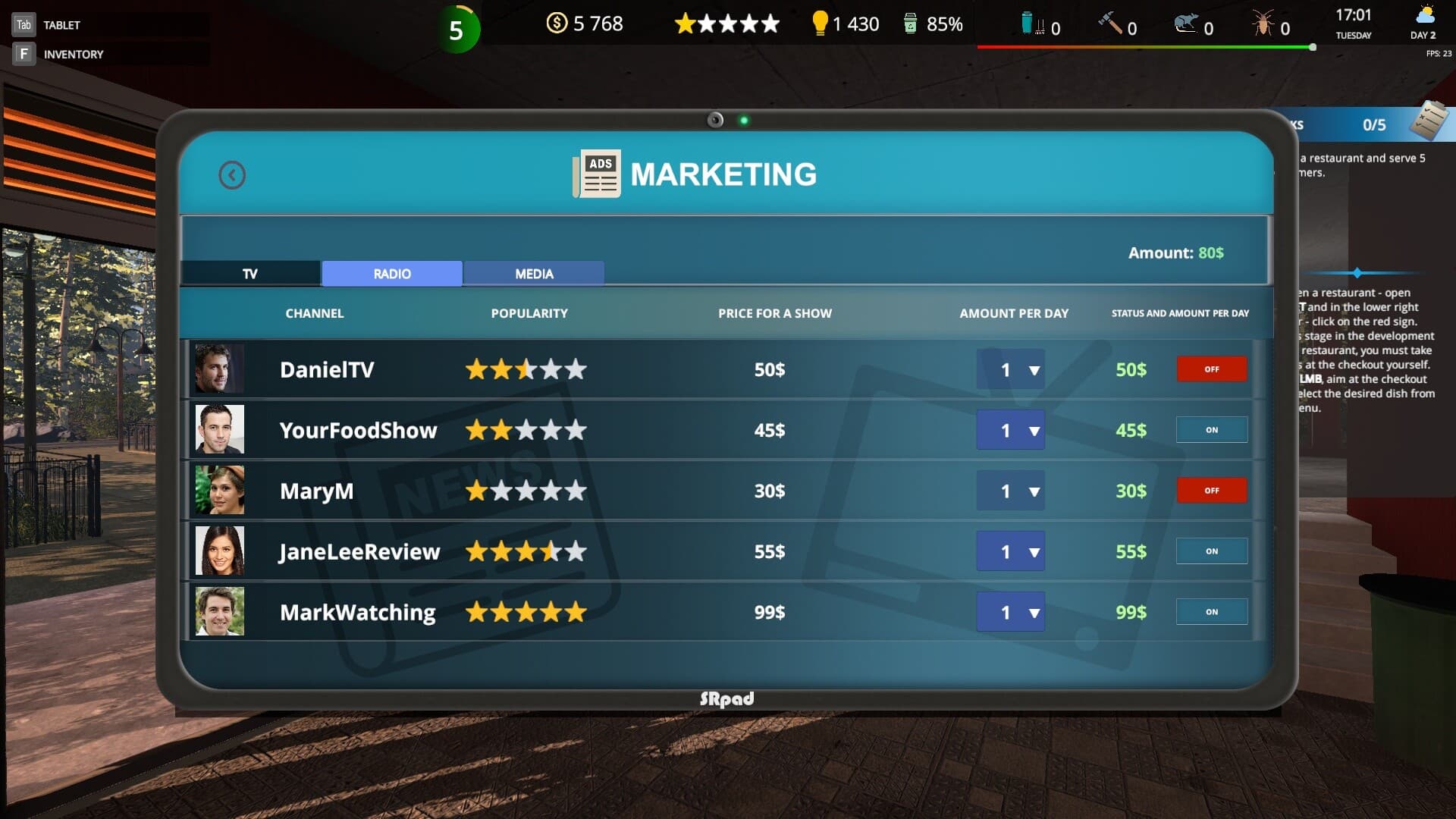
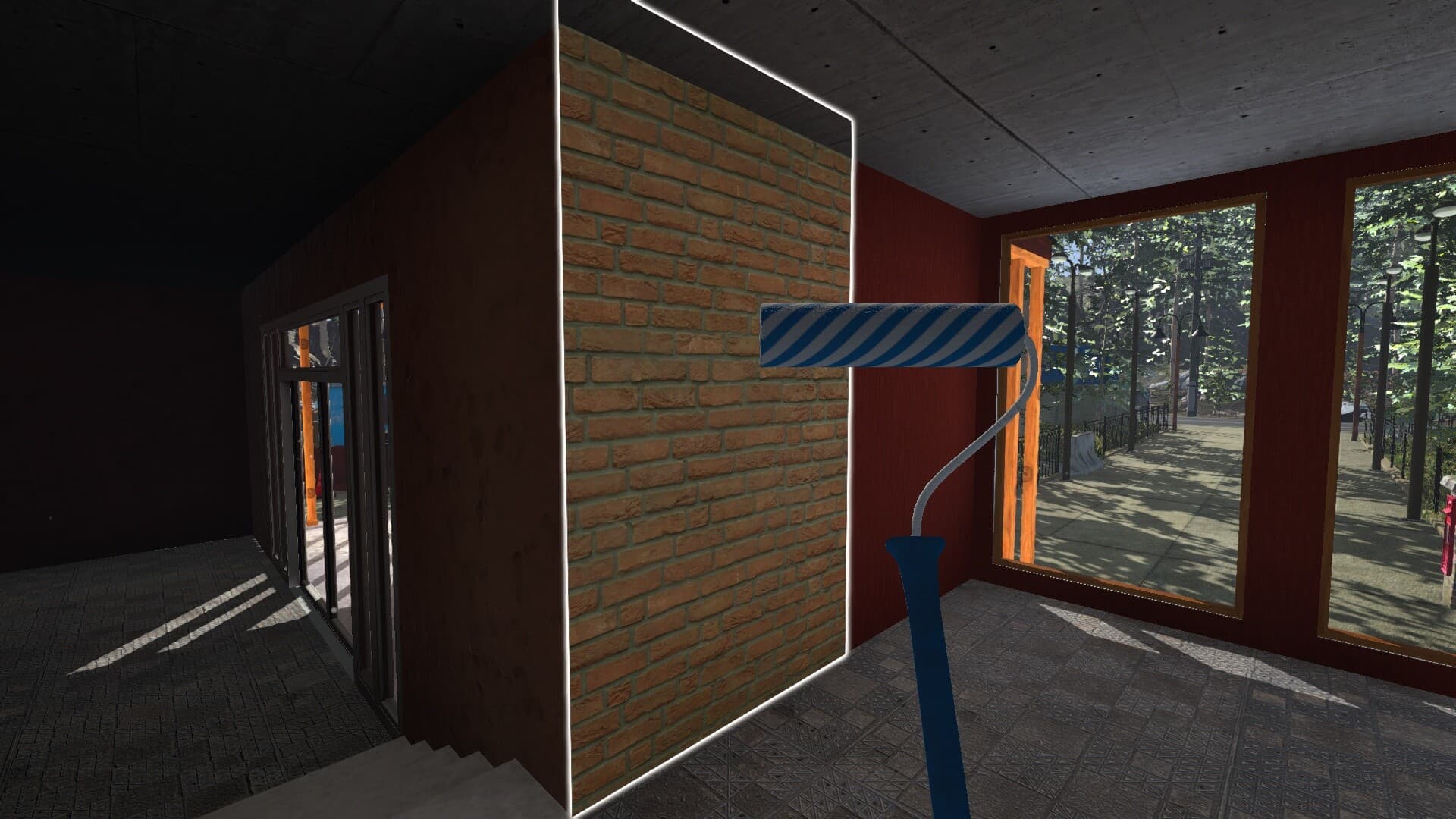
We were inspired by sandbox and simulation games, where players can create something of their own, set up processes, develop their creation, put their soul into it and show their creativity. In Cafe Owner Simulator you have such an opportunity, our goal is to give the world a game - in which everyone can realize his dream and open his own restaurant business.
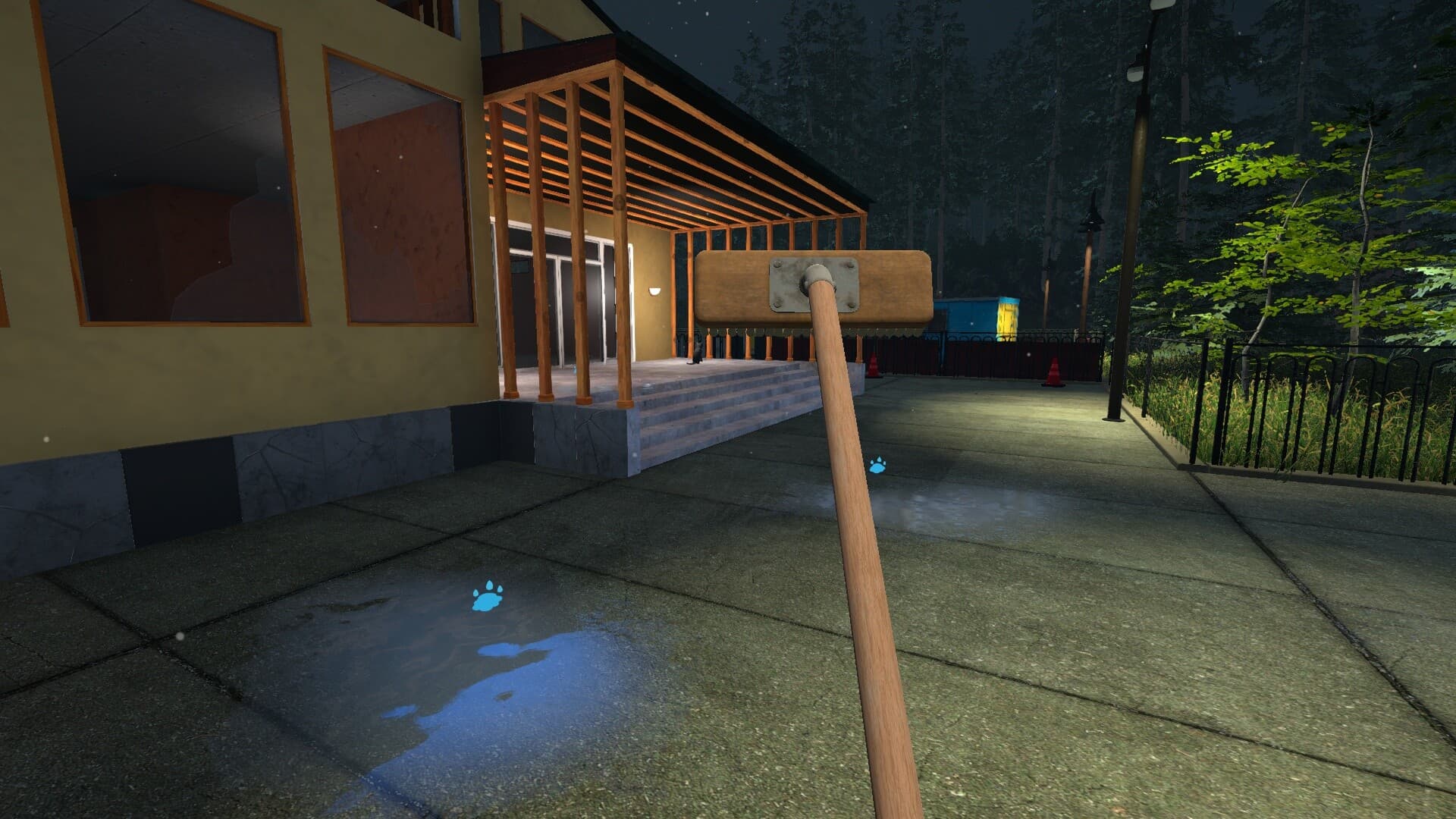
Cleaning and Restoration. ...
Systemanforderungen
Minimum
- Windows
- Betriebssystem
- Windows 10
- Prozessor
- Intel Core i5
- Arbeitsspeicher
- 8 GB RAM
- Grafik
- GeForce GTX 1060 6 GB or Radeon equivalent
- DirectX
- Version 11
- Speicherplatz
- 12 GB available space
- Soundkarte
- DirectX®-compatible
Empfohlen
- Windows
- Betriebssystem
- Windows 10
- Prozessor
- Intel Core i5
- Arbeitsspeicher
- 16 GB RAM
- Grafik
- GeForce GTX 1060 6 GB or Radeon equivalent
- DirectX
- Version 11
- Speicherplatz
- 12 GB available space
- Soundkarte
- DirectX®-compatible


