




Nasıl etkinleştirilir
- Steam uygulamasını yükleyin ve hesabınıza giriş yapın (ücretsiz hesap yeterli).
- Üst menüden „Oyunlar” → „Steam'de Bir Ürün Etkinleştir…” seçeneğini seçin.
- Anahtarı siparişinizde göründüğü gibi (tirelerle) girin ve onaylayın. Oyun kitaplığınızda görünür.
Oyun hakkında
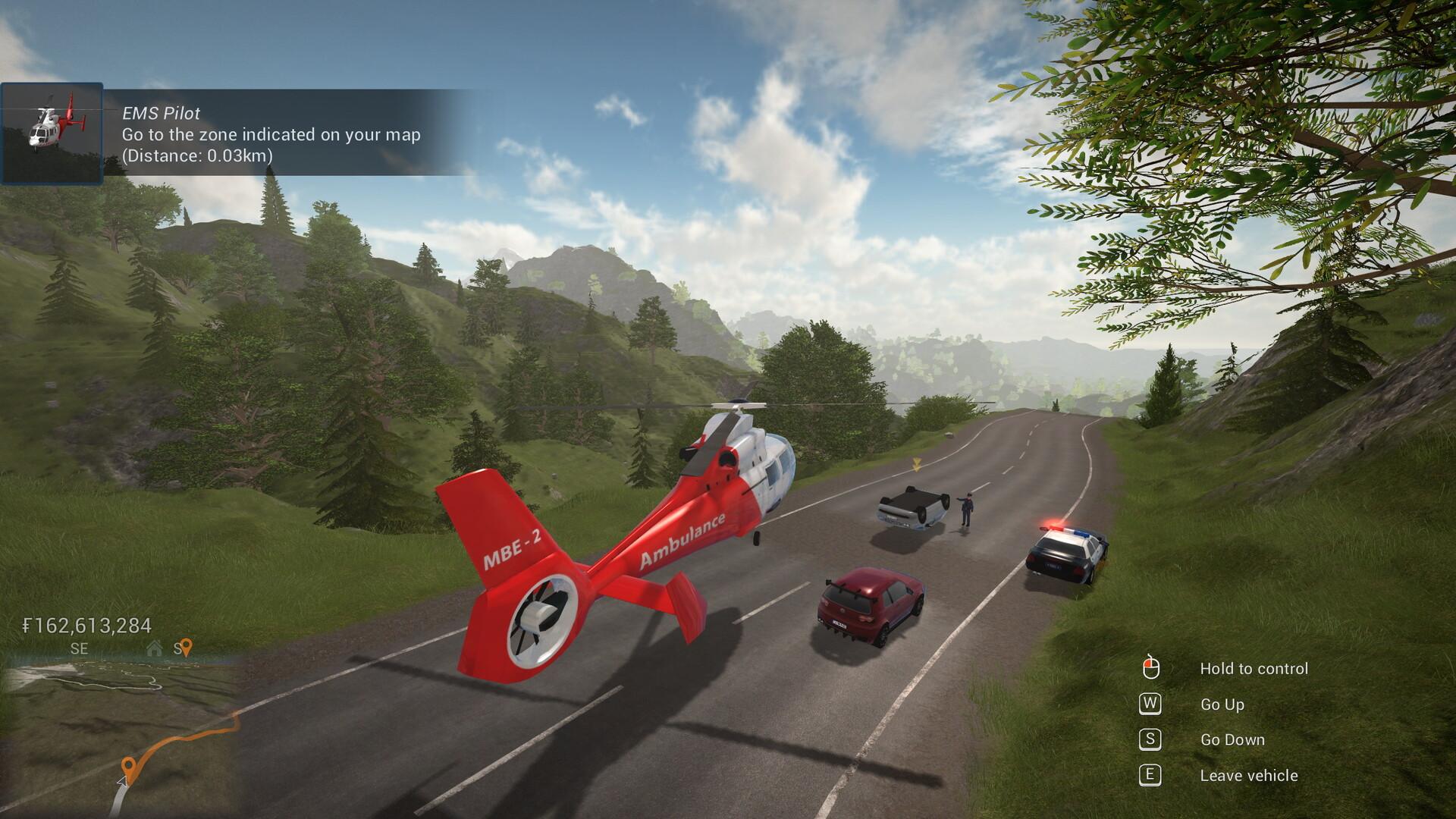
Technicity is a first-person city building game where you can also design your own construction blocks and items to create really unique buildings. Use cranes to speed up construction, terraform the open world, build roads and use vehicles to travel to different cities that you or your friends create in solo or coop mode.
Use a crane or a cement mixer to quickly build houses, shops, factories and any other building you can think of. The design is yours: with a large variety of building blocks of different shapes and materials, you can really create whatever you want. ...
System Requirements
Minimum
- Windows
- İşletim Sistemi
- Windows 7/8/10
- İşlemci
- 3 GHz
- Bellek
- 8 GB RAM
- Ekran Kartı
- OpenGL 3 compatible card with 2 GB of memory, nVidia® 7XX+/AMD® 7XXX+
- Depolama
- 2 GB available space
Recommended
- Windows
- İşletim Sistemi
- Windows 7/8/10
- İşlemci
- Intel core i5 or better / AMD ryzen 5 or better
- Bellek
- 8 GB RAM
- Ekran Kartı
- nVidia® GTX 1050 or better / AMD® RX 560 or better
- Ağ
- Broadband Internet connection
- Depolama
- 2 GB available space


