
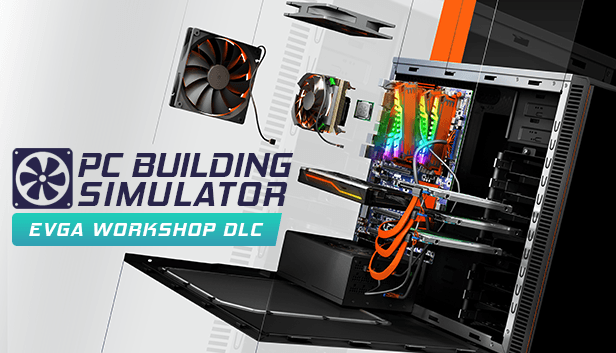
PC Building Simulator - EVGA Workshop


Nasıl etkinleştirilir
- Steam uygulamasını yükleyin ve hesabınıza giriş yapın (ücretsiz hesap yeterli).
- Üst menüden „Oyunlar” → „Steam'de Bir Ürün Etkinleştir…” seçeneğini seçin.
- Anahtarı siparişinizde göründüğü gibi (tirelerle) girin ve onaylayın. Oyun kitaplığınızda görünür.
Oyun hakkında
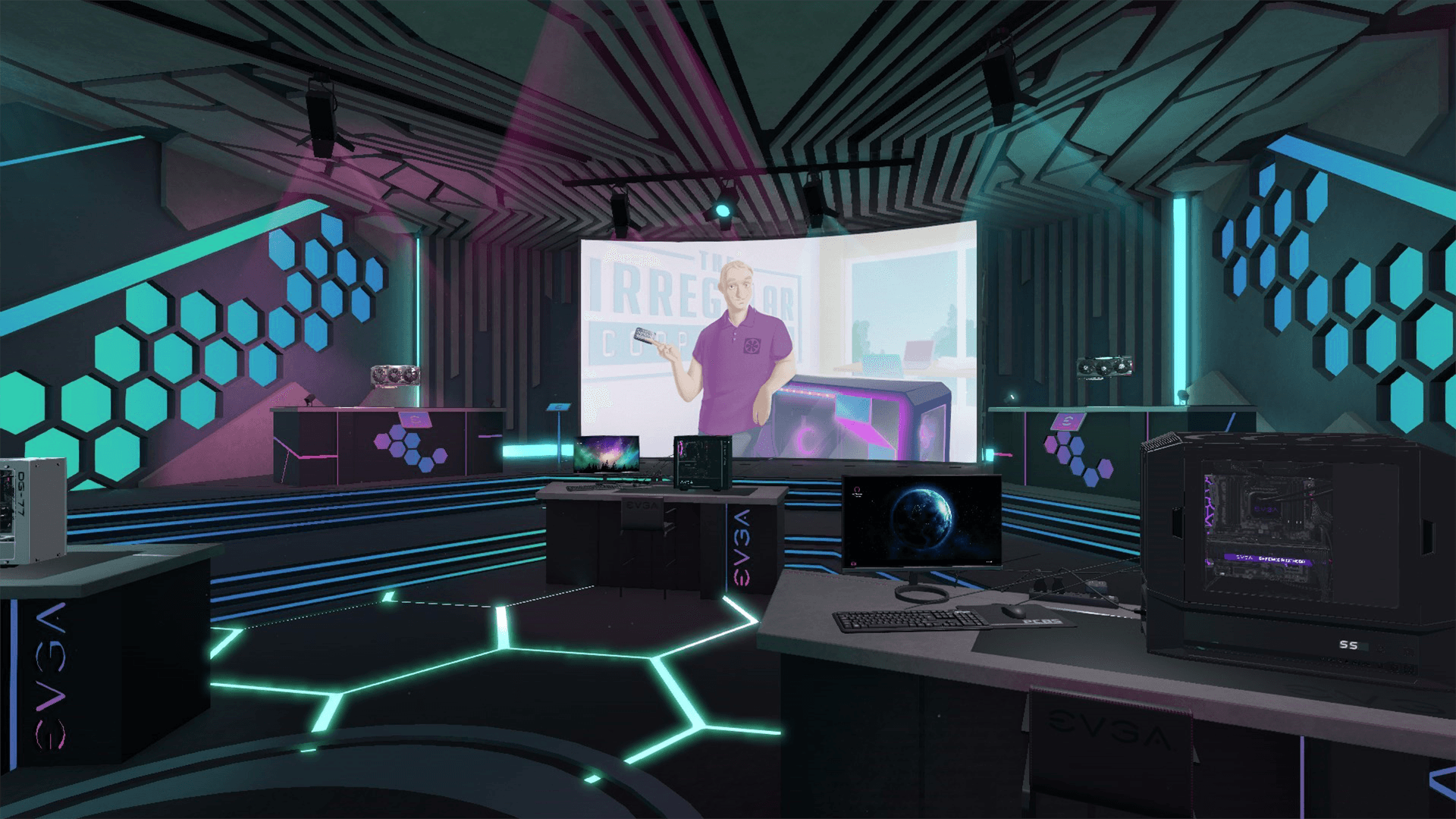
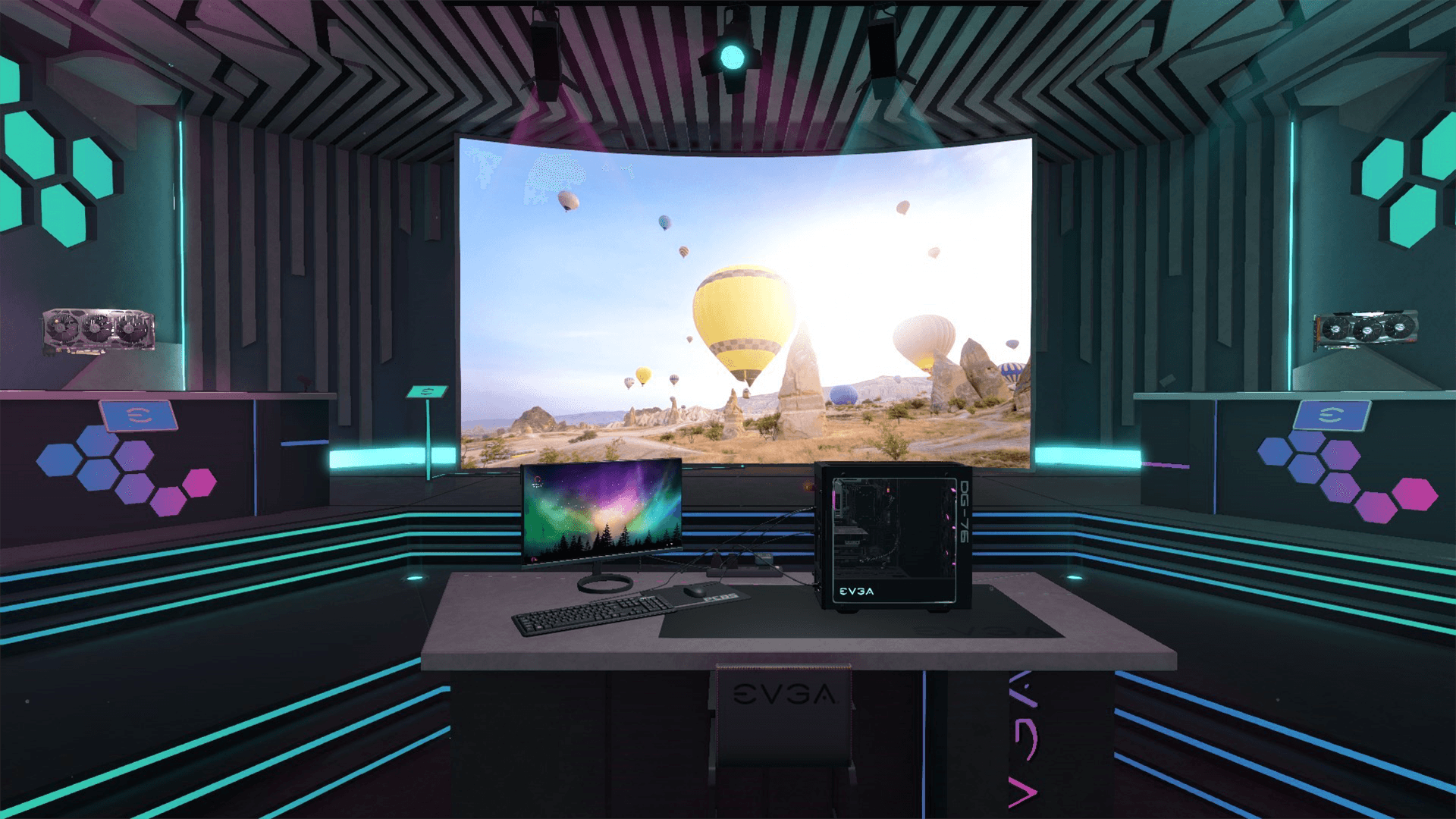
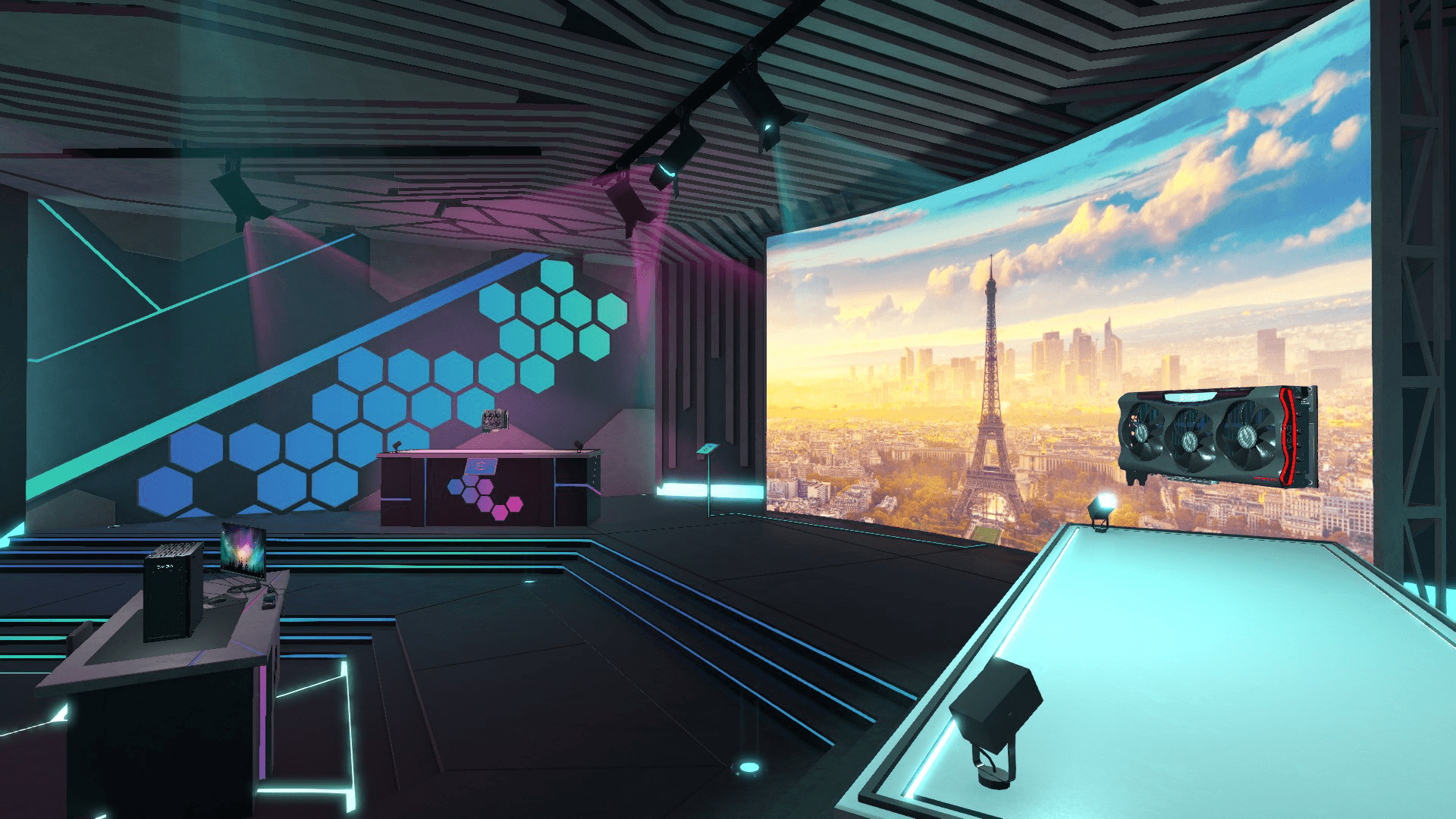
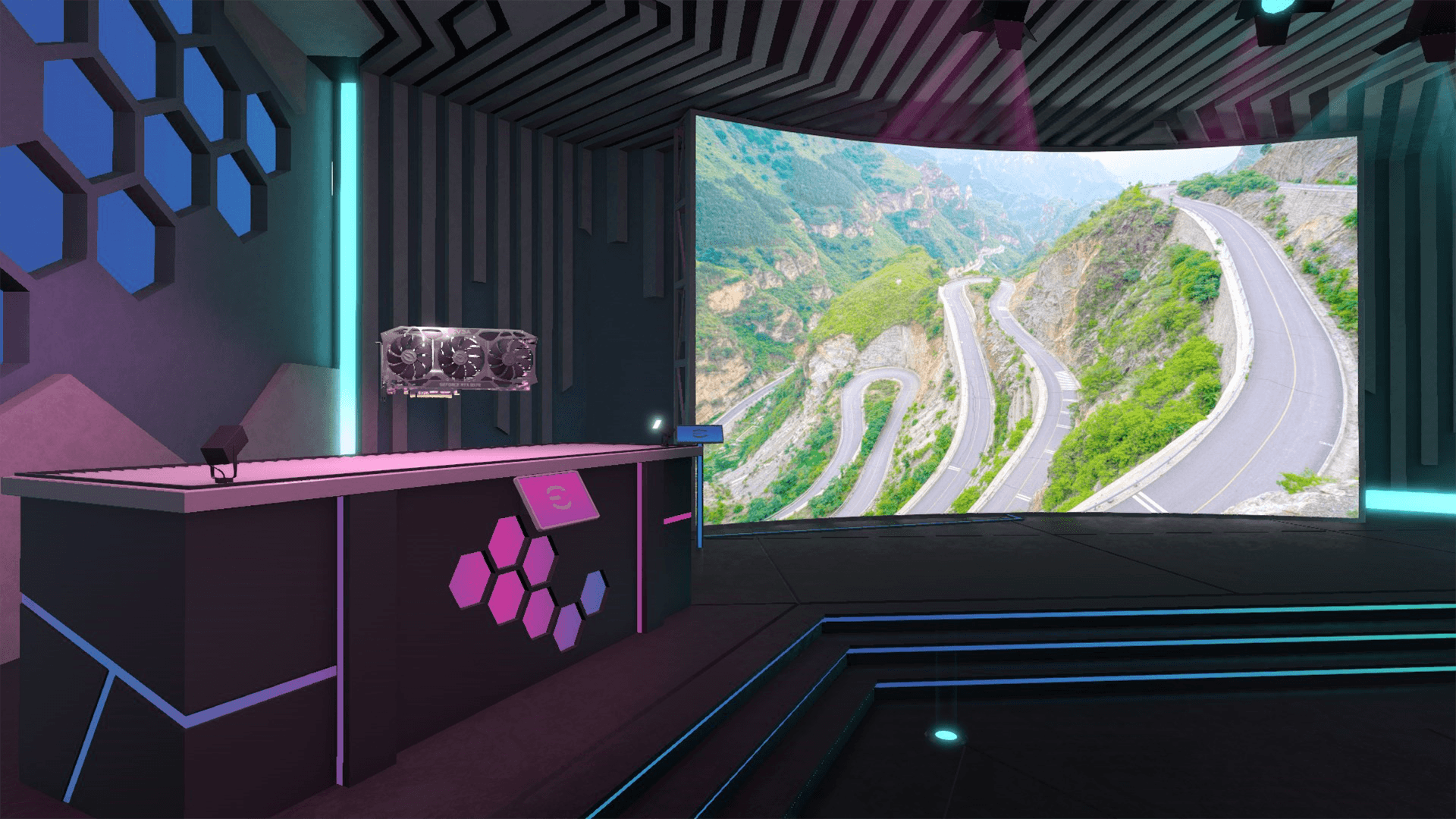
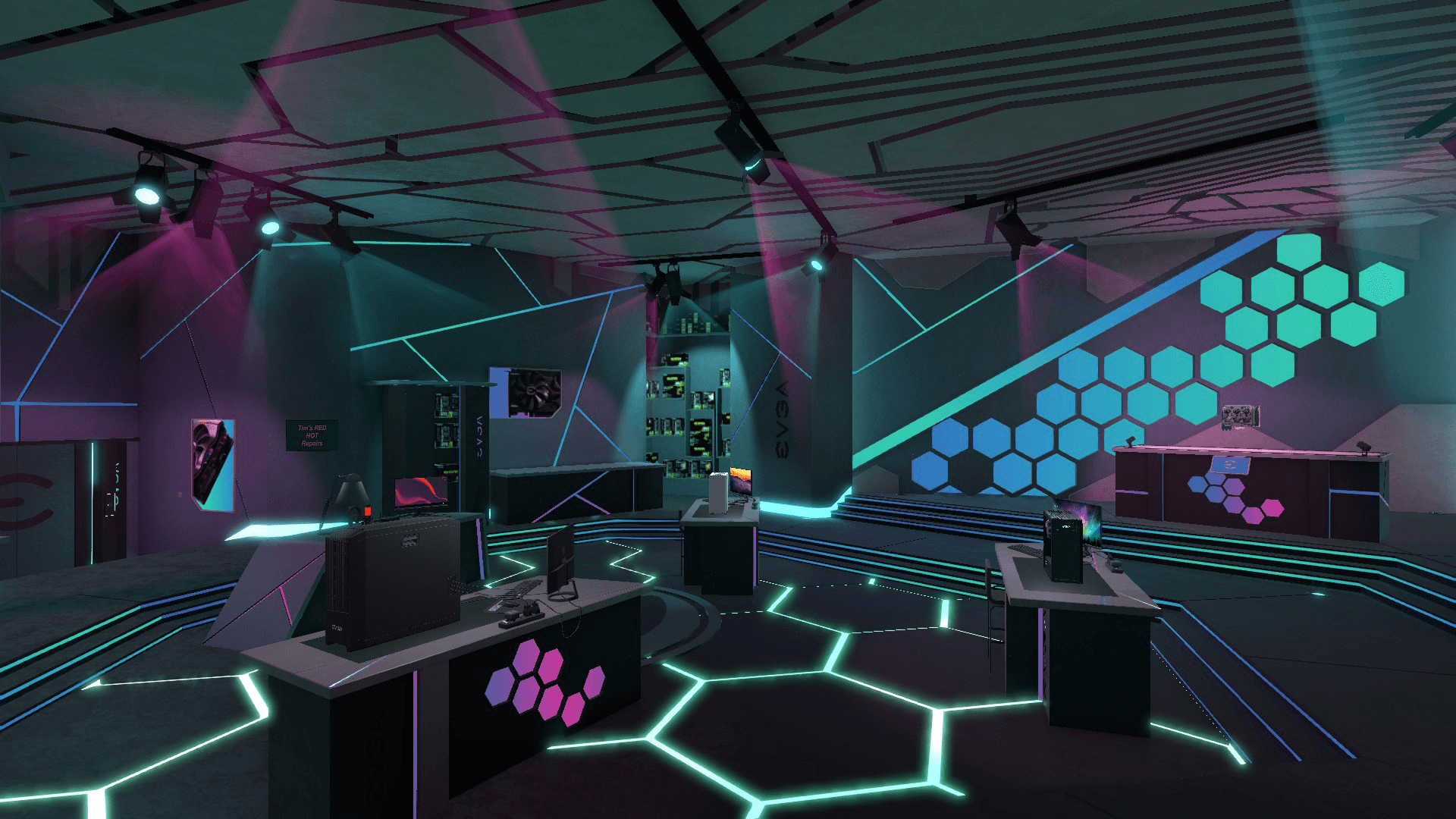
Welcome to the brand new EVGA workshop inspired by the EVGA Game Arena. Build and test cutting edge PCs, customise your supersized display, and check out the interactive GPU exhibits.
Created in collaboration with the EVGA design team, this high-tech command centre is focused around a huge customisable display. You can add your own custom wallpapers to the display alongside a video of EVGA’s latest parts!
Once purchased, you can use this workshop in both Career and Free Build modes of the game, and switch between available workshops whenever you feel like a change of scenery.
System Requirements
Minimum
- İşletim Sistemi
- Windows 7 or higher
- İşlemci
- Intel Core i5-2500K or AMD Athlon X4 740 (or equivalent)
- Ekran Kartı
- GeForce GTX 660 (2048 MB) or Radeon R9 285 (2048 MB) - Integrated GPUs may work but are not supported.
- Ses Kartı
- DirectX compatible
Recommended
Bunları da beğenebilirsiniz
- Going Medieval - Early Access

- PC Building Simulator

- PC Building Simulator - AORUS Workshop
- PC Building Simulator - Esports Expansion
- PC Building Simulator: Overclocked Edition Content
- PC Building Simulator: Razer Workshop
- PC Building Simulator - NZXT Workshop
- PC Building Simulator - Republic of Gamers Workshop
