
Nasıl etkinleştirilir
- Steam uygulamasını yükleyin ve hesabınıza giriş yapın (ücretsiz hesap yeterli).
- Üst menüden „Oyunlar” → „Steam'de Bir Ürün Etkinleştir…” seçeneğini seçin.
- Anahtarı siparişinizde göründüğü gibi (tirelerle) girin ve onaylayın. Oyun kitaplığınızda görünür.
Oyun hakkında
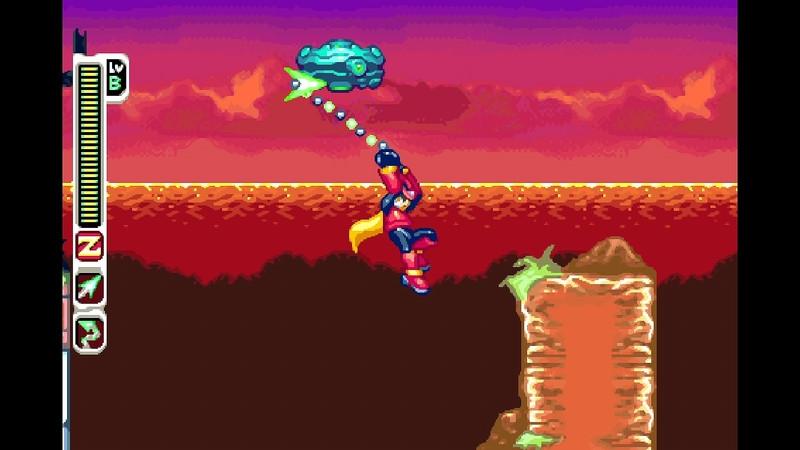
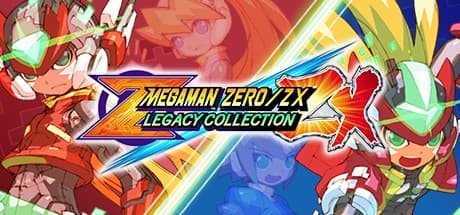
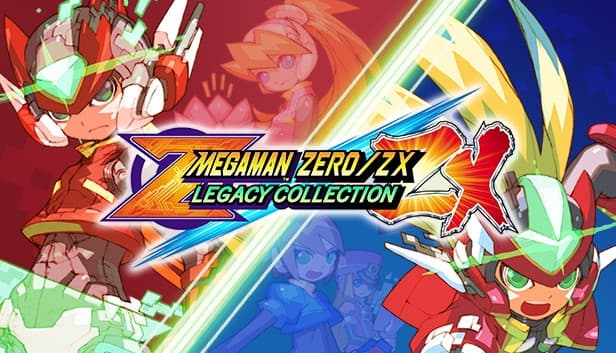
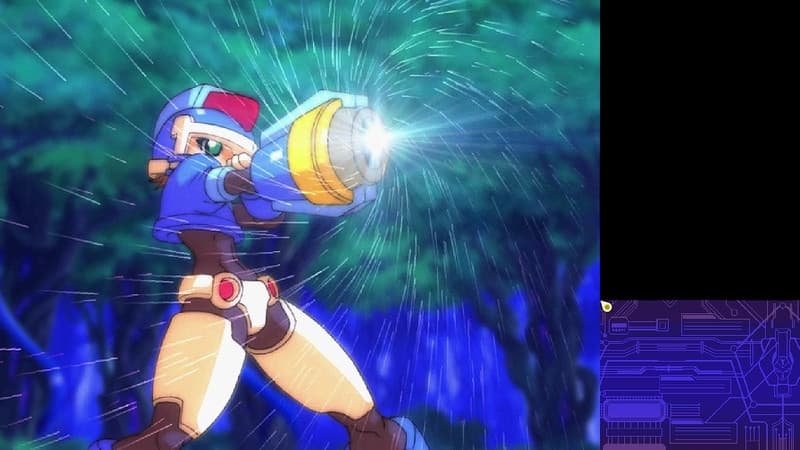
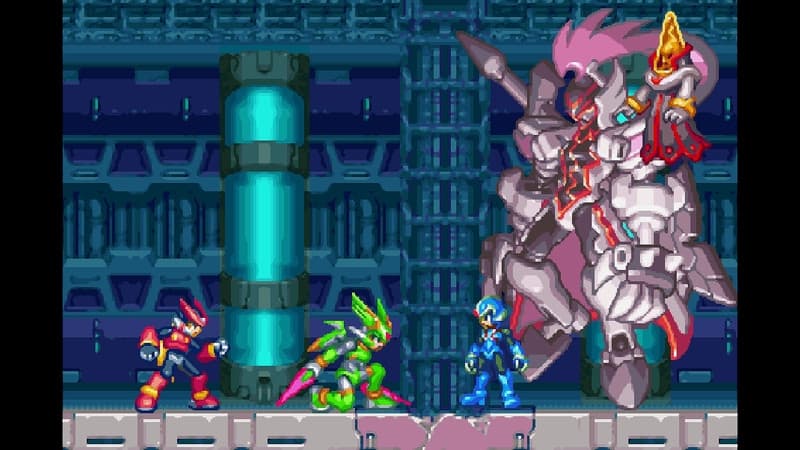
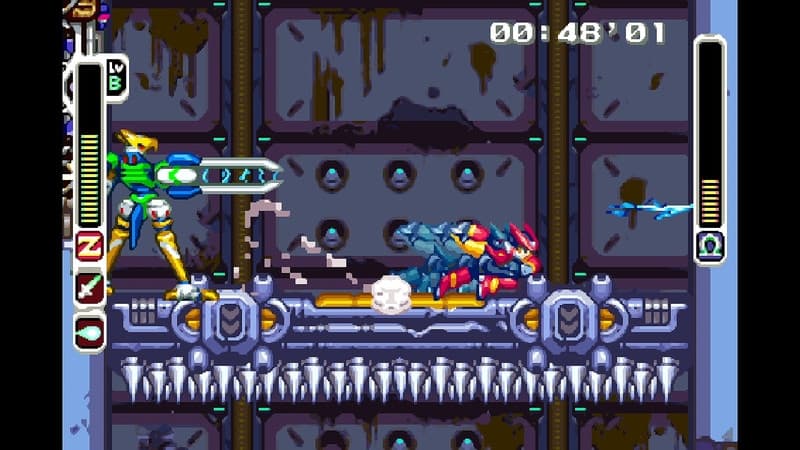
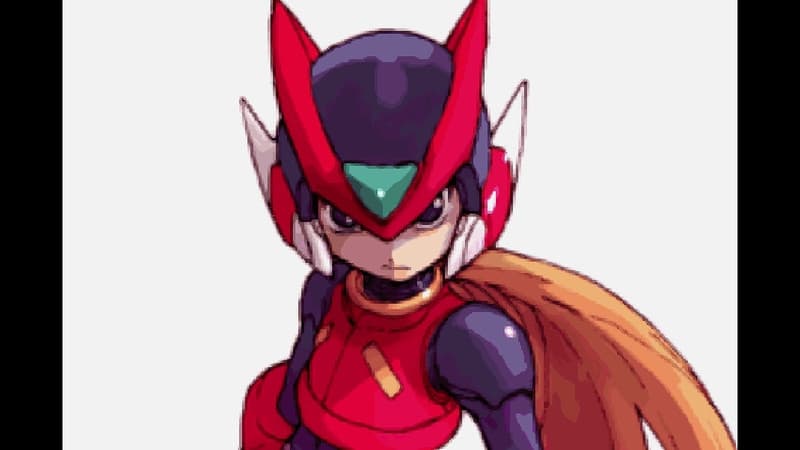
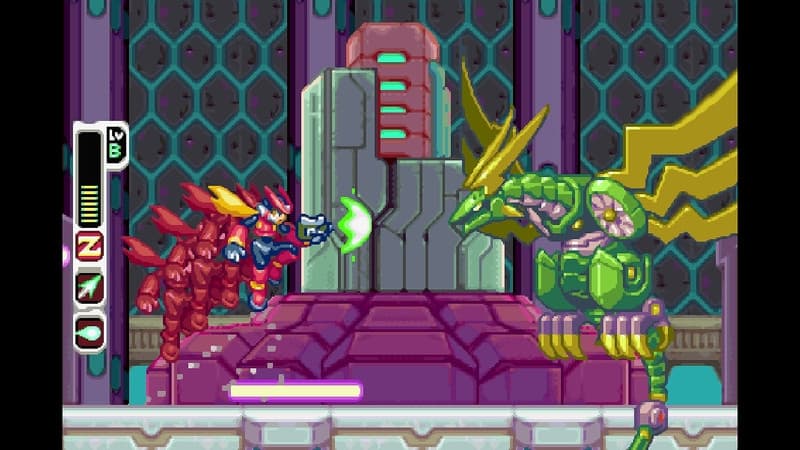
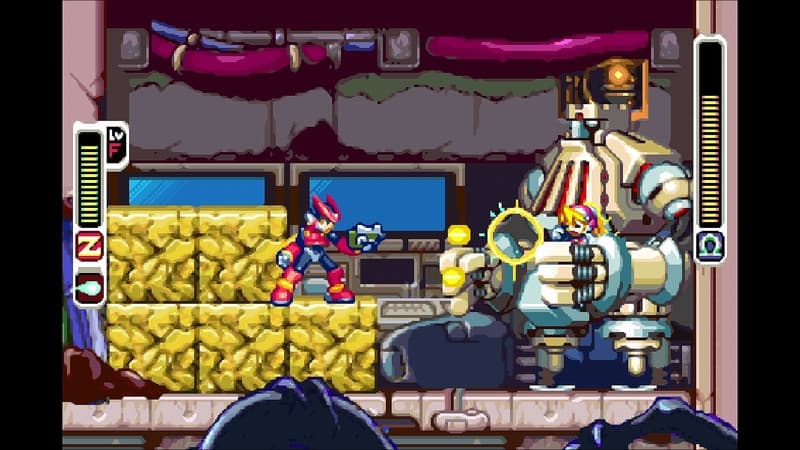
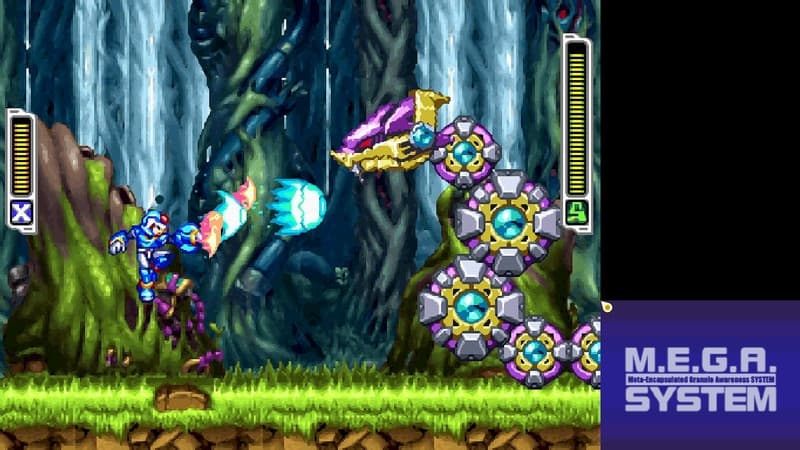
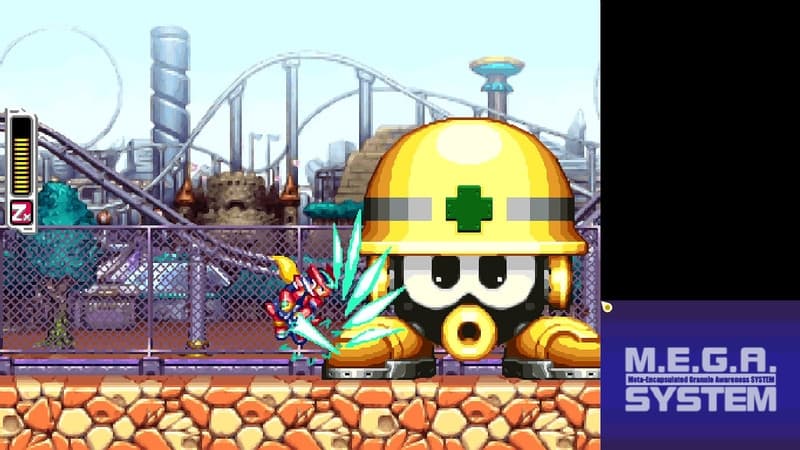
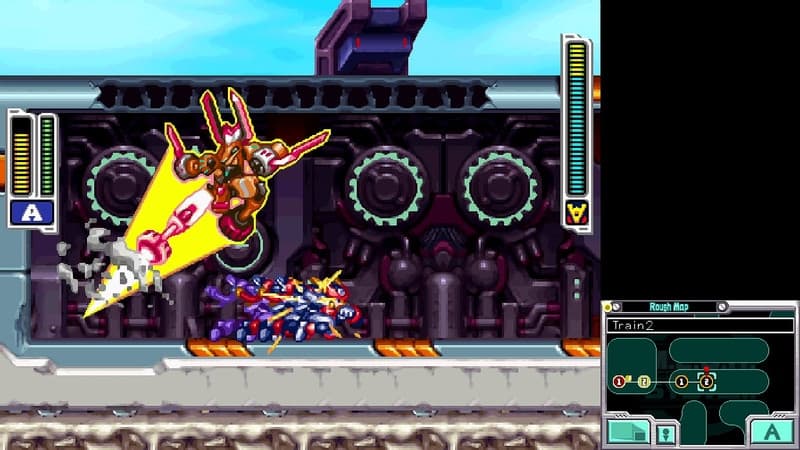
Mega Man Zero/ZX Legacy Collection brings together six classic titles in one game: Mega Man Zero 1, 2, 3, and 4, as well as Mega Man ZX and ZX Advent.
In addition to the original games, this package includes an artwork gallery, music player, special filters, and much more. Casual Scenario Mode and a Save-Assist feature are available for those who would like to enjoy the story at their own pace. Players can also try their hand at the new leaderboard-based Z Chaser Mode, an exclusive new mode created just for this set of games.
System Requirements
Minimum
- İşletim Sistemi
- Windows7(64bit)
- İşlemci
- Intel® Core™ i3 550 3.2GHz or AMD equivalent or better
- Bellek
- 2 GB RAM
- Ekran Kartı
- NVIDIA🄬 GeForce🄬 GTX 660 or ATI Radeon™ HD 7850
- DirectX
- Version 9.0c
- Depolama
- 7 GB available space
- Ses Kartı
- DirectSound compatible (must support DirectX® 10.0c or higher)
Recommended
- İşletim Sistemi
- WINDOWS🄬7, 8, 8.1, 10 (64bit)
- İşlemci
- Intel® Core™ i5 3570 3.4GHz or AMD equivalent or better
- Bellek
- 4 GB RAM
- Ekran Kartı
- NVIDIA🄬 GeForce🄬 GTX 760
- DirectX
- Version 9.0c
- Depolama
- 7 GB available space
- Ses Kartı
- DirectSound compatible (must support DirectX® 10.0c or higher)