


Nasıl etkinleştirilir
- Steam uygulamasını yükleyin ve hesabınıza giriş yapın (ücretsiz hesap yeterli).
- Üst menüden „Oyunlar” → „Steam'de Bir Ürün Etkinleştir…” seçeneğini seçin.
- Anahtarı siparişinizde göründüğü gibi (tirelerle) girin ve onaylayın. Oyun kitaplığınızda görünür.
Oyun hakkında
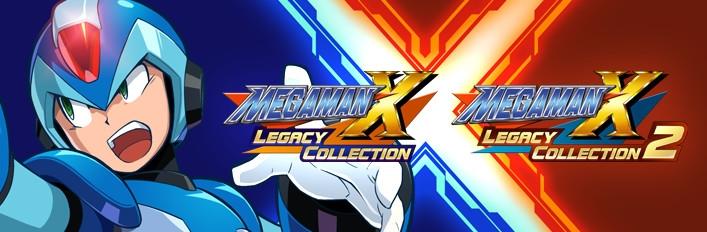
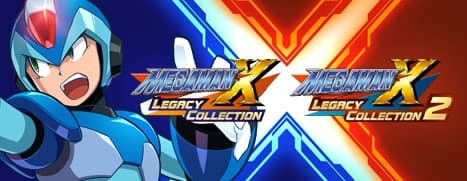
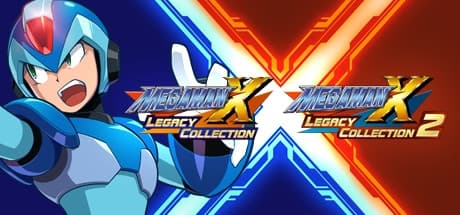
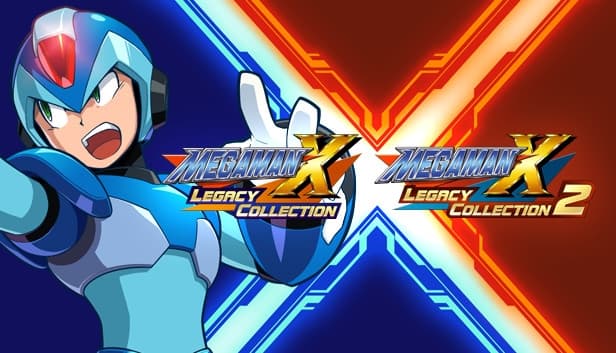
Own all eight titles in the epic, action-packed Mega Man X saga! Test your skills in the new X Challenge mode, which pits players against two deadly bosses at once. Explore a huge museum filled with rare production art, catalogs of classic merchandise, nostalgic commercials, and more.
Includes individual downloads for Mega Man X Legacy Collection and Mega Man X Legacy Collection 2.
System Requirements
Minimum
- Requires a 64-bit processor and operating system
- İşletim Sistemi
- WINDOWS® 7 (64bit)
- İşlemci
- Intel® Core™ i3 550 3.2GHz or AMD equivalent or better
- Bellek
- 2 GB RAM
- Ekran Kartı
- NVIDIA® GeForce® GTX 660 or ATI Radeon™ HD 7850
- DirectX
- Version 10
- Depolama
- 7 GB available space
- Ses Kartı
- DirectSound (DirectX® 10.0c or better)
- Ek Notlar
- *Recommended Controller Xbox 360 Controller (Windows®7/8/8.1) Xbox One Wireless Controller (Windows®10) *Internet connection required for game activation.
Recommended
- Requires a 64-bit processor and operating system
- İşletim Sistemi
- WINDOWS®10 (64bit)
- İşlemci
- Intel® Core™ i5 3570 3.4GHz or AMD equivalent or better
- Bellek
- 4 GB RAM
- Ekran Kartı
- NVIDIA® GeForce® GTX 760
- DirectX
- Version 11
- Depolama
- 7 GB available space
- Ses Kartı
- DirectSound (DirectX® 10.0c or better)
- Ek Notlar
- *Recommended Controller Xbox 360 Controller (Windows®7/8/8.1) Xbox One Wireless Controller (Windows®10) *Internet connection required for game activation.