


Nasıl etkinleştirilir
- Steam uygulamasını yükleyin ve hesabınıza giriş yapın (ücretsiz hesap yeterli).
- Üst menüden „Oyunlar” → „Steam'de Bir Ürün Etkinleştir…” seçeneğini seçin.
- Anahtarı siparişinizde göründüğü gibi (tirelerle) girin ve onaylayın. Oyun kitaplığınızda görünür.
Oyun hakkında
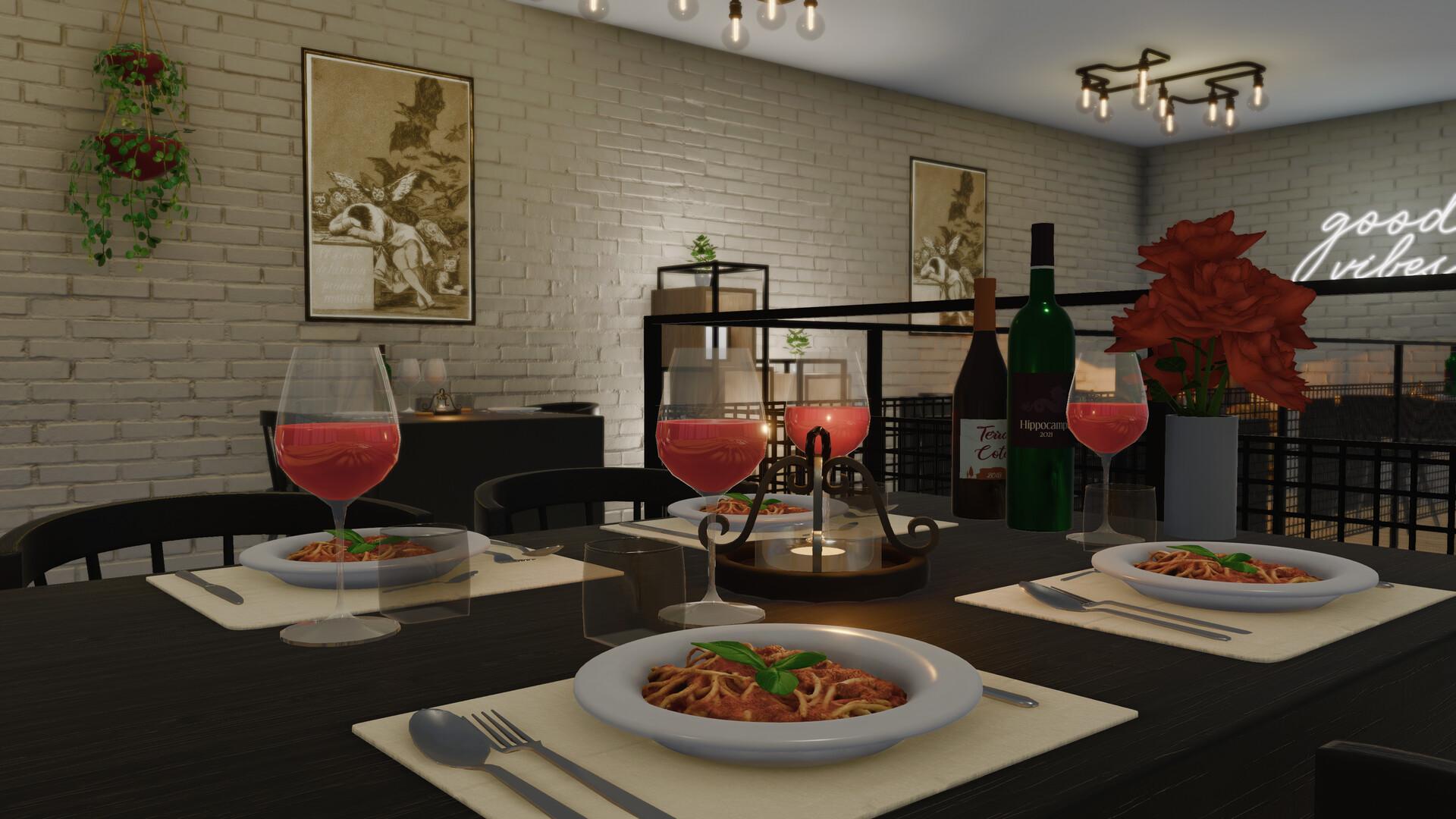
Dine Out DLC will let you get your foot in the door of the restaurant business. It comes with a set of engaging, immersive quests that will allow you to explore and renovate a variety of restaurants, cafes, sushi bars, wine cellars and pizzerias. The DLC also introduces numerous new items, mechanics and other features that will make your House Flipper experience more fun and comfortable.
Let them rent! ...
System Requirements
Minimum
- Windows
- İşletim Sistemi
- Windows 7 (64-bit)
- İşlemci
- Intel Core i3 @ 3.20 GHz / AMD Phenom II X4 955 @ 3.2 GHz
- Bellek
- 4 GB RAM
- Ekran Kartı
- NVIDIA GeForce GTX 560 / AMD R7-260X
- DirectX
- Version 11
- Depolama
- 6 GB available space
- Mac
- İşletim Sistemi
- Mac OS X 10.12+
- İşlemci
- Intel Core i3 @ 3.2 GHz
- Bellek
- 4 GB RAM
- Ekran Kartı
- AMD Radeon R9 M390
- Depolama
- 6 GB available space
Recommended
- Windows
- İşletim Sistemi
- Windows 10 (64-bit)
- İşlemci
- Intel i5-8400 / AMD Ryzen 5 1600
- Bellek
- 8 GB RAM
- Ekran Kartı
- NVIDIA GeForce GTX 970 / AMD Radeon RX 580
- DirectX
- Version 11
- Depolama
- 6 GB available space
- Mac
- İşletim Sistemi
- Mac OS X 10.12+
- İşlemci
- Intel Core i5 @ 3.5 GHz
- Bellek
- 8 GB RAM
- Ekran Kartı
- AMD Radeon Pro 580
- Depolama
- 6 GB available space


