






Nasıl etkinleştirilir
- Steam uygulamasını yükleyin ve hesabınıza giriş yapın (ücretsiz hesap yeterli).
- Üst menüden „Oyunlar” → „Steam'de Bir Ürün Etkinleştir…” seçeneğini seçin.
- Anahtarı siparişinizde göründüğü gibi (tirelerle) girin ve onaylayın. Oyun kitaplığınızda görünür.
Oyun hakkında
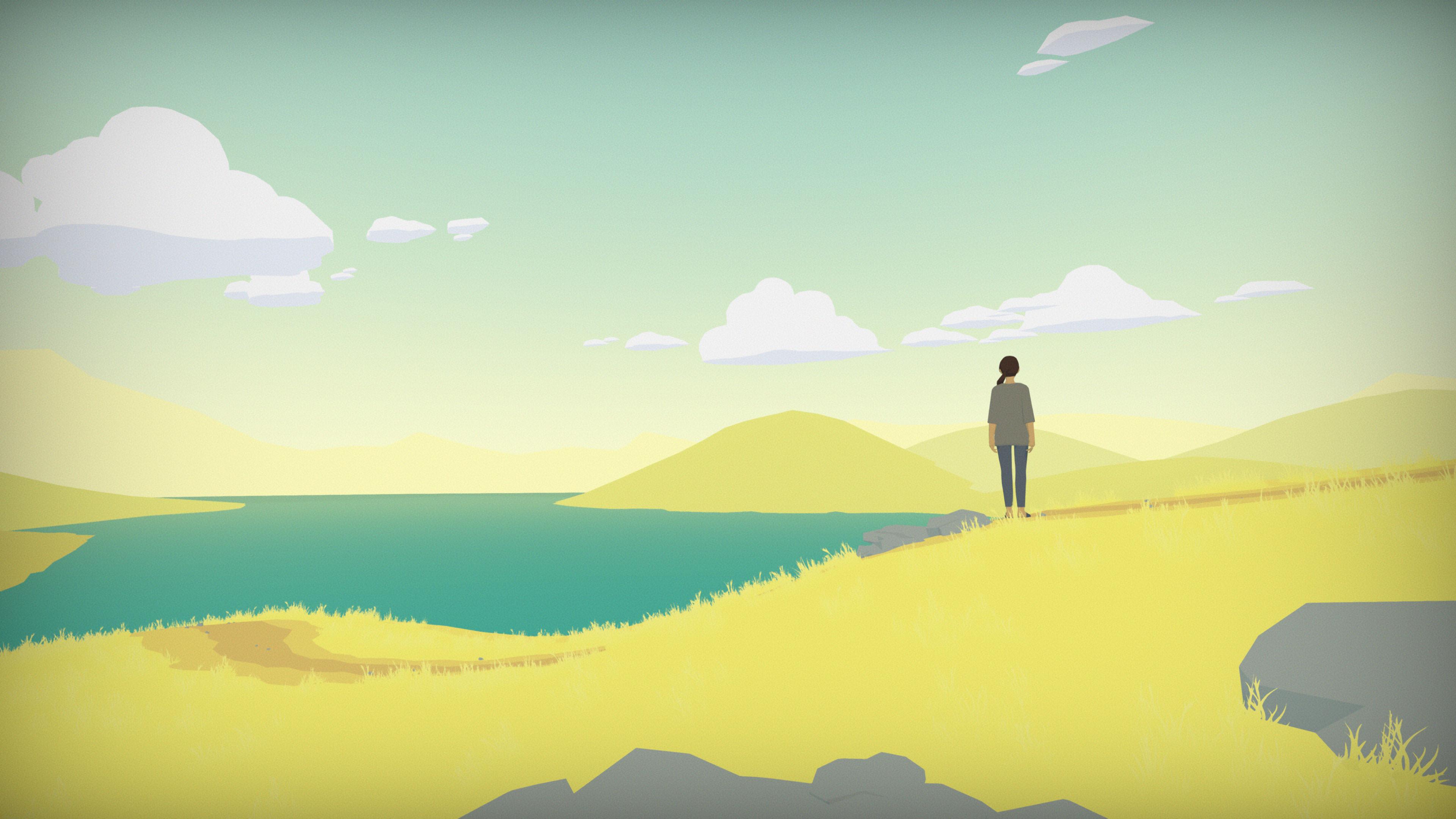
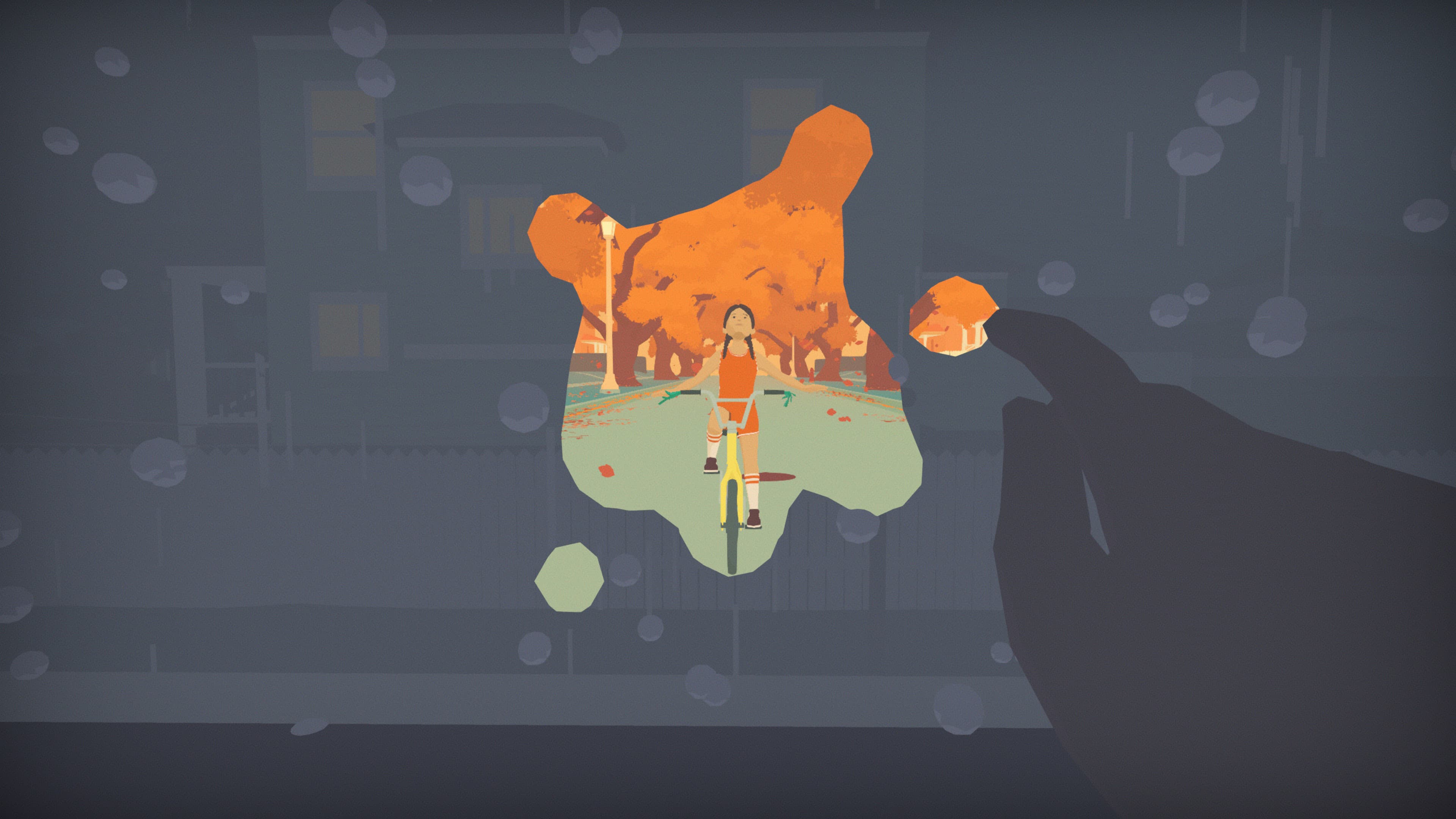
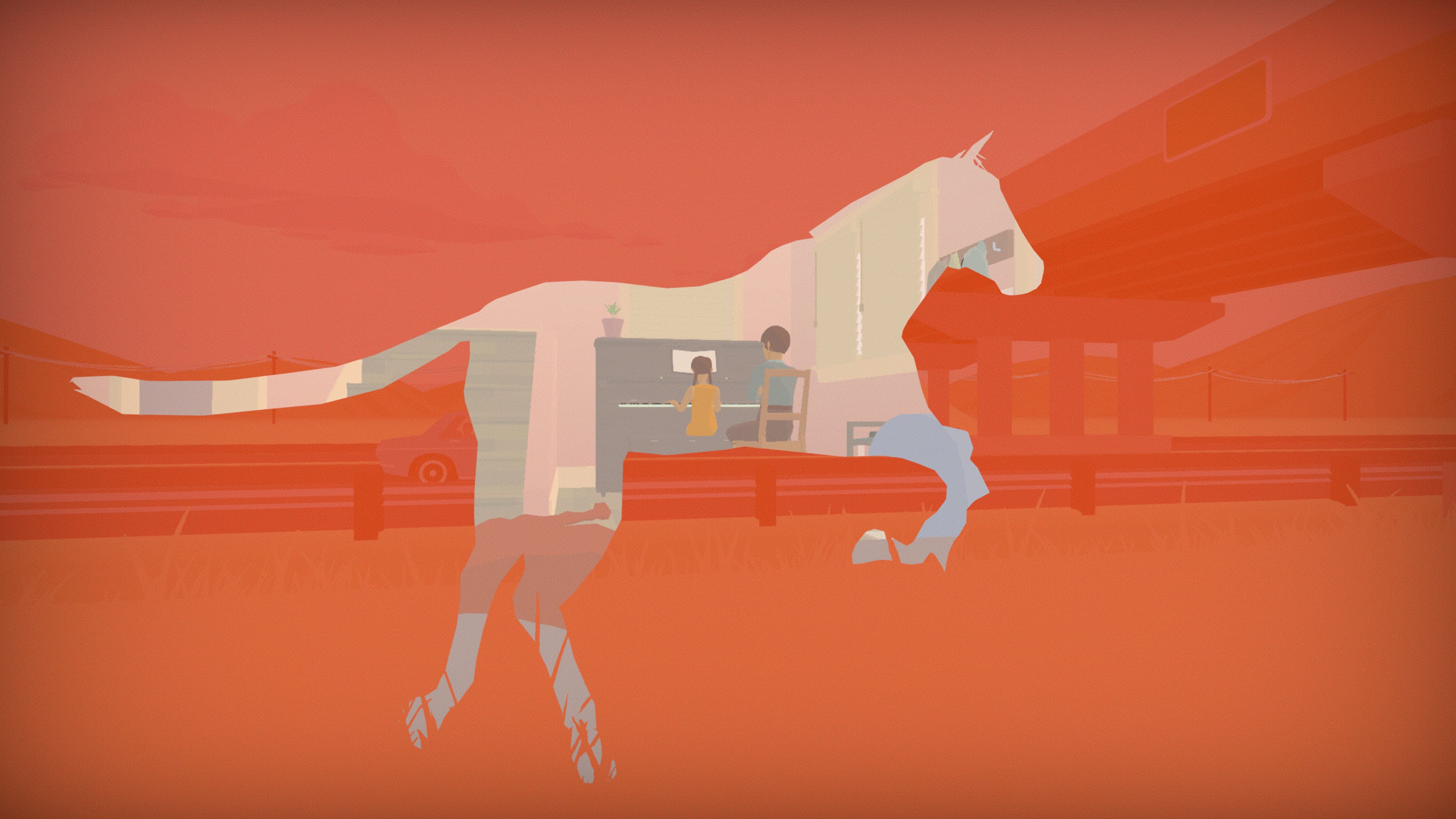
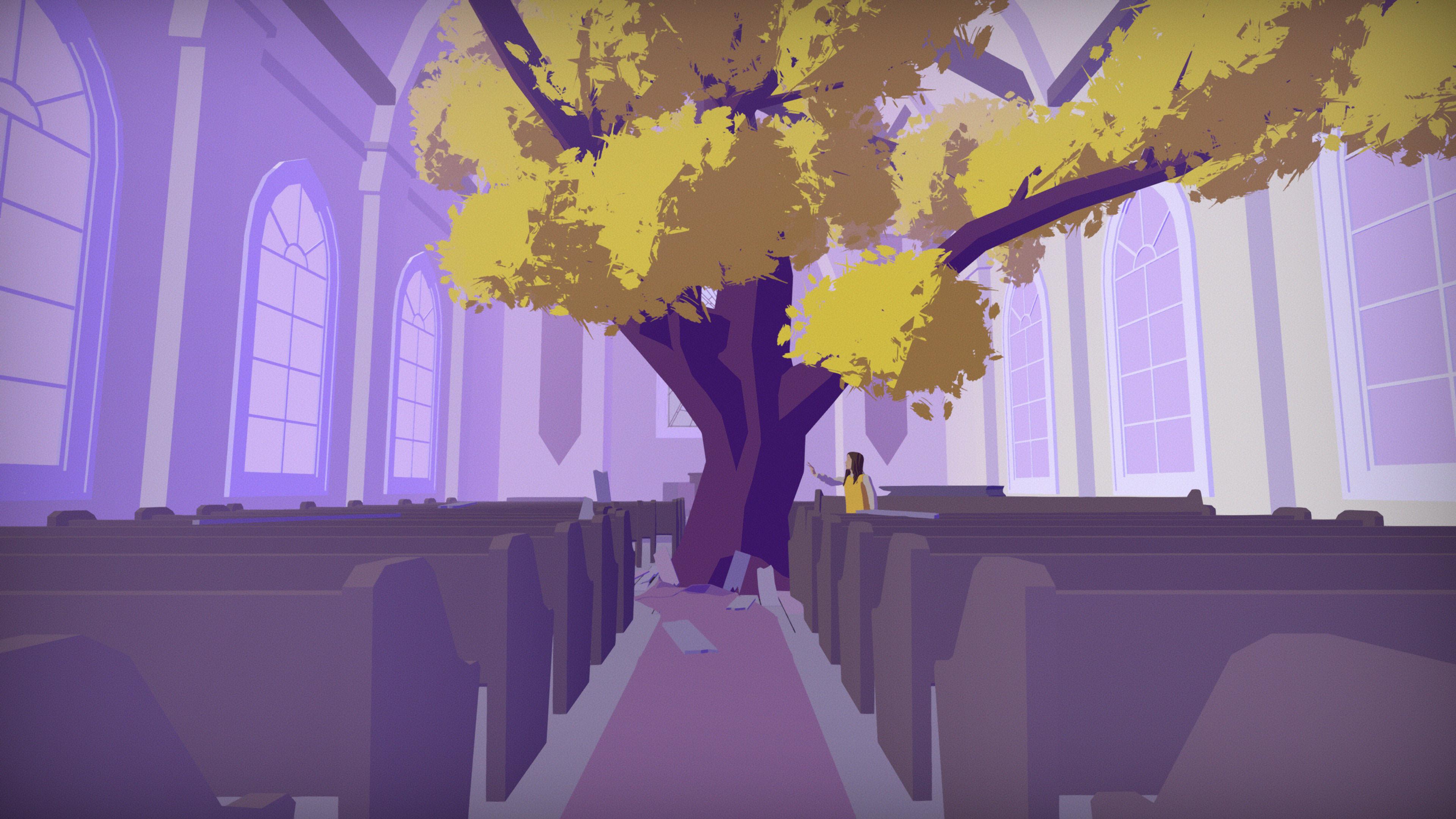
What if the physical objects of everyday life, the possessions we hold close, were actual windows to the past? Peer into distant memories and unseen futures in Hindsight.
From the creator of Prune, Hindsight is a narrative exploration game spanning the entirety of a woman's life, from birth to present day, as she tries to make sense of it all. Revisit her childhood home, sort through personal belongings, and step through windows to memories frozen in time. ...
System Requirements
Minimum
- Windows
- İşletim Sistemi
- Windows 7, 64-bit
- İşlemci
- Intel Core i3-540 | AMD Phenom II X4 965
- Bellek
- 4 GB RAM
- Ekran Kartı
- NVIDIA Geforce GTS 450, 1 GB | AMD Radeon HD 5770, 1 GB
- DirectX
- Version 11
- Depolama
- 2 GB available space
- macOS
- İşletim Sistemi
- OS X Yosemite
Recommended
- Windows
- İşletim Sistemi
- Windows 10
- İşlemci
- Intel Core i5-650 | AMD FX-4350
- Bellek
- 6 GB RAM
- Ekran Kartı
- NVIDIA GeForce GTX 660, 2 GB | AMD Radeon HD 7850, 2 GB
- DirectX
- Version 11
- Depolama
- 2 GB available space
- macOS
- İşletim Sistemi
- OS X Yosemite
Yasal bilgiler
© 2022 Joel McDonald LLC. Published by Annapurna Interactive under exclusive license. All rights reserved.