


Nasıl etkinleştirilir
- Steam uygulamasını yükleyin ve hesabınıza giriş yapın (ücretsiz hesap yeterli).
- Üst menüden „Oyunlar” → „Steam'de Bir Ürün Etkinleştir…” seçeneğini seçin.
- Anahtarı siparişinizde göründüğü gibi (tirelerle) girin ve onaylayın. Oyun kitaplığınızda görünür.
Oyun hakkında
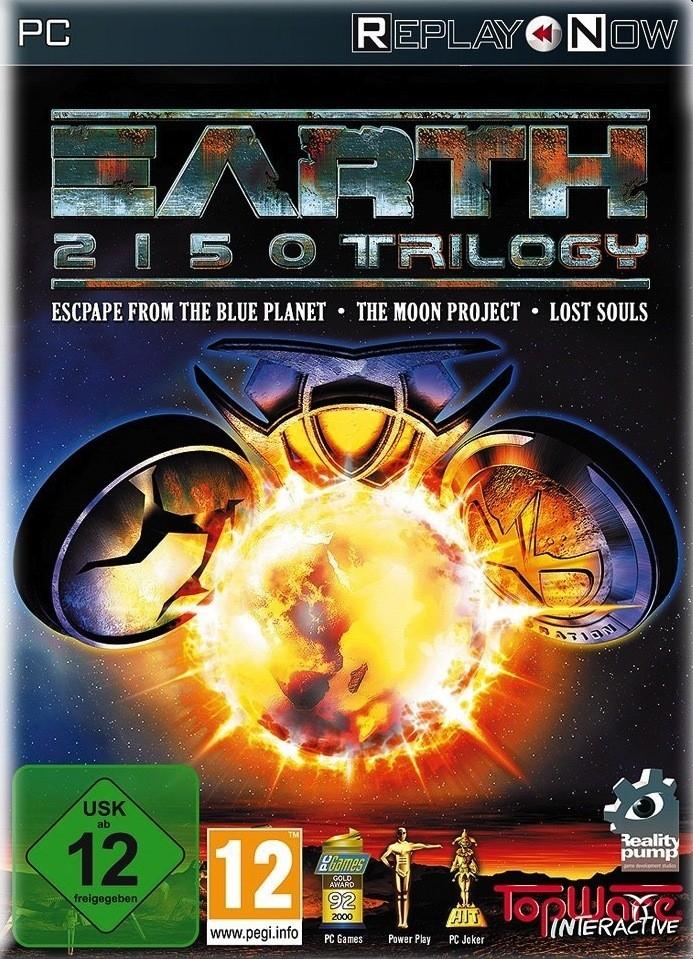
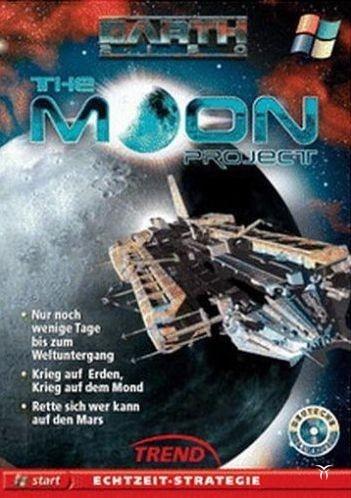
It is 2150, one of the darkest years in the history of mankind…
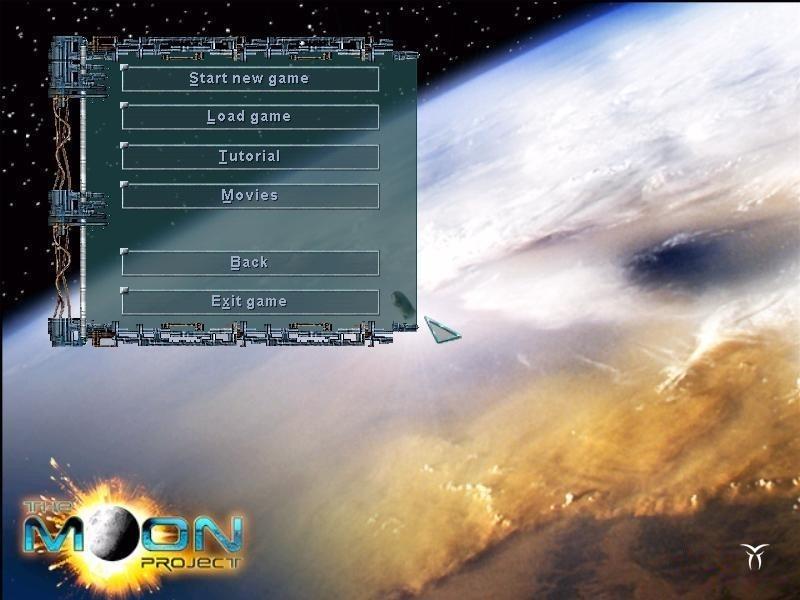
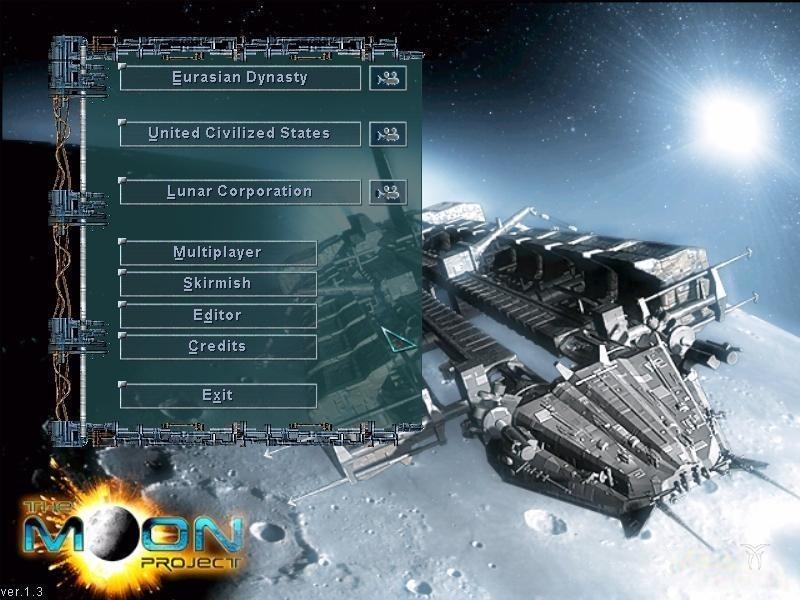
While the Lunar Corporation, Eurasian Dynasty and the United Civilized States battle it out to the bitter end on the home planet, a secret research project is underway on the moon. Only the project code name is known...."Project SunLight".
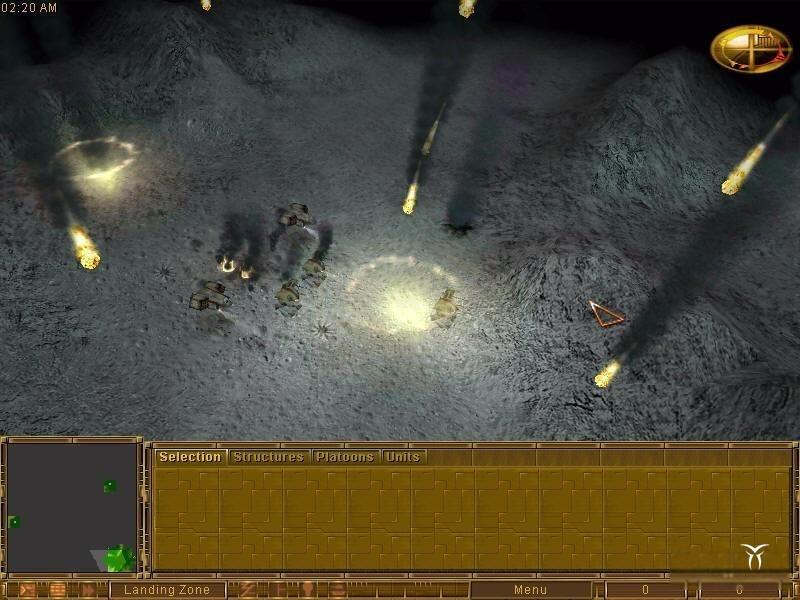
To find the reasons why the Lunar Corporation has become so obsessed with this project, a huge armada of UCS spaceships blasts off for the moon.....
System Requirements
Minimum
- Graphic
- DirectXTM compatible Graphic Card with 3D-speedup
- Other
- 3-buttons mouse
- Other
- 8X
- Other
- CD Drive requirement
- İşletim Sistemi
- Windows XP
- İşletim Sistemi
- Windows 2000
- İşletim Sistemi
- Windows 98
- İşletim Sistemi
- Windows Millenium
- İşletim Sistemi
- Windows 95
- İşlemci
- PentiumTM Processor (IBM compatible) 0.300GHz
- Bellek
- 0.064GB
- Depolama
- 0.35GB
- Ses Kartı
- DirectX compatible sound card
Recommended
- Other
- CD Drive requirement
- Other
- 12X
- Other
- 3-buttons mouse
- Graphic
- DirectXTM compatible Graphic Card 16MB
- İşletim Sistemi
- Windows 2000
- İşletim Sistemi
- Windows XP
- İşletim Sistemi
- Windows Millenium
- İşletim Sistemi
- Windows 95
- İşletim Sistemi
- Windows 98
- Depolama
- 0.5GB
- İşlemci
- PentiumTM Processor (IBM compatible) 0.500GHz
- Ses Kartı
- DirectX compatible sound card
- Bellek
- 0.128GB