

Nasıl etkinleştirilir
- Steam uygulamasını yükleyin ve hesabınıza giriş yapın (ücretsiz hesap yeterli).
- Üst menüden „Oyunlar” → „Steam'de Bir Ürün Etkinleştir…” seçeneğini seçin.
- Anahtarı siparişinizde göründüğü gibi (tirelerle) girin ve onaylayın. Oyun kitaplığınızda görünür.
Oyun hakkında
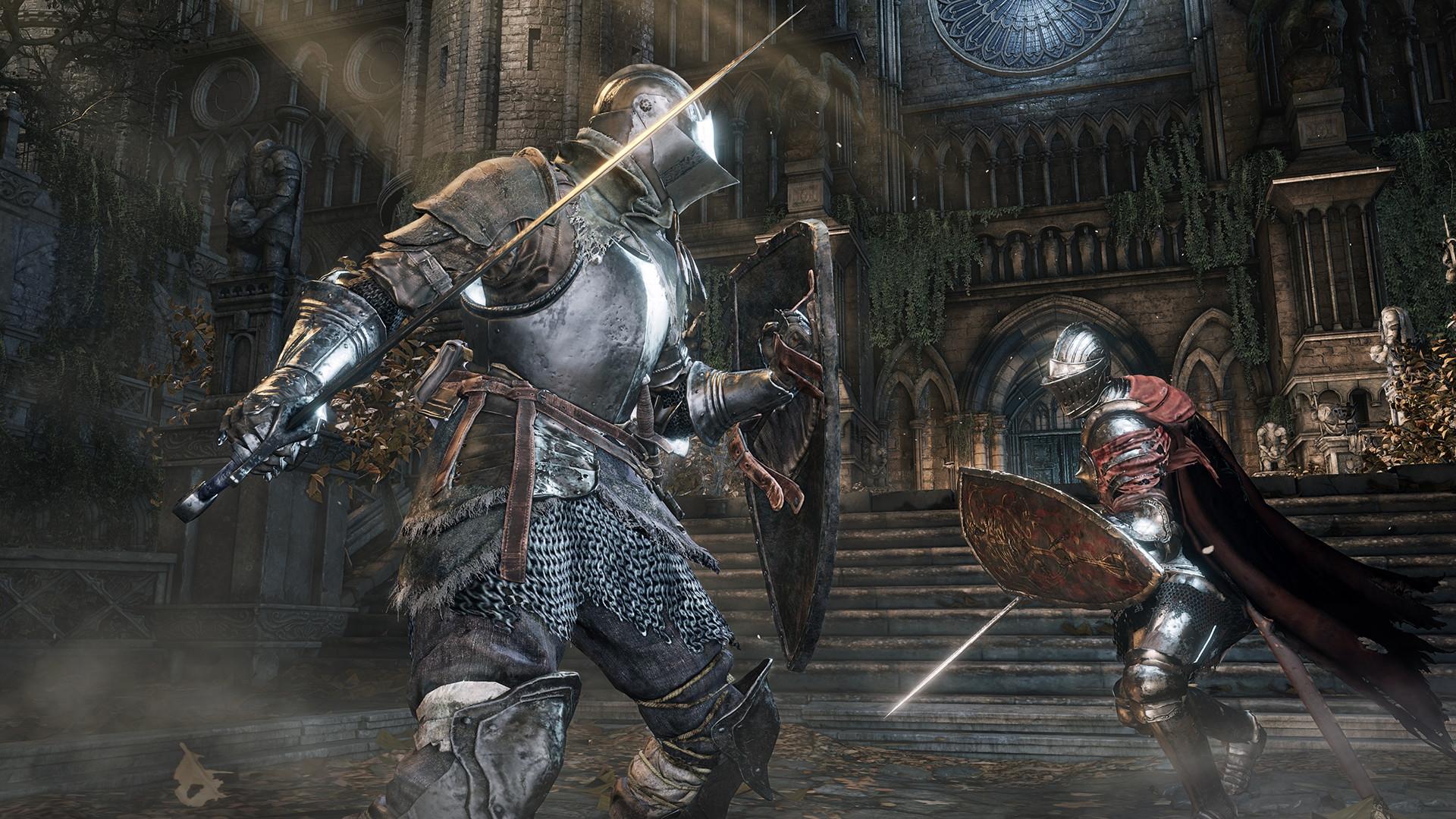
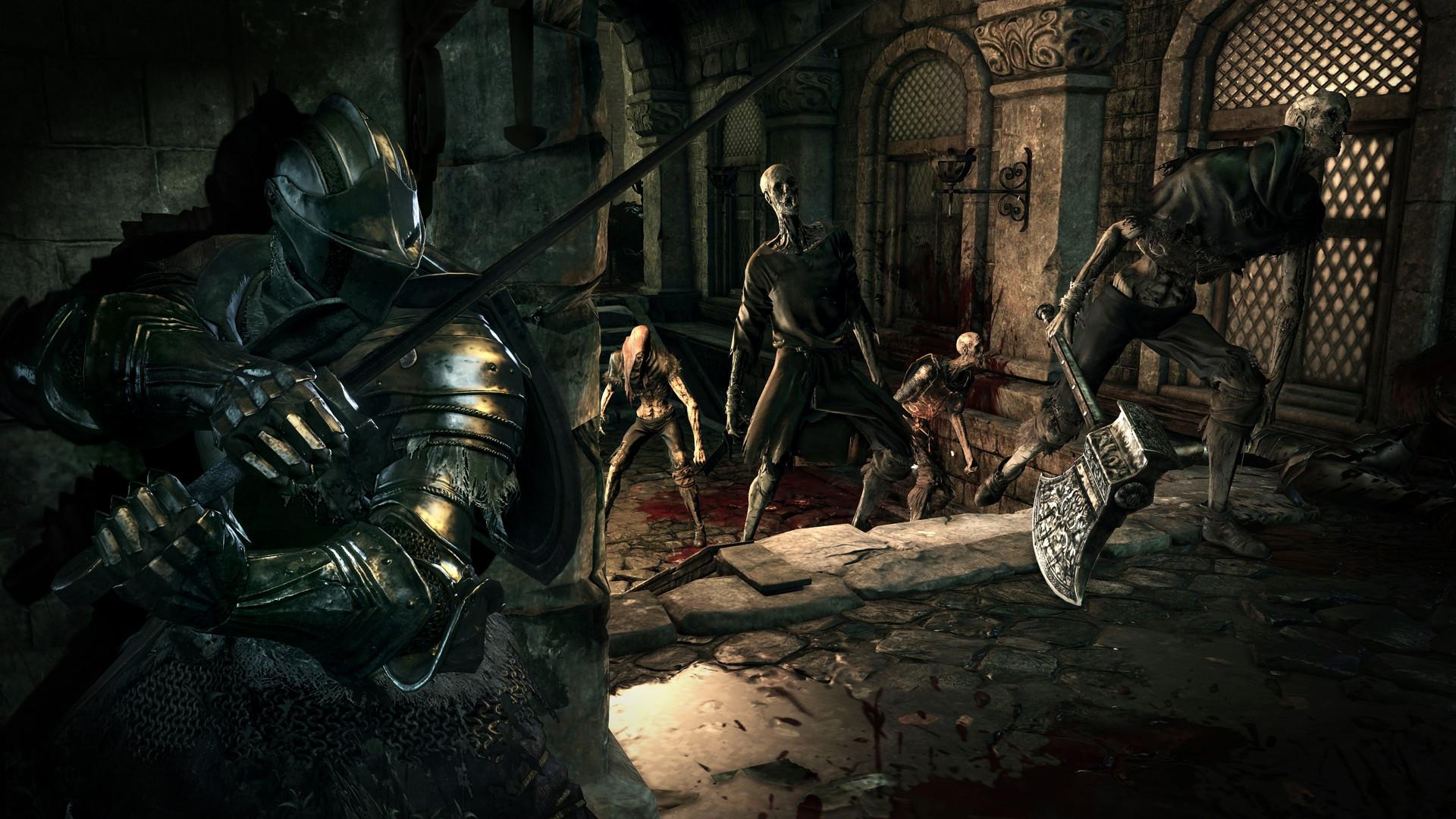
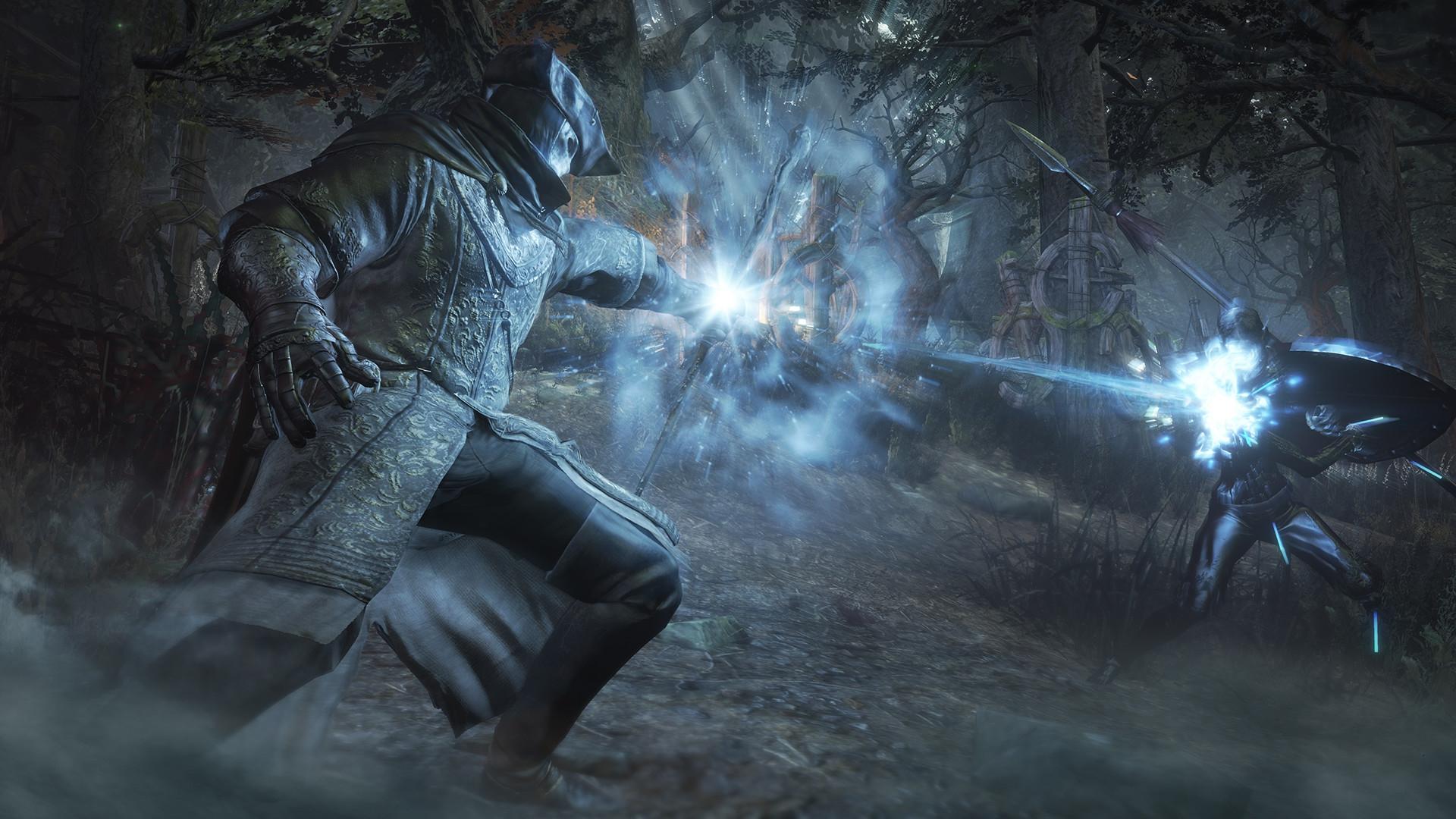
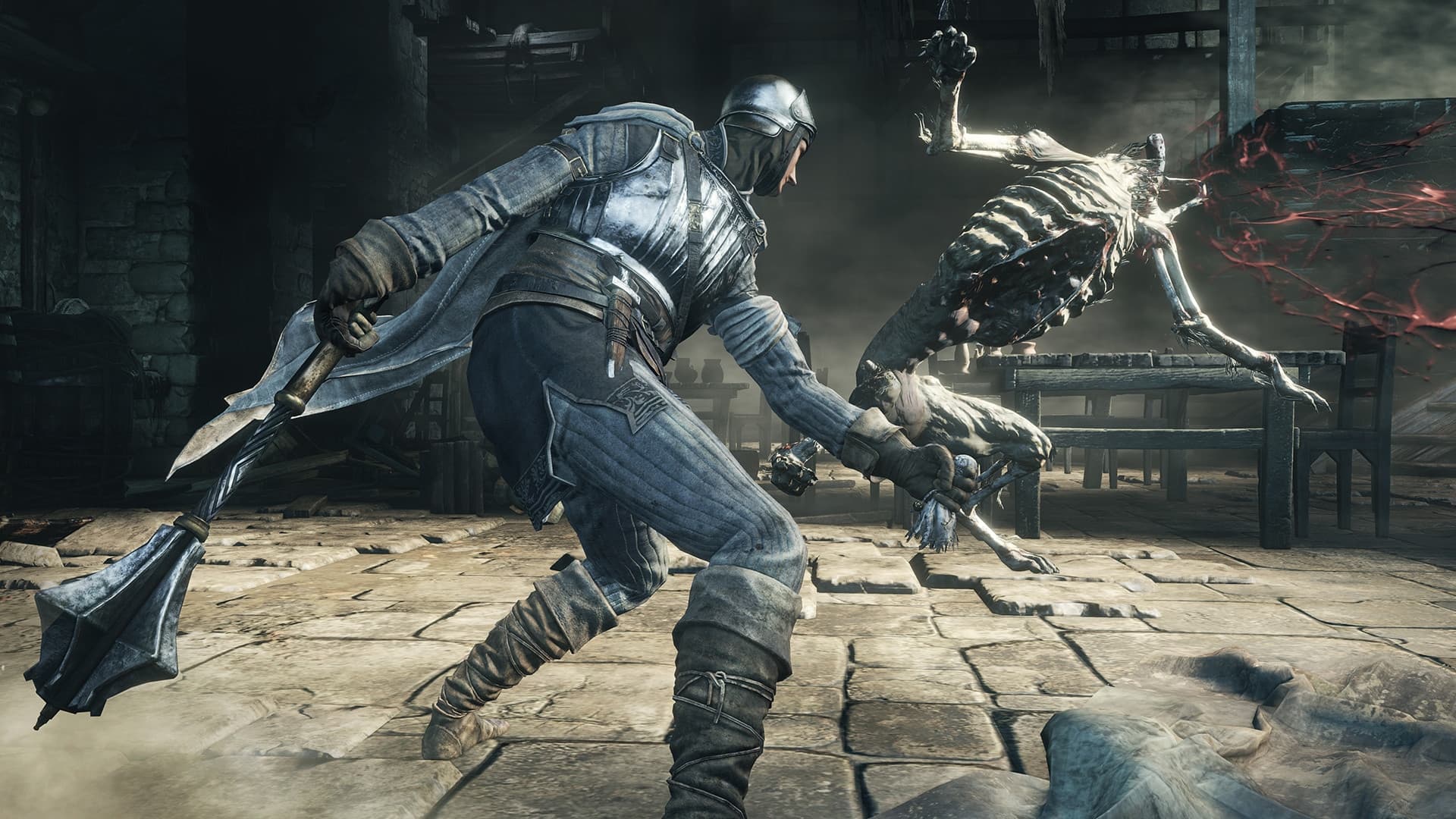
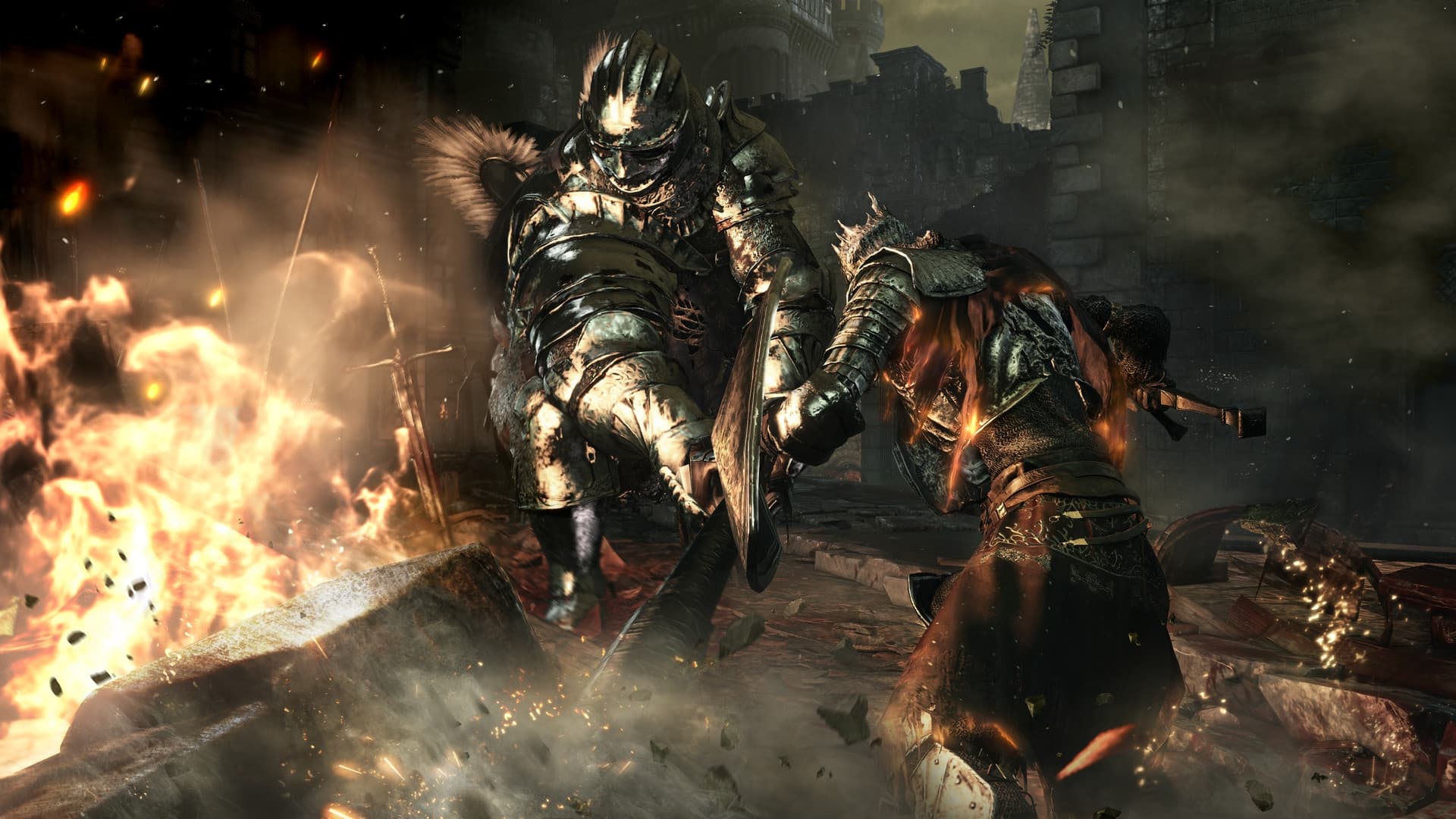
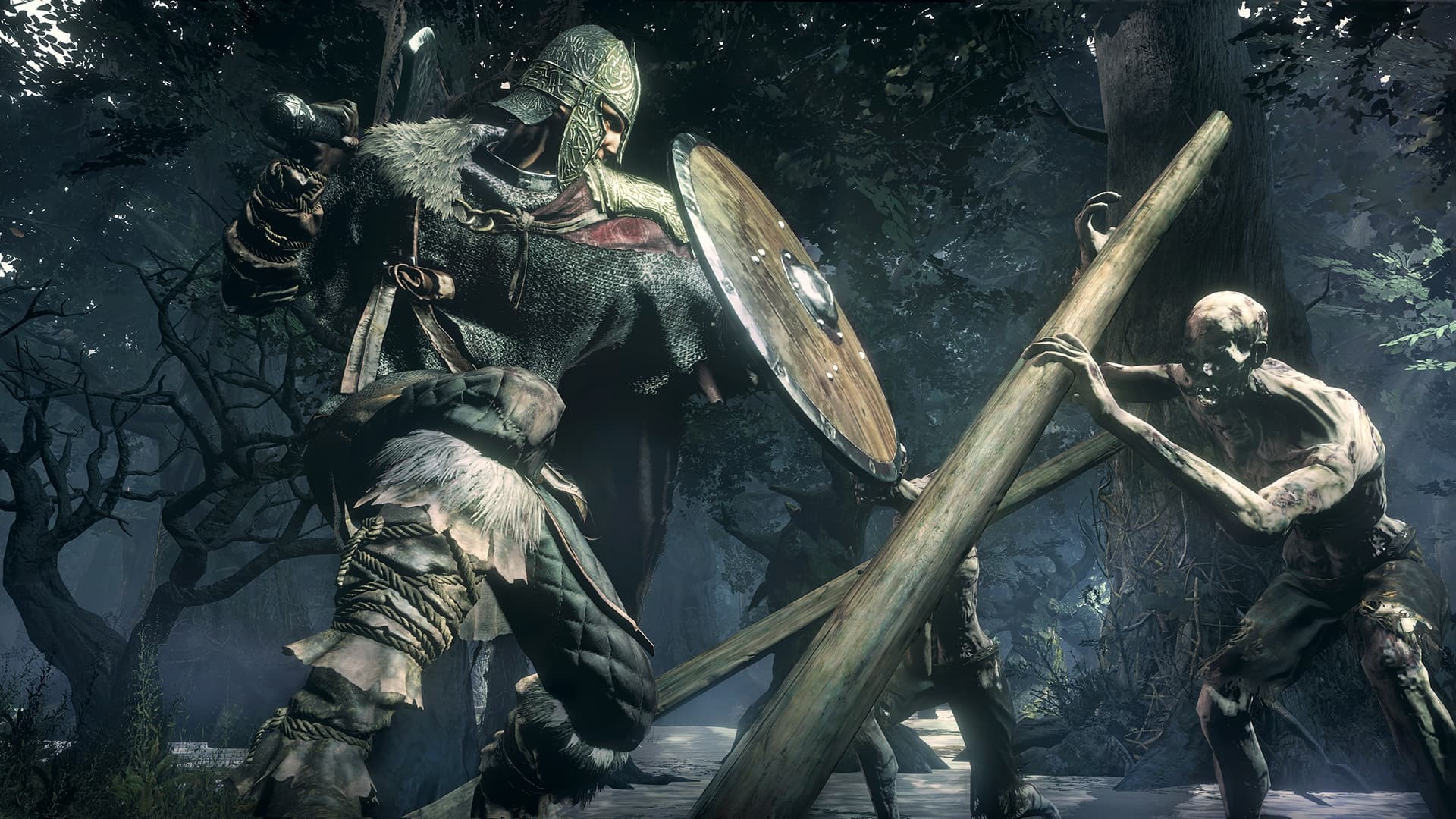
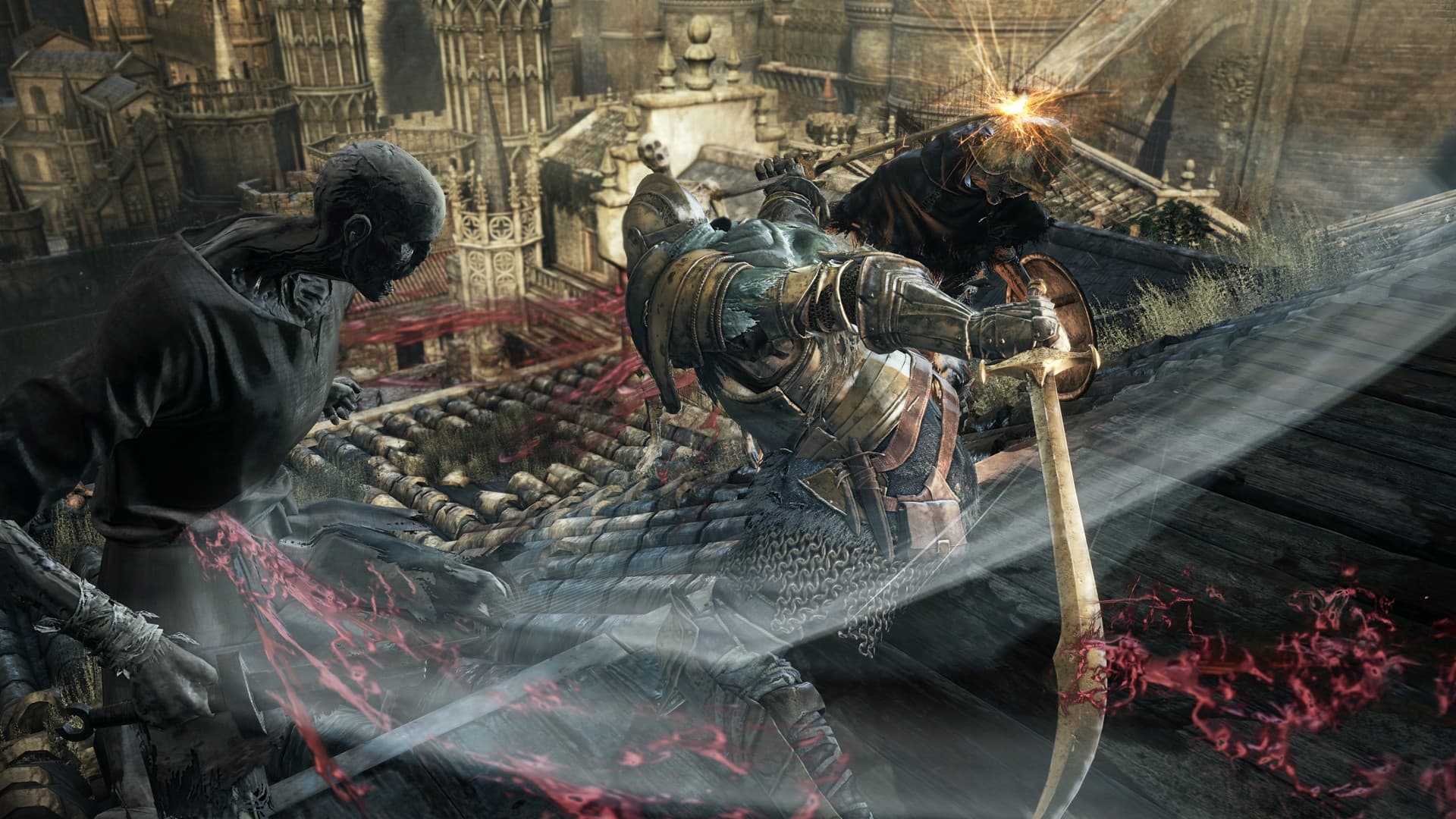
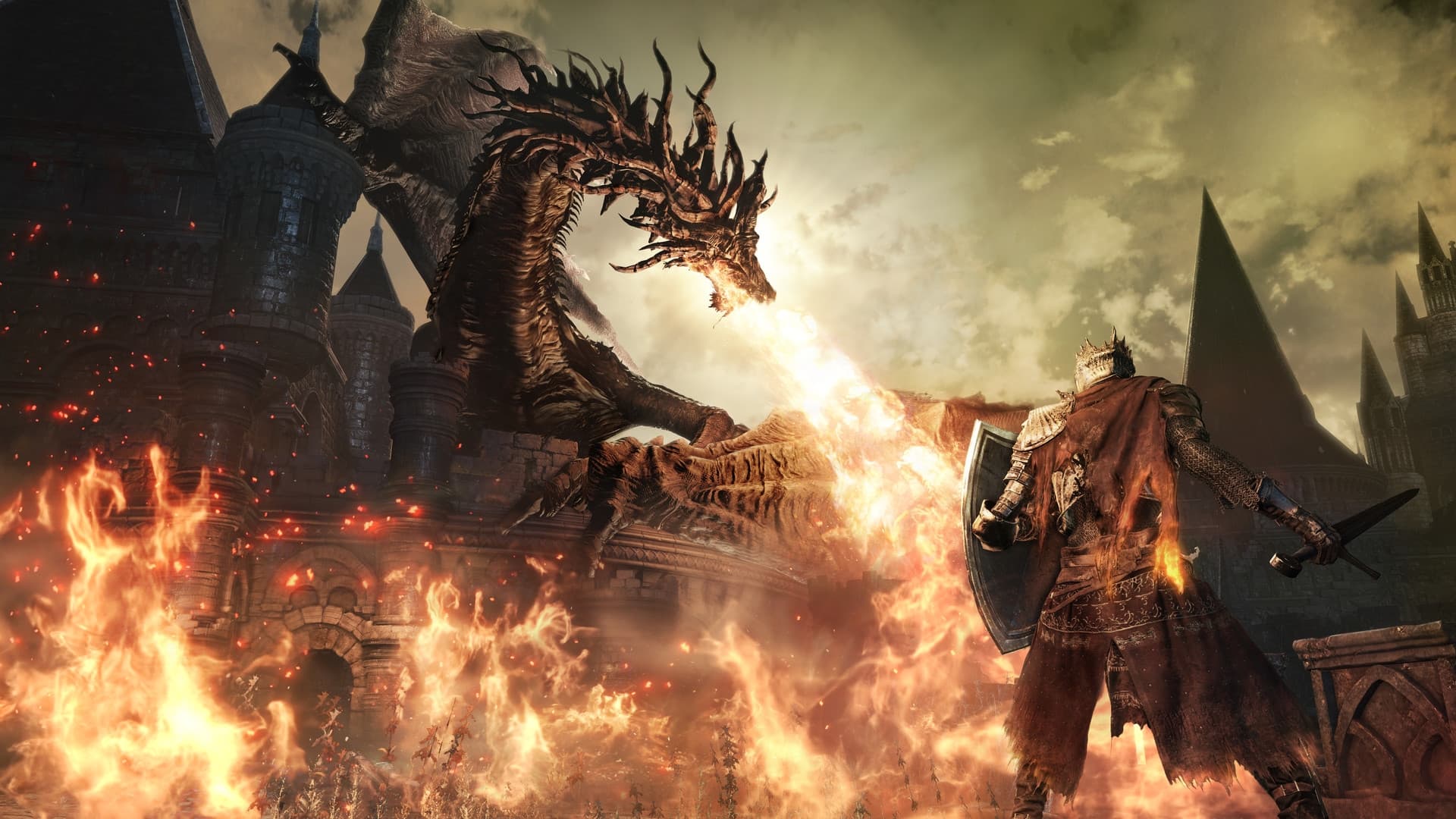
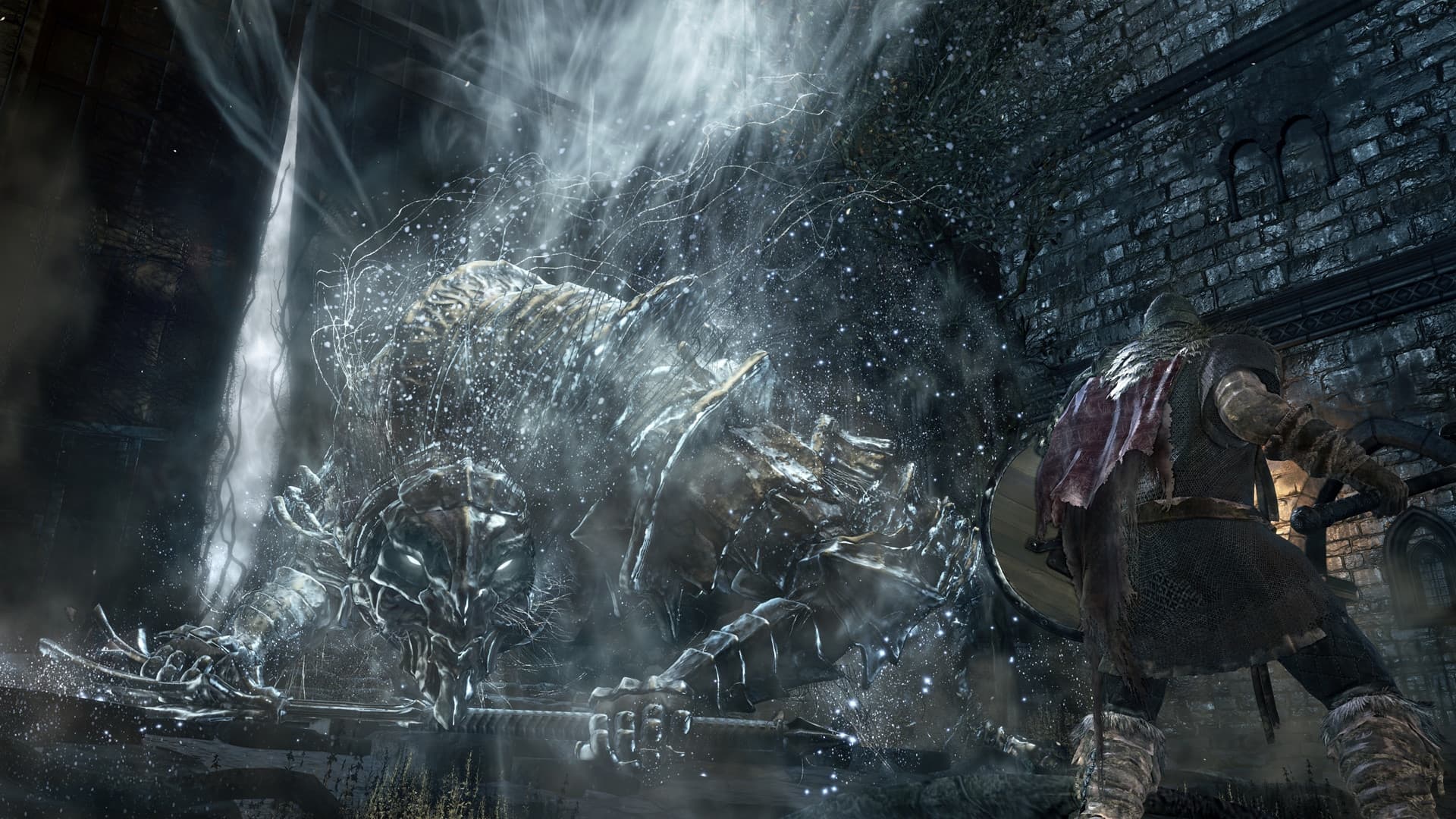
Winner of gamescom award 2015 "Best RPG" and over 35 E3 2015 Awards and Nominations, DARK SOULS™ III leads you once again into a challenging world of ruin and despair. Expand your DARK SOULS™ III experience with the Season Pass and gain access to 2 epic DLC packs at a discounted price. Challenge yourself with new maps, bosses, enemies and additional weapon and armor sets. Prepare yourself once more and embrace the darkness.
System Requirements
Minimum
- SO
- Windows 7 SP1 64bit, Windows 8.1 64bit Windows 10 64bit
- Processador
- Intel Core i3-2100 / AMD® FX-6300
- Memória
- 4 GB de RAM
- Placa de vídeo
- NVIDIA® GeForce GTX 750 Ti / ATI Radeon HD 7950
- DirectX
- Versão 11
- Rede
- Conexão de internet banda larga
- Armazenamento
- 25 GB de espaço disponível
- Placa de som
- DirectX 11 sound device
- Outras observações
- Internet connection required for online play and product activation
Recommended
- SO
- Windows 7 SP1 64bit, Windows 8.1 64bit Windows 10 64bit
- Processador
- Intel Core i7-3770 / AMD® FX-8350
- Memória
- 8 GB de RAM
- Placa de vídeo
- NVIDIA® GeForce GTX 970 / ATI Radeon R9 series
- DirectX
- Versão 11
- Armazenamento
- 25 GB de espaço disponível
- Placa de som
- DirectX 11 sound device
- Outras observações
- Internet connection required for online play and product activation
Yasal bilgiler
Dark Souls™ Ⅲ & ©BANDAI NAMCO Entertainment Inc. / ©2011-2016 FromSoftware, Inc.