

Nasıl etkinleştirilir
- Steam uygulamasını yükleyin ve hesabınıza giriş yapın (ücretsiz hesap yeterli).
- Üst menüden „Oyunlar” → „Steam'de Bir Ürün Etkinleştir…” seçeneğini seçin.
- Anahtarı siparişinizde göründüğü gibi (tirelerle) girin ve onaylayın. Oyun kitaplığınızda görünür.
Oyun hakkında
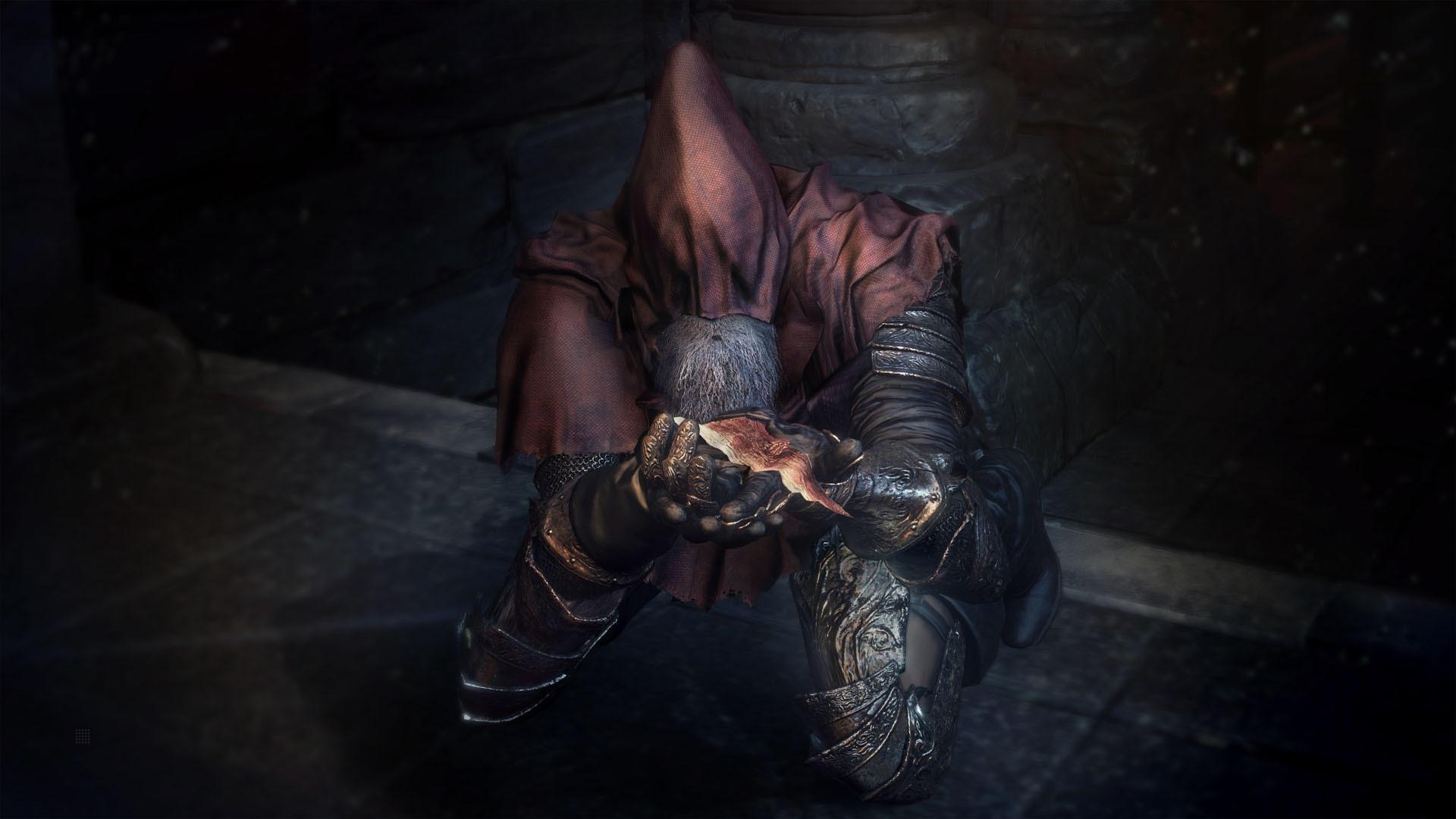
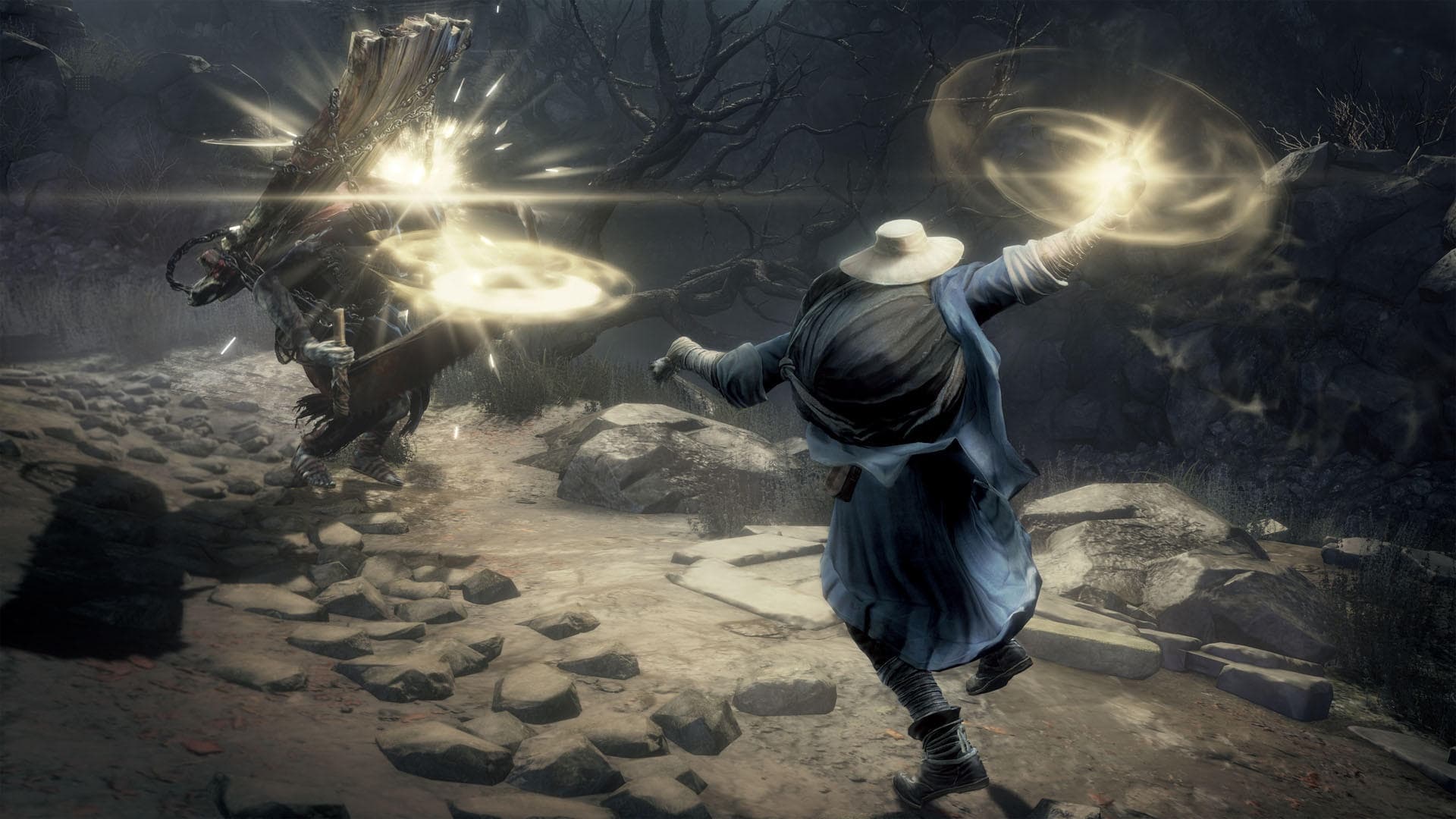
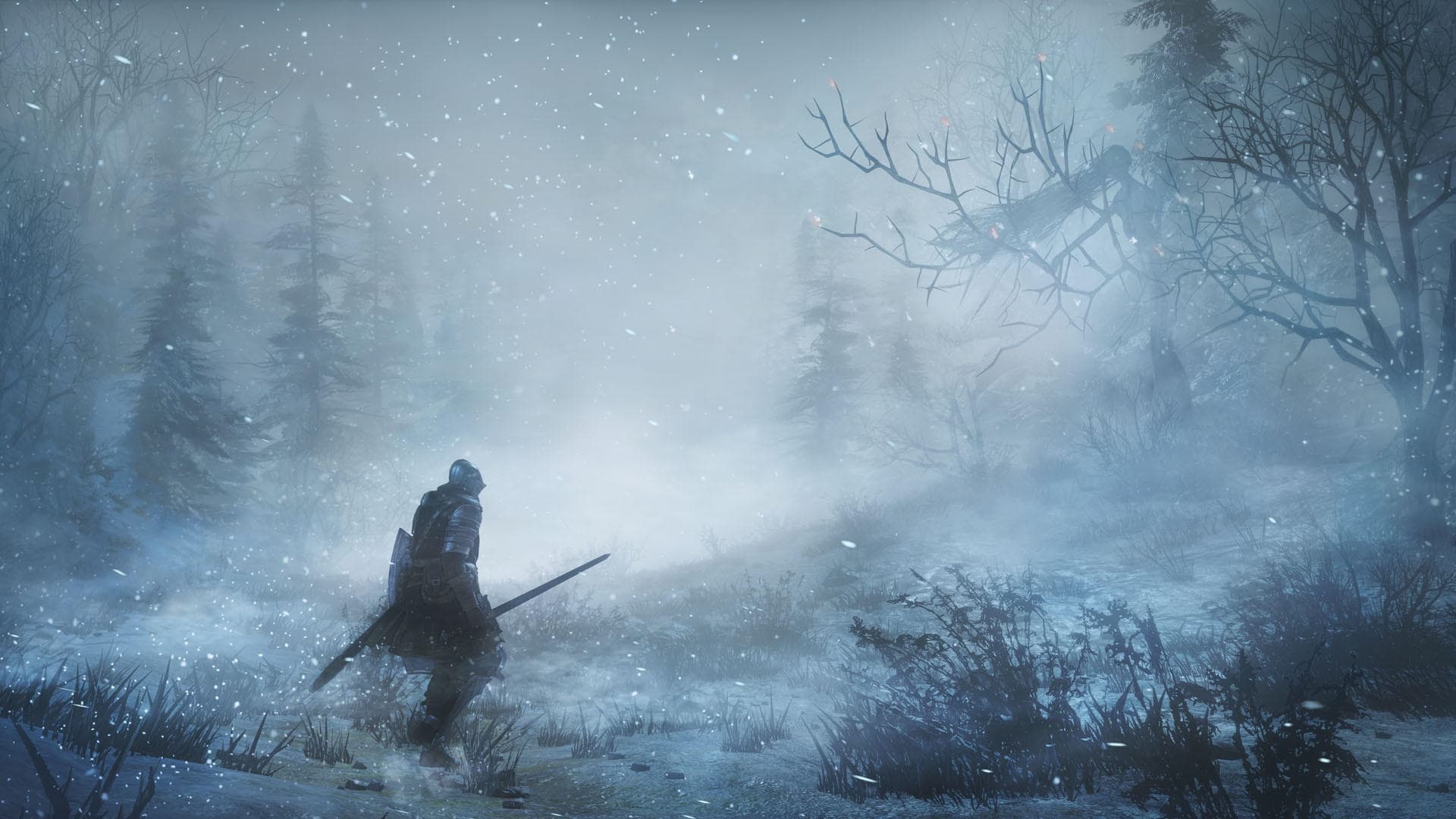
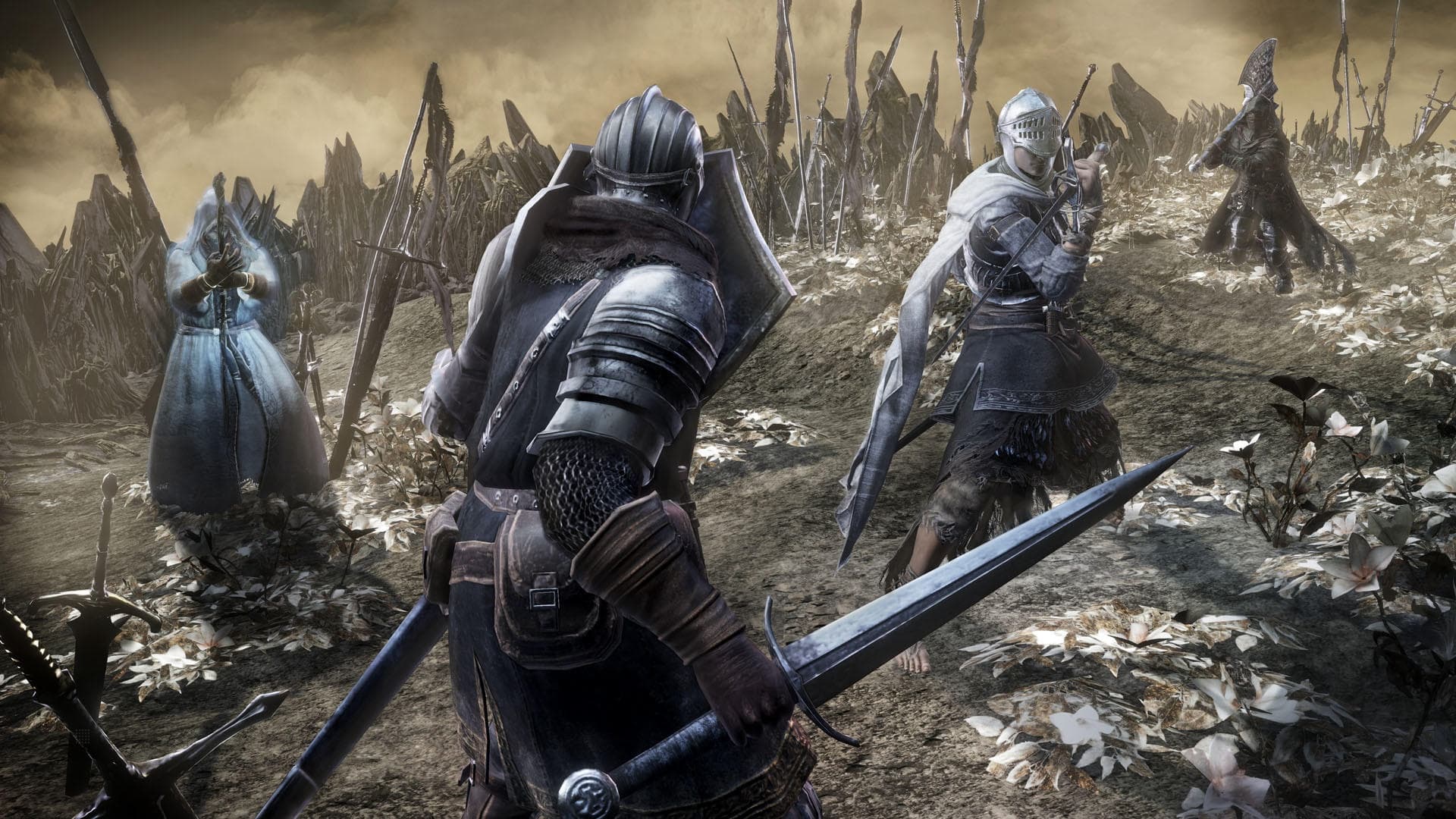
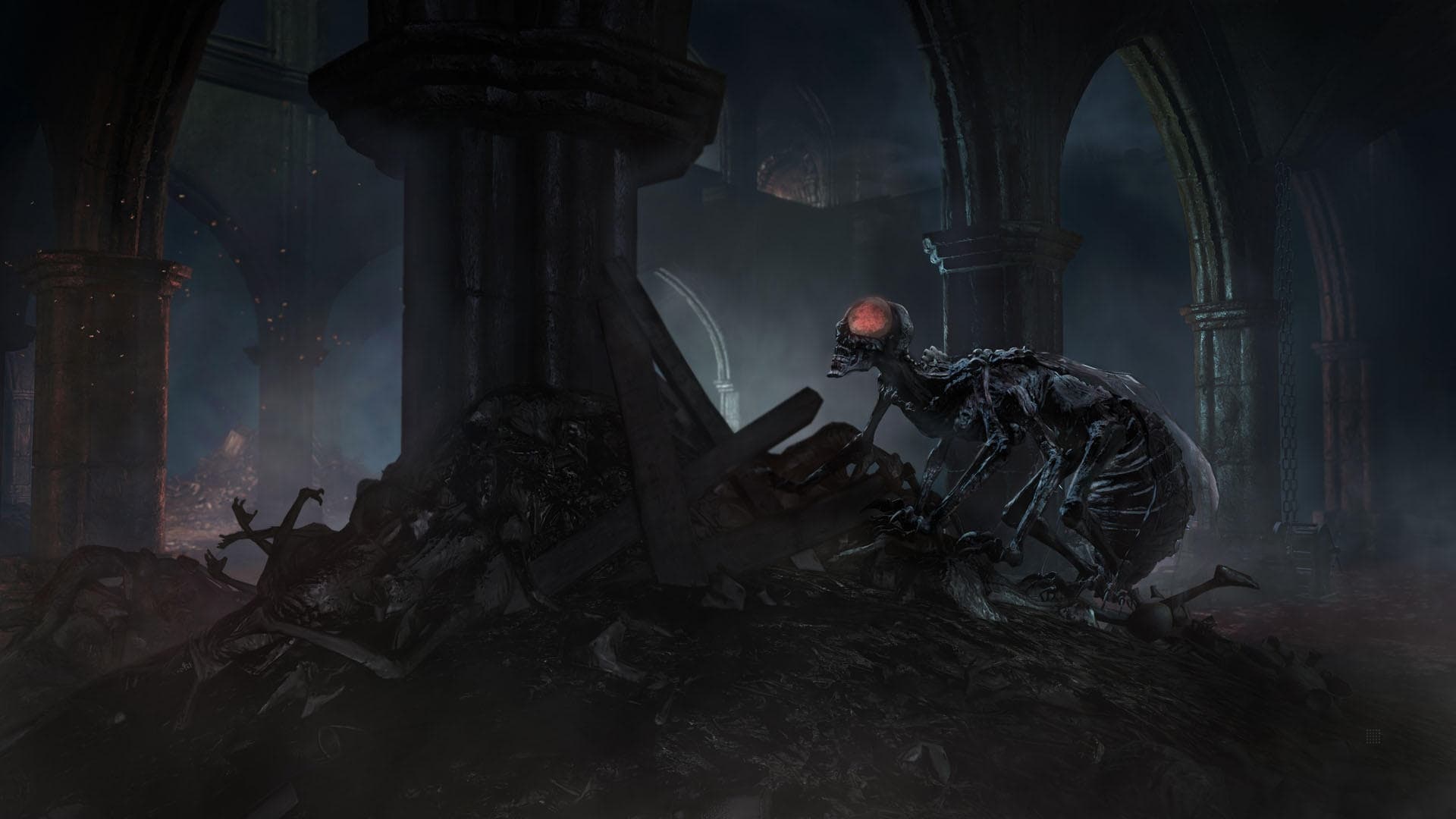
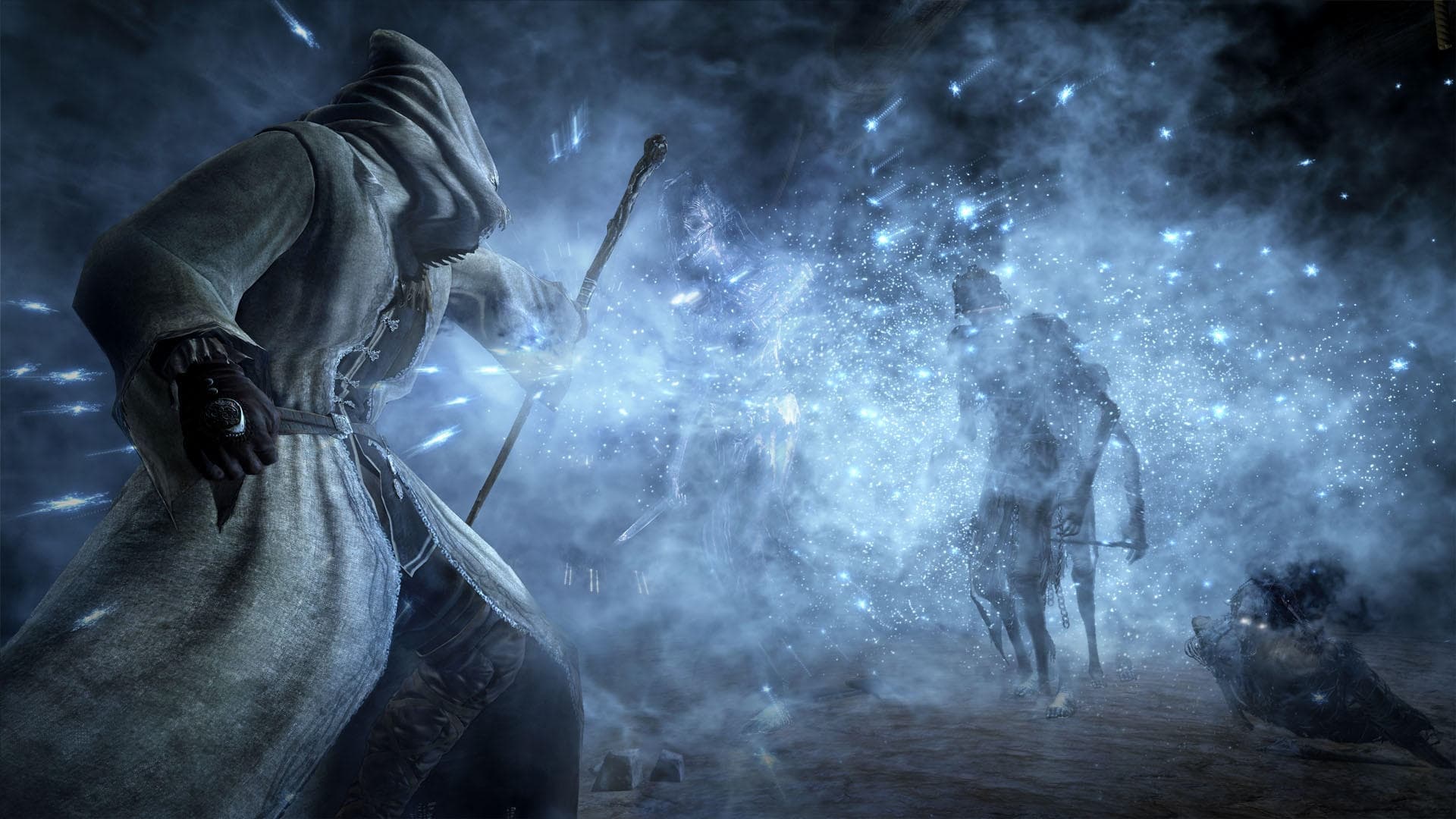
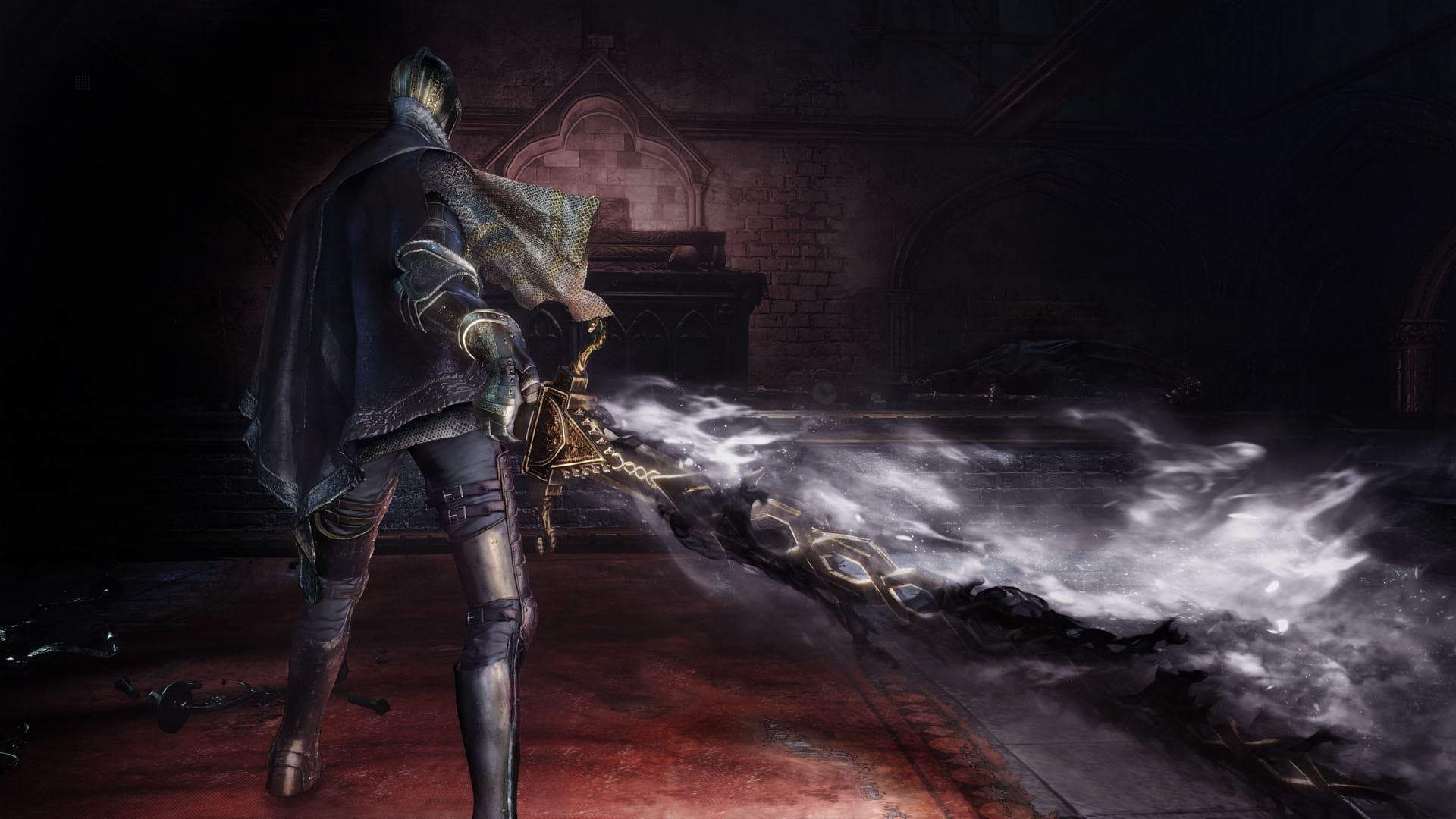
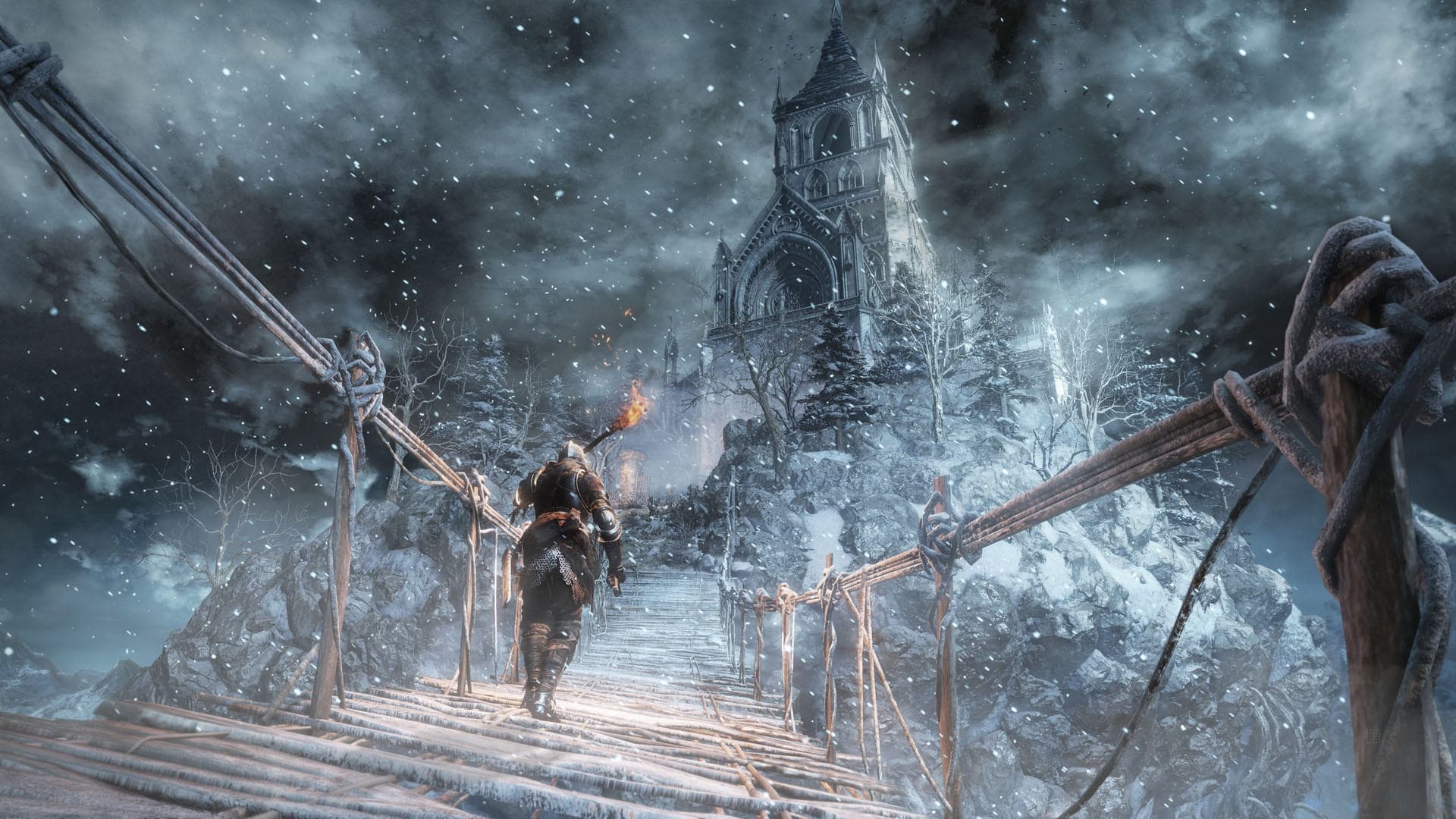
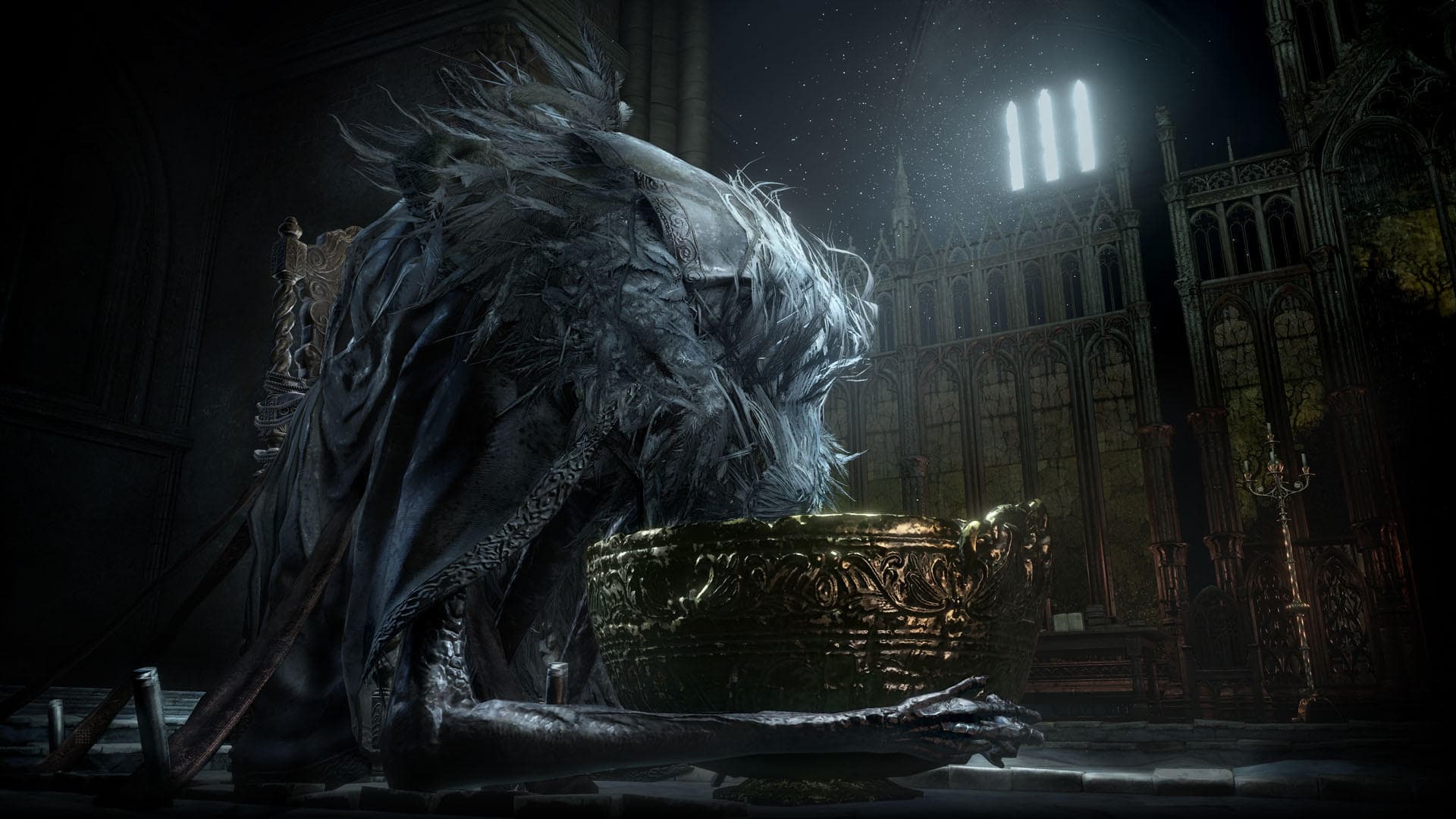
You, are the unkindled. As part of the Dark Souls™ III Season Pass, expand your Dark Souls™ III experience with the Ashes of Ariandel™ DLC pack. Journey to the snowy world of Ariandel and encounter new areas, bosses, enemies, weapons, armor set, magic spells and more. Will you accept the challenge and embrace the darkness once more?
System Requirements
Minimum
- İşletim Sistemi
- Windows 7 SP1 64bit, Windows 8.1 64bit Windows 10 64bit
- İşlemci
- Intel Core i7-3770 / AMD® FX-8350
- Bellek
- 8 GB RAM
- Ekran Kartı
- NVIDIA® GeForce GTX 970 / ATI Radeon R9 series
- DirectX
- Version 11
- Ağ
- Broadband Internet connection
- Depolama
- 25 GB available space
- Ses Kartı
- DirectX 11 sound device
- Ek Notlar
- Internet connection required for online play and product activation
Recommended
- İşletim Sistemi
- Windows 7 SP1 64bit, Windows 8.1 64bit Windows 10 64bit
- İşlemci
- Intel Core i3-2100 / AMD® FX-6300
- Bellek
- 4 GB RAM
- Ekran Kartı
- NVIDIA® GeForce GTX 750 Ti / ATI Radeon HD 7950
- DirectX
- Version 11
- Ağ
- Broadband Internet connection
- Depolama
- 25 GB available space
- Ses Kartı
- DirectX 11 sound device
- Ek Notlar
- Internet connection required for online play and product activation
Yasal bilgiler
Dark Souls™ III: Ashes of Ariandel™ & ©BANDAI NAMCO Entertainment Inc. / ©2011-2016 FromSoftware, Inc.