



Nasıl etkinleştirilir
- Steam uygulamasını yükleyin ve hesabınıza giriş yapın (ücretsiz hesap yeterli).
- Üst menüden „Oyunlar” → „Steam'de Bir Ürün Etkinleştir…” seçeneğini seçin.
- Anahtarı siparişinizde göründüğü gibi (tirelerle) girin ve onaylayın. Oyun kitaplığınızda görünür.
Oyun hakkında
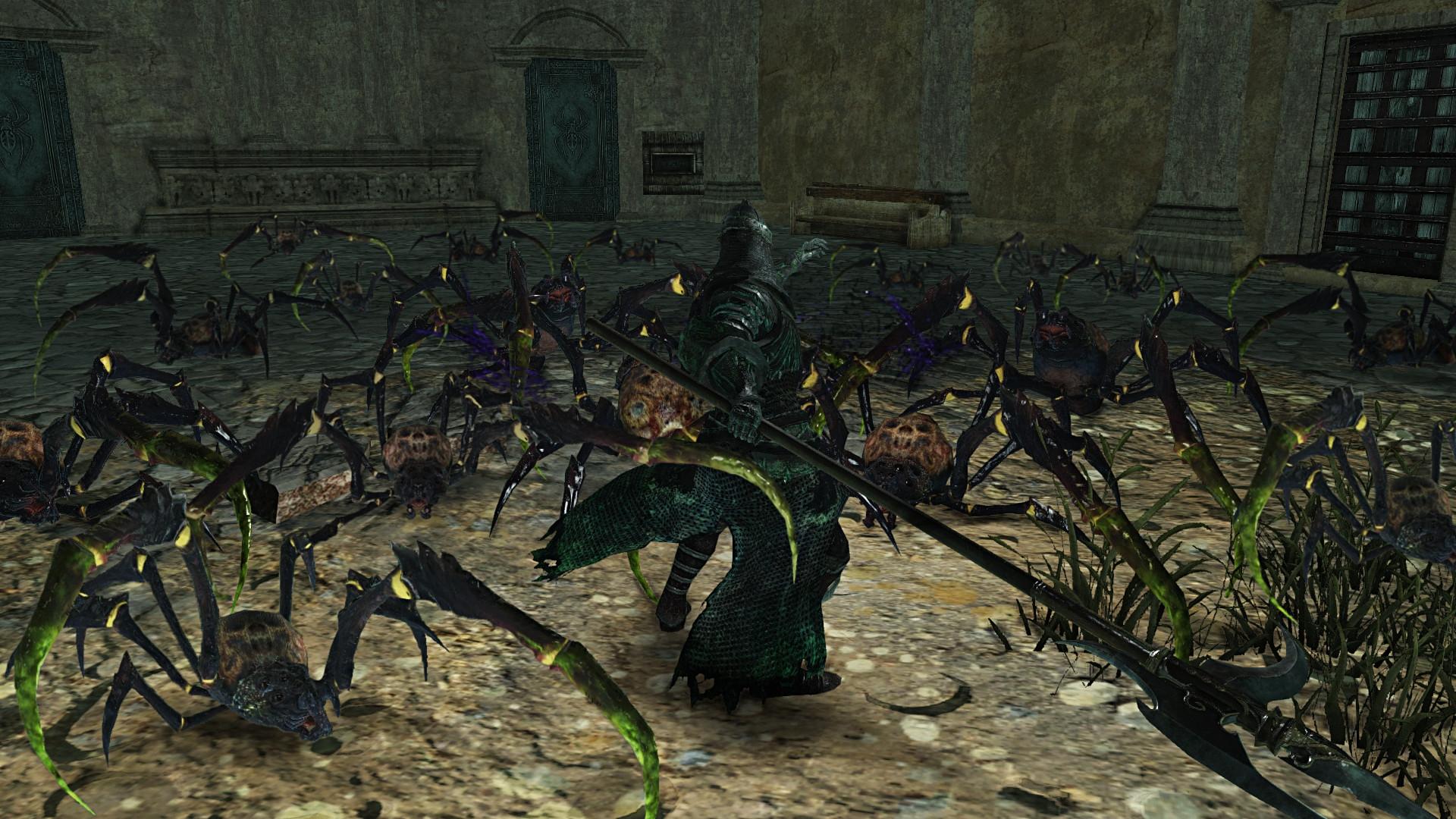
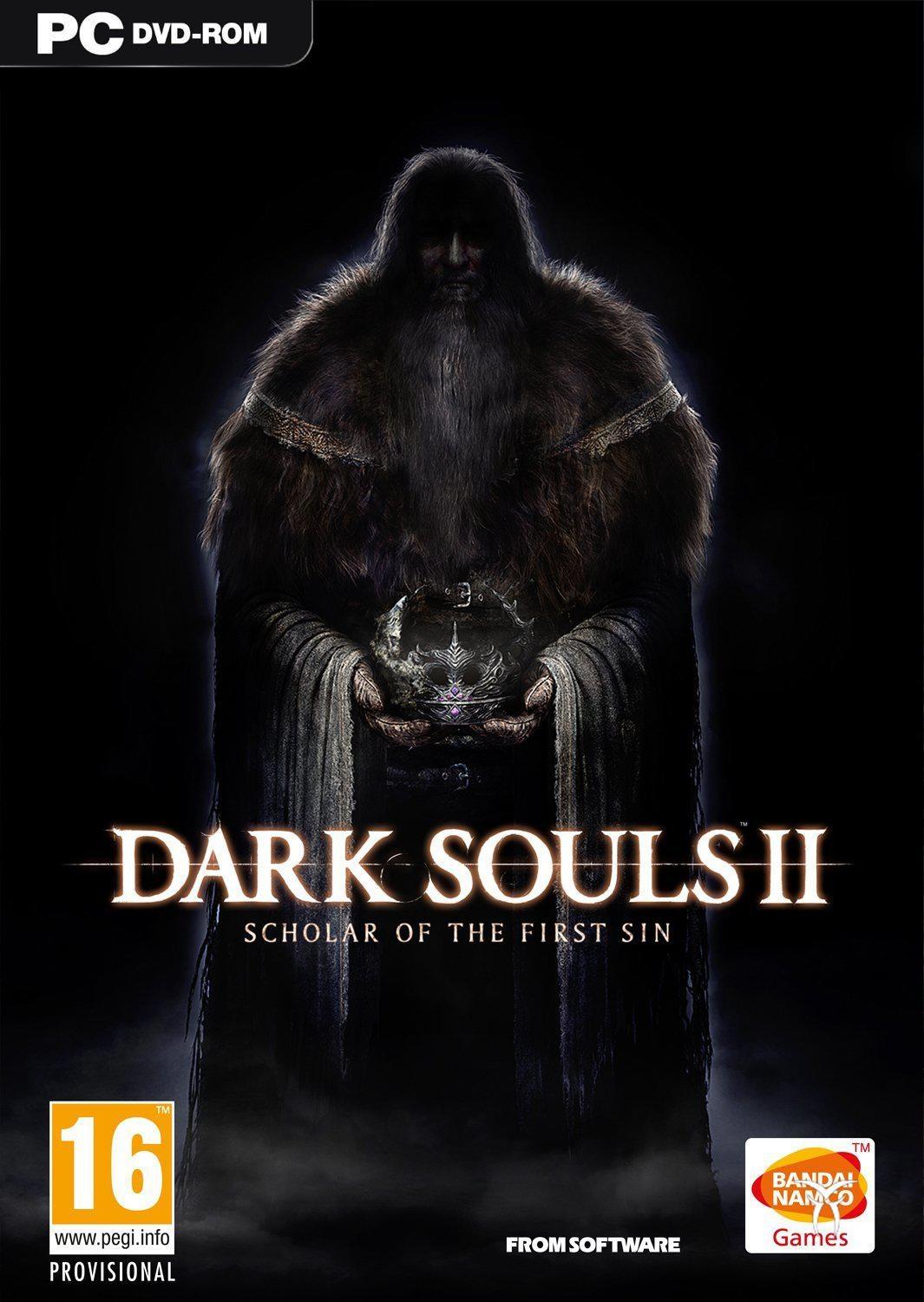
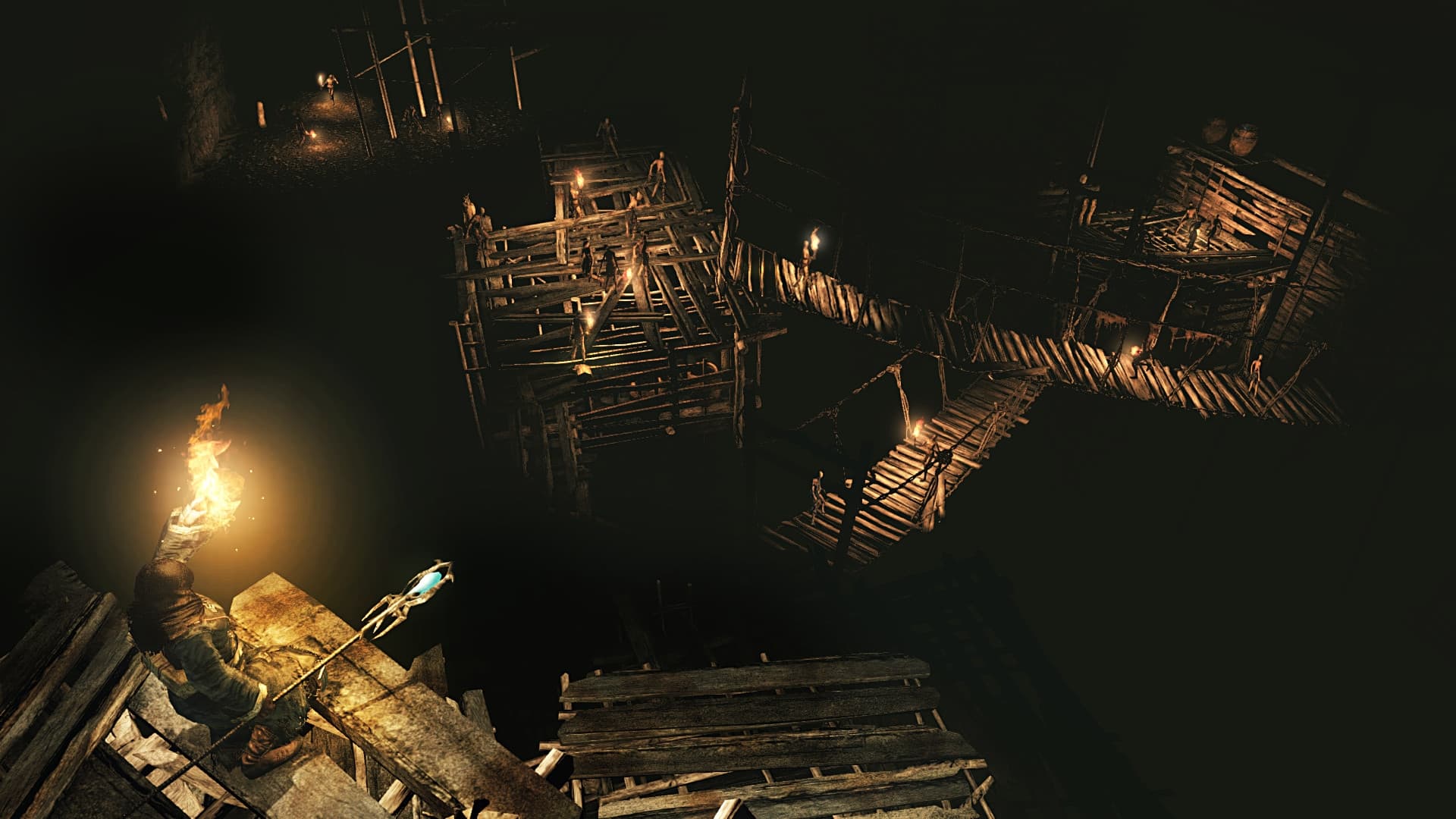
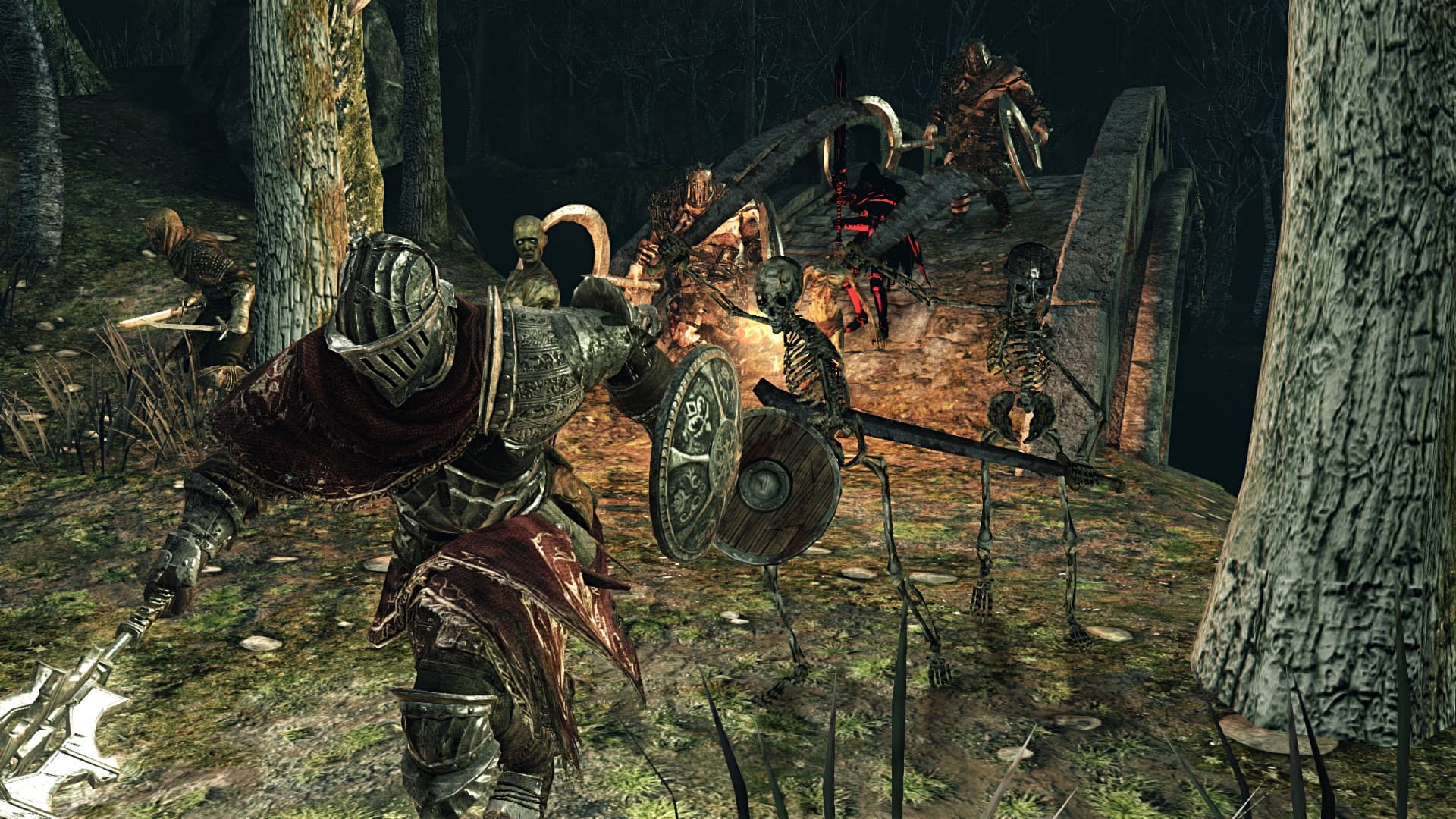
The most rewarding game of 2014 now comes augmented on PS4, Xbox ONE and PC with improved content & graphics. Enjoy the complete Dark Souls II experience with Dark Souls II: Scholar of the First Sin. Hallmark challenge & reward await you with enhancements fueled by the passion and talent of famed Japanese studio FromSoftware.
System Requirements
Minimum
- İşletim Sistemi
- Windows 7 SP1 64bit, Windows 8.1 64bit
- İşlemci
- AMD® A8 3870 3,6 Ghz or Intel® Core ™ i3 2100 3.1Ghz
- Bellek
- 4 GB RAM
- Ekran Kartı
- NVIDIA® GeForce GTX 465 / ATI Radeon TM HD 6870
- DirectX
- Version 11
- Ağ
- Broadband Internet connection
- Depolama
- 23 GB available space
- Ses Kartı
- DirectX 11 sound device
Recommended
- İşletim Sistemi
- Windows 7 SP1 64bit, Windows 8.1 64bit
- İşlemci
- AMD® FX 8150 3.6 GHz or Intel® Core™ i7 2600 3.4 GHz
- Bellek
- 8 GB RAM
- Ekran Kartı
- NVIDIA® GeForce® GTX 750, ATI Radeon™ HD 7850
- DirectX
- Version 11
- Ağ
- Broadband Internet connection
- Depolama
- 23 GB available space
- Ses Kartı
- DirectX 11 sound device
Yasal bilgiler
DARK SOULS™ II: Scholar of the First Sin & ©2015 BANDAI NAMCO Entertainment Inc. / ©2011-2015 FromSoftware, Inc.