



Nasıl etkinleştirilir
- Steam uygulamasını yükleyin ve hesabınıza giriş yapın (ücretsiz hesap yeterli).
- Üst menüden „Oyunlar” → „Steam'de Bir Ürün Etkinleştir…” seçeneğini seçin.
- Anahtarı siparişinizde göründüğü gibi (tirelerle) girin ve onaylayın. Oyun kitaplığınızda görünür.
Oyun hakkında
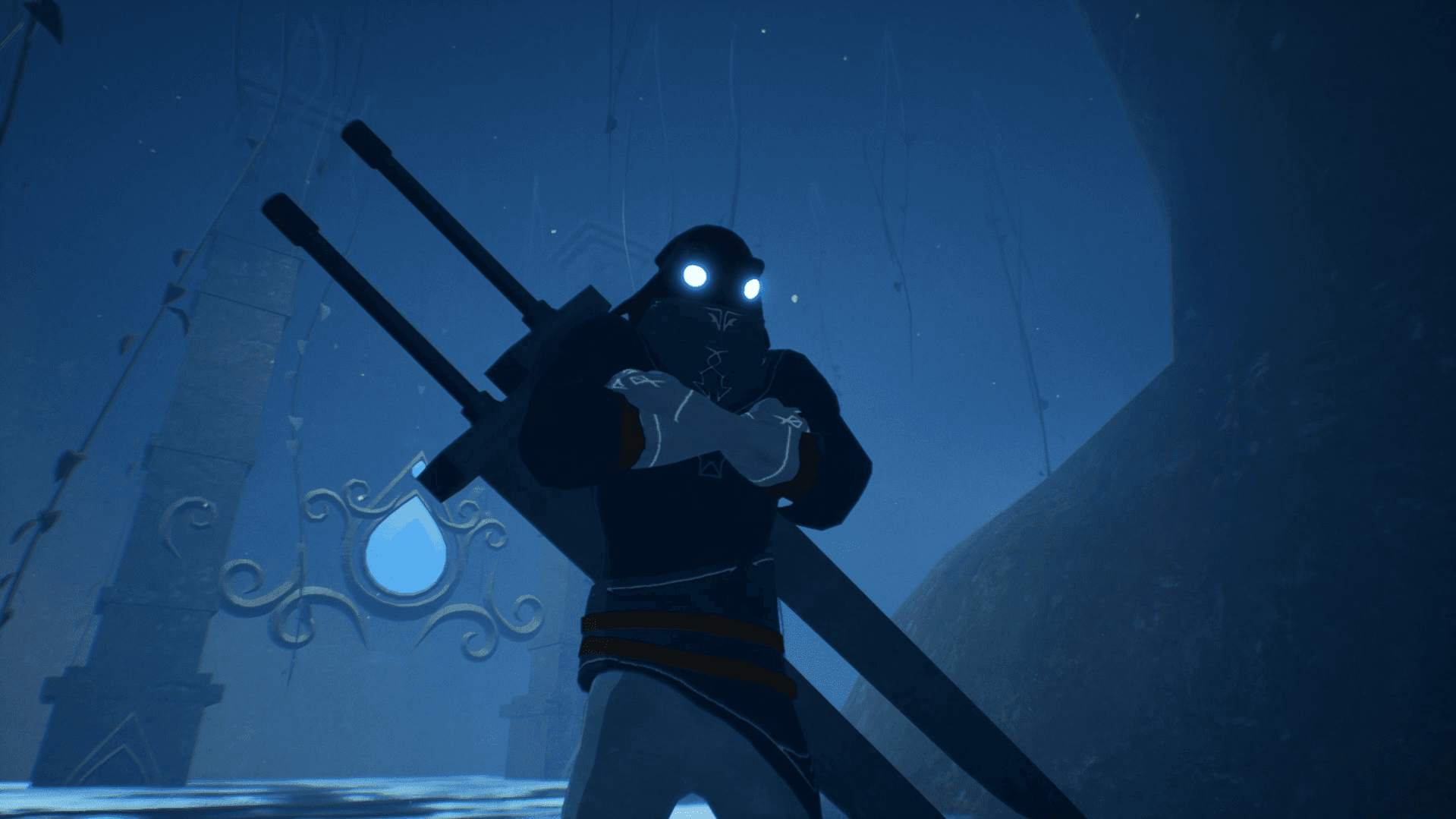
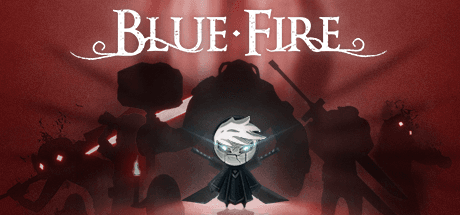
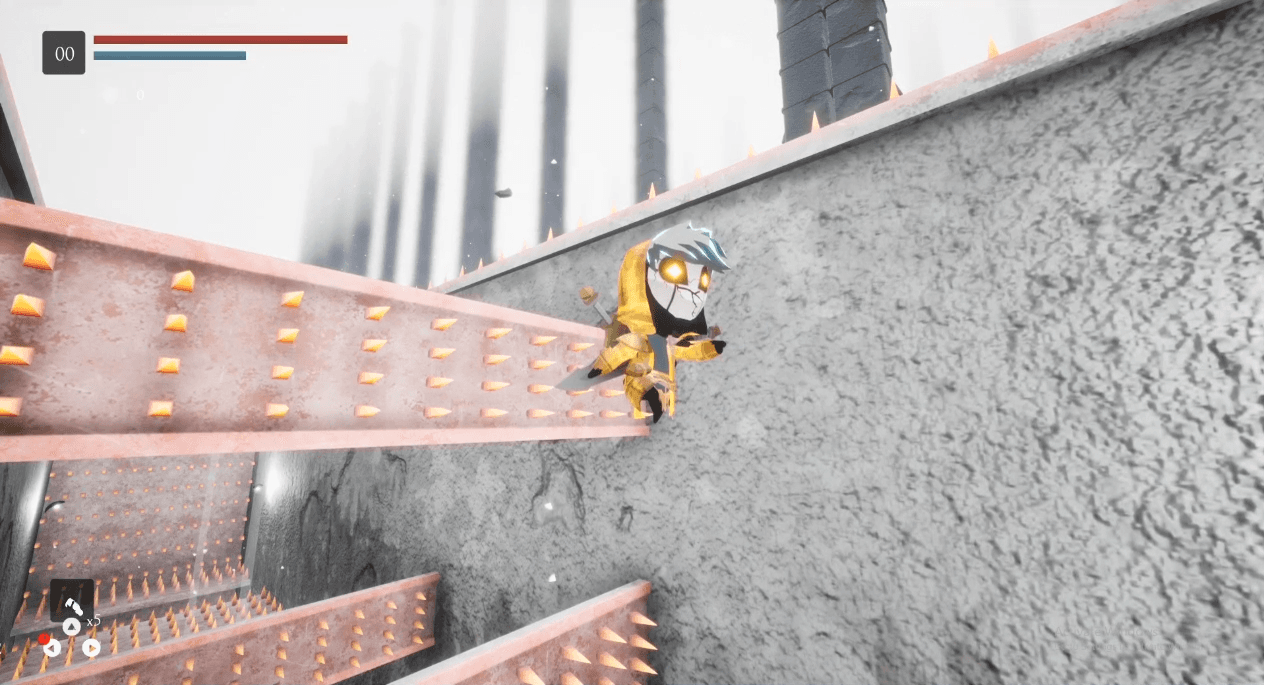
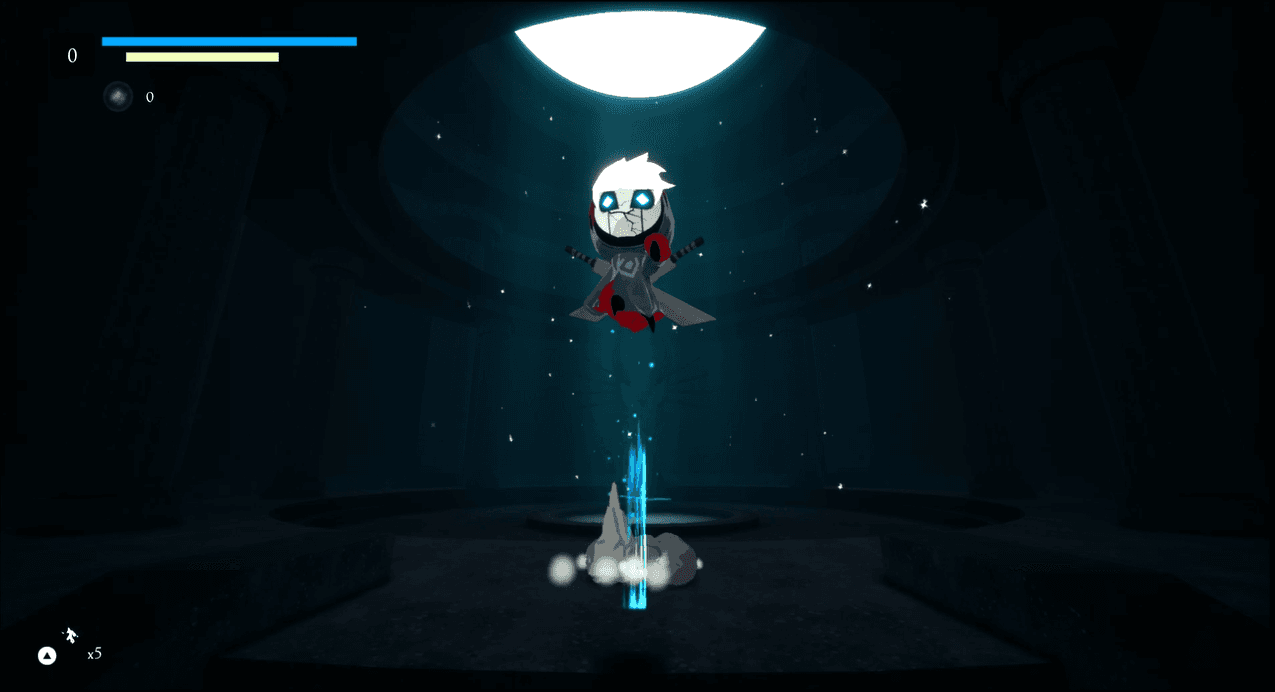
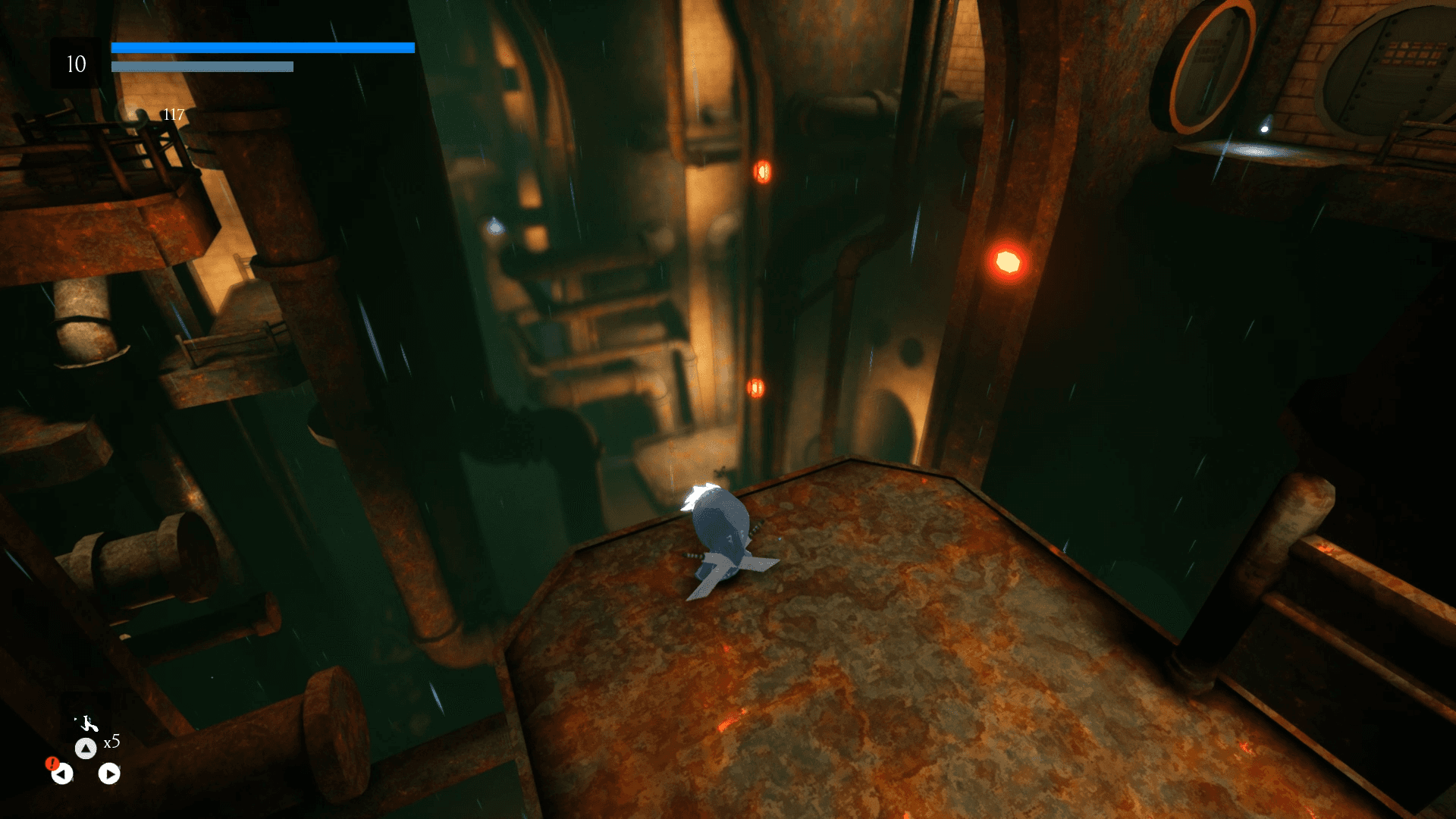
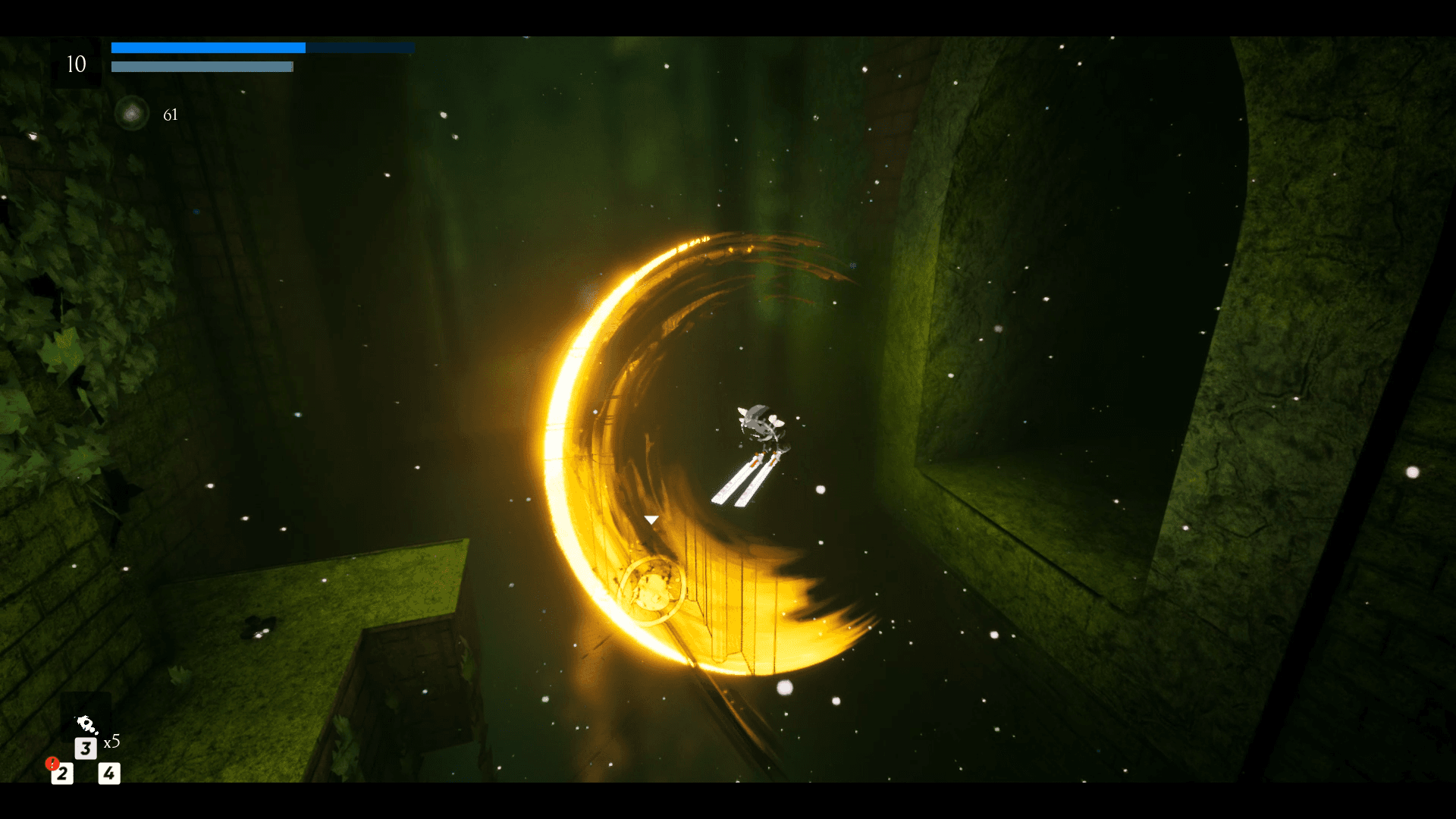
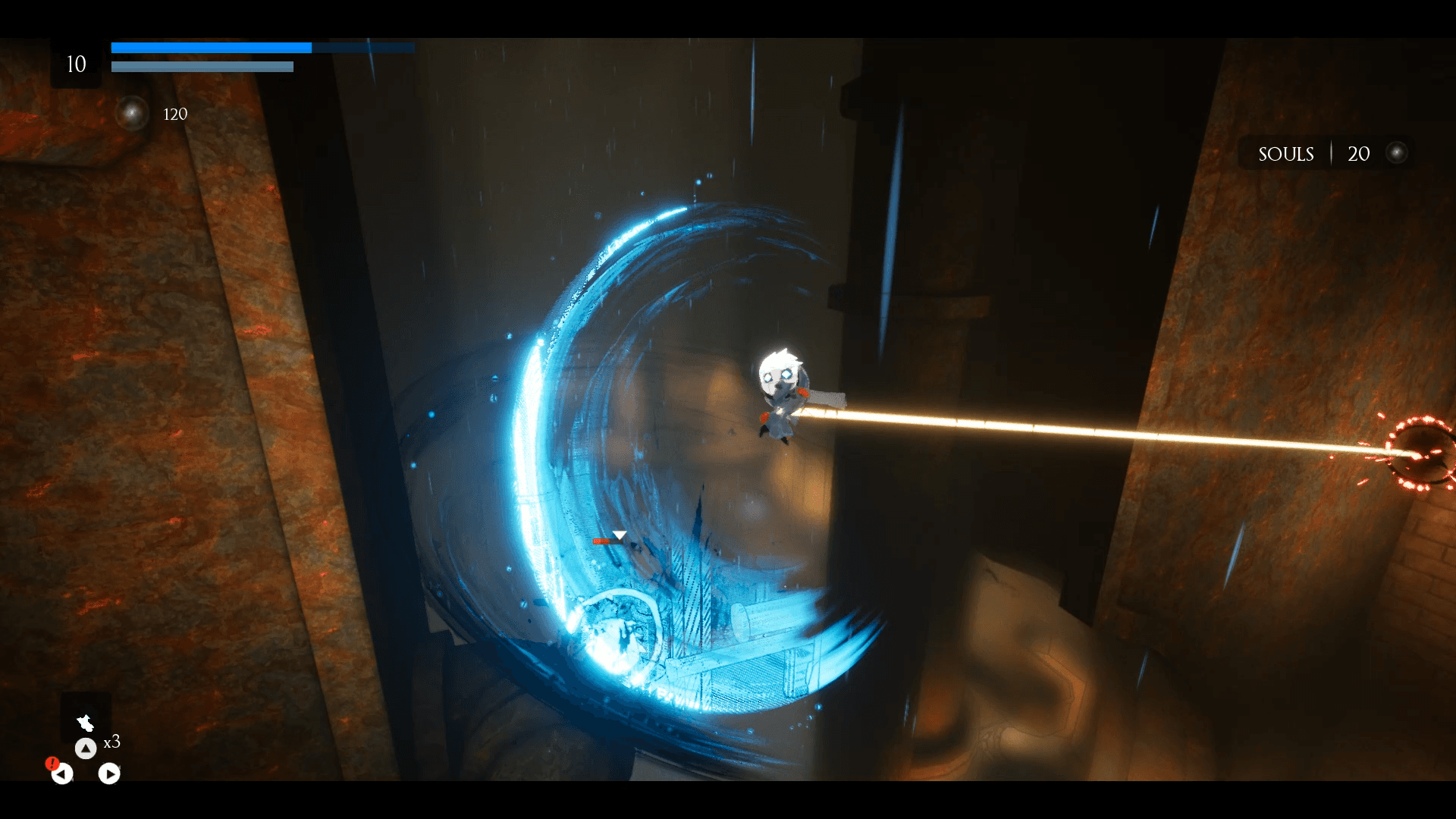
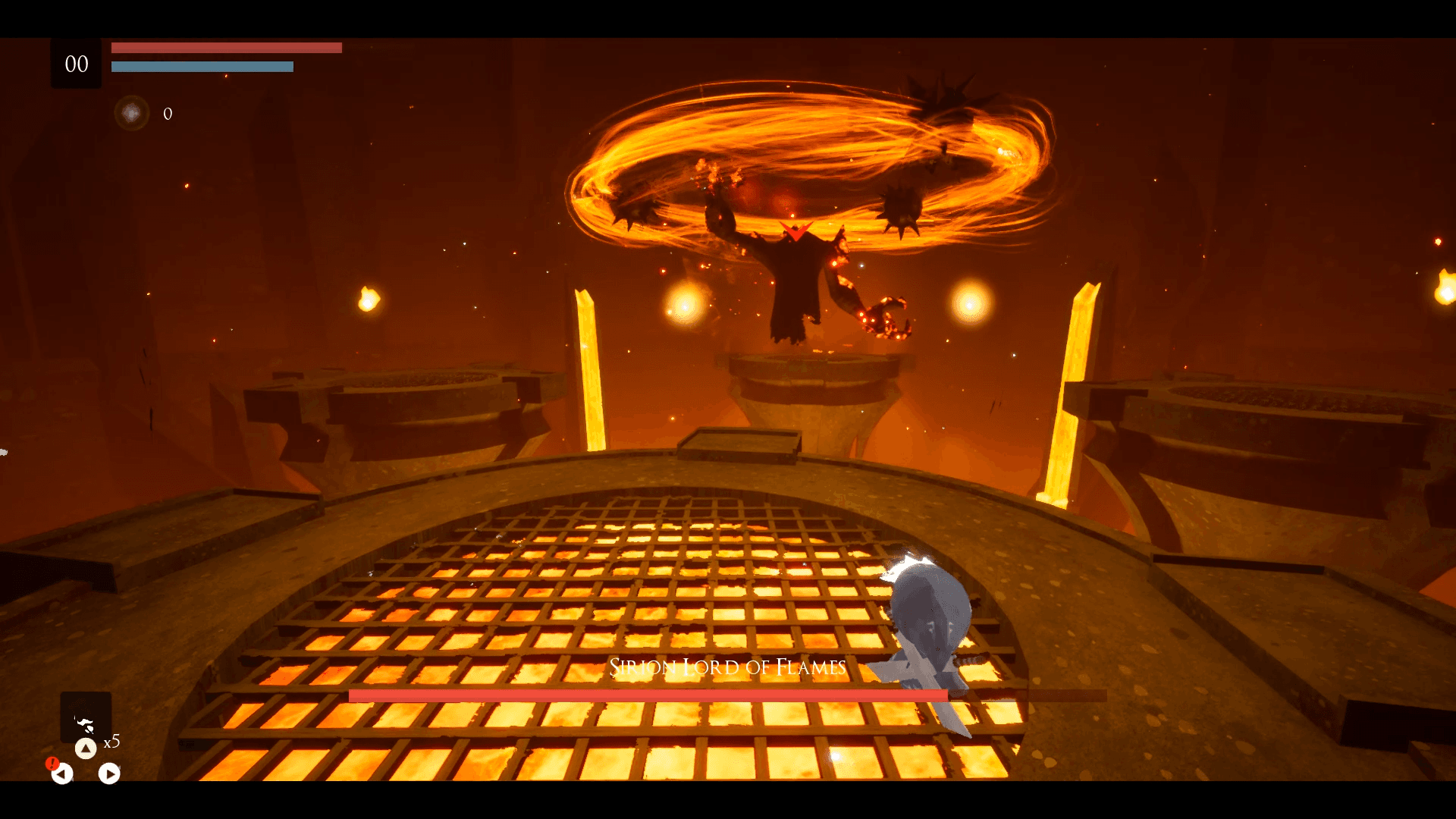
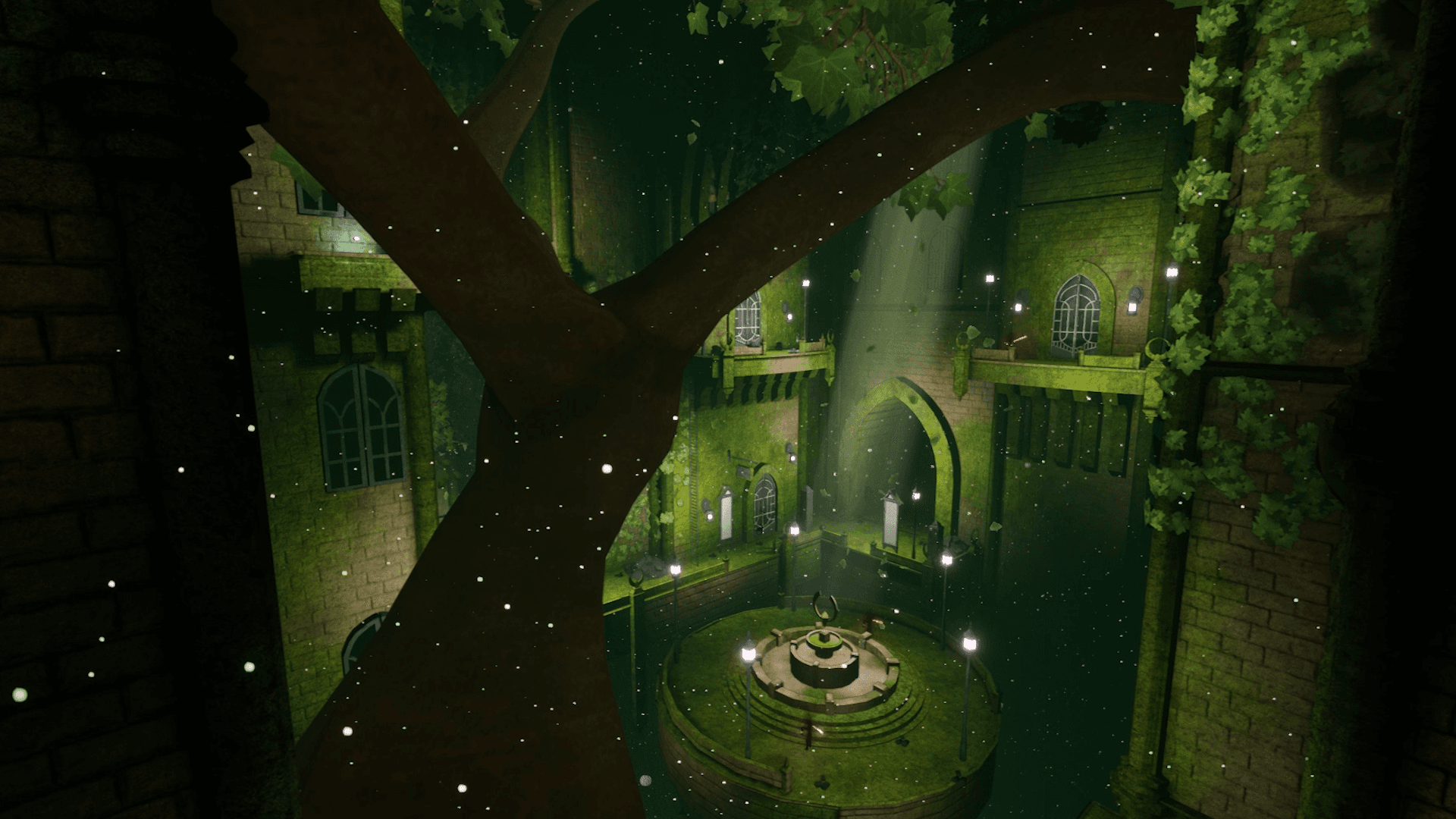
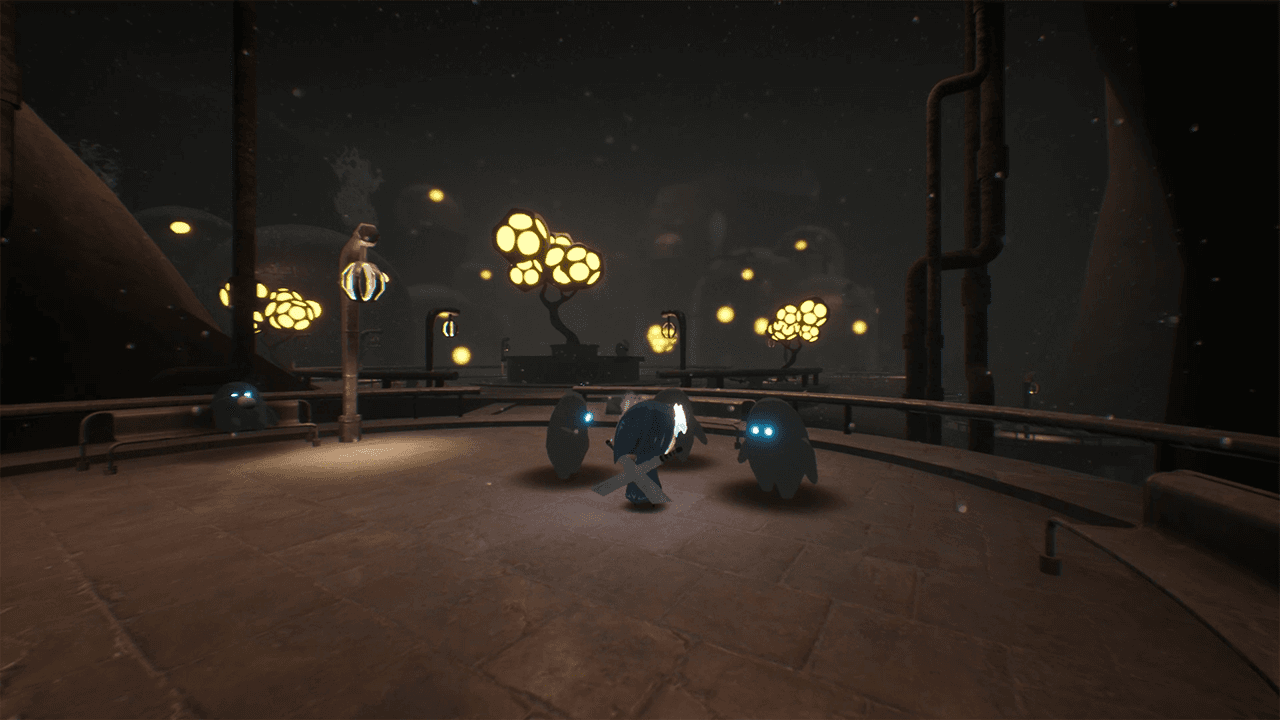
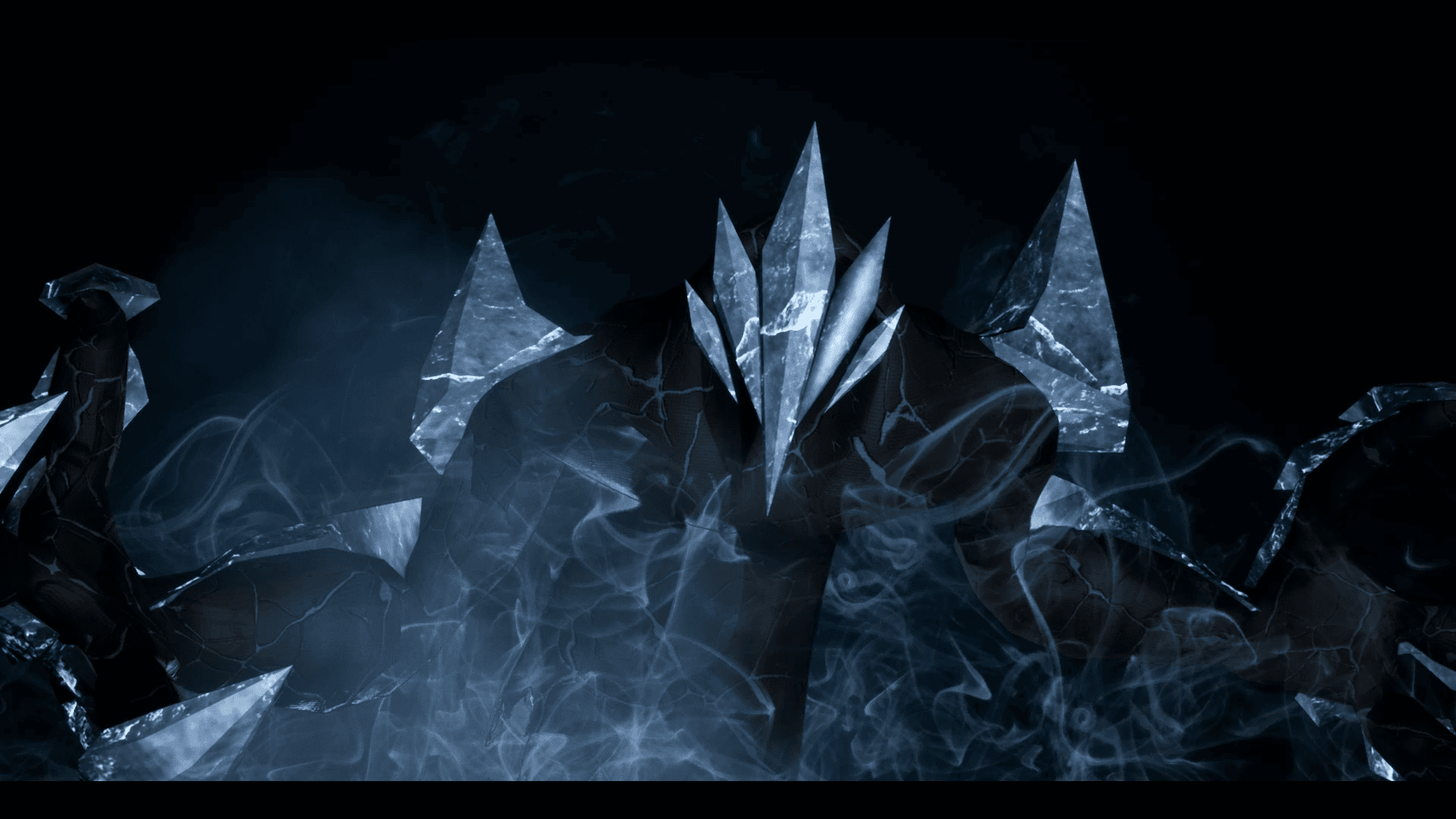
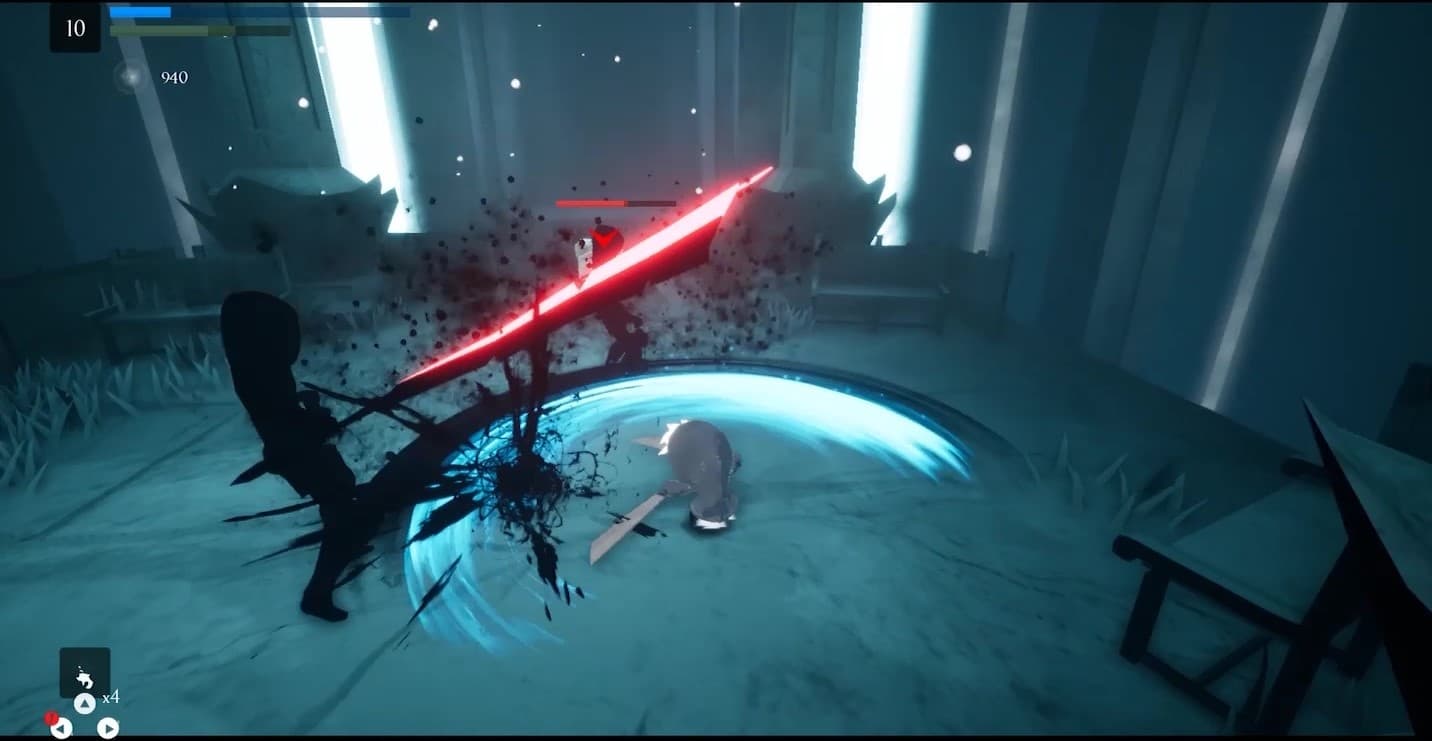
Embark on an extraordinary adventure through the perished world of Penumbra to explore unique temples filled with increasingly difficult 3D platforming challenges, diverse enemies, quests, collectibles, and more. Slash daunting adversaries, leap through deadly traps and master the art of movement.
System Requirements
Minimum
- İşletim Sistemi
- Windows 7
- İşlemci
- Requires a 64-bit 3.0GHz processor and operating system
- Bellek
- 4 GB RAM
- Ekran Kartı
- DirectX End-User Runtimes (June 2010)
- Depolama
- 6 GB available space
Recommended
- İşletim Sistemi
- Windows 10 64-bit
- İşlemci
- Quad-core Intel or AMD, 2.5 GHz or faster
- Bellek
- 8 GB RAM
- Ekran Kartı
- DirectX 11 or DirectX 12 compatible graphics card
- DirectX
- Version 11
- Depolama
- 6 GB available space