




Nasıl etkinleştirilir
- Steam uygulamasını yükleyin ve hesabınıza giriş yapın (ücretsiz hesap yeterli).
- Üst menüden „Oyunlar” → „Steam'de Bir Ürün Etkinleştir…” seçeneğini seçin.
- Anahtarı siparişinizde göründüğü gibi (tirelerle) girin ve onaylayın. Oyun kitaplığınızda görünür.
Oyun hakkında
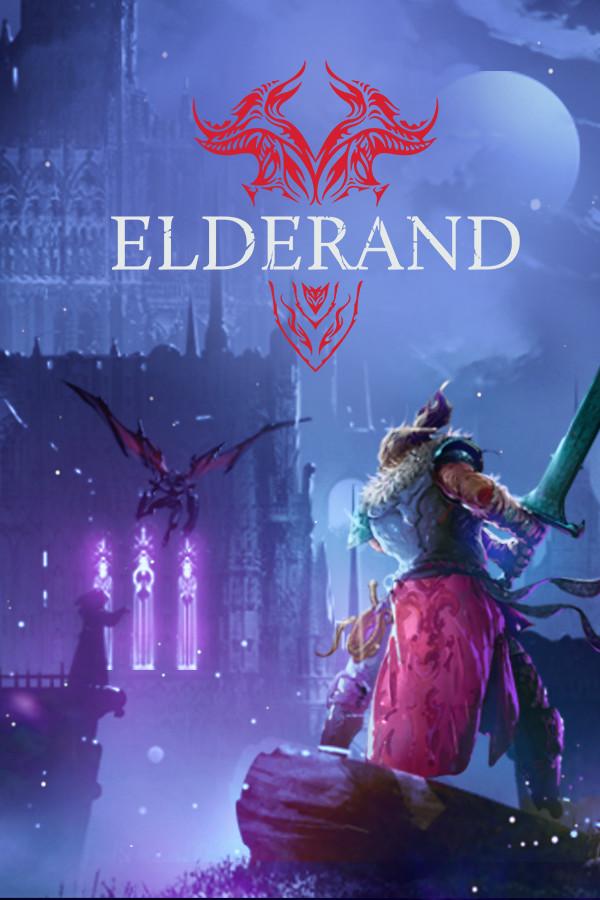
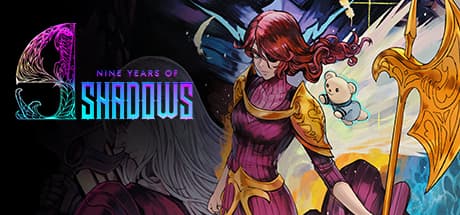
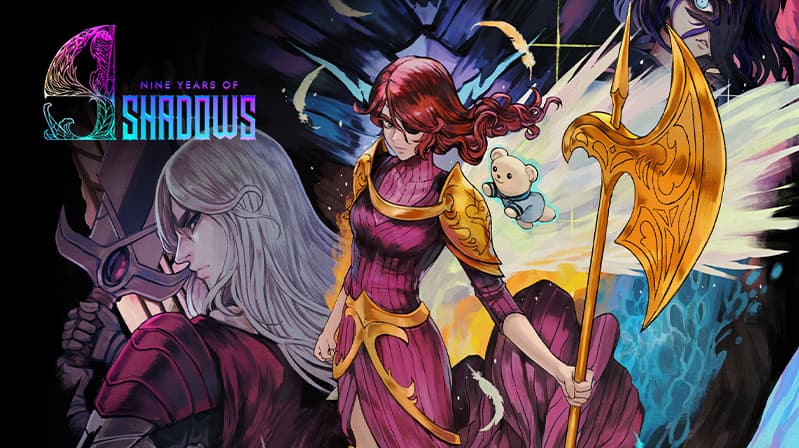
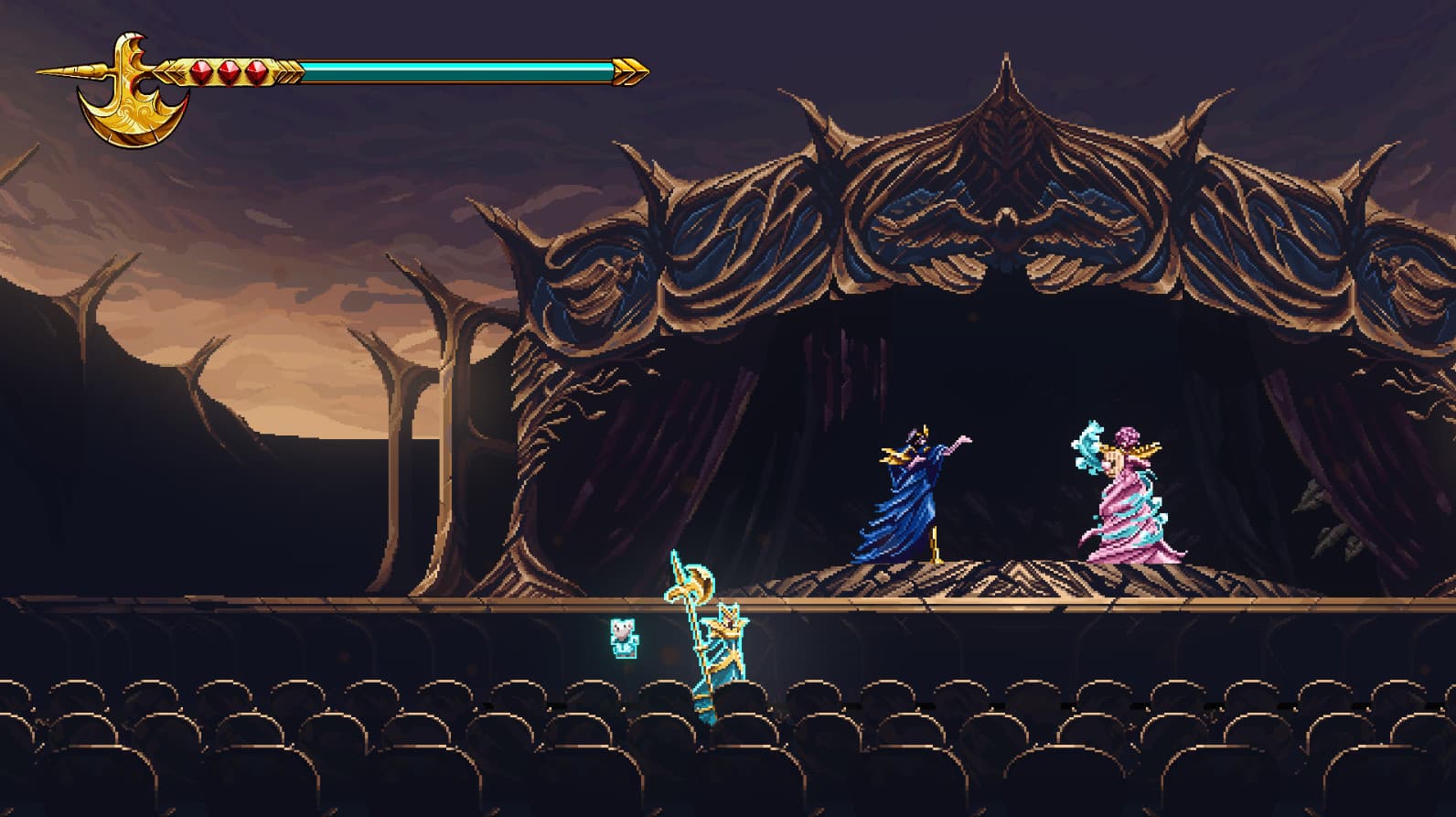
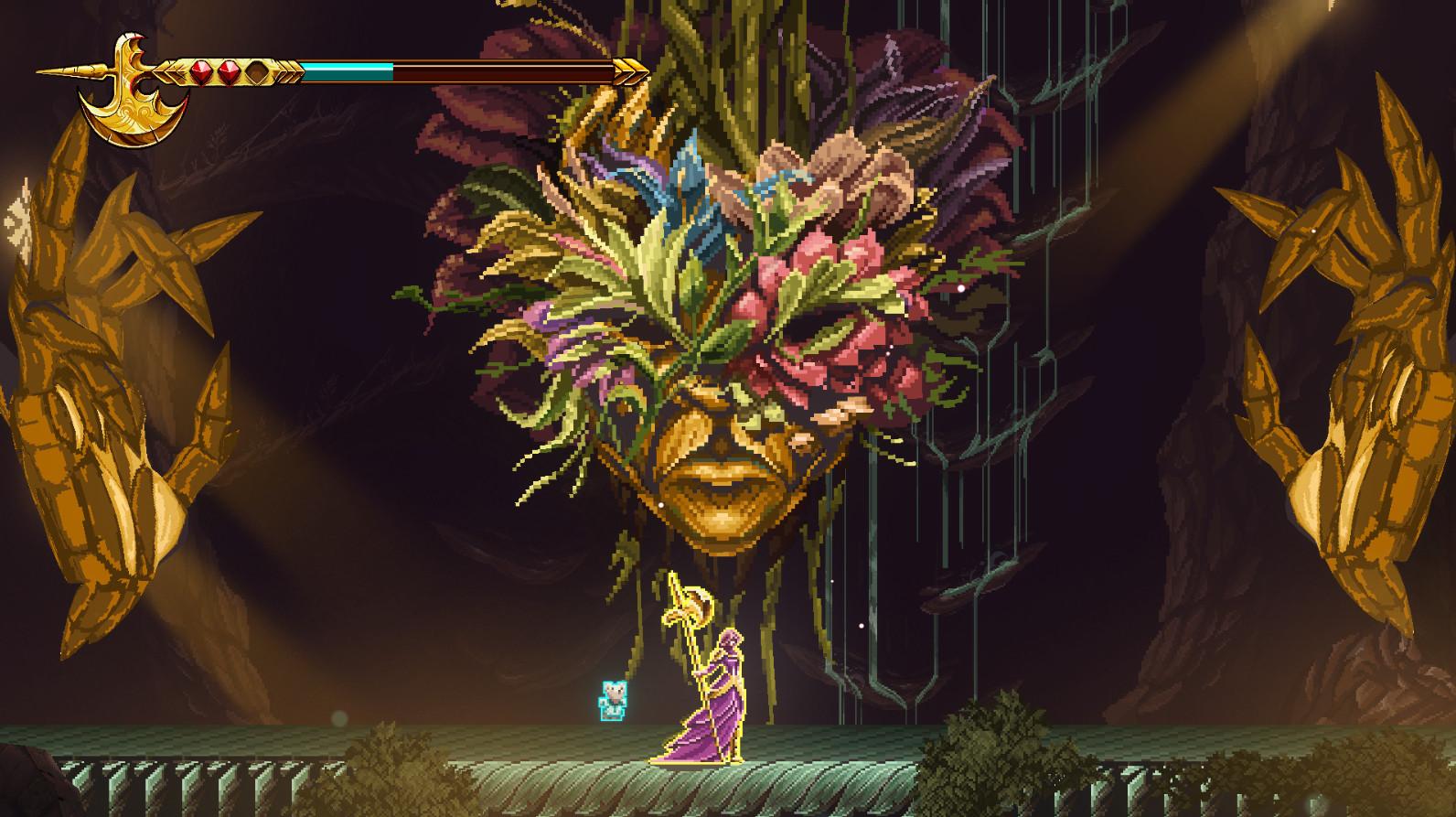
A Curse of Shadows
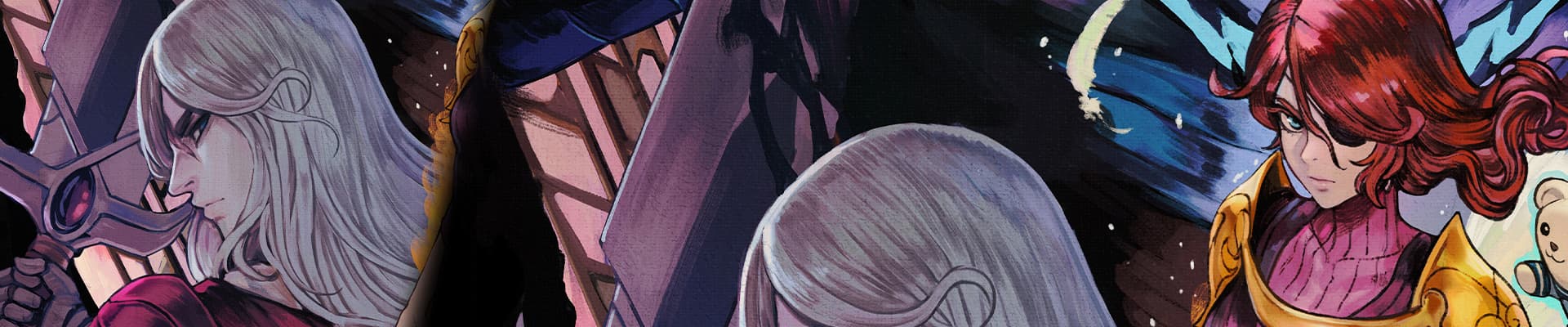
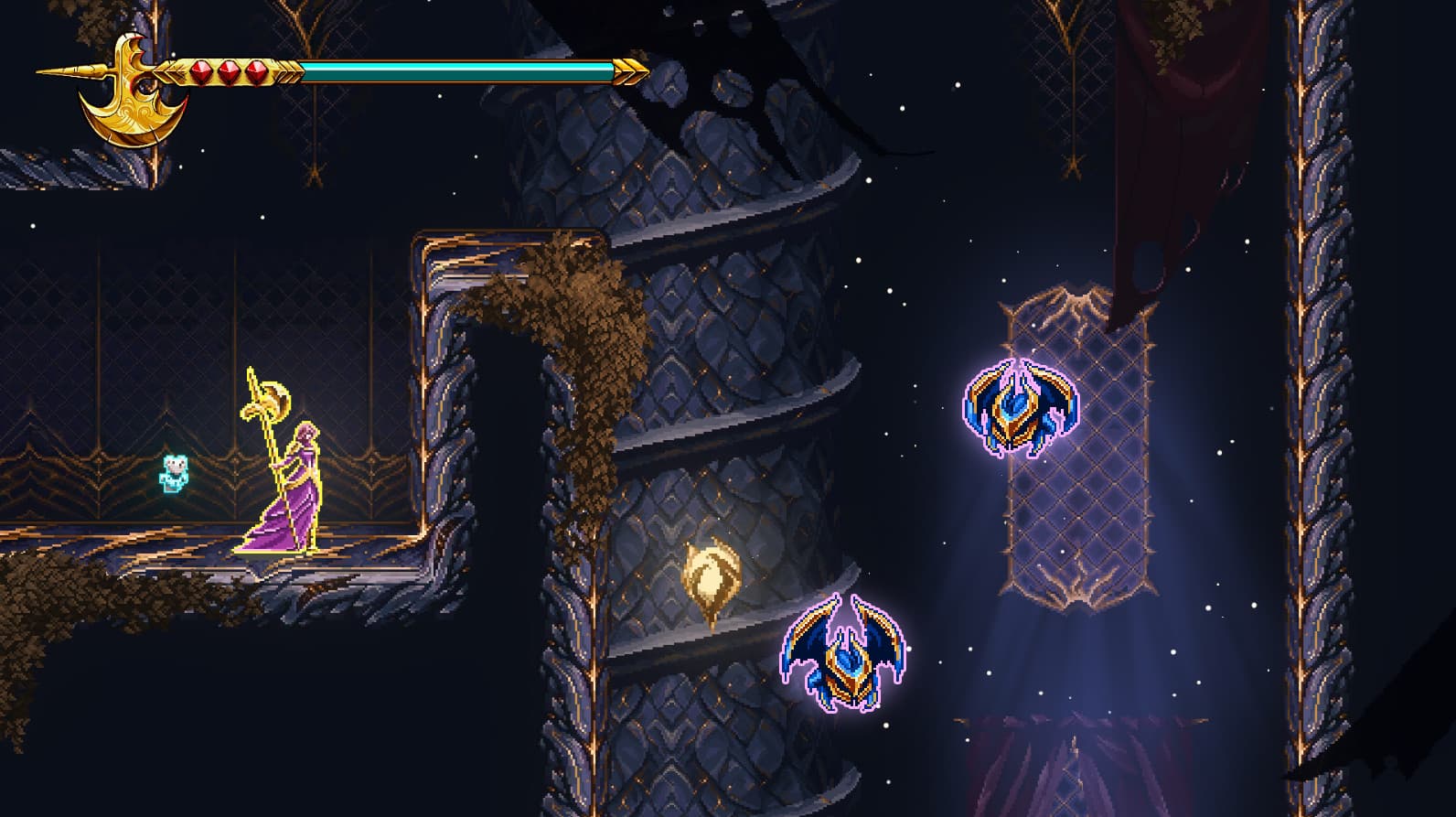
A fateful night of sorrow and ancient magic changed the life of a young child forever, and with it, everything else as mankind knew it. For 9 long years, the world has been submerged in the deepest of shadows, robbing every object and living creature of their color, their joy, and most importantly, hope. ...
System Requirements
Minimum
- Requires a 64-bit processor and operating system
- İşletim Sistemi
- Windows 10
- İşlemci
- Intel Core i3-9100F
- Bellek
- 8 GB RAM
- Ekran Kartı
- GT 730
Recommended
- Requires a 64-bit processor and operating system
- İşletim Sistemi
- Windows 10
- İşlemci
- Intel Core i3-9100F
- Bellek
- 8 GB RAM
- Ekran Kartı
- GT 730