


Jak aktywować
- Zainstaluj Steam i zaloguj się na swoje konto (wystarczy darmowe).
- W górnym menu wybierz „Gry” → „Aktywuj produkt na Steam…”.
- Wpisz klucz dokładnie tak, jak w zamówieniu (z myślnikami), i potwierdź. Gra pojawi się w Twojej bibliotece.
O grze
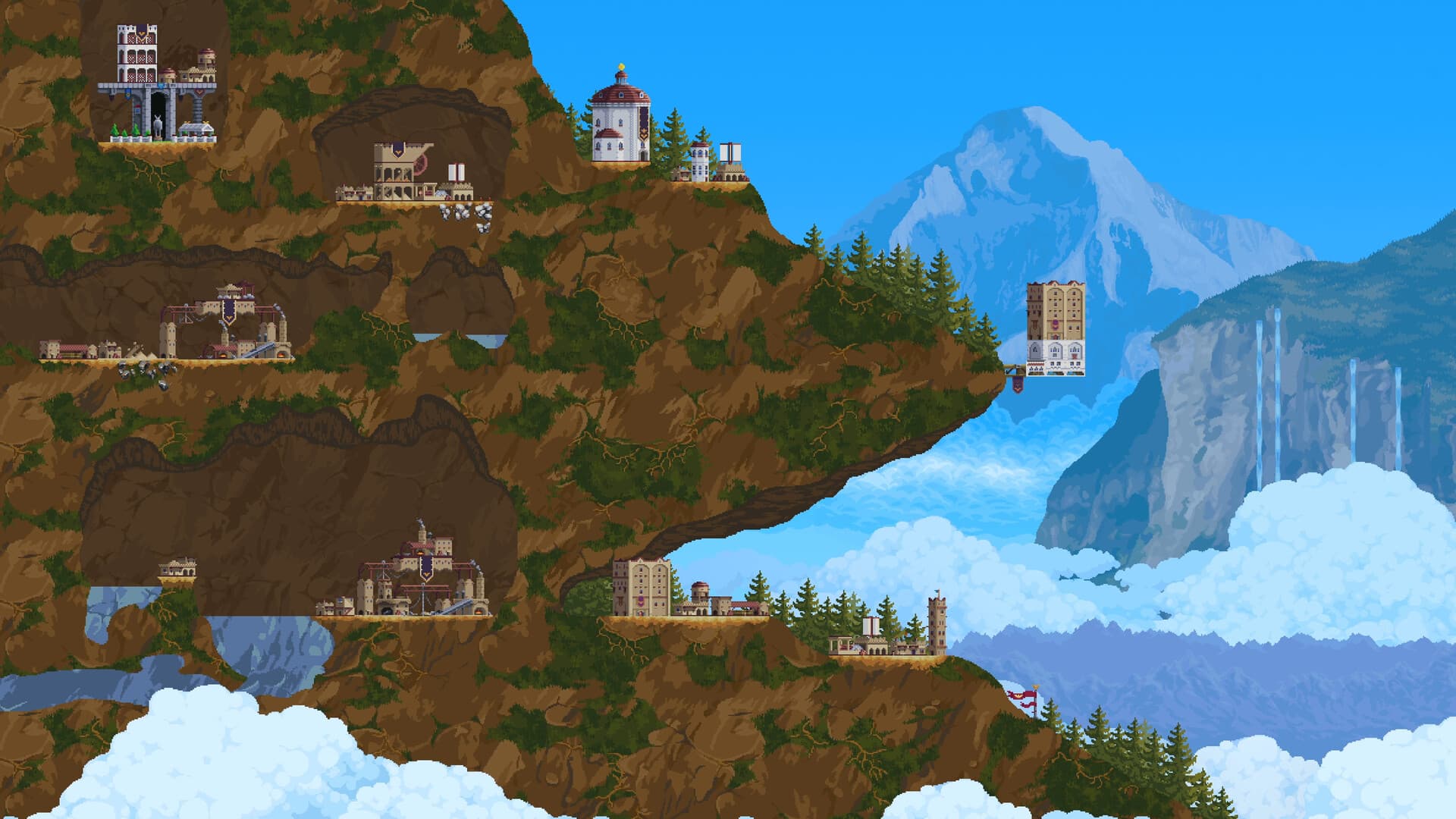
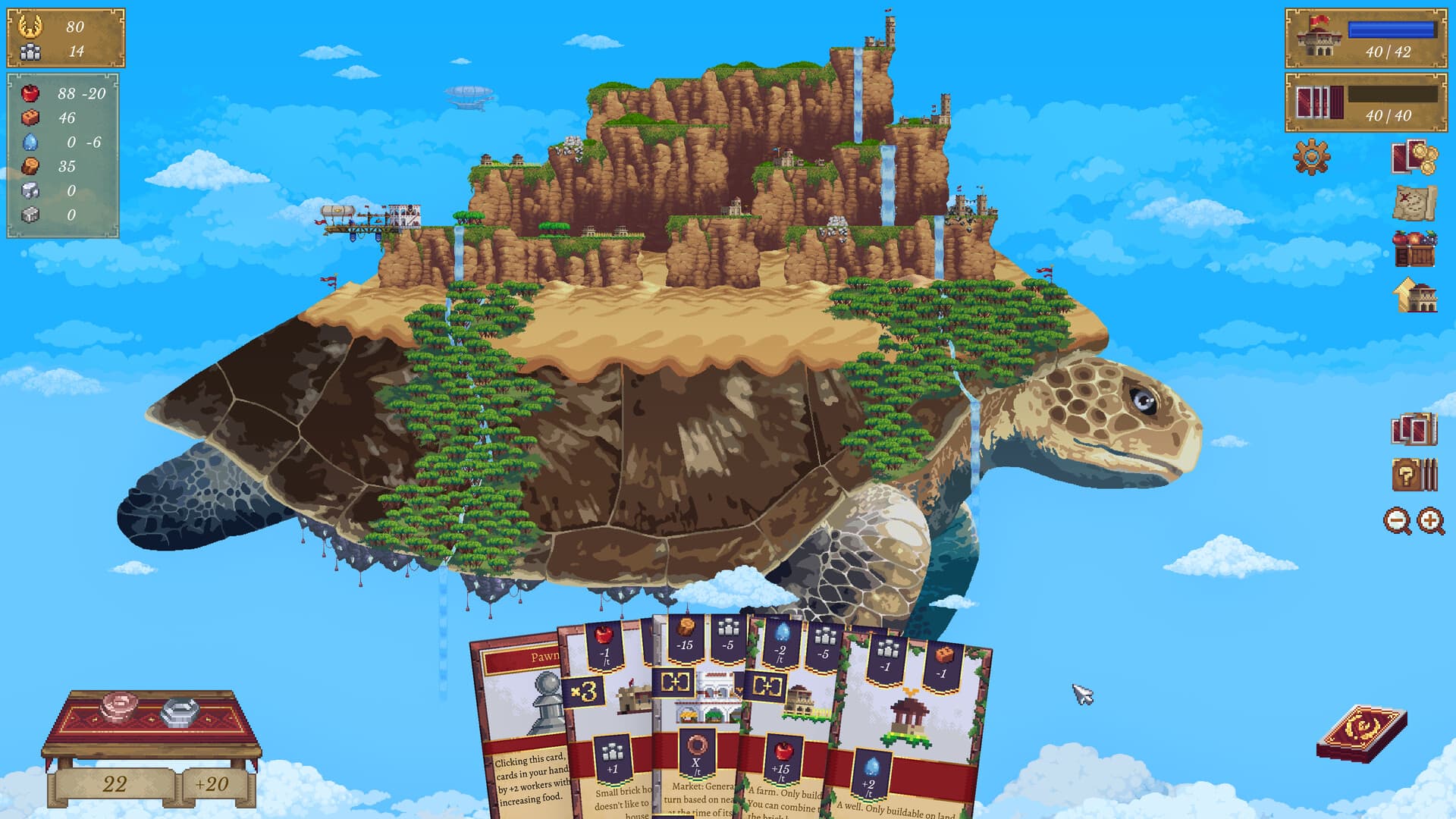
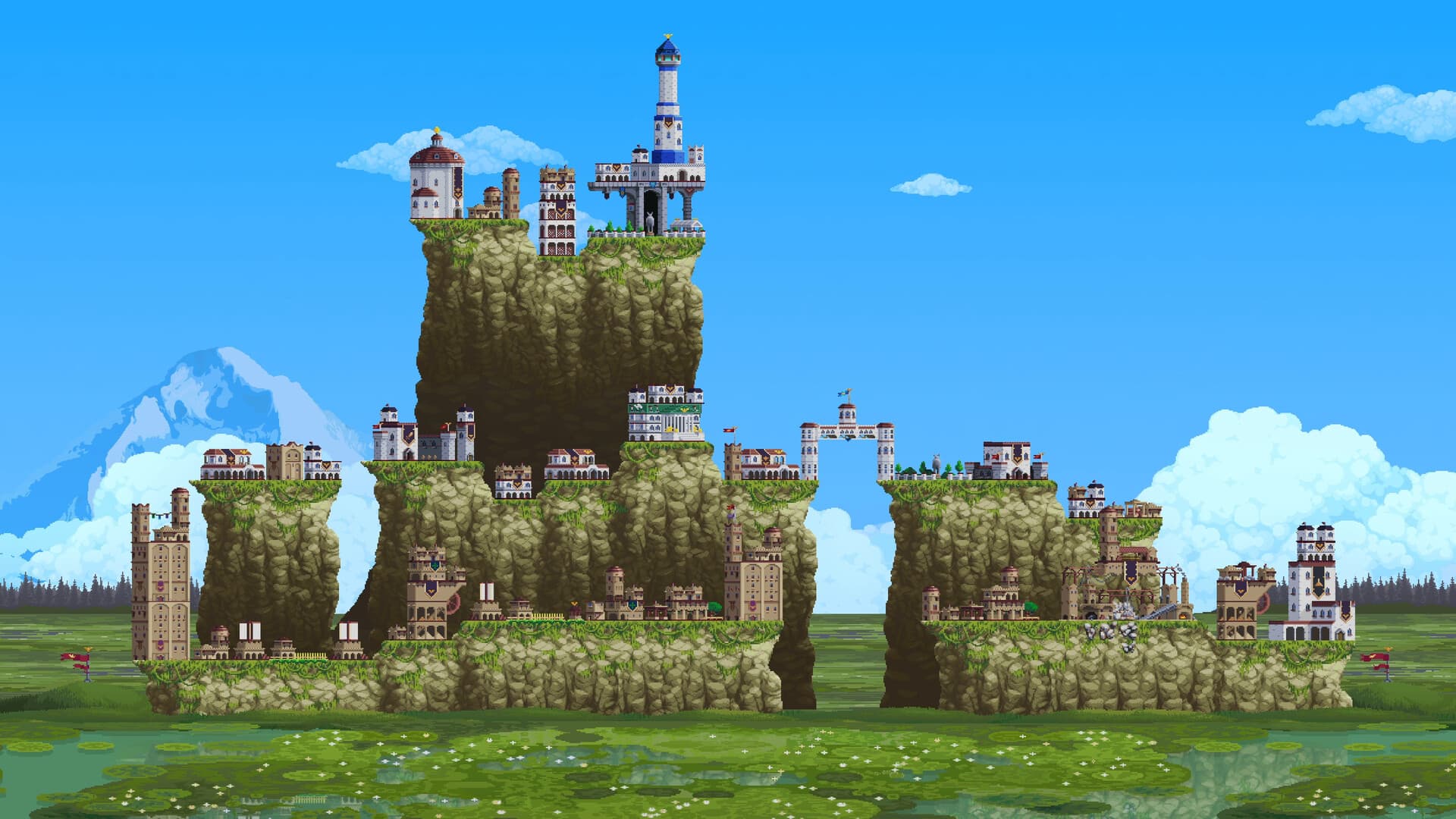
Vertical Kingdom is set in a world devastated by a war that lasted for an entire generation. The once great Empire is in shambles and it's up to the Great Architect to rebuild toward its former glory brick by brick. Travel the land, embark on randomized, roguelite-style expeditions, and build new cities with a fresh card-based building system combined with an intricate resource economy.
Rebuild an Empire, not through force of arms or devious politics, but brick and mortar! ...
Wymagania systemowe
Minimum
- Requires a 64-bit processor and operating system
- System
- Windows 10
- Procesor
- AMD FX-4350 / Intel® Core™ i3-3210
- Pamięć
- 4 GB RAM
- Grafika
- AMD Radeon™ R7 260X (2GB VRAM) / NVIDIA® GeForce® GTX 750(2GB VRAM)
- DirectX
- Version 11
- Miejsce na dysku
- 2 GB available space
- Dodatkowe uwagi
- Requires a 64-bit processor and operating system
Zalecane
- Requires a 64-bit processor and operating system
- System
- Windows 10
- Procesor
- AMD Ryzen™ 3 1200 / Intel® Core™ i5-6400
- Pamięć
- 8 GB RAM
- Grafika
- Radeon™ RX 470(4GB VRAM) / NVIDIA® GeForce® GTX 1060 6 GB VRAM
- DirectX
- Version 11
- Miejsce na dysku
- 5 GB available space
- Dodatkowe uwagi
- Requires a 64-bit processor and operating system
Informacje prawne
© Farlight Games Industry & Freedom Games - All Rights Reserved.