



Jak aktywować
- Zainstaluj Steam i zaloguj się na swoje konto (wystarczy darmowe).
- W górnym menu wybierz „Gry” → „Aktywuj produkt na Steam…”.
- Wpisz klucz dokładnie tak, jak w zamówieniu (z myślnikami), i potwierdź. Gra pojawi się w Twojej bibliotece.
O grze
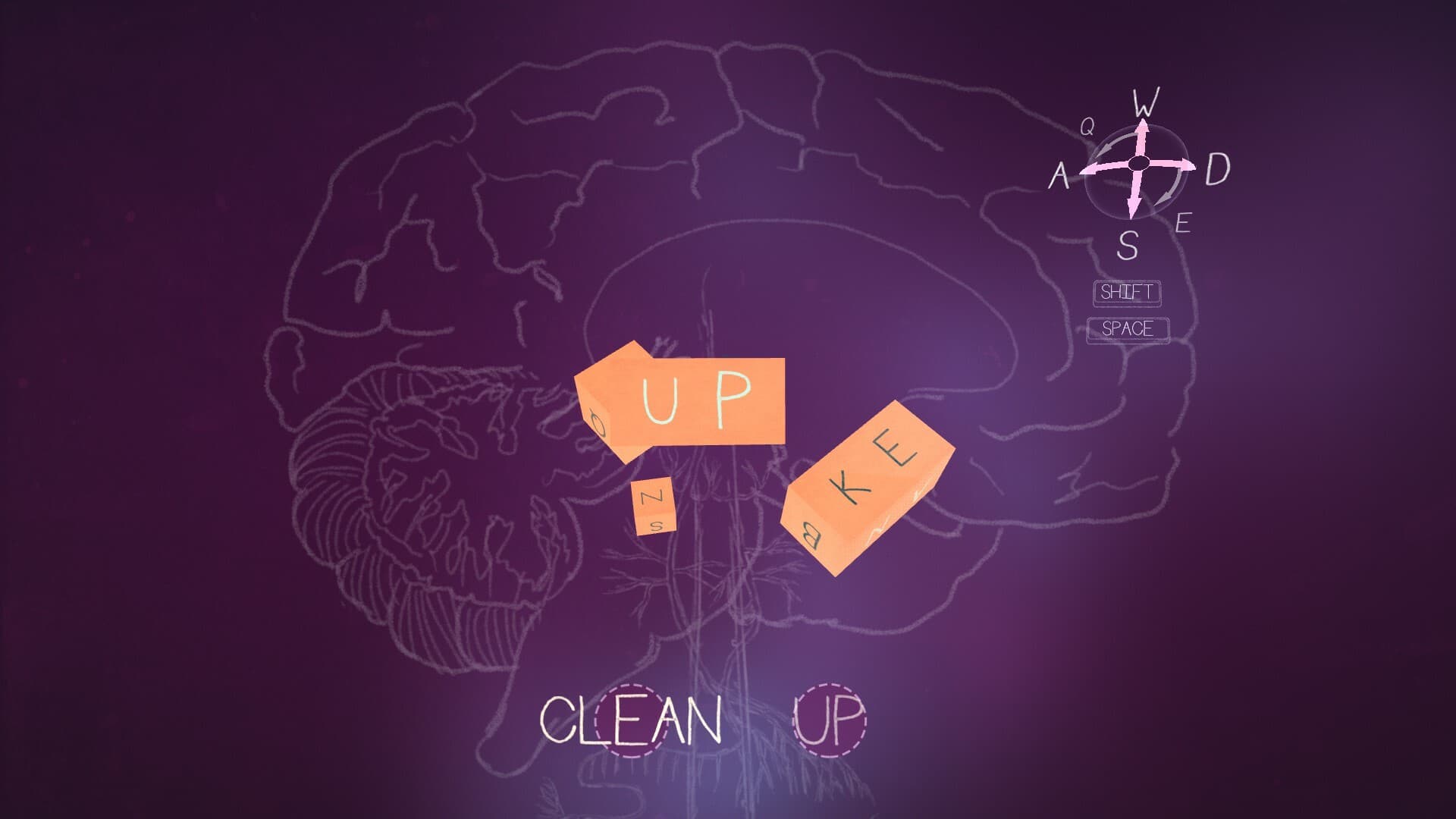
Embark on an uplifting journey through the mind of Tom in Unwording. Solve word puzzles, explore the neighborhood through multiple perspectives, and help Tom work towards experiencing a better day by overcoming his negative self-talk and thought patterns.
Tom sees the world through a lonely, glass-half-empty lens. To him, everyday objects morph into complex word puzzles, reminding him of all that he lacks. As he solves each puzzle, the solutions spell out messages that are irrational and defeating. ...
Wymagania systemowe
Minimum
- Windows
- System
- Windows 10
- Procesor
- 1.8GHz
- Pamięć
- 8 GB RAM
- Grafika
- Intel HD 4000 series
- Miejsce na dysku
- 1 GB available space
- Karta dźwiękowa
- 100% DirectX 9.0c compatible sound card
- SteamOS + Linux
- Procesor
- 1.8GHz
- Pamięć
- 8 GB RAM
- Miejsce na dysku
- 1 GB available space
Zalecane
- Windows
- System
- Windows 10
- Procesor
- 2.4 GHz
- Pamięć
- 8 GB RAM
- Grafika
- GeForce 780
- Miejsce na dysku
- 1 GB available space
- Karta dźwiękowa
- 100% DirectX 9.0c compatible sound card
- SteamOS + Linux
- Pamięć
- 8 GB RAM
- Miejsce na dysku
- 1 GB available space