Jak aktywować
- Zainstaluj Steam i zaloguj się na swoje konto (wystarczy darmowe).
- W górnym menu wybierz „Gry” → „Aktywuj produkt na Steam…”.
- Wpisz klucz dokładnie tak, jak w zamówieniu (z myślnikami), i potwierdź. Gra pojawi się w Twojej bibliotece.
O grze
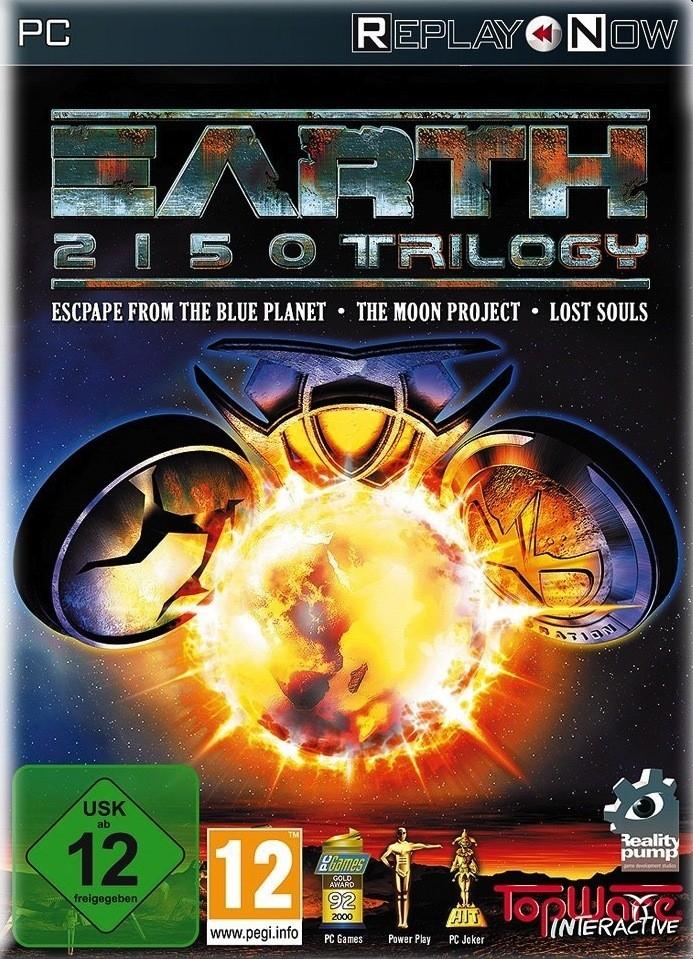
While the bloody battle between Gandohar’s troops and the armies of the Orcs is raging in front of the gates of Oswaroth, the emperor waits in the depths of his palace on the outcome of the struggle for power. However, he does not know that an elite troop of Orcs, led by Rogdor, is making its way through secret paths into the fortress and is now close to the portals of the throne room... ...
Wymagania systemowe
Minimum
- Graphic
- Radeon HD 128 MB
- Graphic
- Geforce 8800GT 128 MB
- Other
- Internet connection required
- System
- Windows 7
- System
- Windows Vista
- System
- Windows 8
- System
- Windows XP SP3
- Procesor
- AMD Simple Cœur 2.0GHz
- Procesor
- Intel Simple Cœur 2.0 GHzGHz
- Pamięć
- 1GB
- Miejsce na dysku
- 0.3GB
Zalecane
- Other
- Internet connection required
- Graphic
- 256MB
- System
- Windows XP SP3
- System
- Windows 7
- System
- Windows Vista
- System
- Windows 8
- Miejsce na dysku
- 0.3GB
- Procesor
- Intel Core Duo
- Procesor
- AMD Core Duo
- Pamięć
- 2GB