


Jak aktywować
- Zainstaluj Steam i zaloguj się na swoje konto (wystarczy darmowe).
- W górnym menu wybierz „Gry” → „Aktywuj produkt na Steam…”.
- Wpisz klucz dokładnie tak, jak w zamówieniu (z myślnikami), i potwierdź. Gra pojawi się w Twojej bibliotece.
O grze
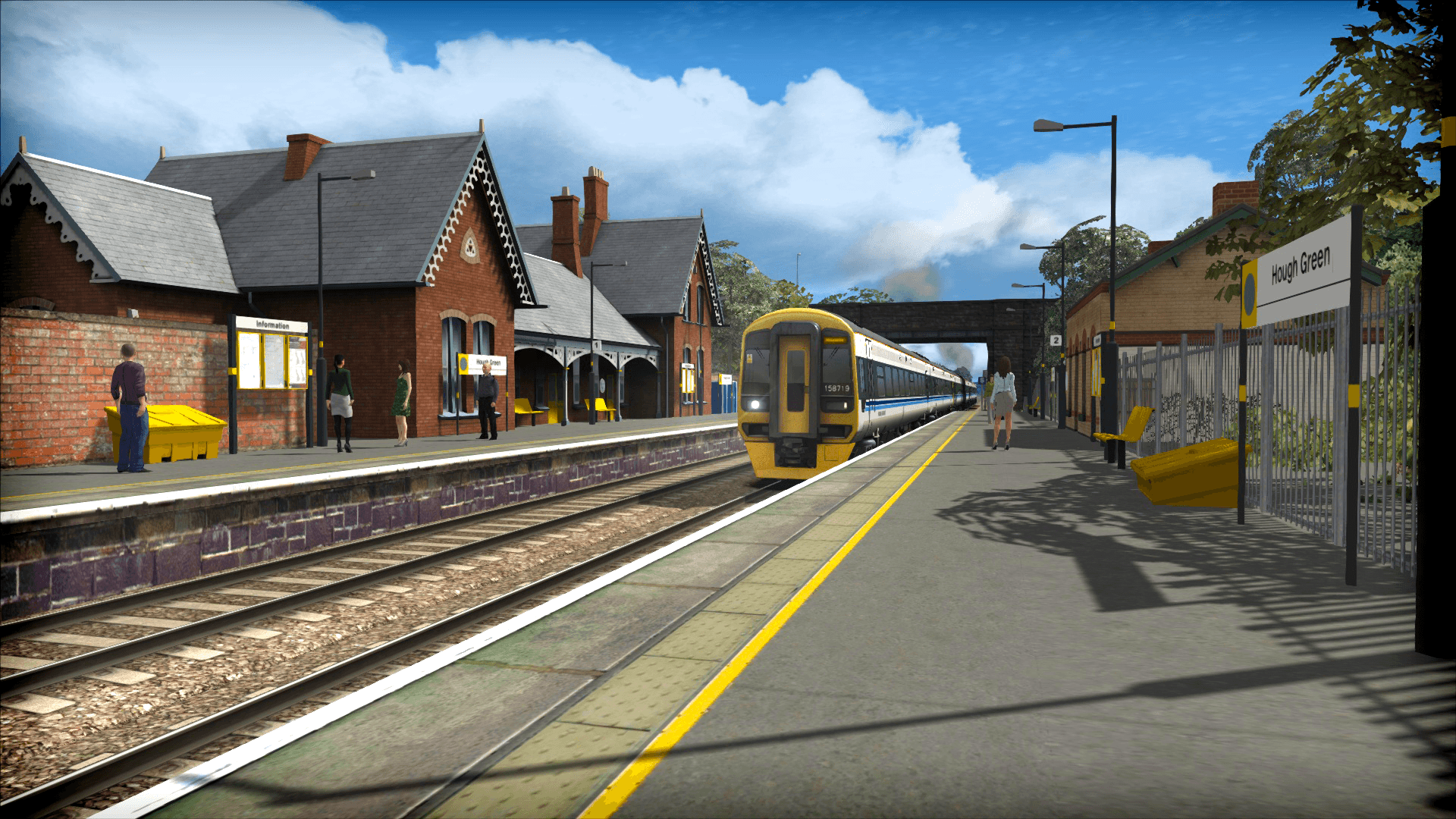
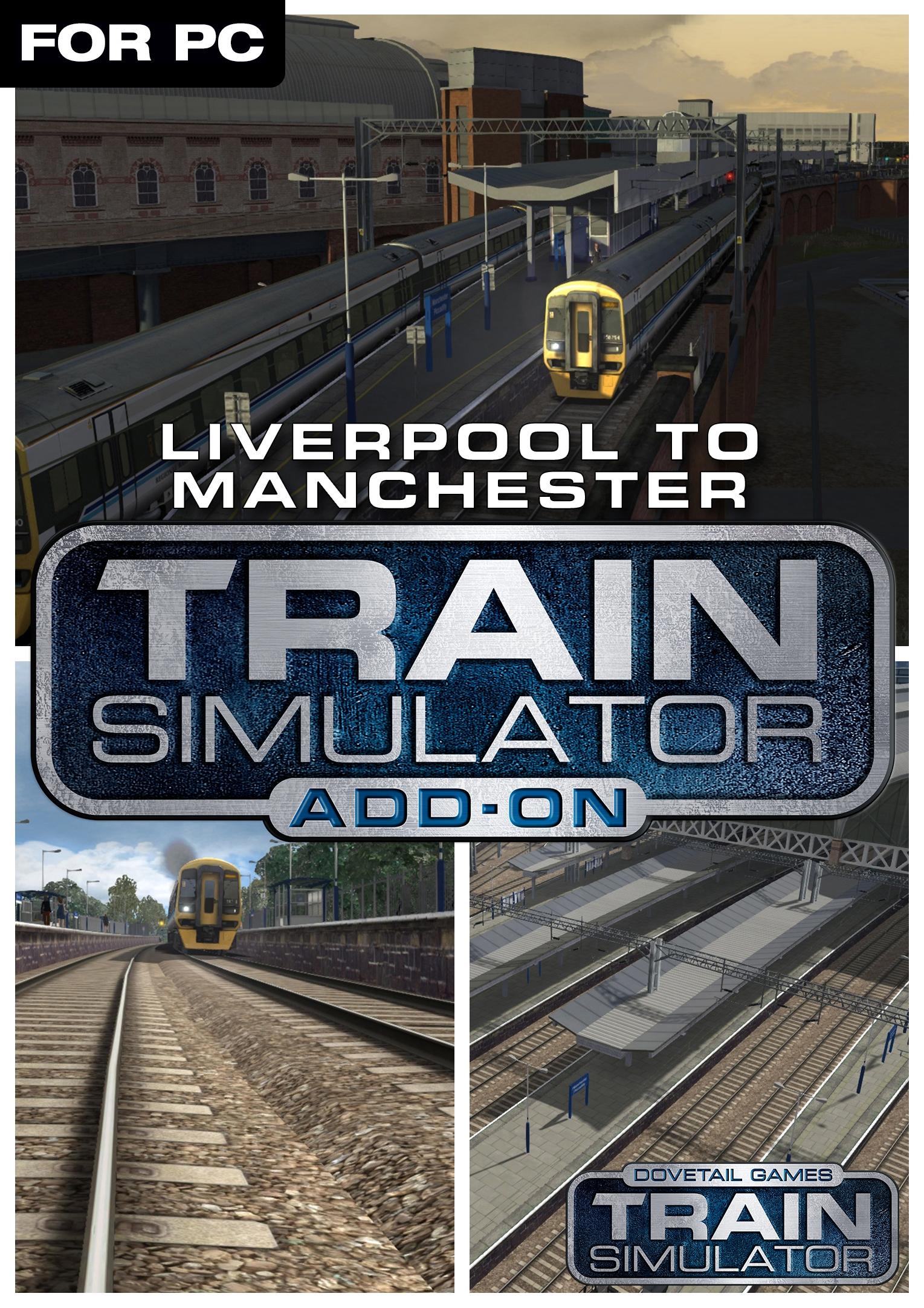
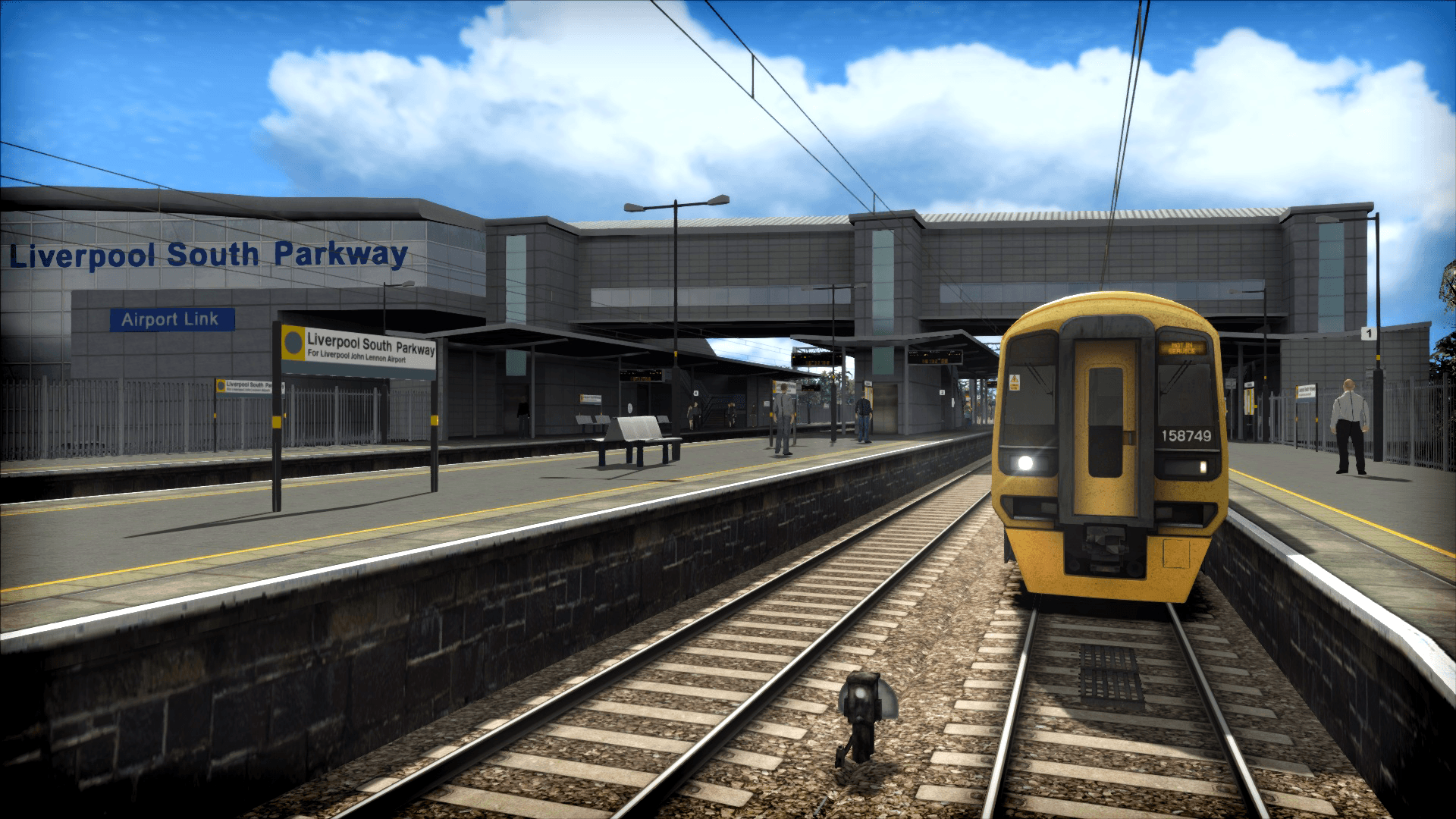
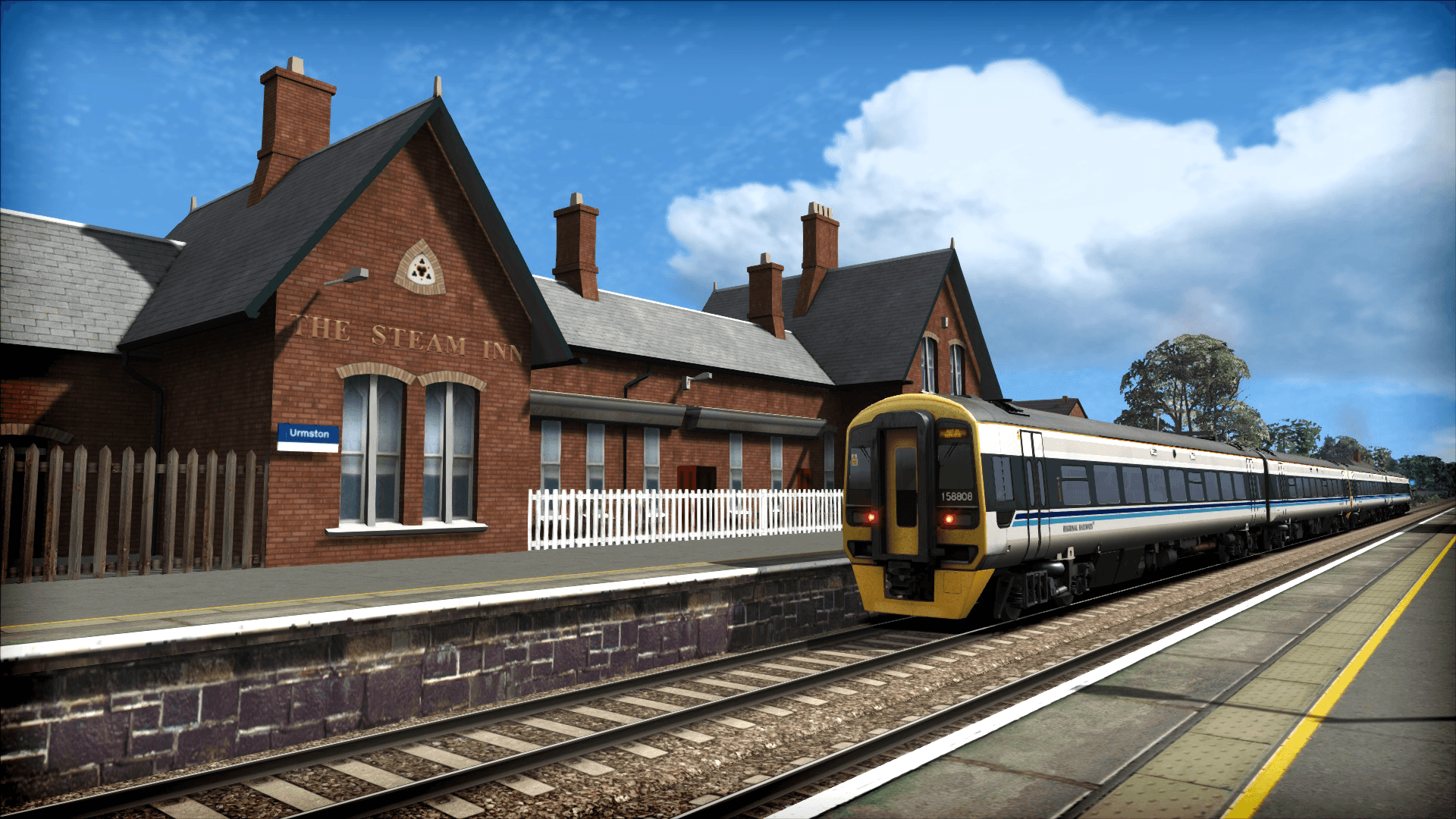
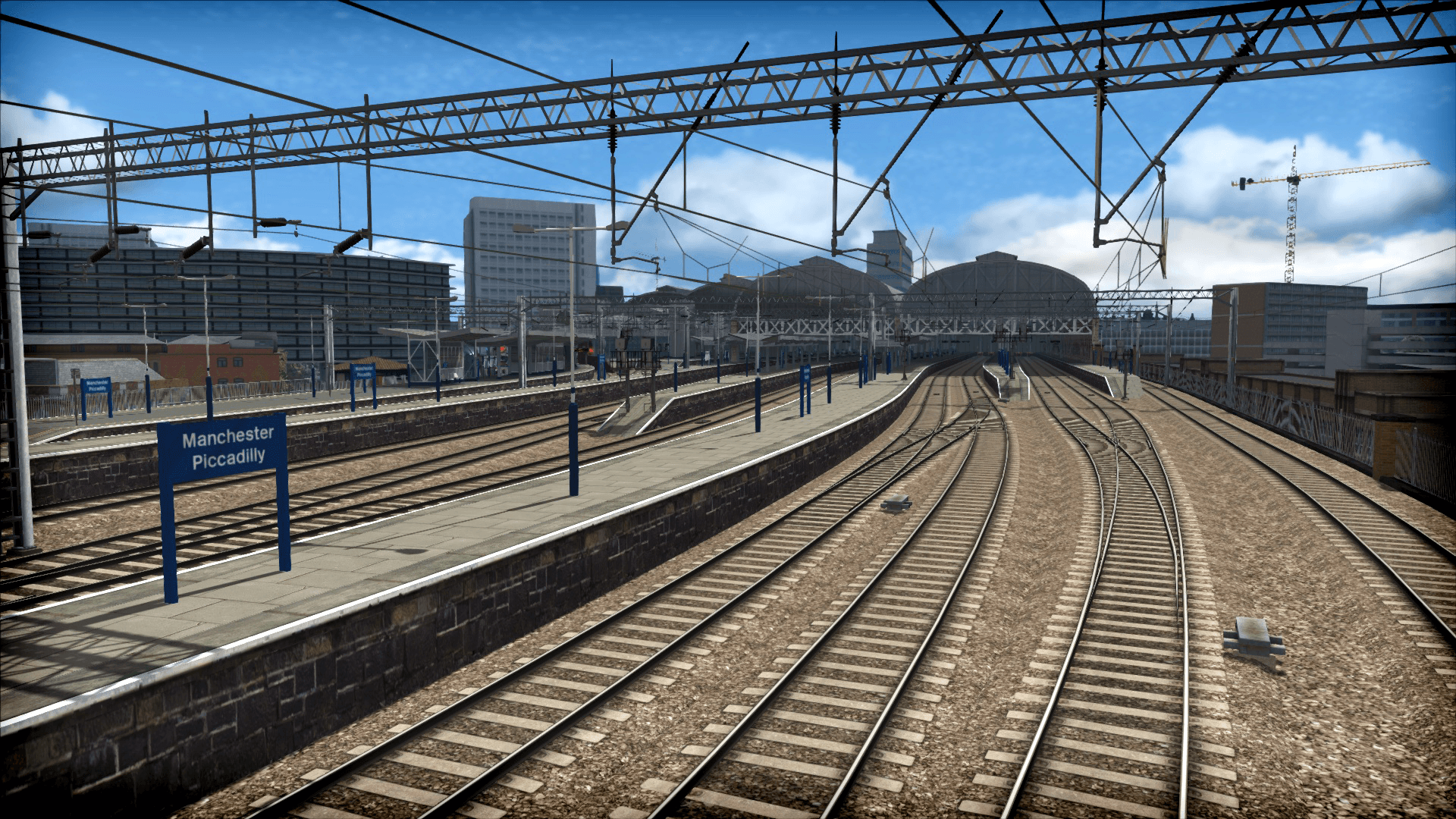
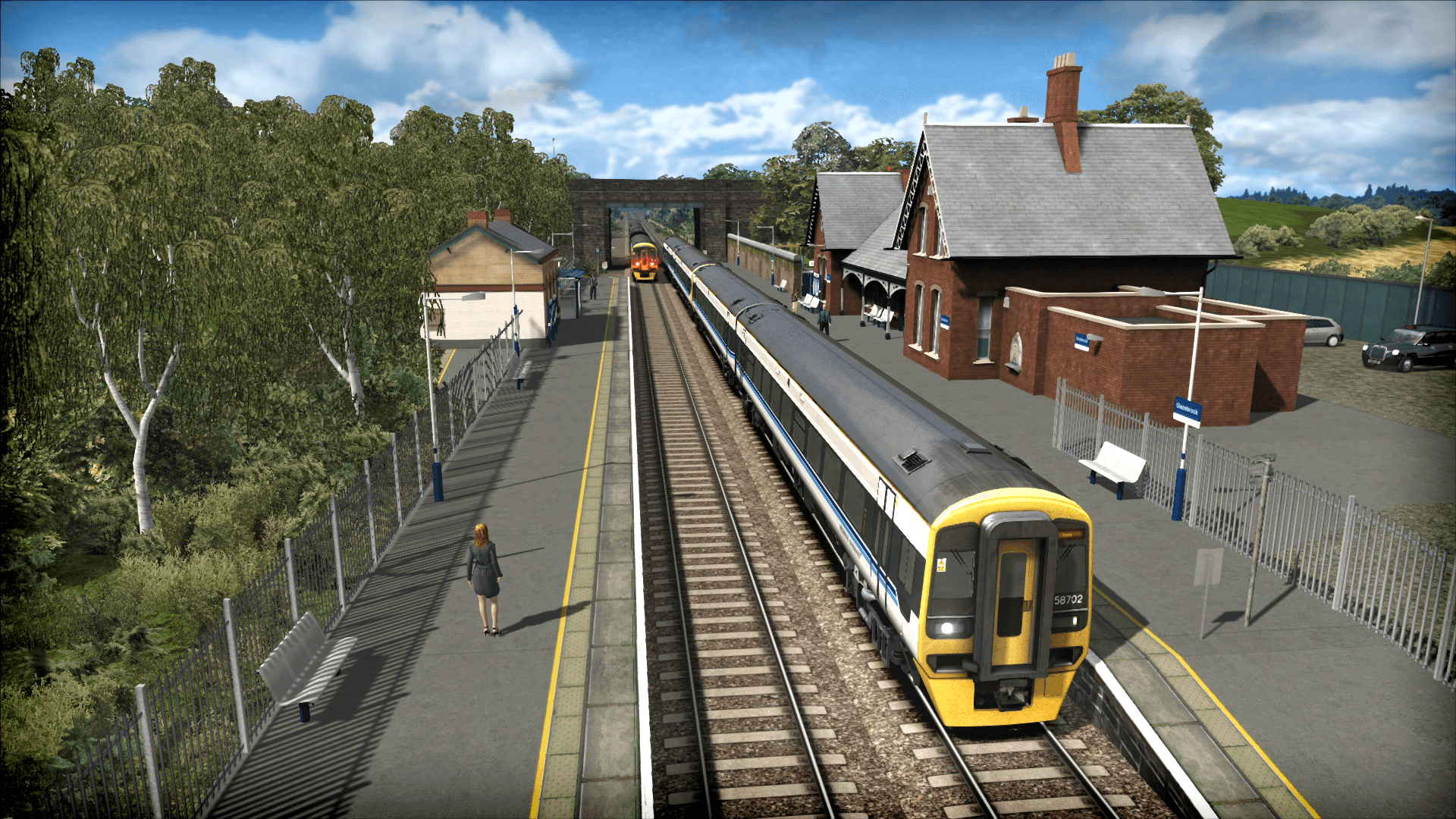
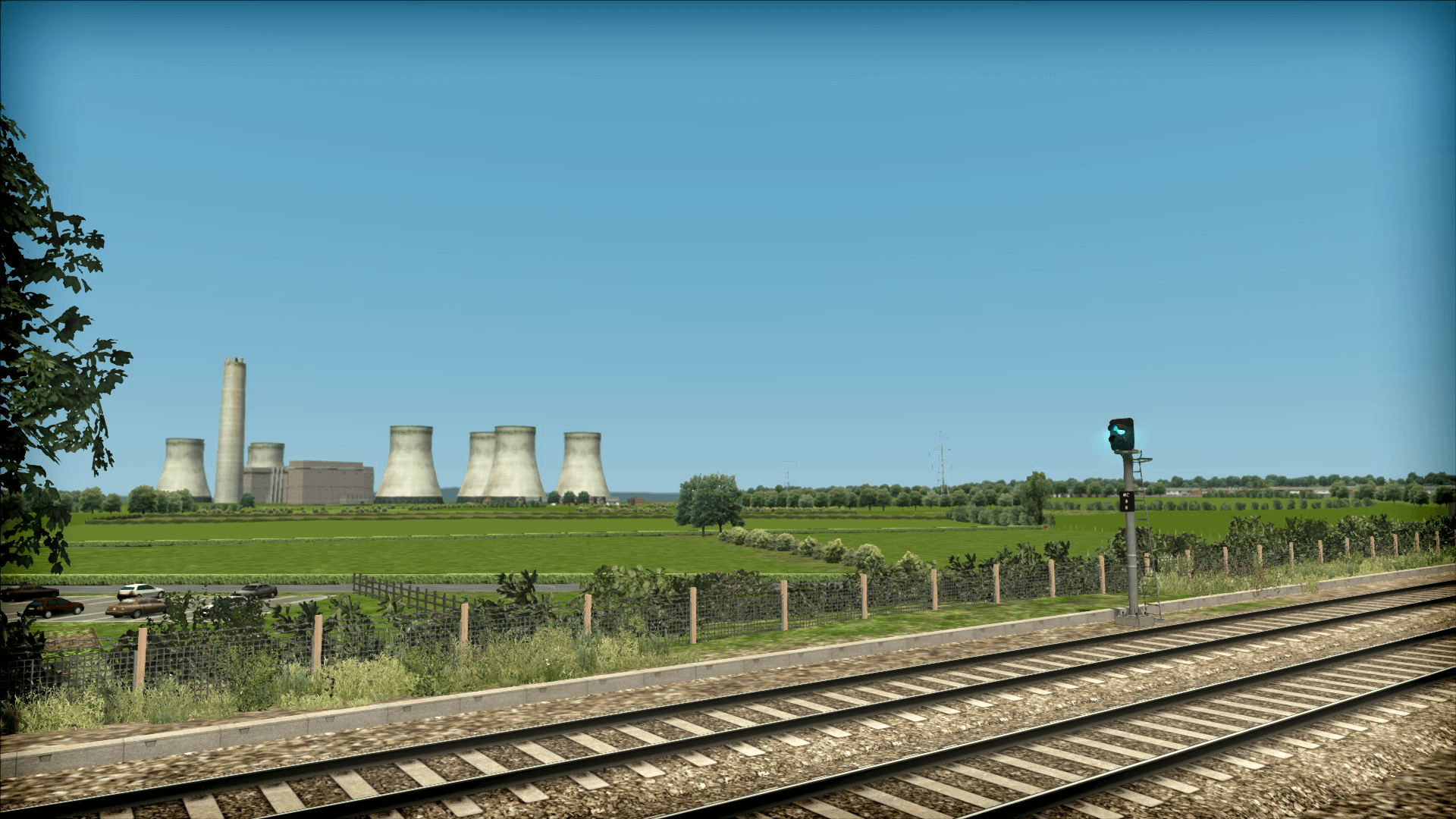
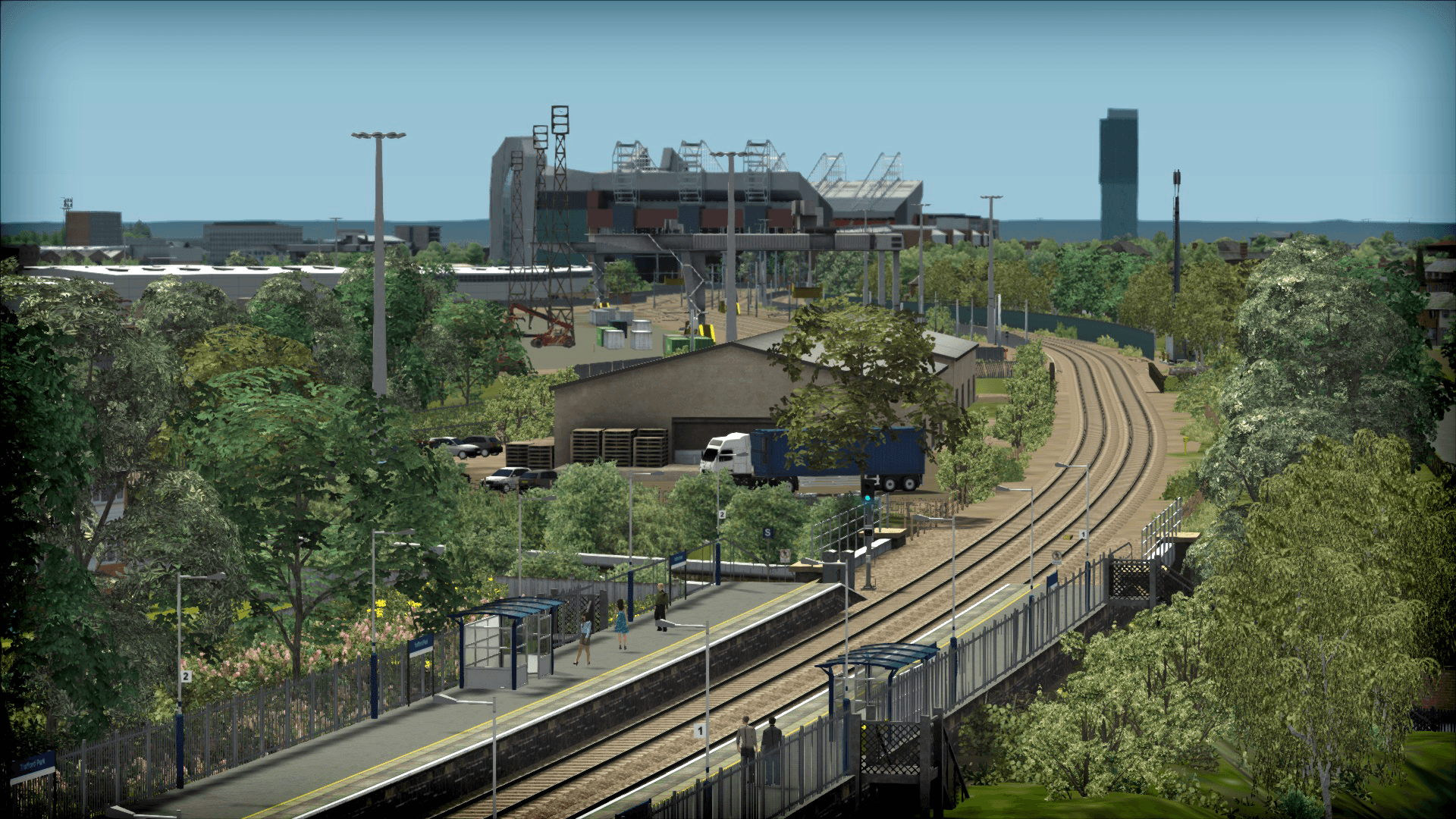
Joining two of the north of England’s major cities, the Liverpool to Manchester route for Train Simulator features stunning stations and well known landmarks throughout.
The original route between the cities ran between Liverpool Central (High Level) Station and Manchester Central, and was opened in 1873 by the Cheshire Lines Committee. Although both stations have since been demolished and replaced by Liverpool Lime Street and Manchester Piccadilly, it still remains an important route for passenger and freight traffic. ...
Wymagania systemowe
Minimum
- System
- Windows® 7 / 8.1
- Procesor
- Processor: 2.8 GHz Core 2 Duo (3.2 GHz Core 2 Duo recommended), AMD Athlon MP (multiprocessor variant or comparable processors)
- Pamięć
- 4 GB RAM
- Grafika
- 512 MB - 1GB with Pixel Shader 3.0 (AGP PCIe only)
- DirectX
- 9.0c
- Miejsce na dysku
- 40 GB HD space
- Karta dźwiękowa
- Direct X 9.0c compatible
Zalecane
Może Ci się spodobać
- Train Sim World® 2: Hauptstrecke München - Augsburg Route Add-On
- Train Simulator Classic 2024
- Train Sim World® 2: Hauptstrecke Rhein-Ruhr: Duisburg - Bochum Route Add-On

- Train Sim World®: Rapid Transit
- Fishing Sim World: Pro Tour

- Train Simulator: LGV Rhône-Alpes & Méditerranée Route Extension Add-On
- Train Sim World 2: Southeastern High Speed: London St Pancras - Faversham Route Add-On
- Train Simulator 2021