



Jak aktywować
- Zainstaluj Steam i zaloguj się na swoje konto (wystarczy darmowe).
- W górnym menu wybierz „Gry” → „Aktywuj produkt na Steam…”.
- Wpisz klucz dokładnie tak, jak w zamówieniu (z myślnikami), i potwierdź. Gra pojawi się w Twojej bibliotece.
Oficjalna instrukcja aktywacji Steam
Do aktywacji tej gry wymagane jest konto Steam innej firmy. Aby uzyskać szczegółowe informacje na temat aktywacji, kliknij ten link: https://support.steampowered.com/kb_article.php?ref=5414-TFBN-1352.
O grze
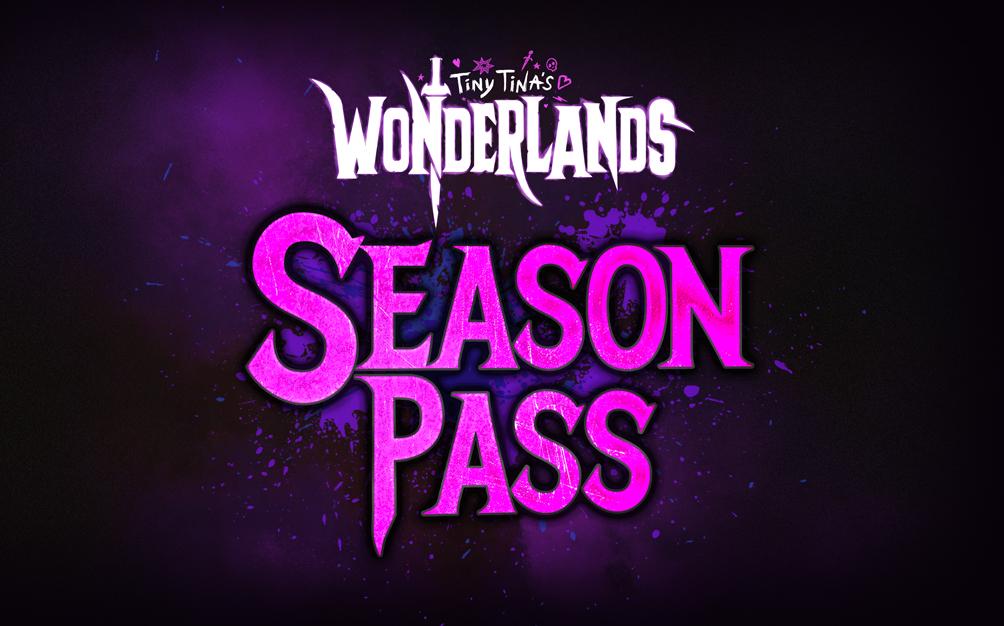
Niech impreza trwa z Tiny Tina's Wonderlands Season Pass:
- Cztery partie zawartości, czyli fantastyczne walki z bossami i pełne humoru nowe wyzwania, które zostaną wydane po premierze gry!
- Złóż hołd swojej wystrojonej w brylanty królowej z dodatkowymi elementami kosmetycznymi z Butt Stallion Pack dostępnym w dniu premiery
*the Base Game is required to access Season Pass content.
Wymagania systemowe
- System
- Windows 10 (latest service pack)
- Procesor
- AMD FX-8350 (Intel i5-3570)
- Pamięć
- 6GB RAM
- Grafika
- AMD Radeon RX470 (NVIDIA GeForce GTX 960 4GB)
- Miejsce na dysku
- 75 GB
- DirectX
- Version 11
- System
- Windows 10 (latest service pack)
- Procesor
- AMD Ryzen™ 5 2600 (Intel i7-4770)
- Pamięć
- 16GB RAM
- Grafika
- AMD Radeon™ RX 590 8GB (NVIDIA GeForce GTX 1060 6GB)
- Miejsce na dysku
- 75 GB
- DirectX
- Version 11
Informacje prawne
© 2021 Gearbox. Gearbox and the Gearbox Software logos are registered trademarks, and Tiny Tina’s Wonderlands and the Tiny Tina’s Wonderlands logos are trademarks, of Gearbox Enterprises, LLC. 2K and the 2K logo are trademarks of Take-Two Interactive Software, Inc. All rights reserved. All other marks are property of their respective owners. Użytkowanie niniejszego produktu wymaga zaakceptowania warunków umowy licencyjnej użytkownika końcowego, dostarczonej przez podmiot zewnętrzny: http://www.take2games.com/eula