
The Wildlife Creative Studio






Jak aktywować
- Zainstaluj Steam i zaloguj się na swoje konto (wystarczy darmowe).
- W górnym menu wybierz „Gry” → „Aktywuj produkt na Steam…”.
- Wpisz klucz dokładnie tak, jak w zamówieniu (z myślnikami), i potwierdź. Gra pojawi się w Twojej bibliotece.
O grze
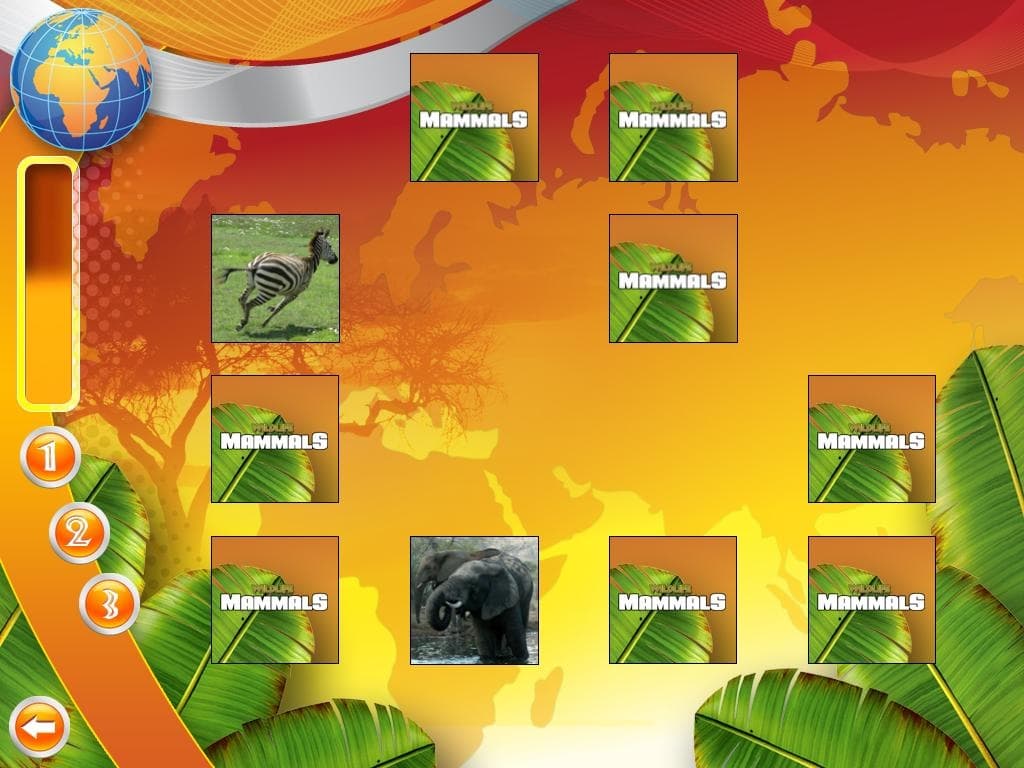
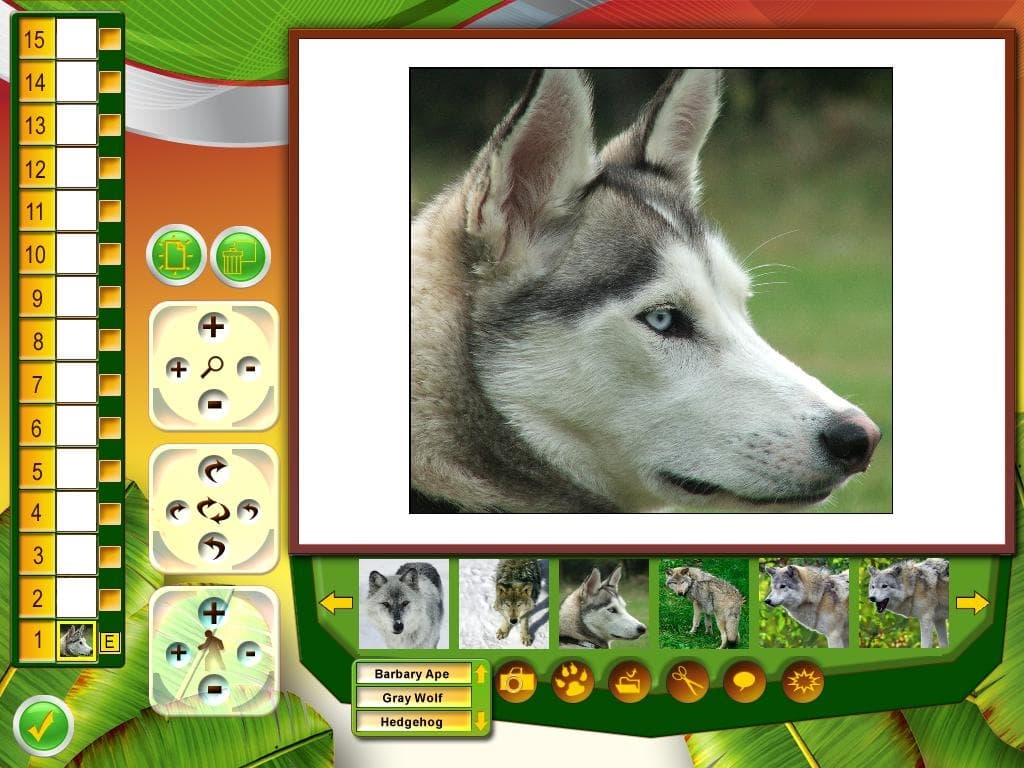
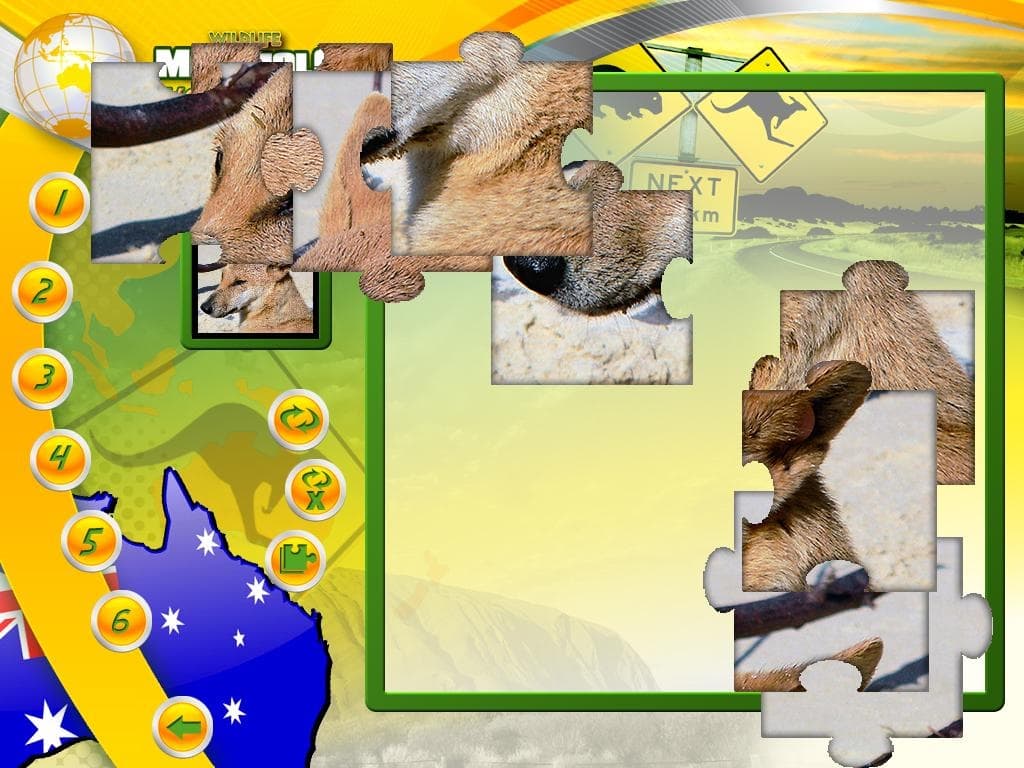
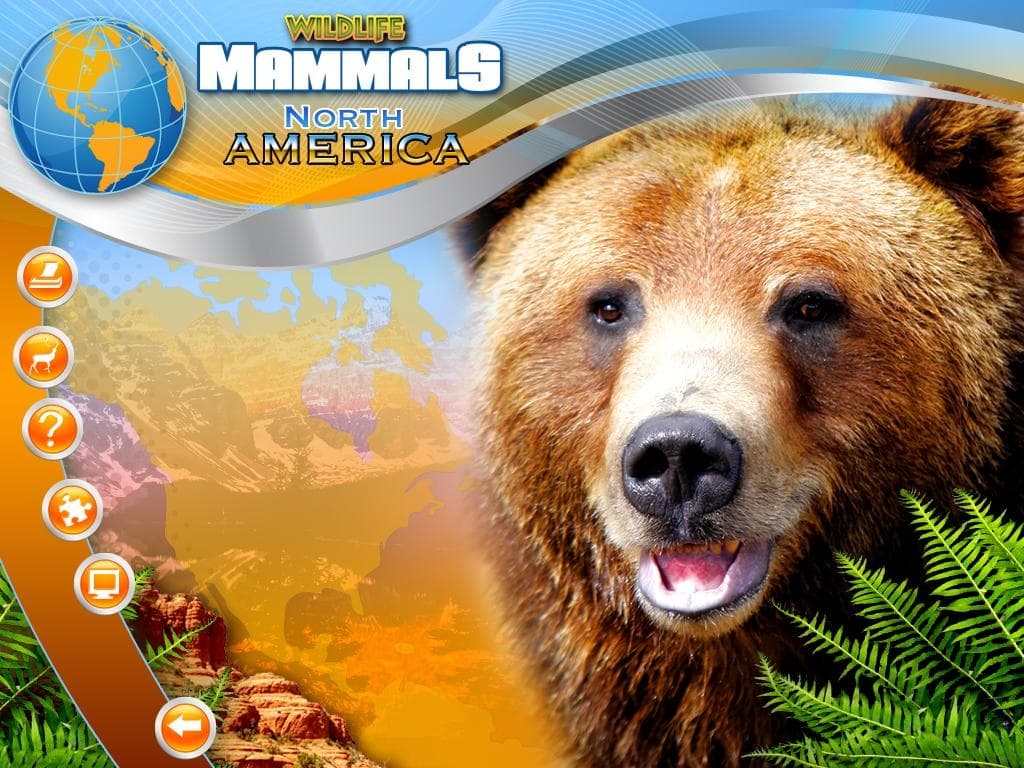
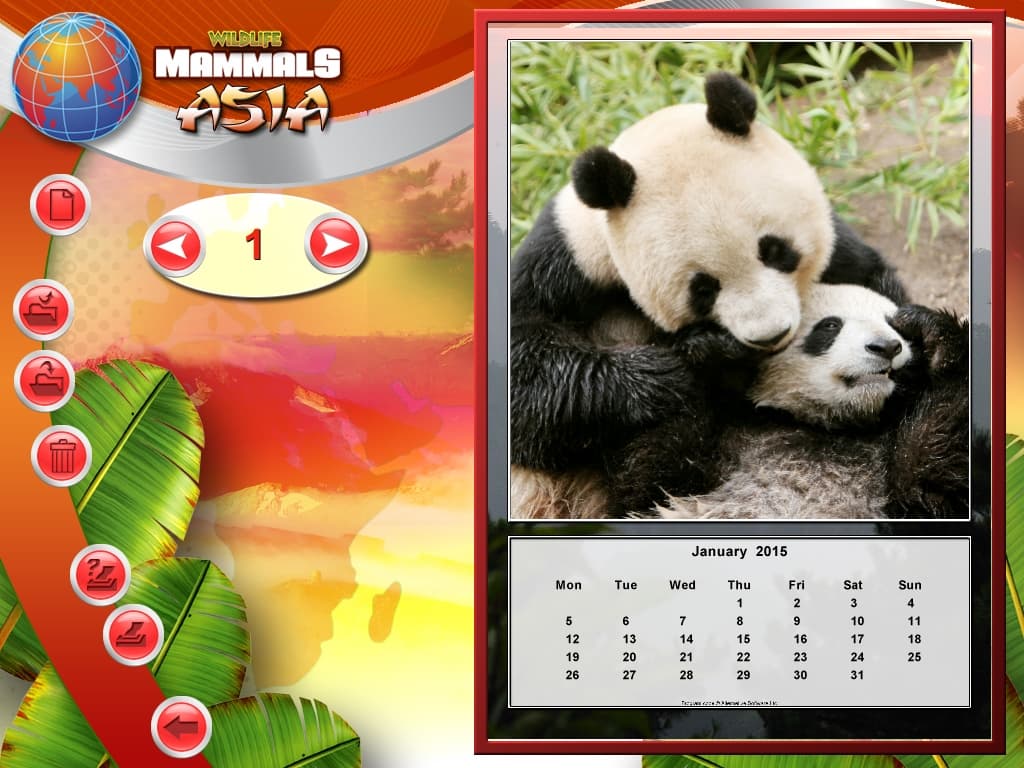
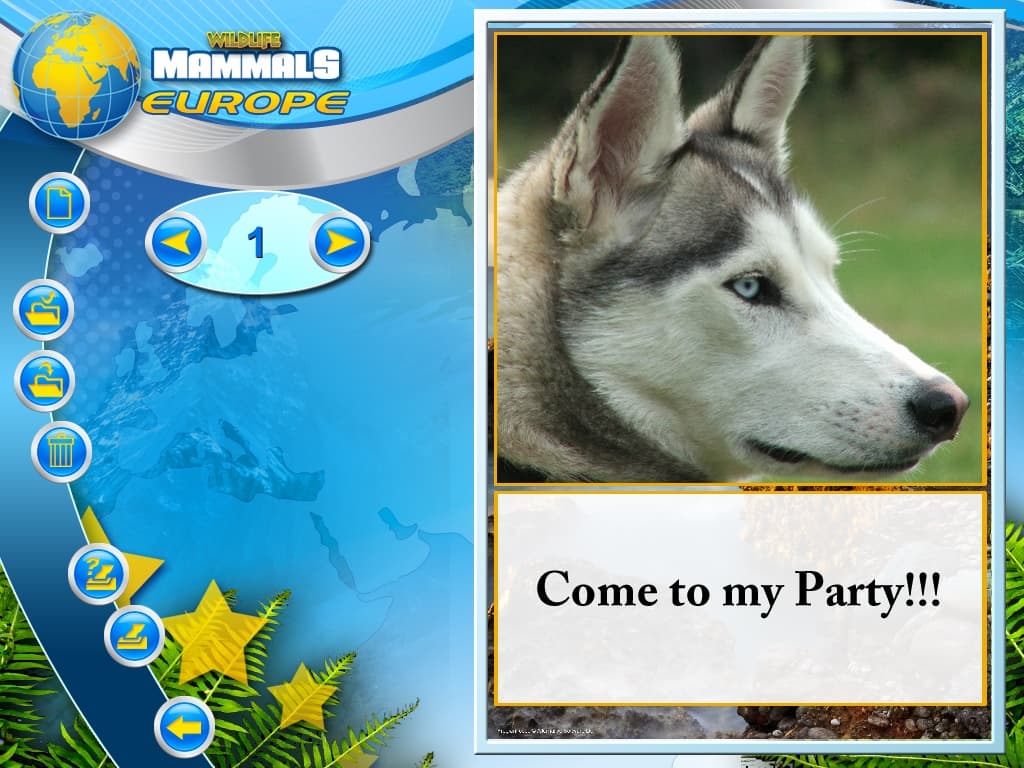
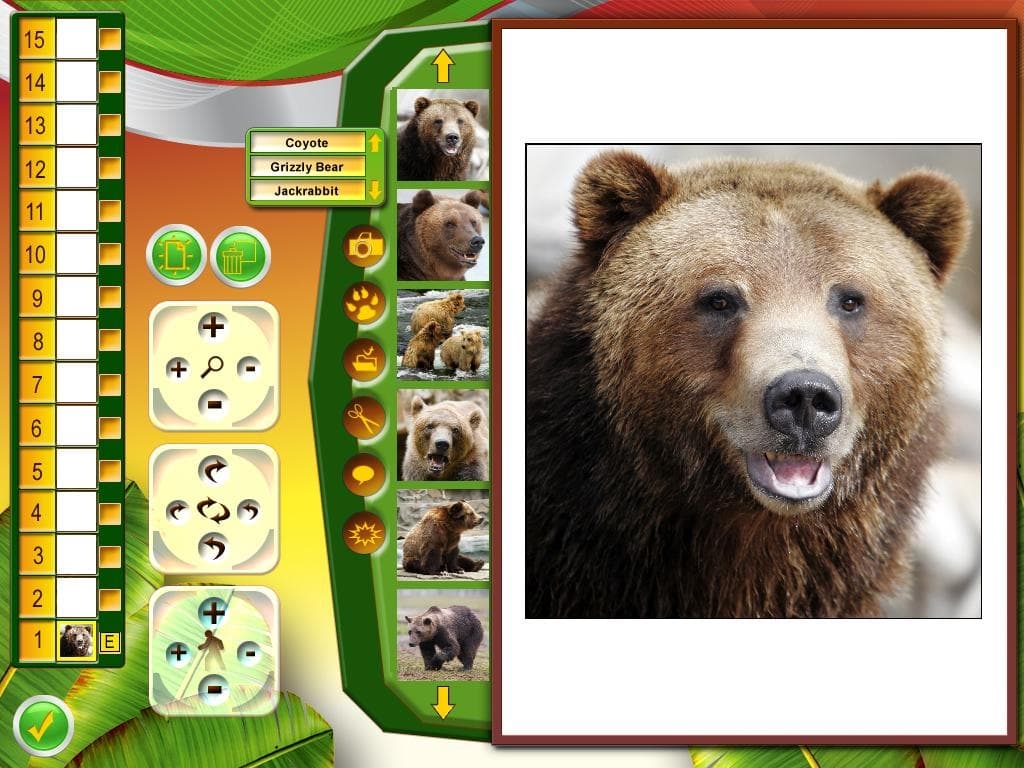
View profiles of a wide range of animals from Africa, Asia, Australasia, Europe, North America, Arctic and South America. Create your own calendars, greeting cards, party kits, stationery, t-shirts and more! Play or create your own jigsaws, sudoku, sliding puzzle and memory match games. Use all your own photos and imagery or use the large library of images already supplied. Create your own wallpapers and screensavers or use the ones supplied to customise your desktop. Use the editing tools to trace around areas of your photos to cut out people, pets or anything else to use in your scenes.
Wymagania systemowe
Minimum
- Graphic
- System
- Windows XP
- System
- Windows 7
- System
- Windows Vista
- System
- Windows 8
- Procesor
- Pentium 0.800GHz
- Pamięć
- 0.512GB
- Miejsce na dysku
- 3GB
Zalecane