

Jak aktywować
- Zainstaluj Steam i zaloguj się na swoje konto (wystarczy darmowe).
- W górnym menu wybierz „Gry” → „Aktywuj produkt na Steam…”.
- Wpisz klucz dokładnie tak, jak w zamówieniu (z myślnikami), i potwierdź. Gra pojawi się w Twojej bibliotece.
O grze
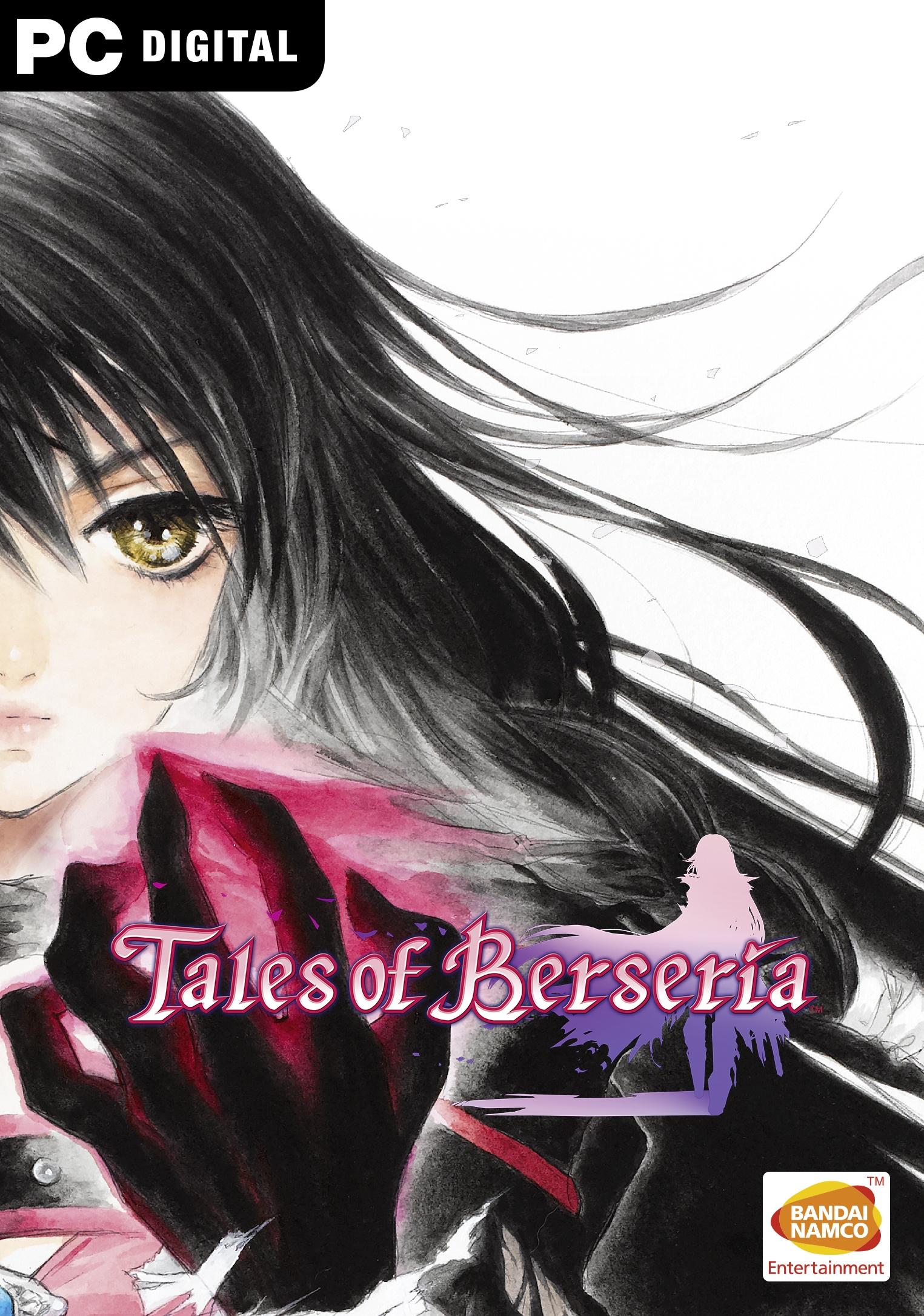
A tale of emotion versus reason…
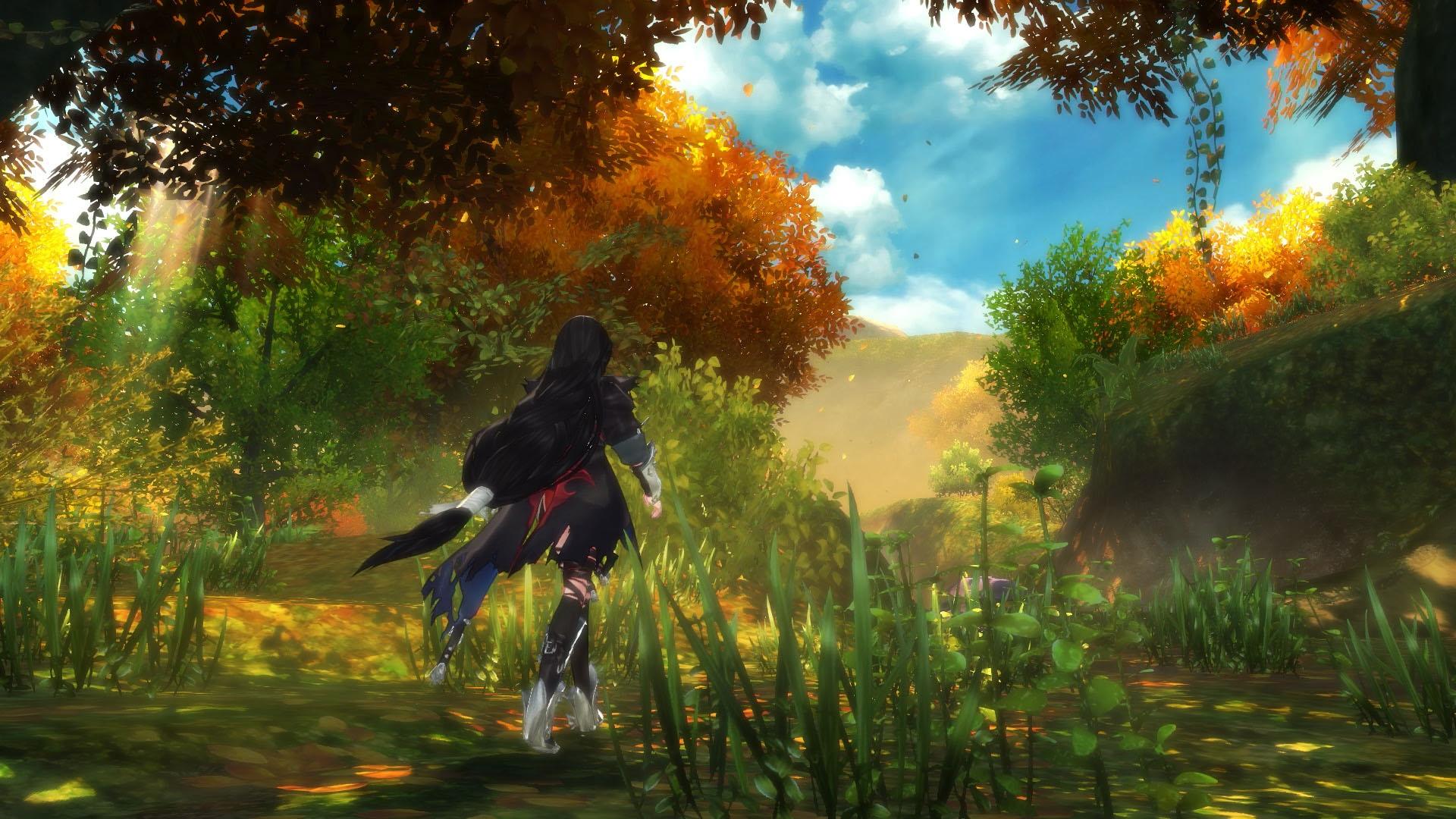
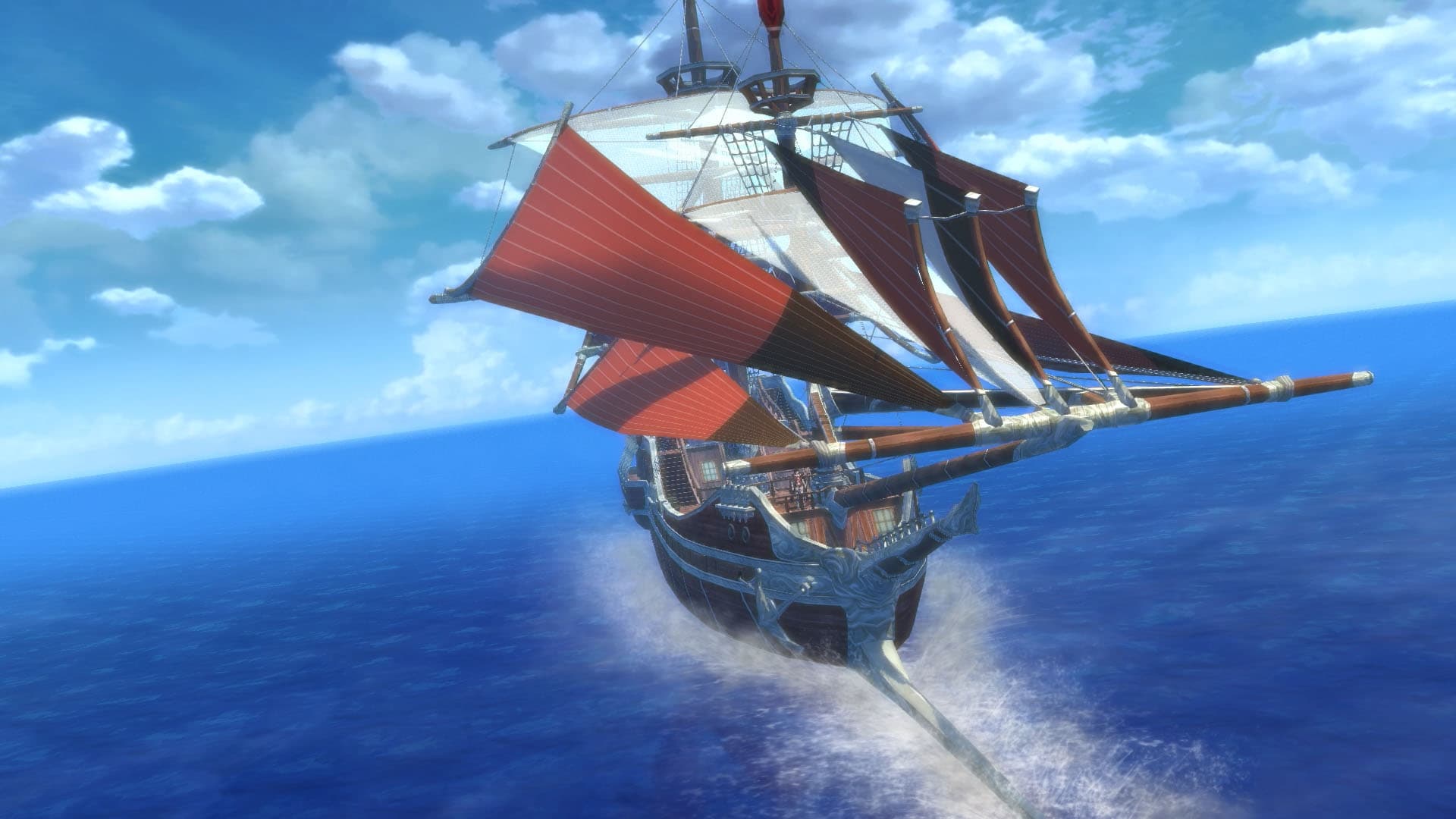
In TALES OF BERSERIA, players embark on a journey of self-discovery as they assume the role of Velvet, a young woman whose once kind demeanor has been replaced and overcome with a festering anger and hatred after a traumatic experience three years prior to the events within TALES OF BERSERIA. Velvet will join a crew of pirates as they sail across the sea and visit the many islands that make up the sacred kingdom of Midgand in an all-new adventure developed by the celebrated team behind the TALES OF series. Veteran TALES OF character ...
Wymagania systemowe
Minimum
- System
- Windows 7, 8, 10 (64-bit)
- Procesor
- Intel Core 2 Duo E8400 3.0GHz or AMD Phenom II X2 550, 3.1GHz
- Pamięć
- 2 GB RAM
- Grafika
- GeForce 9800 GTX or AMD Radeon HD 4850
- DirectX
- Version 9.0c
- Miejsce na dysku
- 15 GB available space
- Karta dźwiękowa
- DirectX 11 compatible
Zalecane
- System
- Windows 7, 8, 10 (64-bit)
- Procesor
- Intel Core i5-750, 2.66GHz or AMD Phenom II X4 965, 3.2GHz
- Pamięć
- 4 GB RAM
- Grafika
- GeForce GTX 560 or Radeon HD 7870
- DirectX
- Version 9.0c
- Miejsce na dysku
- 15 GB available space
- Karta dźwiękowa
- DirectX 11 compatible
Informacje prawne
© MUTSUMI INOMATA © KOSUKE FUJISHIMA Tales of Berseria™ & © BANDAI NAMCO Entertainment Inc.