





Jak aktywować
- Zainstaluj Steam i zaloguj się na swoje konto (wystarczy darmowe).
- W górnym menu wybierz „Gry” → „Aktywuj produkt na Steam…”.
- Wpisz klucz dokładnie tak, jak w zamówieniu (z myślnikami), i potwierdź. Gra pojawi się w Twojej bibliotece.
O grze
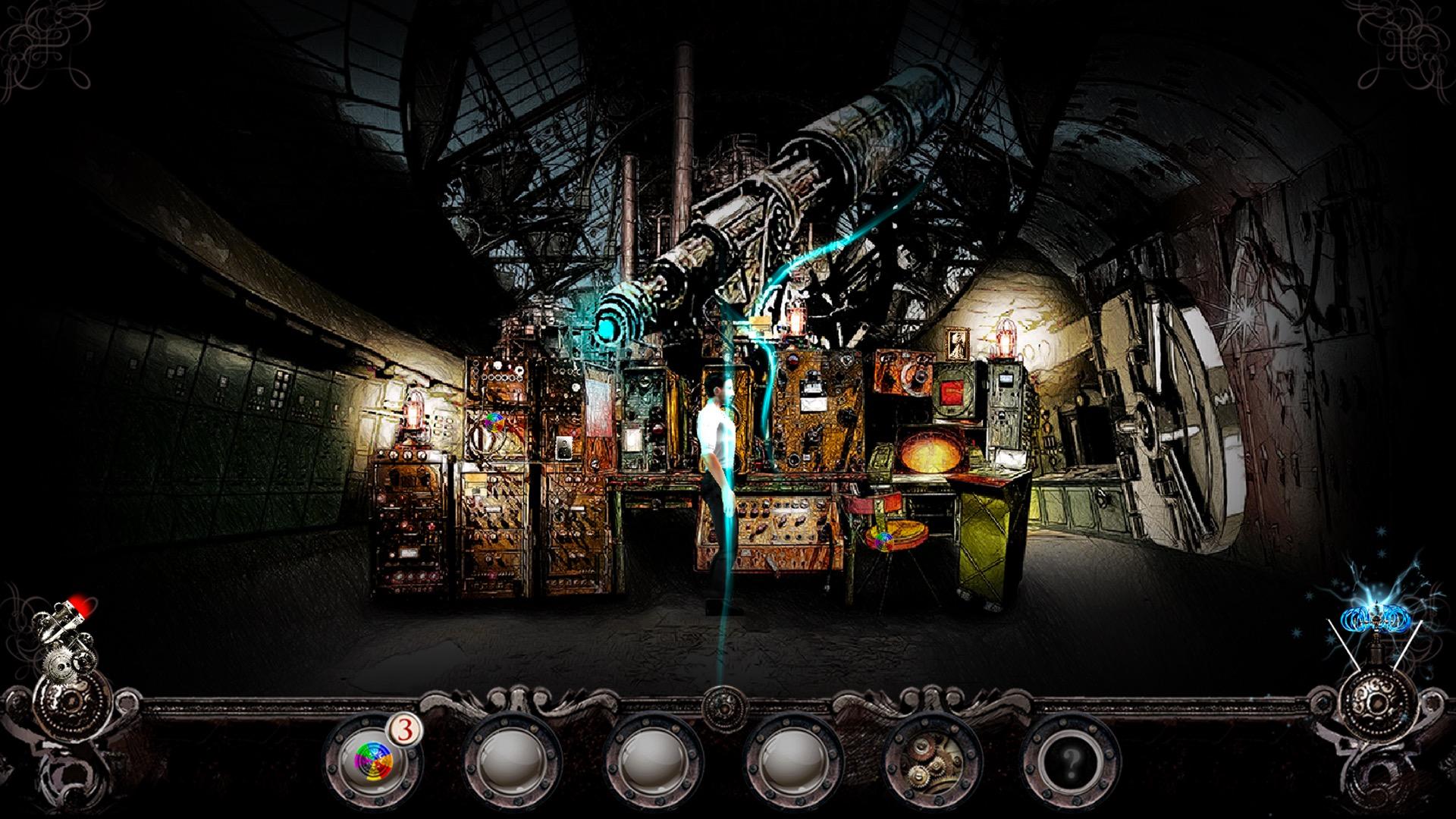
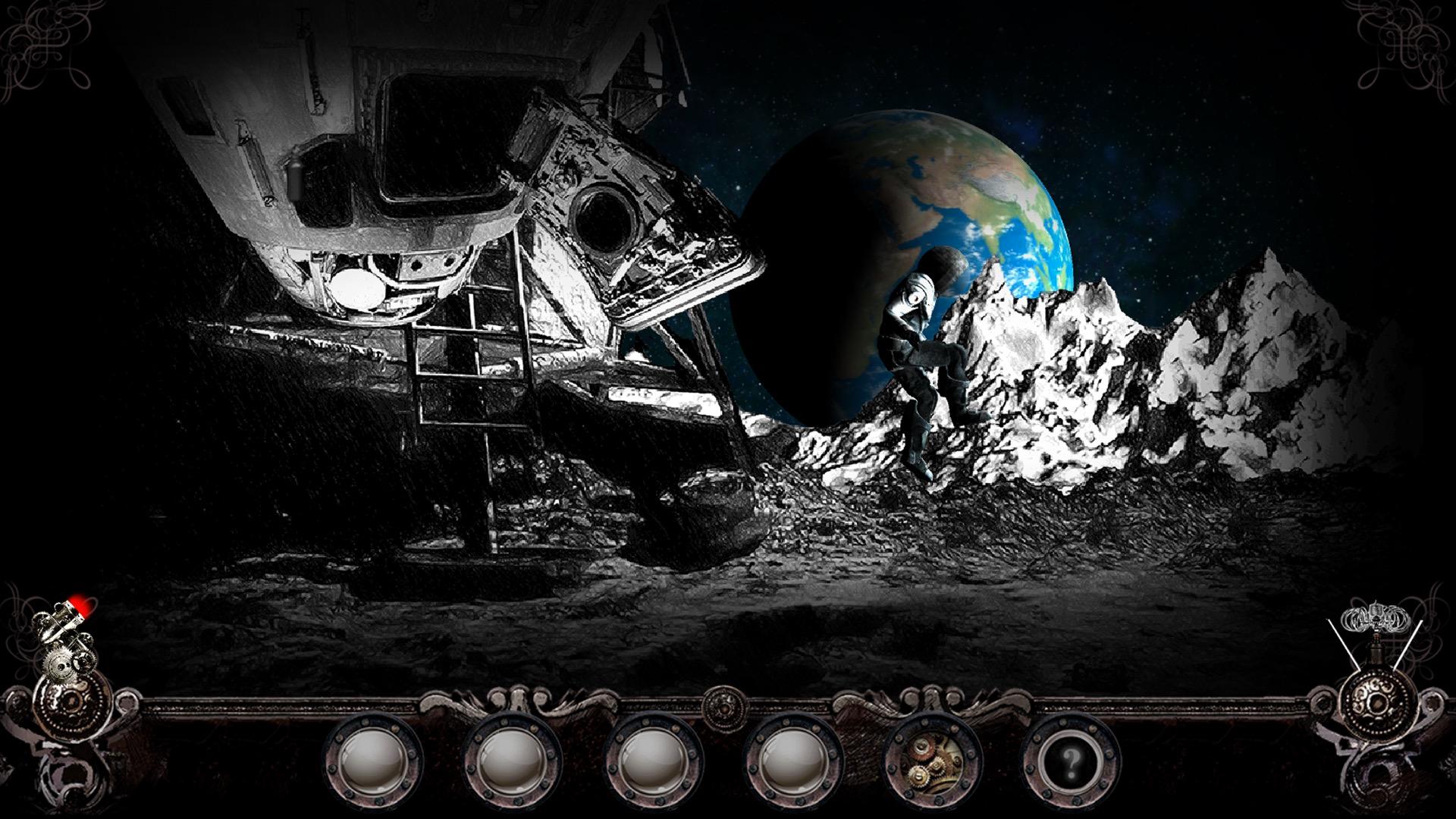
Steampunker is an award-winning point and click adventure game involving a search for hidden objects. It's set in an astonishing steampunk world.
The adventures of Vincent, our hero, begin when evil robots attack the Earth. The game contains a series of puzzles linked together into a traditional point and click adventure story. ...
Wymagania systemowe
Minimum
- System
- Windows XP SP2+
- Procesor
- Intel Core i3 @ 1.7 GHz Dual core
- Pamięć
- 4 GB RAM
- Grafika
- NVIDIA GeForce 9600 GT
- DirectX
- Version 9.0
- Miejsce na dysku
- 3 GB available space
Zalecane
- System
- Windows Vista 64-bit or newer
- Procesor
- Intel Core i5 @ 3.0 GHz Dual Core
- Pamięć
- 4 GB RAM
- Grafika
- NVIDIA GeForce GT 640
- DirectX
- Version 9.0
- Miejsce na dysku
- 3 GB available space
Informacje prawne
©2018 Anuman Interactive SA. All rights reserved. Developped by Telehorse. Published by Anuman Interactive SA. Microïds Indie is a trademark of Anuman Interactive SA. All rights reserved.