




Jak aktywować
- Zainstaluj Steam i zaloguj się na swoje konto (wystarczy darmowe).
- W górnym menu wybierz „Gry” → „Aktywuj produkt na Steam…”.
- Wpisz klucz dokładnie tak, jak w zamówieniu (z myślnikami), i potwierdź. Gra pojawi się w Twojej bibliotece.
O grze
Living the Dream!
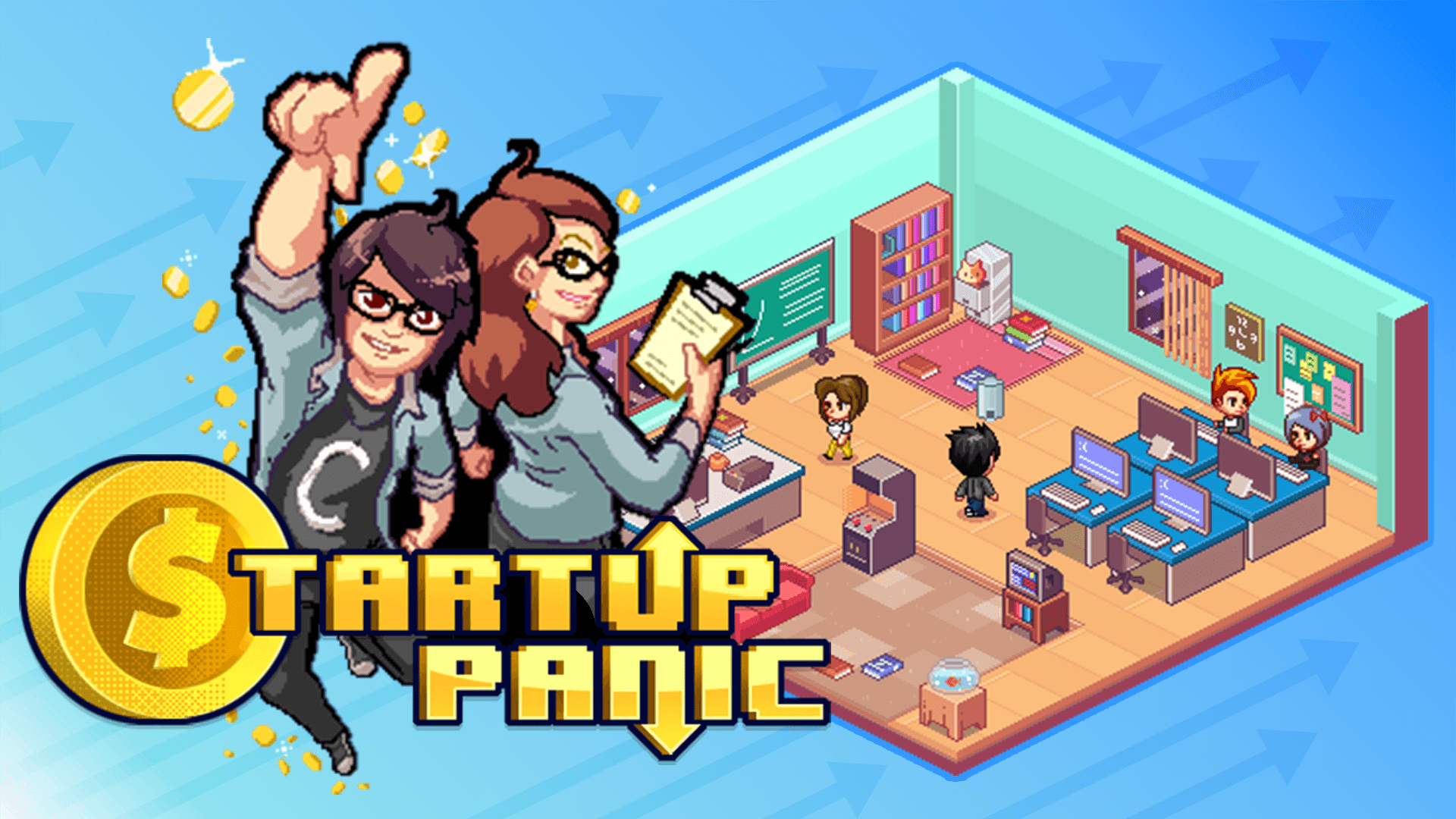
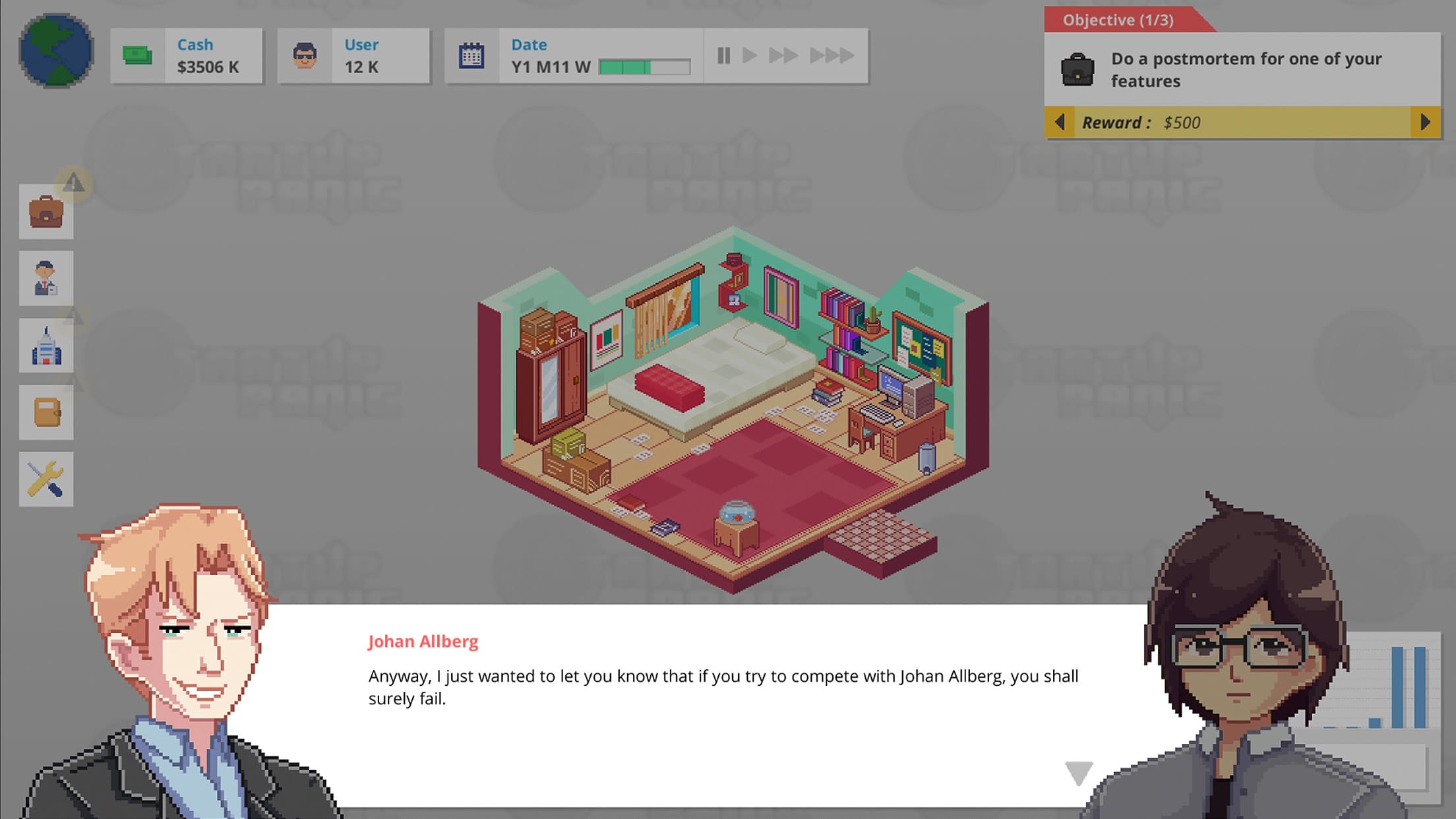
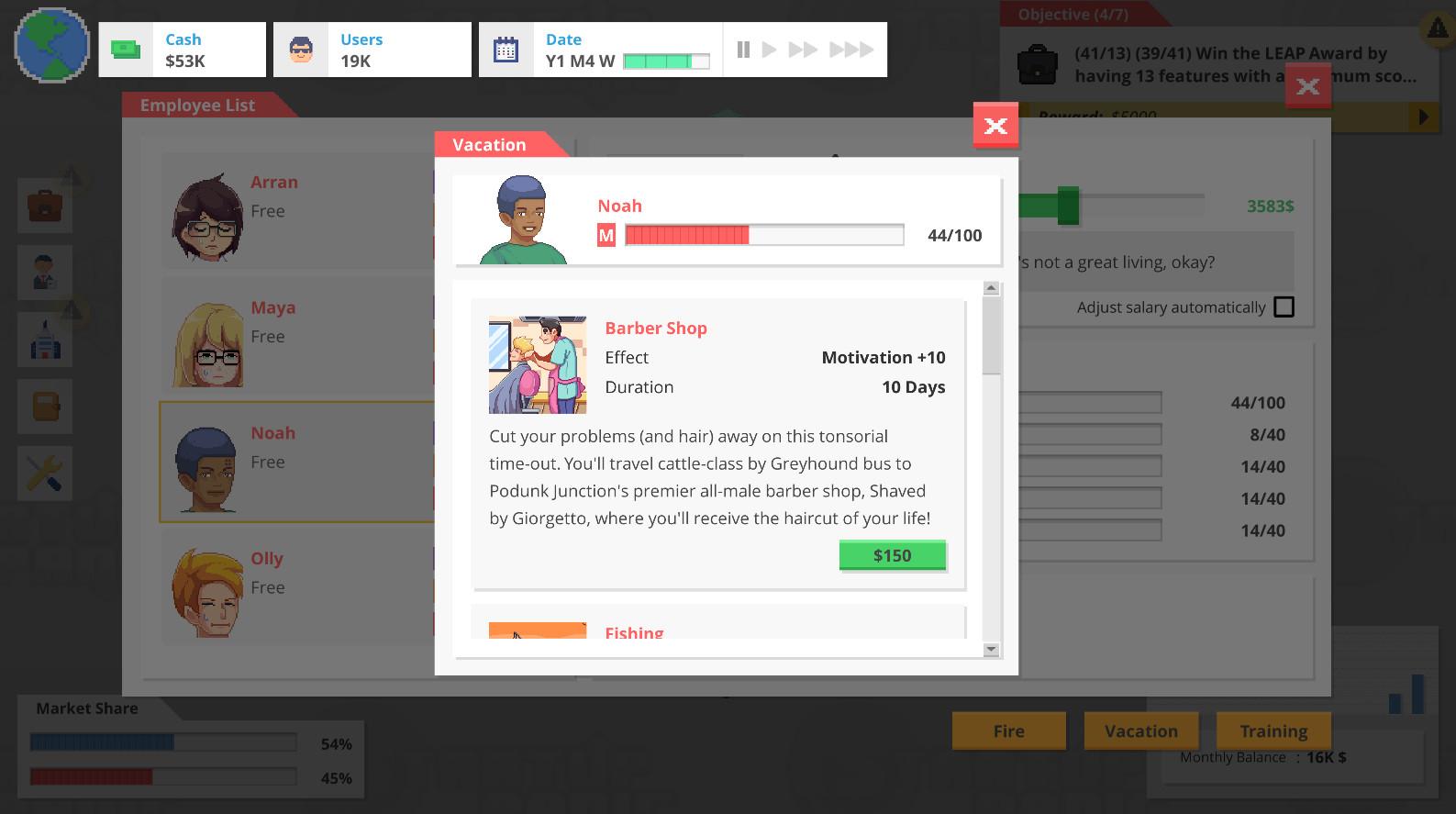
Manage your time as a bedroom programmer. Pick projects, contract-work and vacation days to get by, then start to build some passive income through your startup. Beware though: Once you start hiring your first employees and upgrading your office, you'll attract the attention of competing businesses...
Don't Panic! ...
Wymagania systemowe
Minimum
- System
- Windows 8 and up
- Procesor
- 2Ghz and up
- Pamięć
- 2 GB RAM
- Grafika
- Integrated toaster
- Miejsce na dysku
- 1 GB available space
- Karta dźwiękowa
- Stereo
- Dodatkowe uwagi
- Startup Panic is not intense on the hardware
Zalecane