














Jak aktywować
- Zainstaluj Steam i zaloguj się na swoje konto (wystarczy darmowe).
- W górnym menu wybierz „Gry” → „Aktywuj produkt na Steam…”.
- Wpisz klucz dokładnie tak, jak w zamówieniu (z myślnikami), i potwierdź. Gra pojawi się w Twojej bibliotece.
Oficjalna instrukcja aktywacji Steam
Do aktywacji tej gry wymagane jest konto Steam innej firmy. Aby uzyskać szczegółowe informacje na temat aktywacji, kliknij ten link: https://support.steampowered.com/kb_article.php?ref=5414-TFBN-1352.
O grze
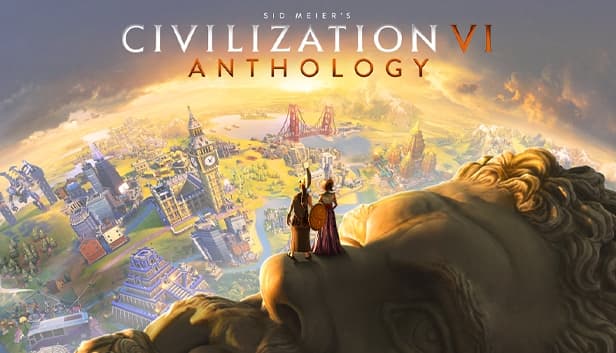
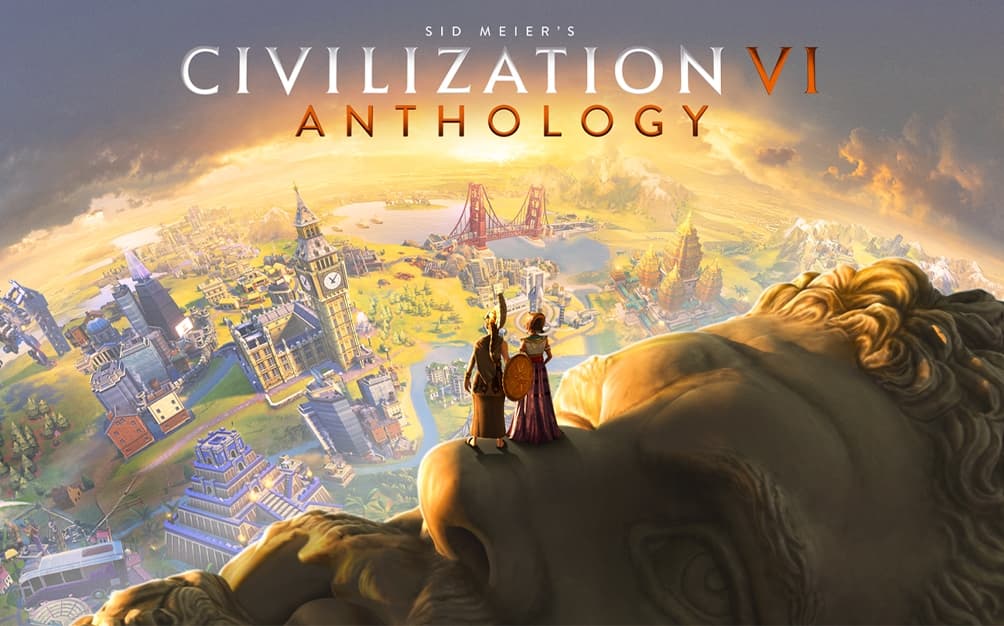
Civilization VI to historyczna gra turowa, której celem jest stworzenie imperium zdolnego przetrwać próbę czasu. Odkrywaj nowe lądy, twórz nowe technologie, podbijaj swoich wrogów i staw czoła największym przywódcom w historii, przewodząc swojej cywilizacji od epoki kamienia łupanego po loty w kosmos. ...
Wymagania systemowe
- System
- Windows 7 64bit / 8.1 64bit / 10 64bit
- Procesor
- Intel Core i3 2.5 Ghz or AMD Phenom II 2.6 Ghz or greater
- Pamięć
- 4 GB RAM
- Miejsce na dysku
- 17 GB or more
- Grafika
- 1 GB DirectX 11 Video Card (AMD 5570 or nVidia 450)
- System
- Windows 7 64bit / 8.1 64bit / 10 64bit
- Procesor
- Fourth generation Intel Core i5 2.5 Ghz or AMD FX8350 4.0 Ghz or greater
- Pamięć
- 8 GB RAM
- Miejsce na dysku
- 17 GB or more
- Grafika
- 2 GB DirectX 11 Video Card (AMD 7970 or nVidia 770 or greater)
Informacje prawne
©2016-2021 Take-Two Interactive Software, Inc. Sid Meier’s Civilization, Civilization, Civ, 2K, Firaxis Games, Take-Two Interactive Software and their respective logos are all trademarks of Take-Two Interactive Software, Inc. All other marks and trademarks are the property of their respective owners. All rights reserved.
Use of this product requires agreement to the following third party end user license agreement: http://www.take2games.com/eula/


