










Jak aktywować
- Zainstaluj Steam i zaloguj się na swoje konto (wystarczy darmowe).
- W górnym menu wybierz „Gry” → „Aktywuj produkt na Steam…”.
- Wpisz klucz dokładnie tak, jak w zamówieniu (z myślnikami), i potwierdź. Gra pojawi się w Twojej bibliotece.
O grze
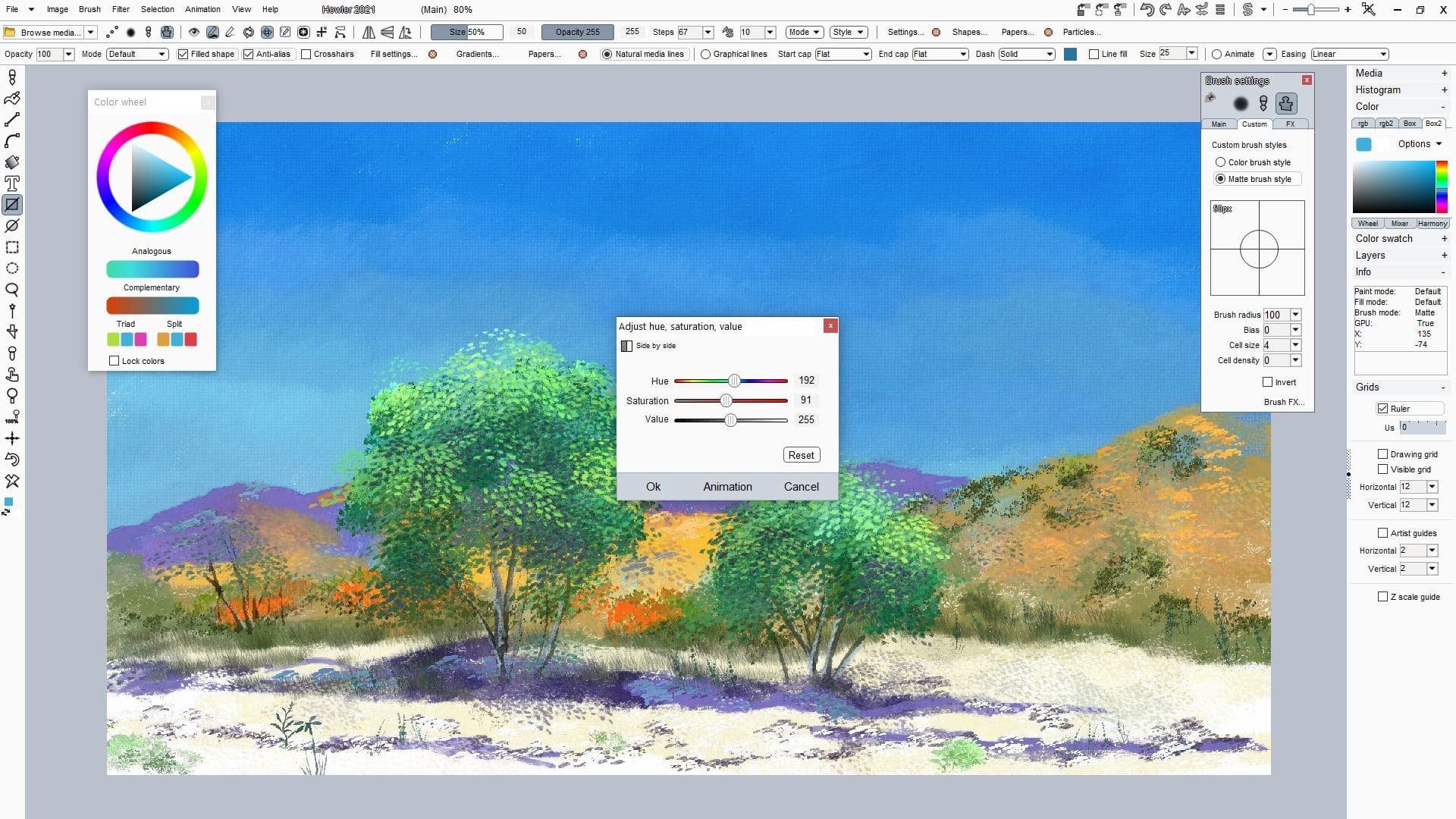
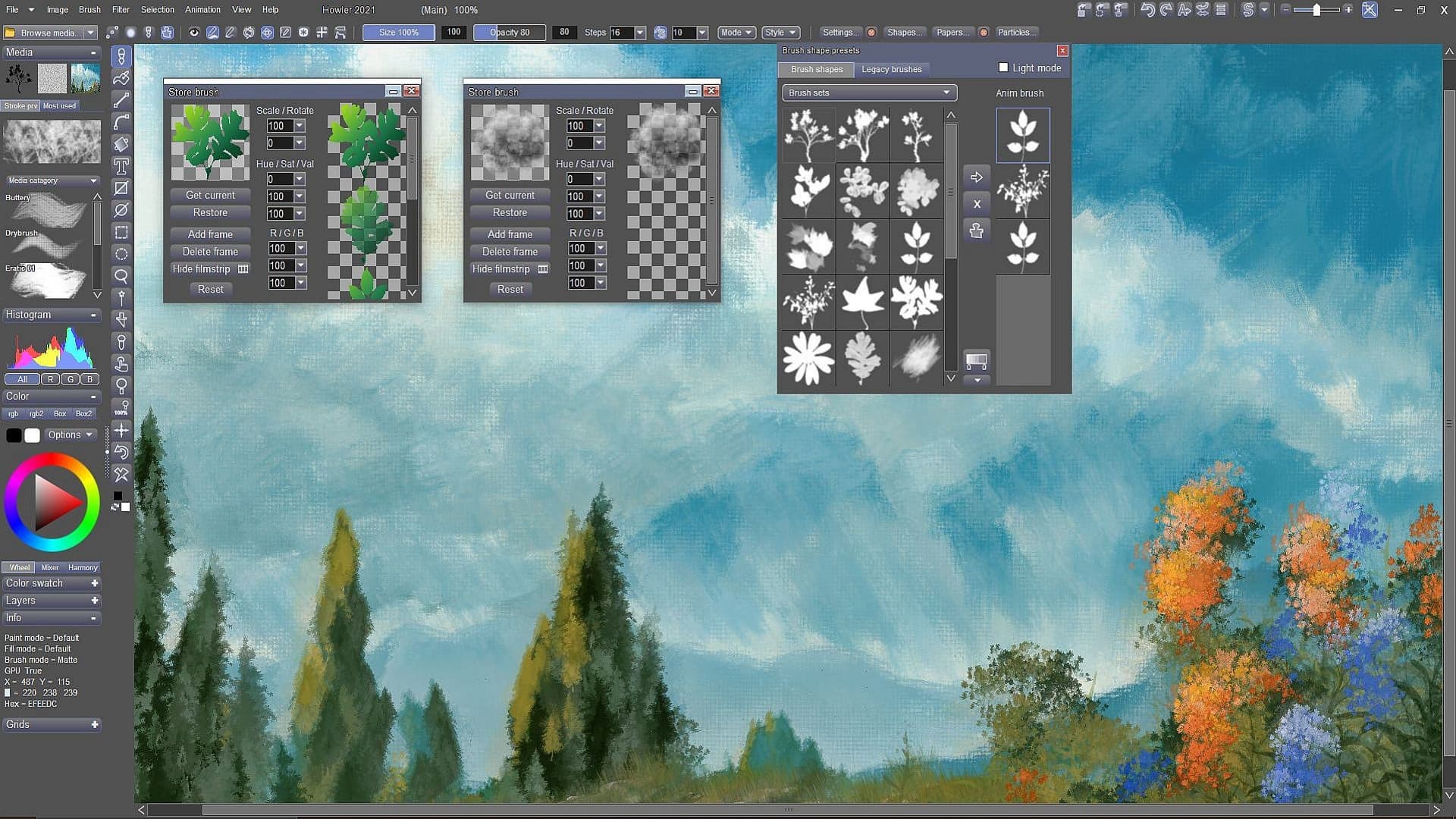
PD Howler is a fast digital painting and animation program, i.e. creative software for your PC.
The digital painting and visual effects series PD Howler has returned with PD Howler '21 (Version 14). The application has expanded greatly to improve the Painting, Animation, 3D and Visual FX tools.
We have with GPU-accelerated 3D landscape generation tools, rendering with path tracing, video-on-video painting, motion tracking, image stabilization, rotoscoping, artist guides, photo editing, realistic media painting with dryout, translucency and pigment lifting, tools for post work and special ...
Wymagania systemowe
Minimum
- System
- Windows 7, 8 or 10
- Procesor
- 1.0 GHz or better that supports SSE2
- Pamięć
- 3 GB RAM
- Miejsce na dysku
- 1 GB available space
Zalecane