


Jak aktywować
- Zainstaluj Steam i zaloguj się na swoje konto (wystarczy darmowe).
- W górnym menu wybierz „Gry” → „Aktywuj produkt na Steam…”.
- Wpisz klucz dokładnie tak, jak w zamówieniu (z myślnikami), i potwierdź. Gra pojawi się w Twojej bibliotece.
O grze
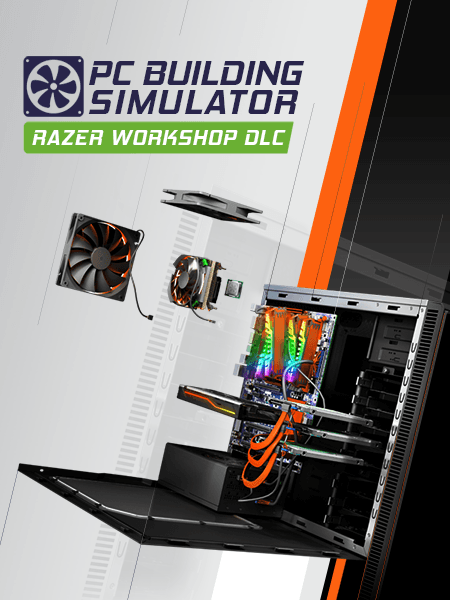
Designed in collaboration with Razer, this new workshop for PC Building Simulator is a great alternate workspace for any Razer fan.
Once purchased, players can use this workshop in both Career and Free Build modes of the game and switch between available workshops whenever they feel like a change of scenery.
Wymagania systemowe
Minimum
- System
- Windows 7 or higher
- Procesor
- Intel Core i5-2500K or AMD Athlon X4 740 (or equivalent)
- Pamięć
- 4 GB RAM
- Grafika
- GeForce GTX 660 (2048 MB) or Radeon R9 285 (2048 MB) - Integrated GPUs may work but are not supported.
- DirectX
- Version 9.0c
- Miejsce na dysku
- 100 MB available space
- Karta dźwiękowa
- DirectX compatible
Zalecane
Może Ci się spodobać
- Going Medieval - Early Access

- PC Building Simulator

- PC Building Simulator - EVGA Workshop
- PC Building Simulator - AORUS Workshop
- PC Building Simulator - Esports Expansion
- PC Building Simulator: Overclocked Edition Content
- PC Building Simulator - NZXT Workshop
- PC Building Simulator - Republic of Gamers Workshop
