



Jak aktywować
- Zainstaluj Steam i zaloguj się na swoje konto (wystarczy darmowe).
- W górnym menu wybierz „Gry” → „Aktywuj produkt na Steam…”.
- Wpisz klucz dokładnie tak, jak w zamówieniu (z myślnikami), i potwierdź. Gra pojawi się w Twojej bibliotece.
O grze
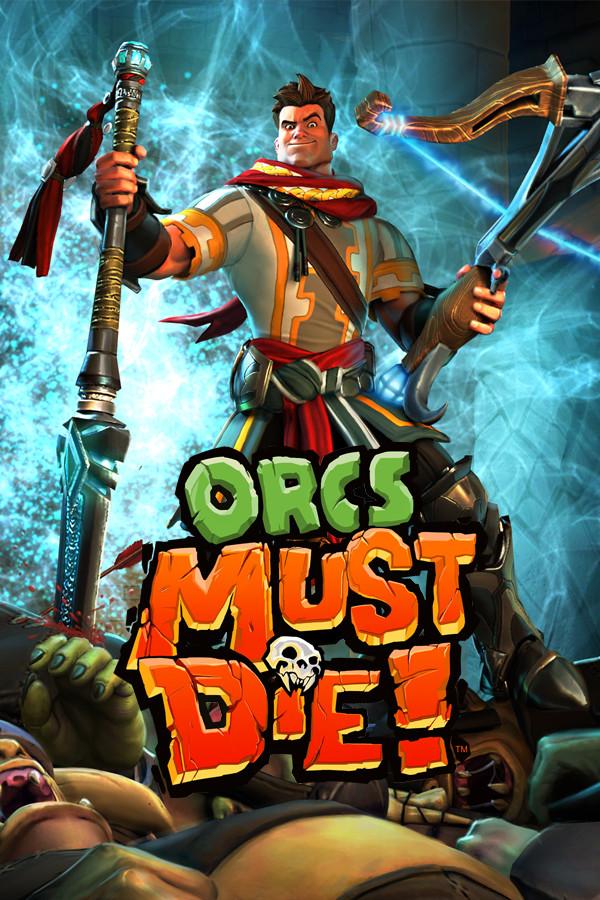
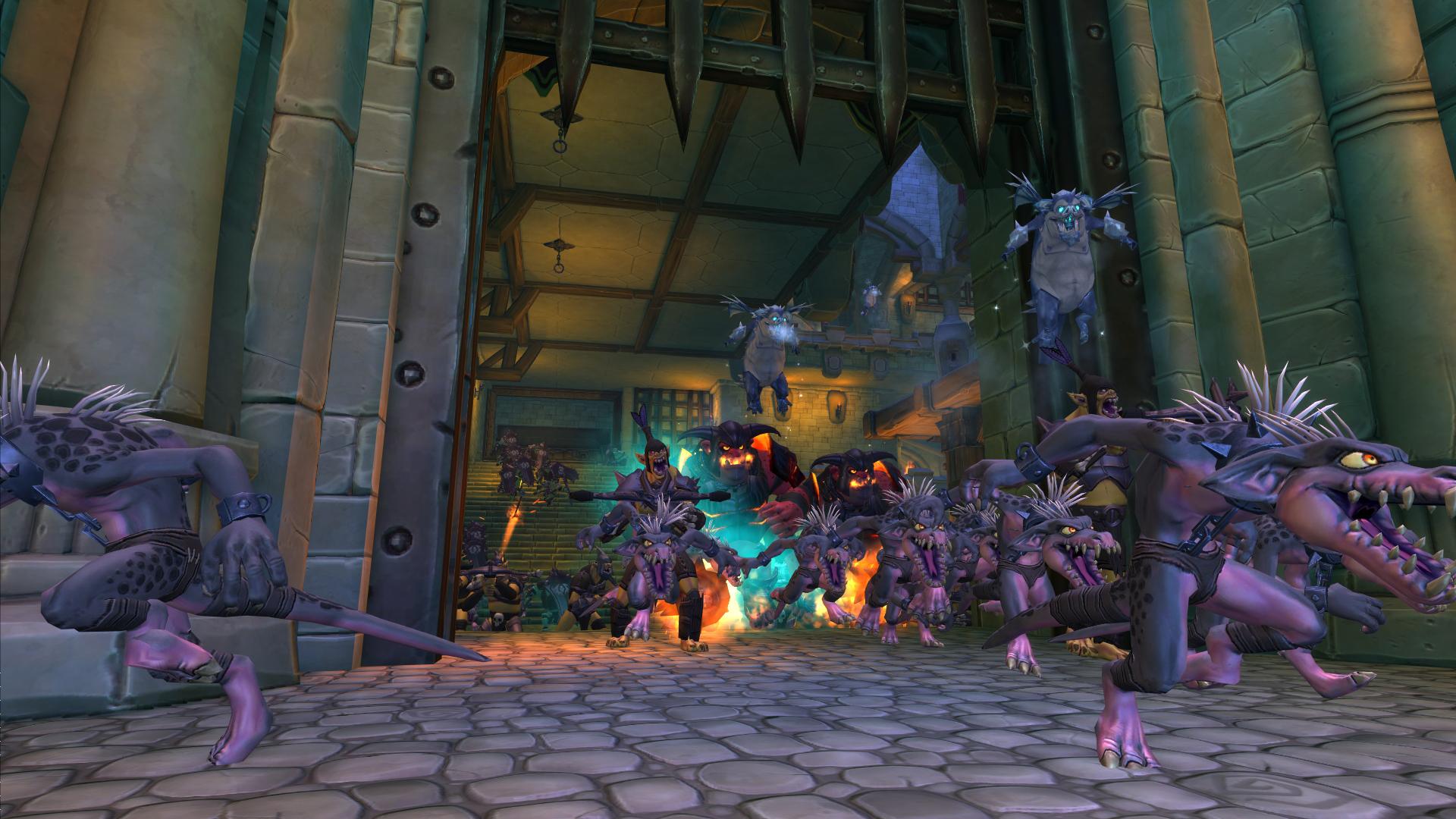
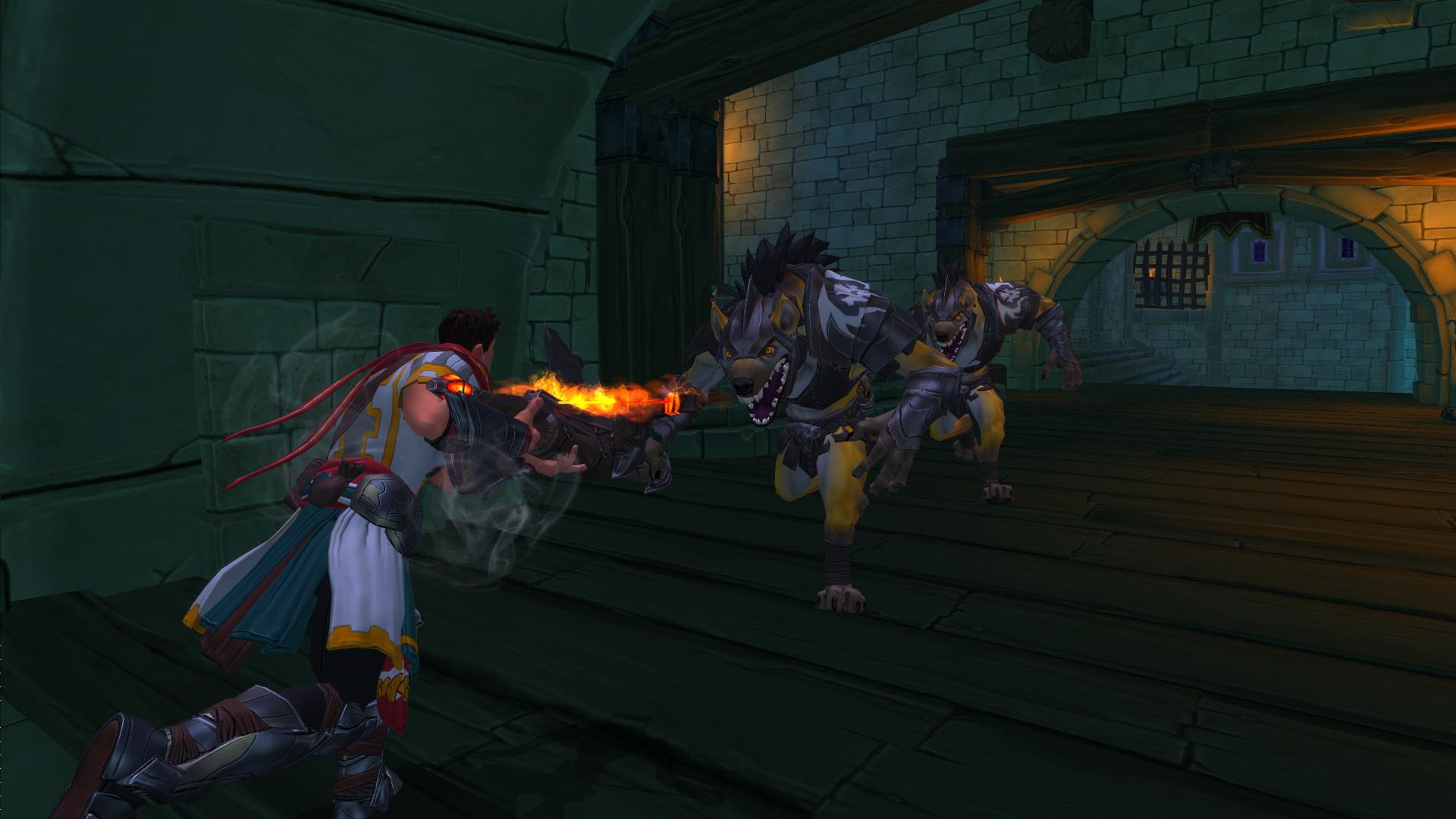
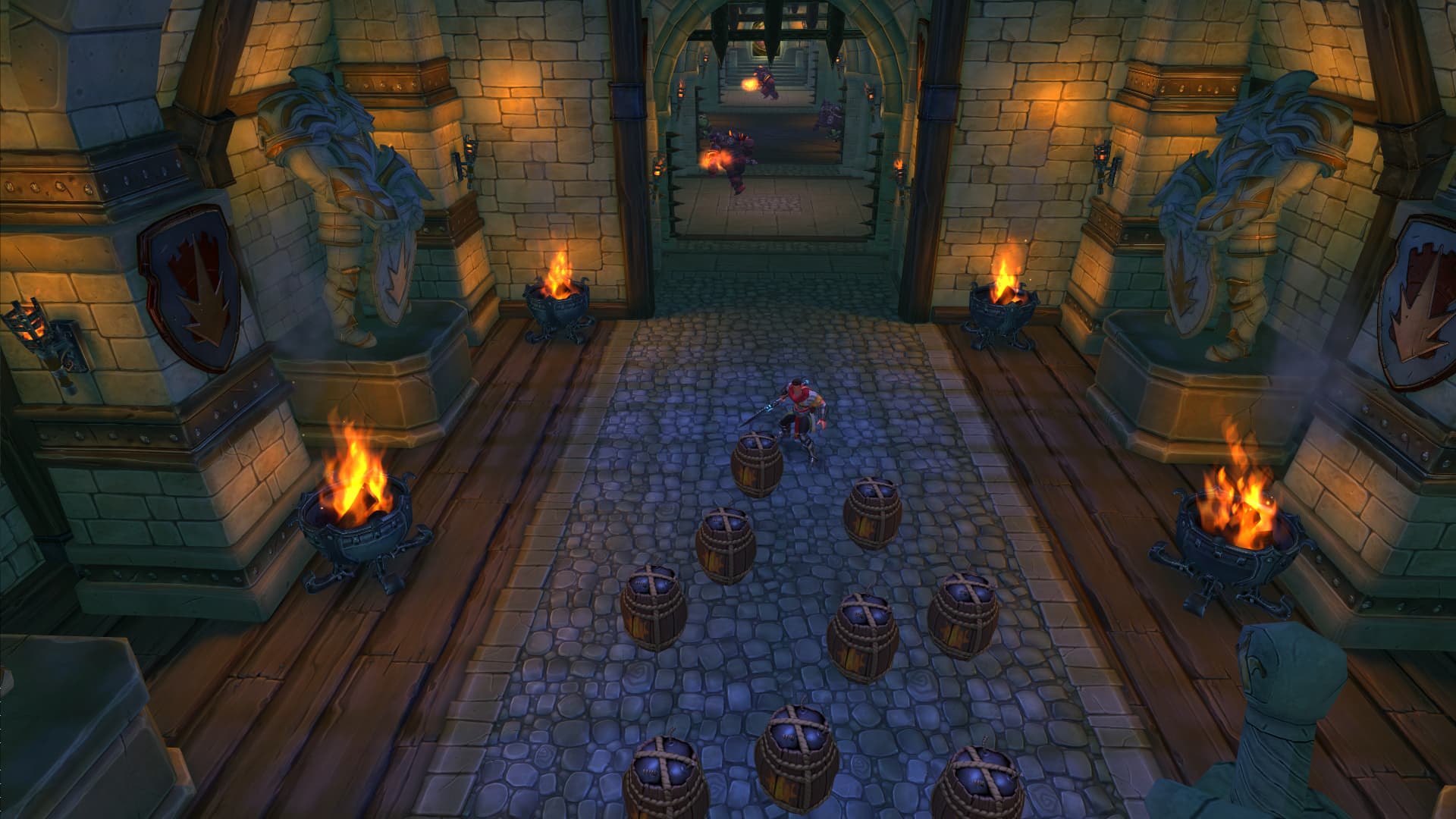
Think you’ve killed enough orcs? Think again! Return to the dead world beyond the rifts and conquer a new series of challenging fortresses under siege by the orc mob. In Orcs Must Die! – Lost Adventures you’ll travel from the depths of the Pit to the narrow passages high over the Great Gorge. The Lost Adventures are five of the most deadly rift assaults the War Mage has ever faced!
Key Features:
Five new levels: Test your orc-slaughtering skills in a challenging series of fortresses! ...
Wymagania systemowe
Minimum
- System
- Windows XP, Windows Vista or Windows 7
- Procesor
- 2GHz Dual Core
- Pamięć
- 2 GB RAM
- Grafika
- NVIDIA GeForce 6800 or ATI Radeon x1950 or better with 256MB VRAM
- DirectX
- dx90c
- Miejsce na dysku
- 5 GB HD space
Zalecane