








Jak aktywować
- Zainstaluj Steam i zaloguj się na swoje konto (wystarczy darmowe).
- W górnym menu wybierz „Gry” → „Aktywuj produkt na Steam…”.
- Wpisz klucz dokładnie tak, jak w zamówieniu (z myślnikami), i potwierdź. Gra pojawi się w Twojej bibliotece.
O grze
Sicily, early 1900s…
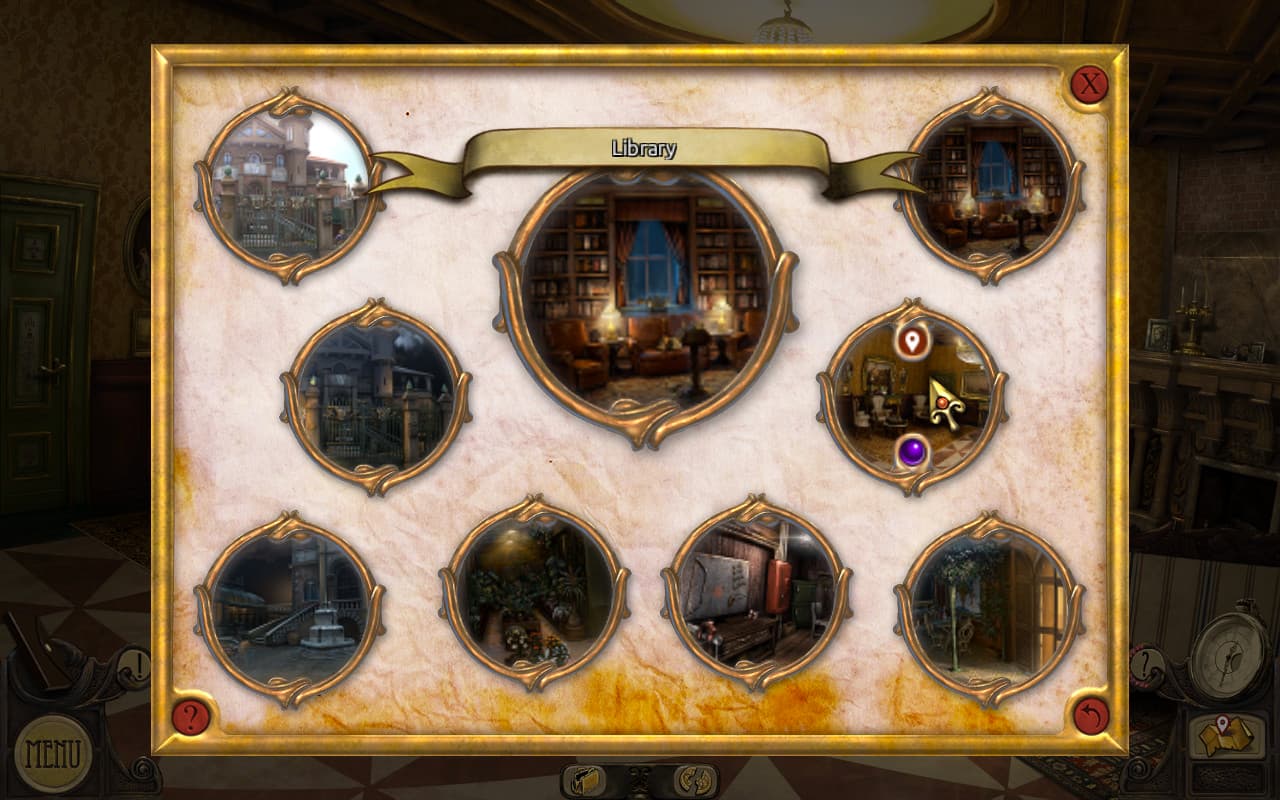
The grandson of a renowned antique store owner arrives in Palermo to visit his grandfather. When he gets to the city, he discovers his grandfather's store has been vandalized and that the old man has disappeared.
On the ground, he finds a troubling note about a midnight Mass to be held that very same evening. The young man decides to follow this lead, plunging him into a most mysterious quest... ...
Wymagania systemowe
Minimum
- Windows
- System
- Windows XP, Vista, 7, 8, 10
- Procesor
- Amd Athlon 64 / Intel Core 2 duo
- Pamięć
- 2 GB RAM
- Grafika
- 256 MB
- DirectX
- Version 9.0
- Miejsce na dysku
- 2 GB available space
- macOS
- System
- OS X 10.6.8
- Procesor
- Intel Core 2 duo
- Pamięć
- 2 GB RAM
- Grafika
- 256 MB
- Miejsce na dysku
- 2 GB available space
Zalecane
Informacje prawne
©2017 Anuman Interactive SA. All rights reserved. Developped by Sylphe Labs. Published by Anuman Interactive SA. Microïds is a trademark of Anuman Interactive SA. All rights reserved.