

Jak aktywować
- Zainstaluj Steam i zaloguj się na swoje konto (wystarczy darmowe).
- W górnym menu wybierz „Gry” → „Aktywuj produkt na Steam…”.
- Wpisz klucz dokładnie tak, jak w zamówieniu (z myślnikami), i potwierdź. Gra pojawi się w Twojej bibliotece.
O grze
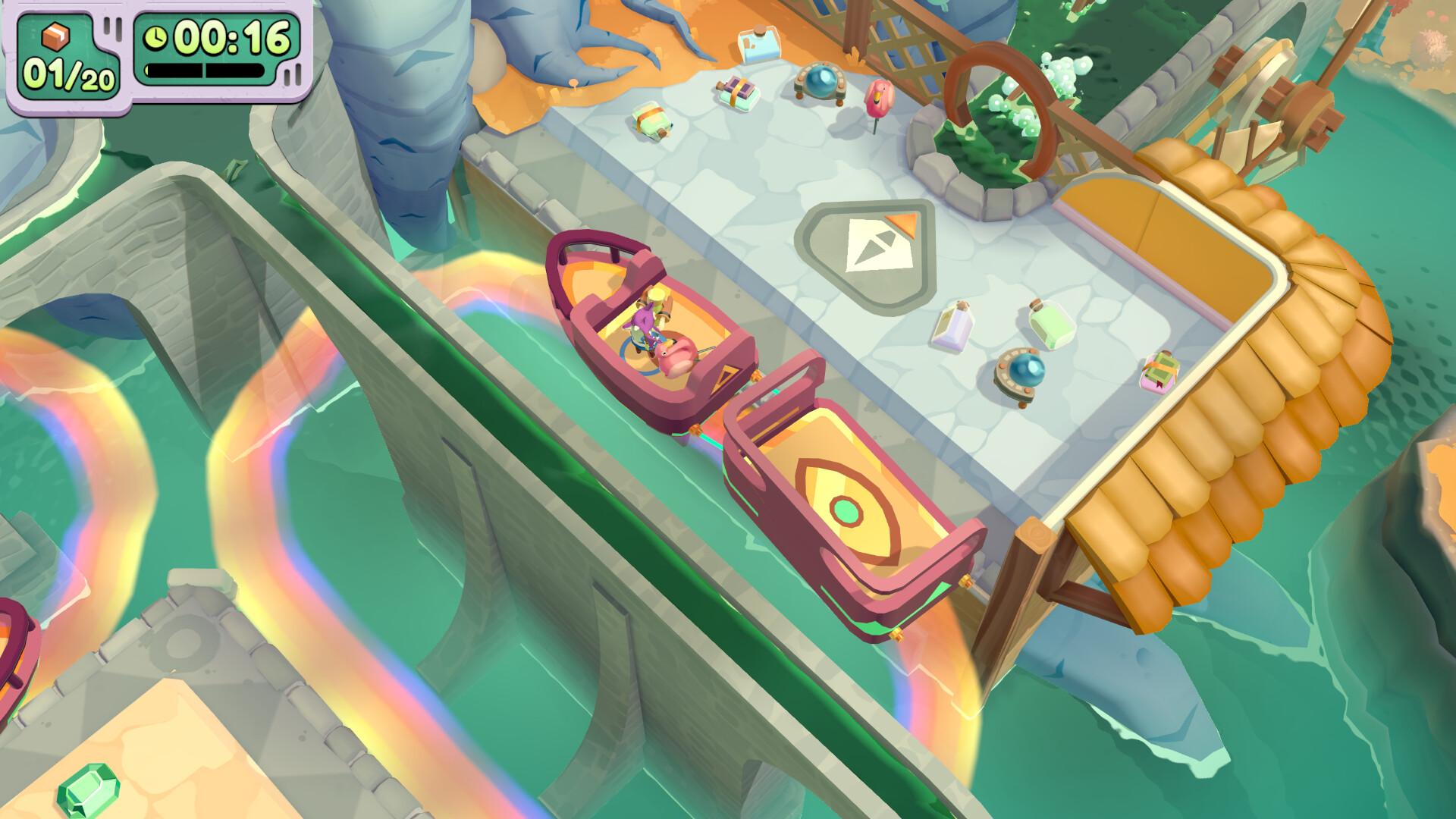
Moving Out 2 is the wacky sequel to the world-famous physics-based moving simulator. Working as a solo F.A.R.T, or with up to three friends, slip into your Smooth Moves uniform and help the residents of Packmore, and beyond, to pack up and ship out!
MULTI-DIMENSIONAL LOCAL & ONLINE MULTIPLAYER
Friends who move together, groove together! Whether you fancy some local co-op action or a cross-play online multiplayer session, we’ve got you signed, sealed and delivered!
NEW ADVENTURE ...
Wymagania systemowe
Minimum
- Requires a 64-bit processor and operating system
- System
- Windows 10 (64-bit)
- Procesor
- Intel Core i3-550 or AMD Phenom II X4 965
- Pamięć
- 4 GB RAM
- Grafika
- NVIDIA GeForce GTS 450, 1 GB or AMD Radeon HD 5770, 1 GB or Intel HD Graphics 630
- DirectX
- Version 11
- Miejsce na dysku
- 2 GB available space
- Dodatkowe uwagi
- 1080p @ 30 FPS
Zalecane
- Requires a 64-bit processor and operating system
- System
- Windows 10 (64-bit)
- Procesor
- Intel Core i5-2300 or AMD FX-6350
- Pamięć
- 8 GB RAM
- Grafika
- NVIDIA GeForce GTX 660, 2 GB or AMD Radeon HD 7850, 2 GB or Intel Arc A380, 6 GB
- DirectX
- Version 11
- Miejsce na dysku
- 4 GB available space
- Dodatkowe uwagi
- 1080p @ 60 FPS
Informacje prawne
Moving Out 2 © SMG Studio PTY Ltd & DEVM Games, published under licence by TEAM17 Digital Limited.