



Jak aktywować
- Zainstaluj Steam i zaloguj się na swoje konto (wystarczy darmowe).
- W górnym menu wybierz „Gry” → „Aktywuj produkt na Steam…”.
- Wpisz klucz dokładnie tak, jak w zamówieniu (z myślnikami), i potwierdź. Gra pojawi się w Twojej bibliotece.
O grze
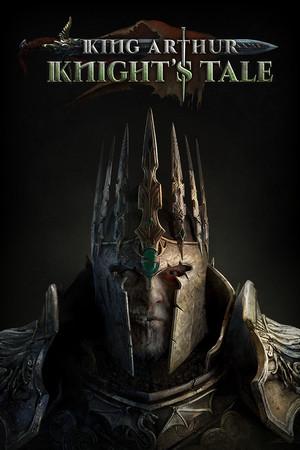
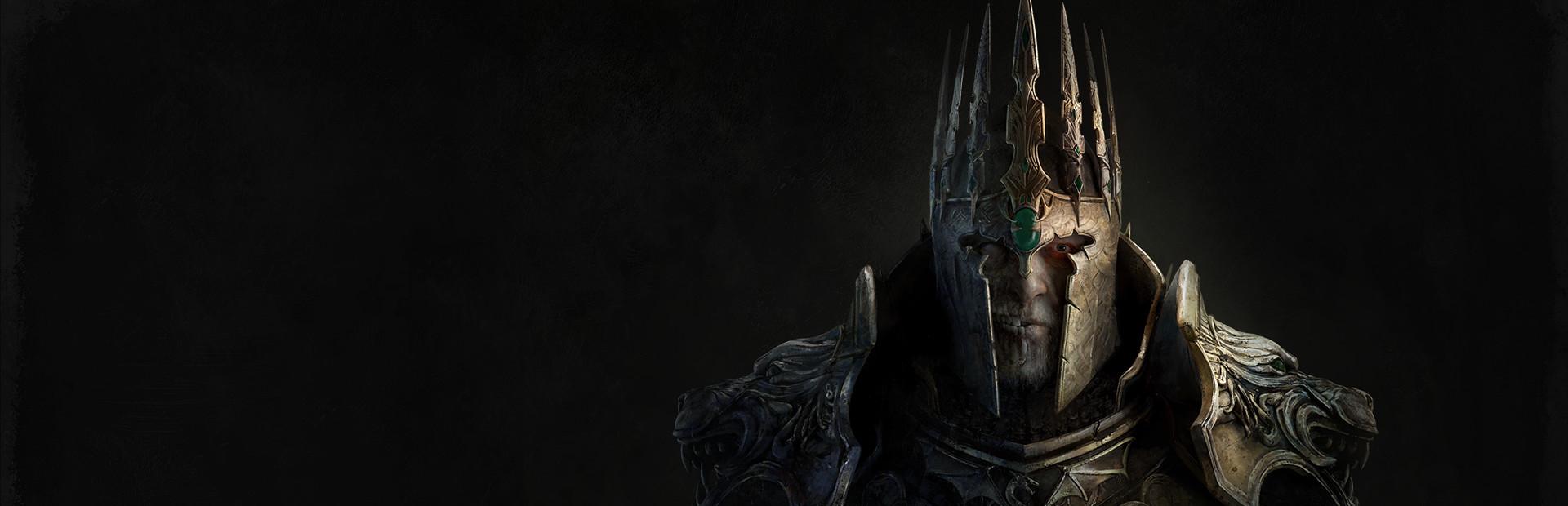
You are Sir Mordred, the nemesis of King Arthur, the former black knight of the grim tales. You killed King Arthur, but with his dying breath, he struck you down. You both died – and yet, you both live.
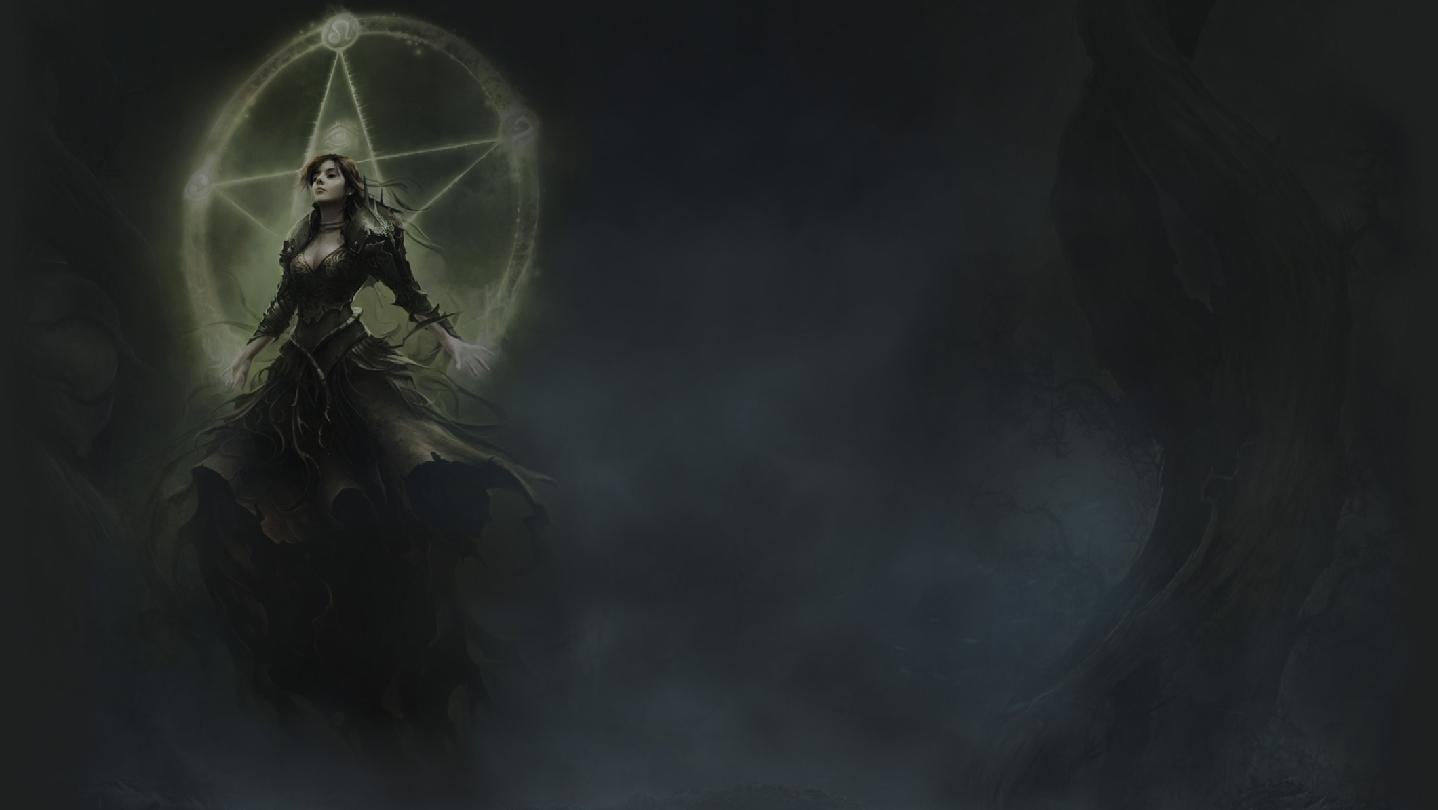
The Lady of the Lake, the ruler of the mystical island of Avalon brought you back to end a true nightmare. She wants you to go on a knightly quest. She wants you to finish what you have begun. Kill King Arthur – or whatever he has become after she took his dying vessel to Avalon..
A Role-playing Tactical Game ...
Wymagania systemowe
Minimum
- System
- Windows 10 64-bit
- Procesor
- Intel i5-4690 / AMD FX 4350
- Pamięć
- 8 GB RAM
- Grafika
- Nvidia GTX 780 / AMD Radeon R9 280X
- DirectX
- Version 12
- Miejsce na dysku
- 39 GB available space
Zalecane
- System
- Windows 10 64-bit
- Procesor
- Intel i7 4770k / AMD Ryzen 5 1500X
- Pamięć
- 16 GB RAM
- Grafika
- Nvidia GTX 1060 6GB / AMD RX580
- DirectX
- Version 12
- Miejsce na dysku
- 39 GB available space
Informacje prawne
©NeocoreGames. All Rights Reserved. NeocoreGames and the logo of NeocoreGames, King Arthur: Knight's Tale and the logo of King Arthur: Knight's Tale are registered trademarks or marks of Neocoregames.