




Jak aktywować
- Zainstaluj Steam i zaloguj się na swoje konto (wystarczy darmowe).
- W górnym menu wybierz „Gry” → „Aktywuj produkt na Steam…”.
- Wpisz klucz dokładnie tak, jak w zamówieniu (z myślnikami), i potwierdź. Gra pojawi się w Twojej bibliotece.
O grze
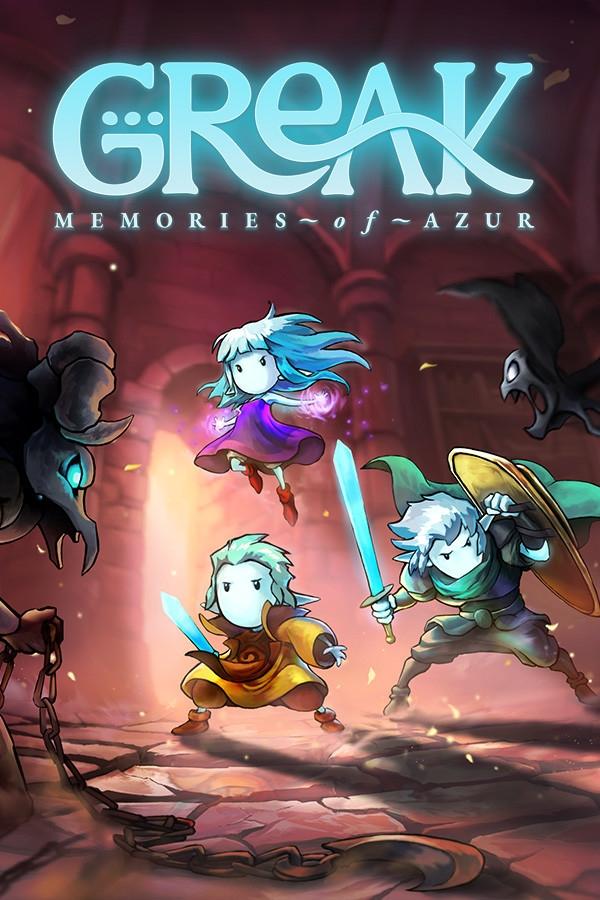
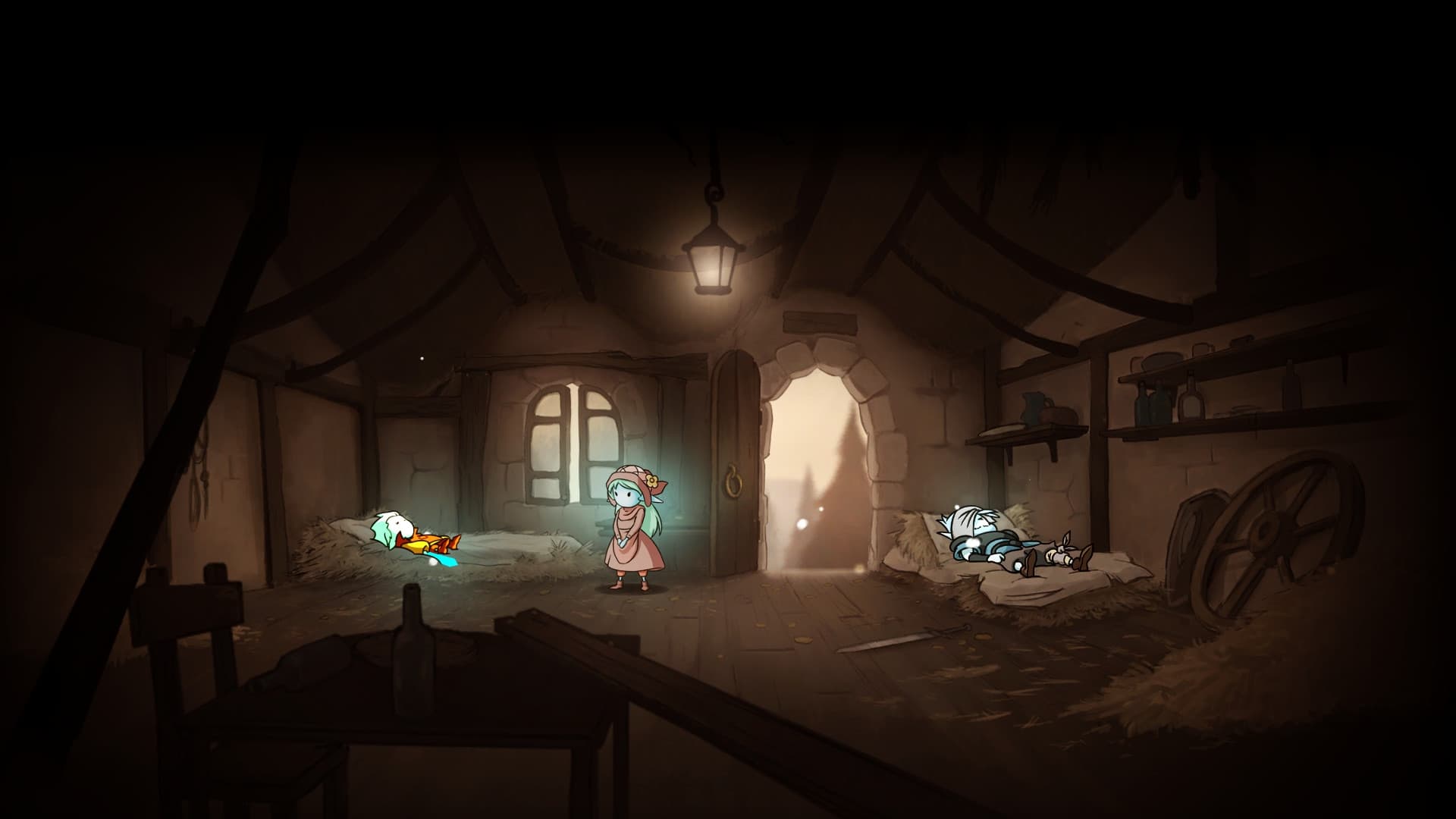
Greak: Memories of Azur Digital Artbook is 73 pages of hand drawn artwork collected together to exhibit the characters and world of Greak: Memories of Azur.
Wymagania systemowe
Minimum
- System
- Windows 10 64-bit
- Procesor
- Intel Core 2 Duo E6750 or AMD Athlon 64 X2 6400
- Pamięć
- 2 GB RAM
- Grafika
- NVIDIA GeForce 8800 GT, 512 GB or AMD Radeon HD 6570, 1 GB
- Miejsce na dysku
- 2 GB available space
Zalecane
- System
- Windows 10 64-bit
- Procesor
- Intel Core 2 Duo E8400 or AMD Phenom II X2 550
- Pamięć
- 4 GB RAM
- Grafika
- NVIDIA GeForce 9800 GTX, 1 GB or AMD Radeon HD 5750, 1 GB
- Miejsce na dysku
- 4 GB available space
Informacje prawne
Greak, Memories of Azur, copyright ©️ 2020, Navegante Entertainment, SA de CV. All rights reserved. All other trademarks, copyrights and logos are property of their respective owners. All material is protected by the copyright laws of all countries throughout the world.