

Jak aktywować
- Zainstaluj Steam i zaloguj się na swoje konto (wystarczy darmowe).
- W górnym menu wybierz „Gry” → „Aktywuj produkt na Steam…”.
- Wpisz klucz dokładnie tak, jak w zamówieniu (z myślnikami), i potwierdź. Gra pojawi się w Twojej bibliotece.
O grze
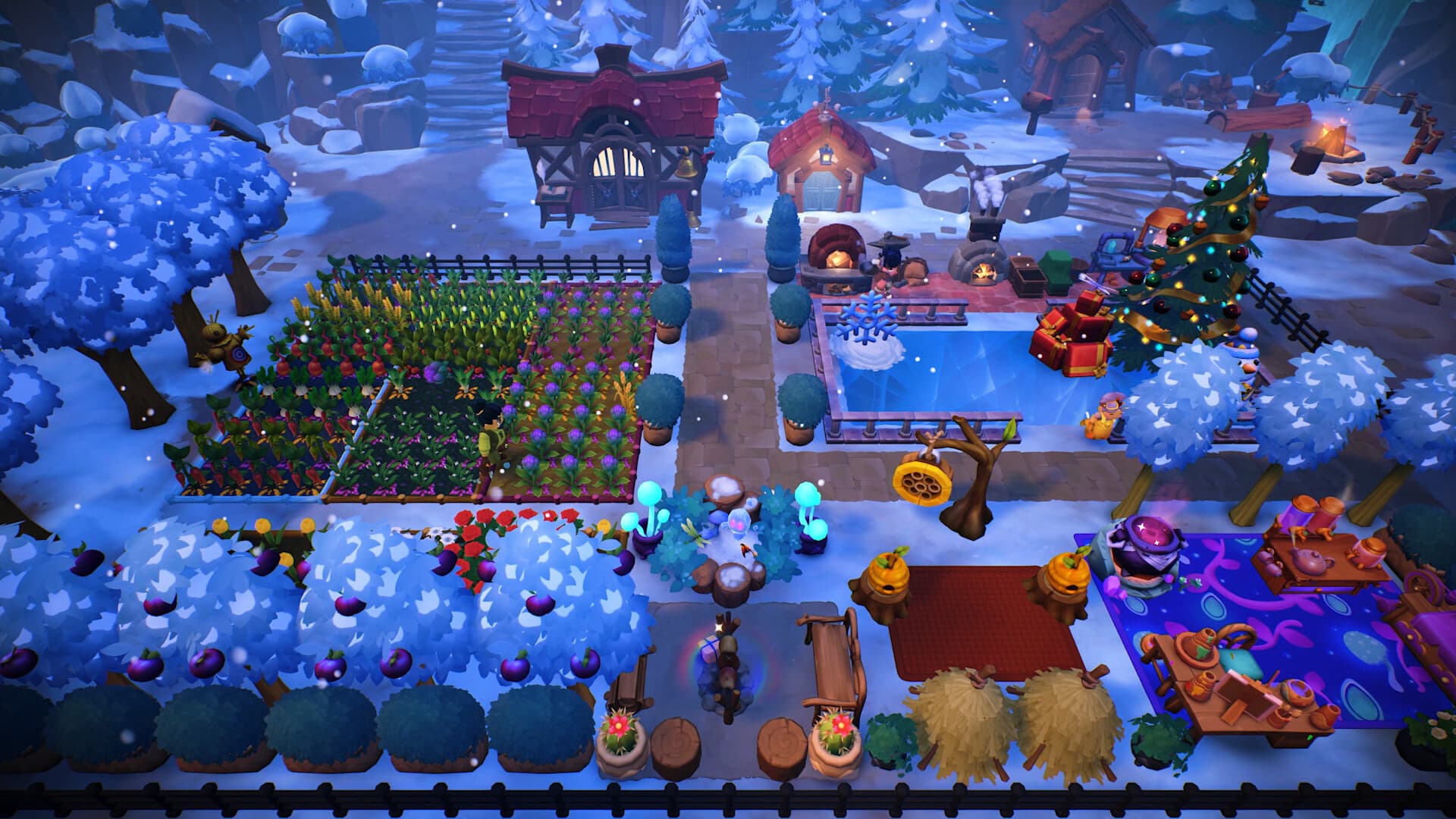
Escape to the world of Fae Farm and create your own cozy home in the enchanted world of Azoria. As you nurture and grow your homestead, you'll get to meet charming characters, foster deep relationships and discover ways to infuse magic into everything you do. Customize your character, master the arts of crafting, cooking, potion-making and discover so much more. ...
Wymagania systemowe
Minimum
- Requires a 64-bit processor and operating system
- System
- Windows 10 64-bit
- Procesor
- Intel Core i3-4160 / AMD A8-7600
- Pamięć
- 8 GB RAM
- Grafika
- NVIDIA GeForce GTX 460 / AMD HD 6850 / Intel UHD620
- DirectX
- Version 11
- Miejsce na dysku
- 5 GB available space
Zalecane
- Requires a 64-bit processor and operating system
- System
- Windows 10 64-bit
- Procesor
- Intel i5-2100 or AMD FX-6300
- Pamięć
- 8 GB RAM
- Grafika
- Nvidia GeForce GTX 660, AMD Radeon HD 7870
- DirectX
- Version 11
- Miejsce na dysku
- 5 GB available space
Informacje prawne
© 2025 Phoenix Labs. All rights reserved. Phoenix Labs, Fae Farm, and Phoenix Labs' other marks and logos are trademarks of Phoenix Labs, Inc. and/or its affiliates.