
Jak aktywować
- Zainstaluj Steam i zaloguj się na swoje konto (wystarczy darmowe).
- W górnym menu wybierz „Gry” → „Aktywuj produkt na Steam…”.
- Wpisz klucz dokładnie tak, jak w zamówieniu (z myślnikami), i potwierdź. Gra pojawi się w Twojej bibliotece.
O grze
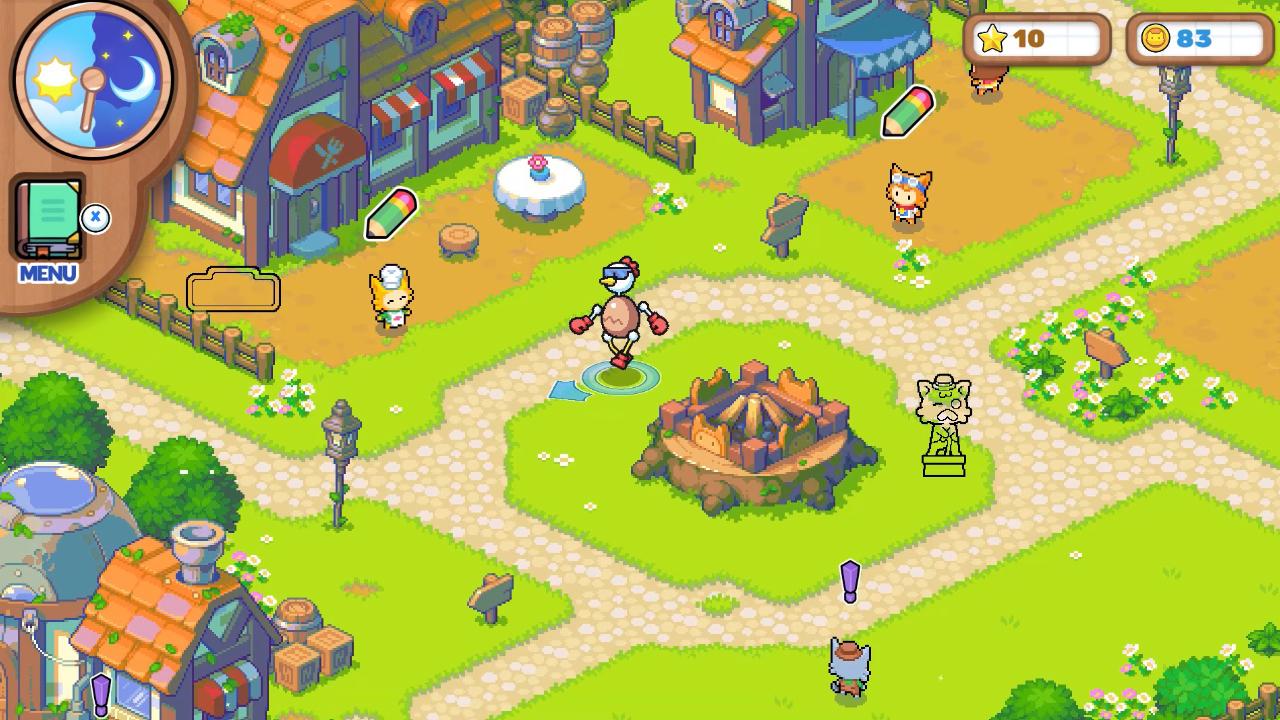
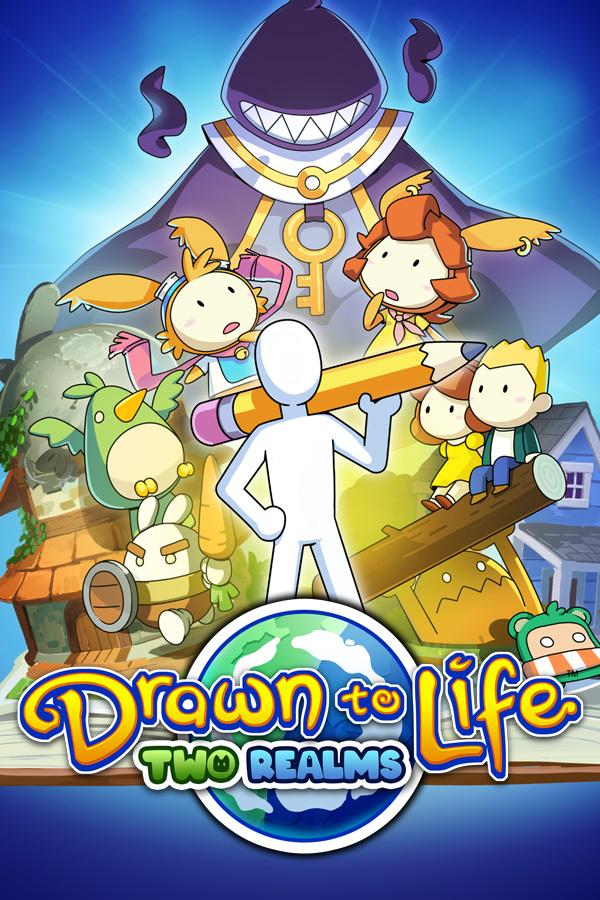
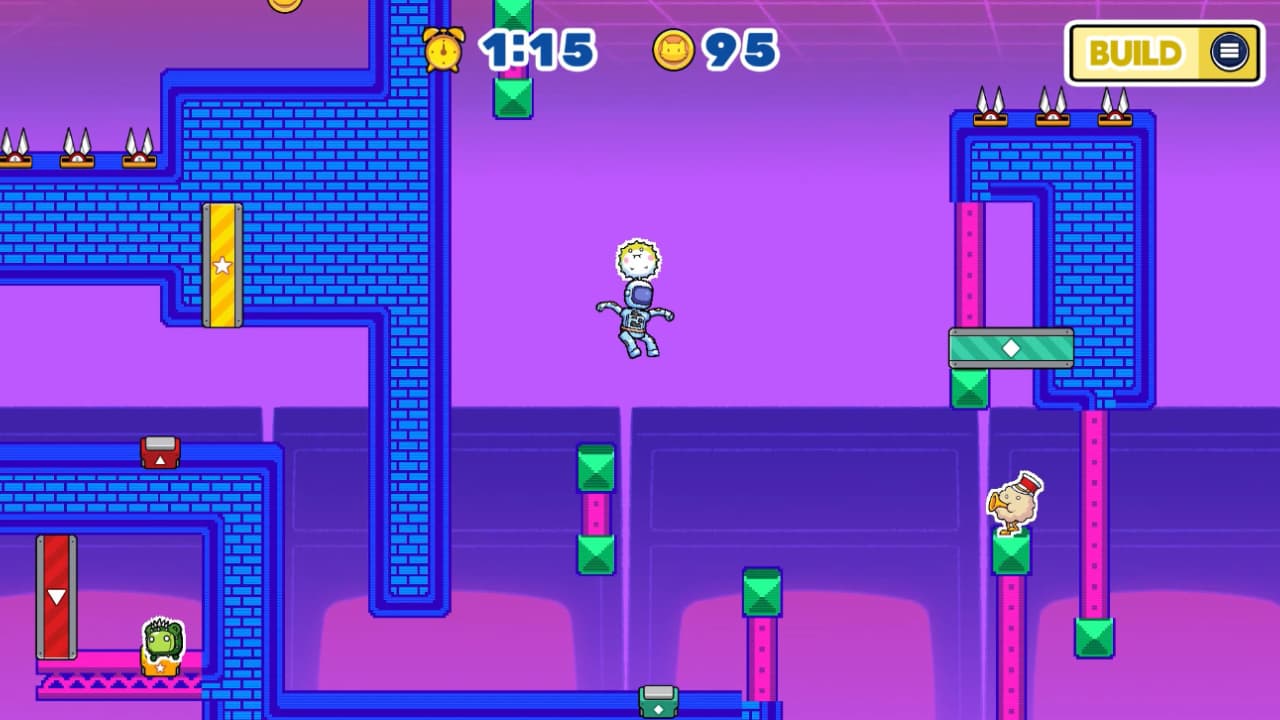
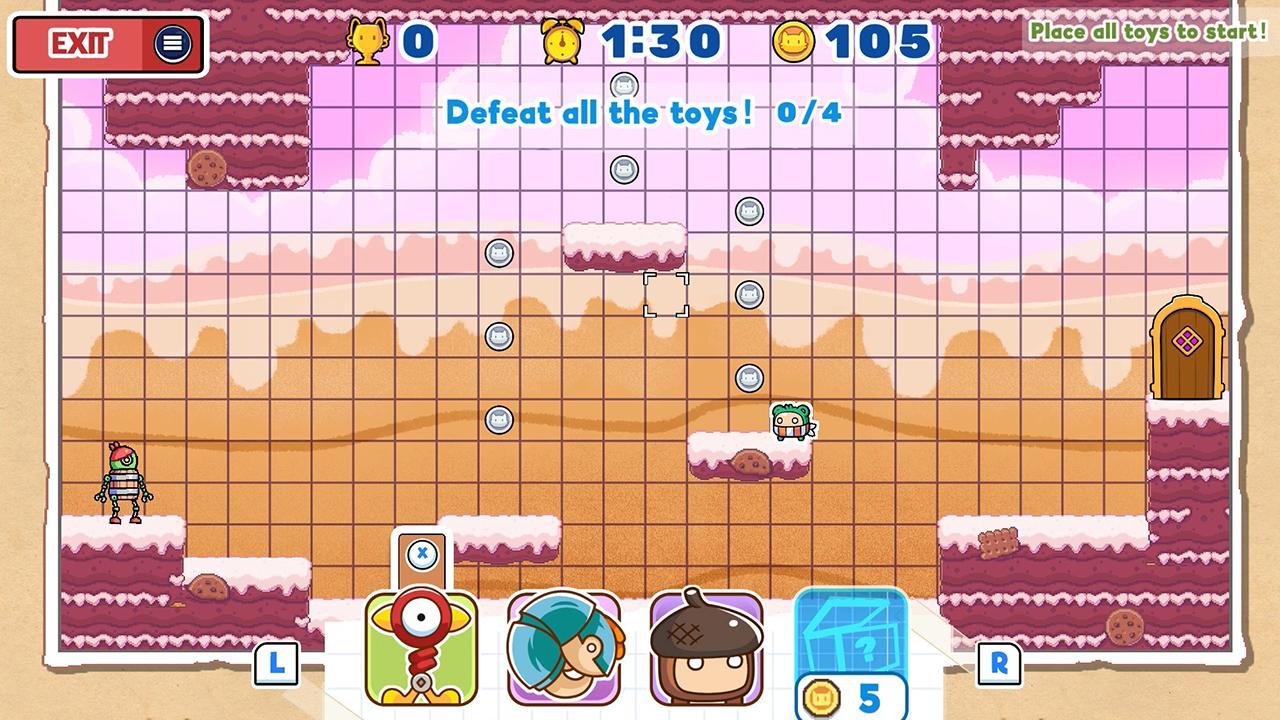
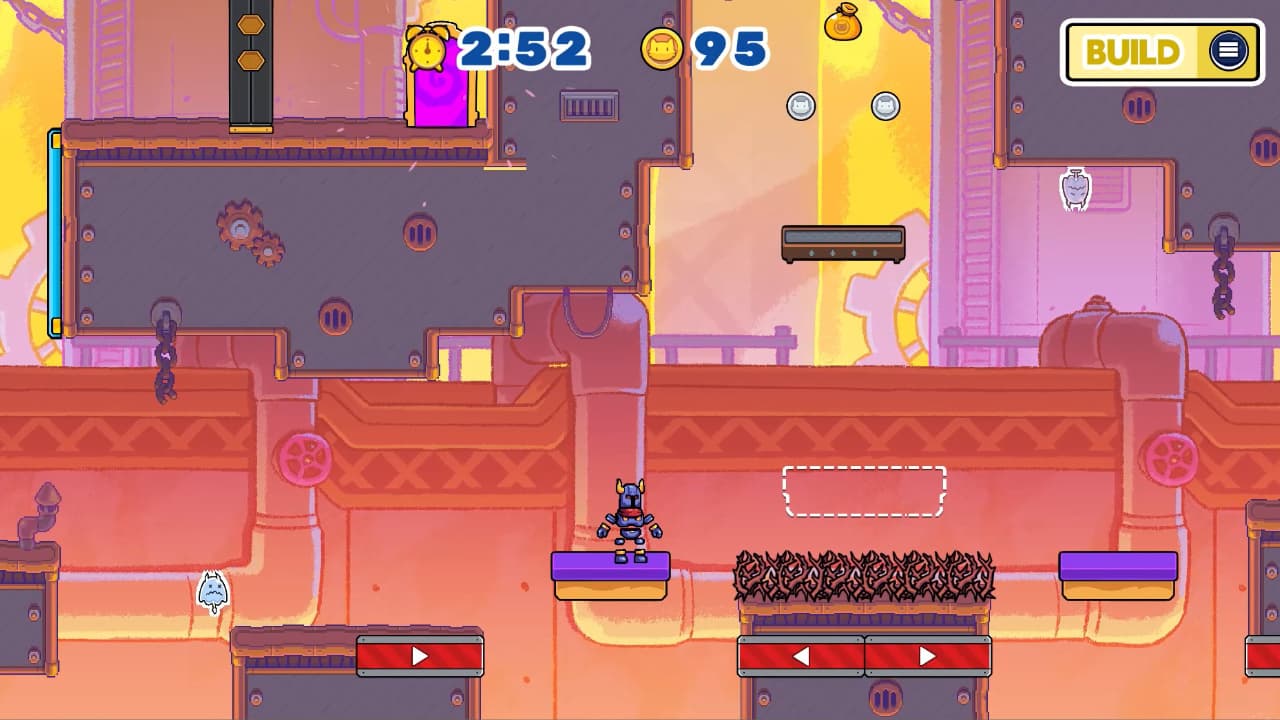
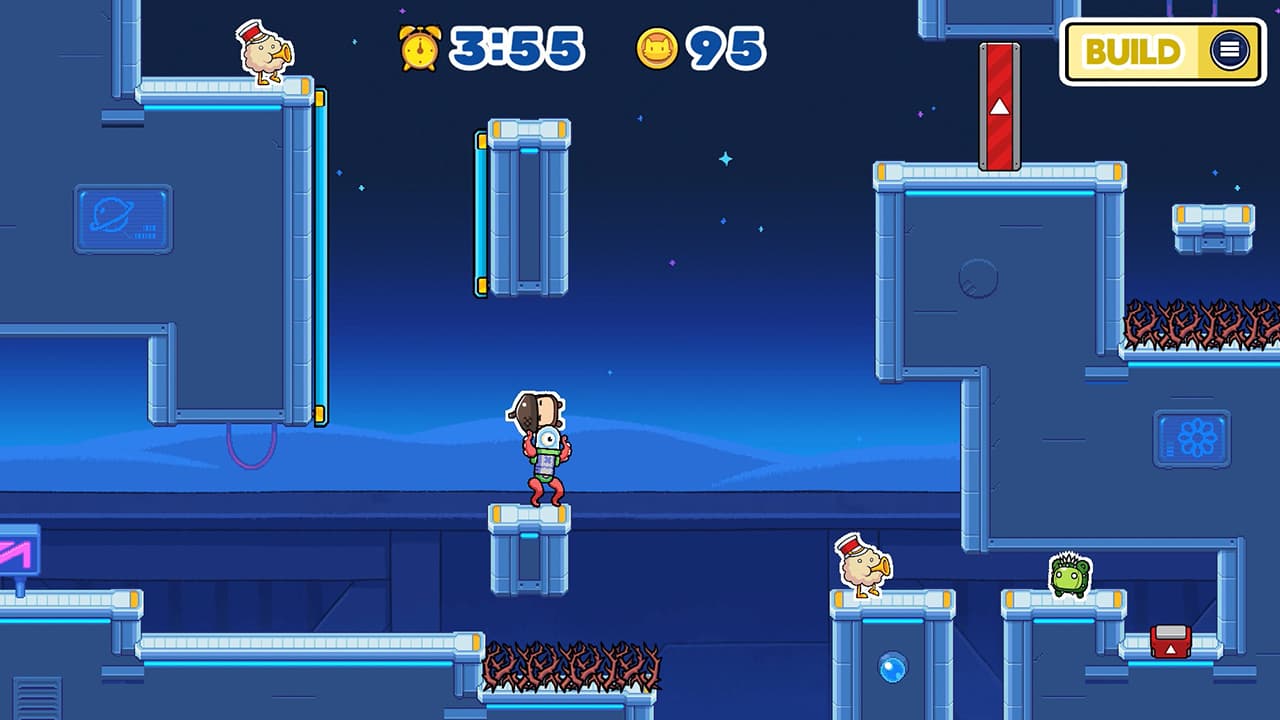
The quirky Raposa and your drawn hero return in Drawn to Life: Two Realms, the next installment in the beloved franchise! You again take on the role of the Creator, unlocking the mysterious connection between the two worlds, and creating a Hero to save them both!
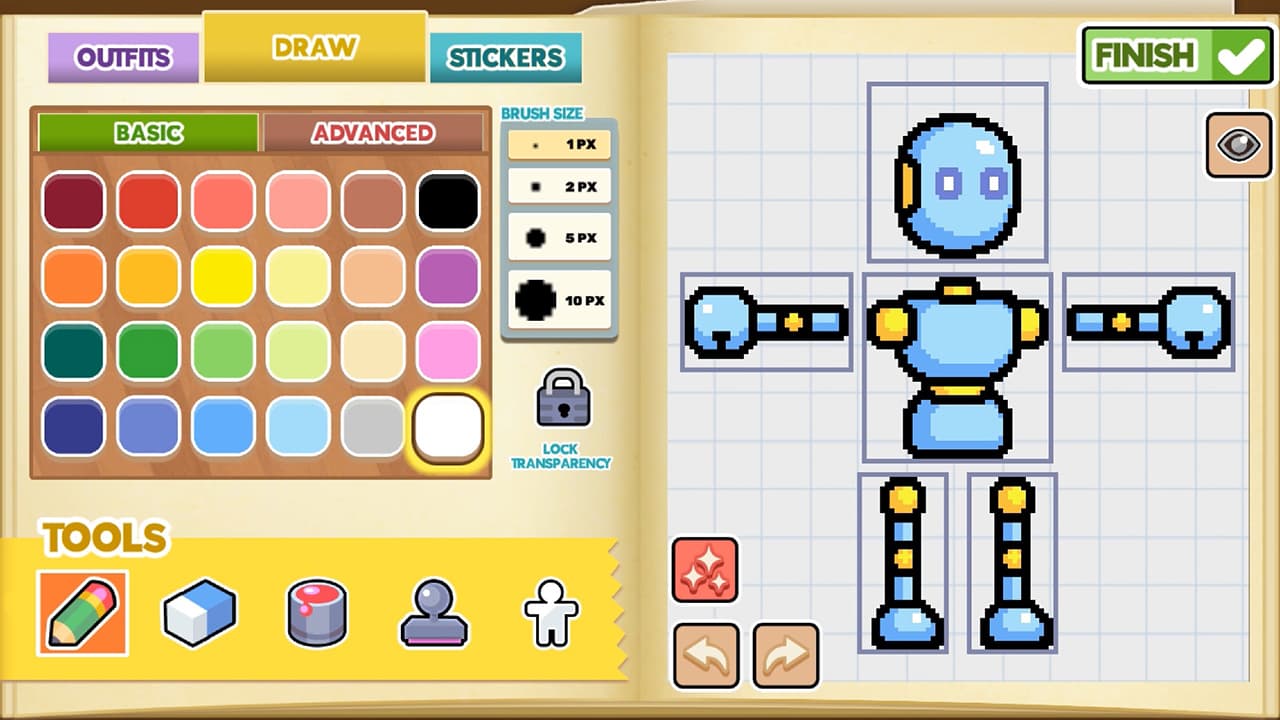
- A brand-new Creation Tool expands the creative possibility with millions of colors, unique stickers, templates, new hero animations, and a mix and match look to truly bring your imagination to life! As you play, unlock additional Stickers to further customize and save out your unique Hero looks via the new “Outfit System”.
- The ...
Wymagania systemowe
Minimum
- Steam account is required for game activation and installation
- Pc System Requirements
- Minimalne
- System
- Windows 10
- Procesor
- Intel Core i3-2125, AMD Phenom II X4 965
- Pamięć
- 4 GB RAM
- Grafika
- GeForce GT 130, Radeon HD 4850, Intel HD 3000
- DirectX
- Version 9.0a
- Miejsce na dysku
- 2 GB available space
- Karta dźwiękowa
- Any, onboard
- Zalecane
- System
- Windows 10
- Procesor
- Intel Core i3-2125, AMD A8-5600K
- Pamięć
- 4 GB RAM
- Grafika
- GeForce 9800 GTX+, Radeon HD 5770, Intel HD 520, Radeon HD 7560D
- DirectX
- Version 11
- Miejsce na dysku
- 2 GB available space
- Karta dźwiękowa
- Any, onboard
Zalecane
Informacje prawne
© 2020. Published by 505 Games. Drawn To Life name and logo are trademarks of 505 Games Spa and may be registered trademarks in certain countries. All rights reserved.