



Jak aktywować
- Zainstaluj Steam i zaloguj się na swoje konto (wystarczy darmowe).
- W górnym menu wybierz „Gry” → „Aktywuj produkt na Steam…”.
- Wpisz klucz dokładnie tak, jak w zamówieniu (z myślnikami), i potwierdź. Gra pojawi się w Twojej bibliotece.
O grze
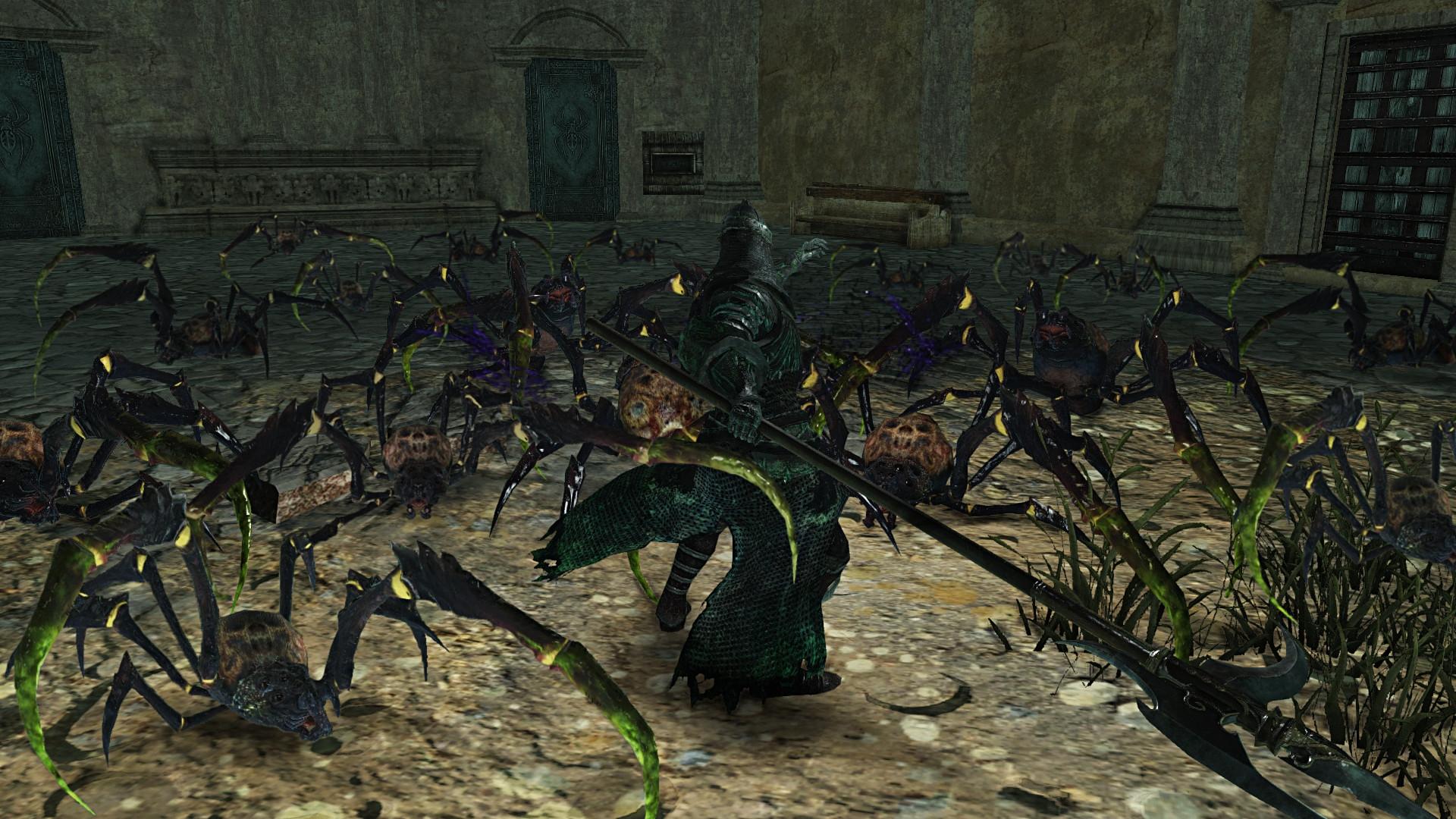
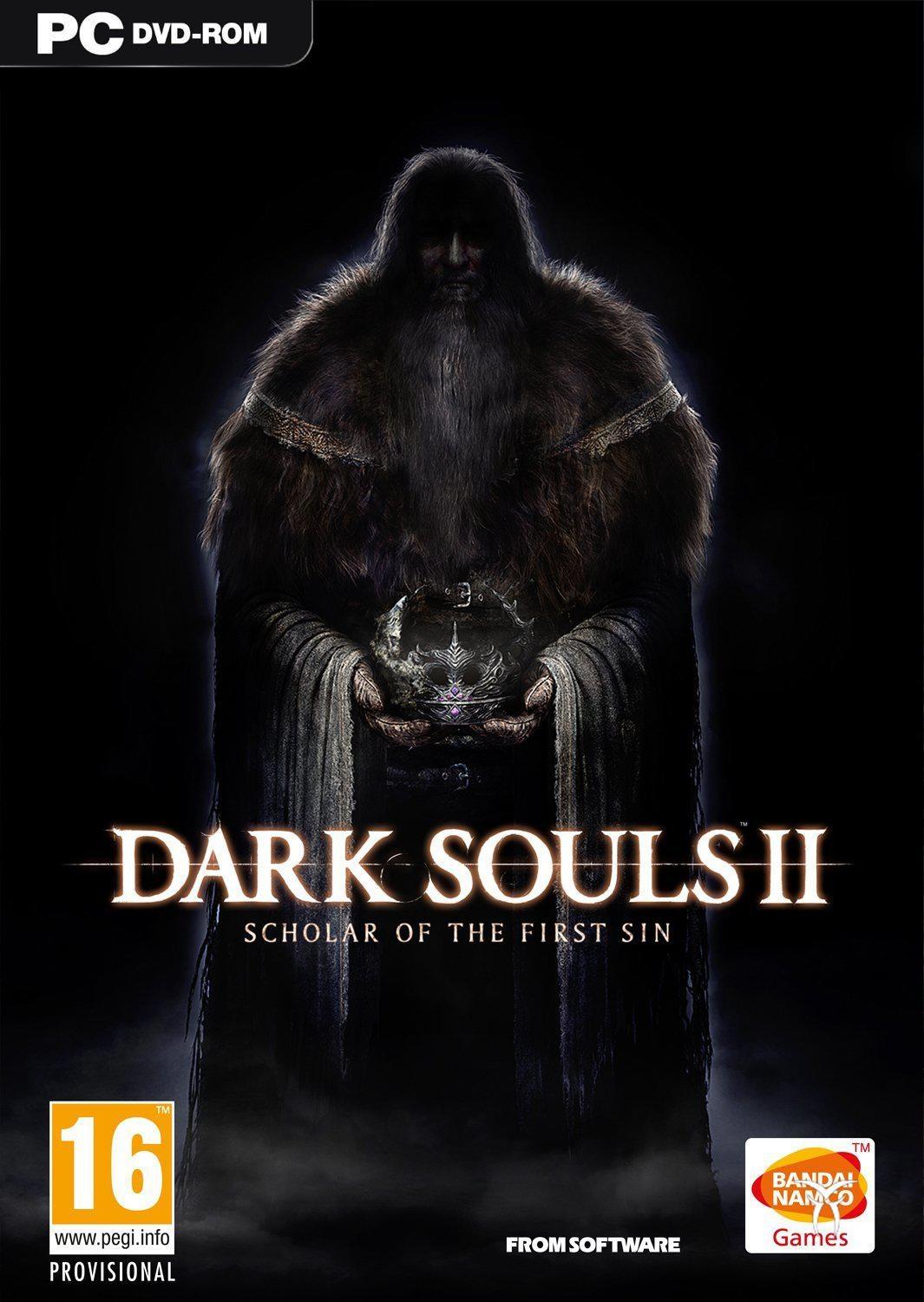
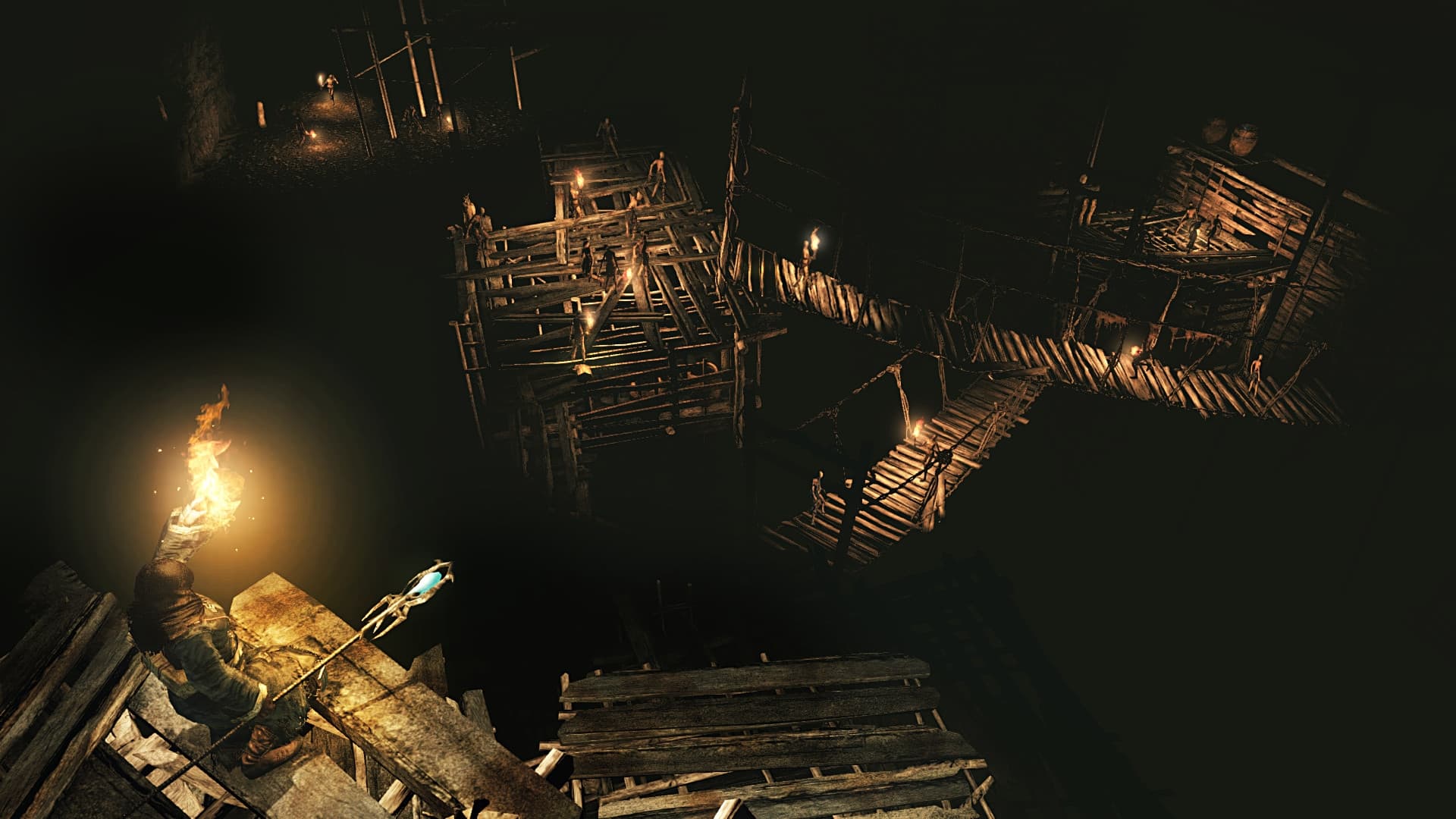
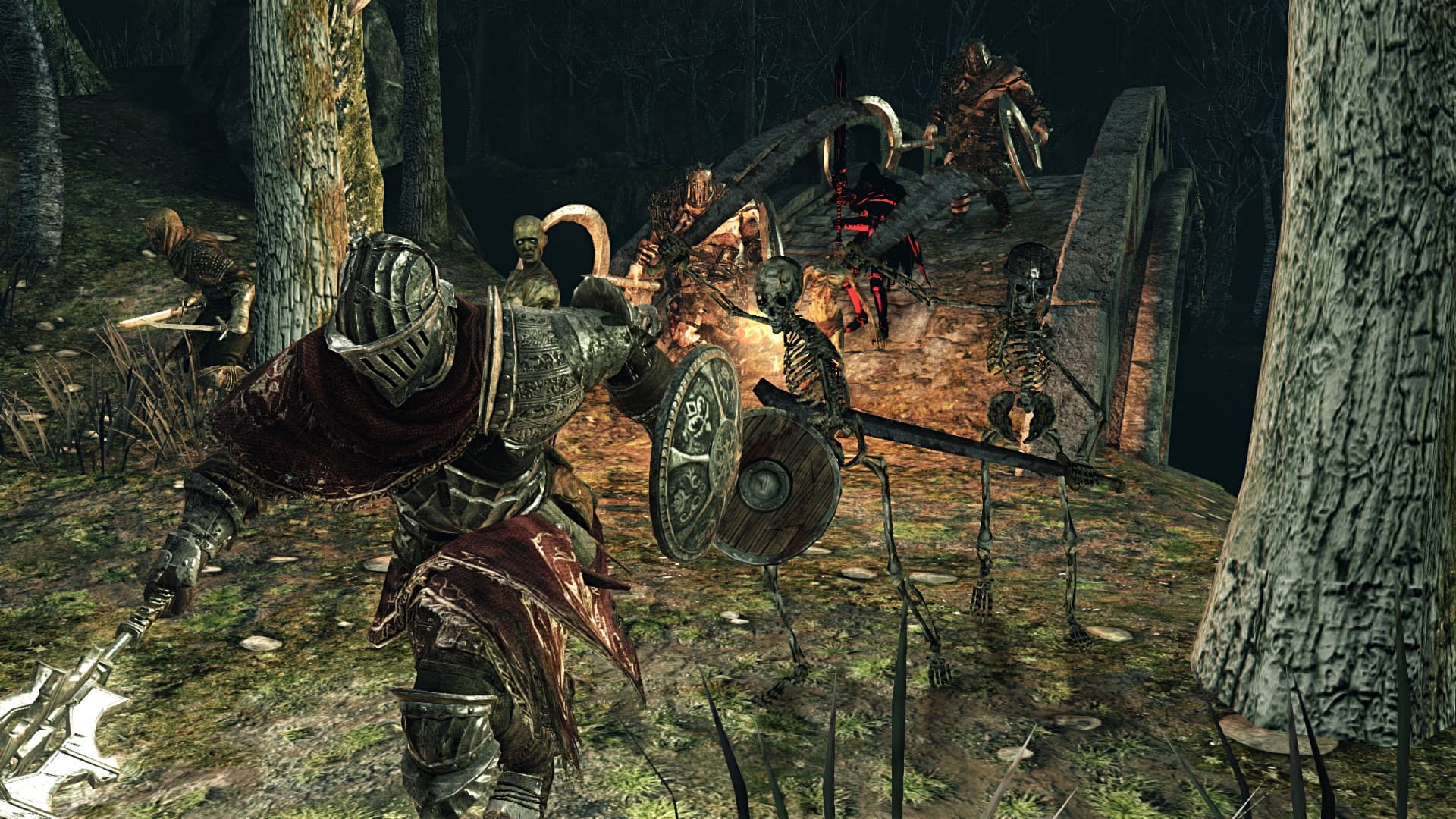
The most rewarding game of 2014 now comes augmented on PS4, Xbox ONE and PC with improved content & graphics. Enjoy the complete Dark Souls II experience with Dark Souls II: Scholar of the First Sin. Hallmark challenge & reward await you with enhancements fueled by the passion and talent of famed Japanese studio FromSoftware.
Wymagania systemowe
Minimum
- System
- Windows 7 SP1 64bit, Windows 8.1 64bit
- Procesor
- AMD® A8 3870 3,6 Ghz or Intel® Core ™ i3 2100 3.1Ghz
- Pamięć
- 4 GB RAM
- Grafika
- NVIDIA® GeForce GTX 465 / ATI Radeon TM HD 6870
- DirectX
- Version 11
- Sieć
- Broadband Internet connection
- Miejsce na dysku
- 23 GB available space
- Karta dźwiękowa
- DirectX 11 sound device
Zalecane
- System
- Windows 7 SP1 64bit, Windows 8.1 64bit
- Procesor
- AMD® FX 8150 3.6 GHz or Intel® Core™ i7 2600 3.4 GHz
- Pamięć
- 8 GB RAM
- Grafika
- NVIDIA® GeForce® GTX 750, ATI Radeon™ HD 7850
- DirectX
- Version 11
- Sieć
- Broadband Internet connection
- Miejsce na dysku
- 23 GB available space
- Karta dźwiękowa
- DirectX 11 sound device
Informacje prawne
DARK SOULS™ II: Scholar of the First Sin & ©2015 BANDAI NAMCO Entertainment Inc. / ©2011-2015 FromSoftware, Inc.