

Jak aktywować
- Zainstaluj Steam i zaloguj się na swoje konto (wystarczy darmowe).
- W górnym menu wybierz „Gry” → „Aktywuj produkt na Steam…”.
- Wpisz klucz dokładnie tak, jak w zamówieniu (z myślnikami), i potwierdź. Gra pojawi się w Twojej bibliotece.
O grze
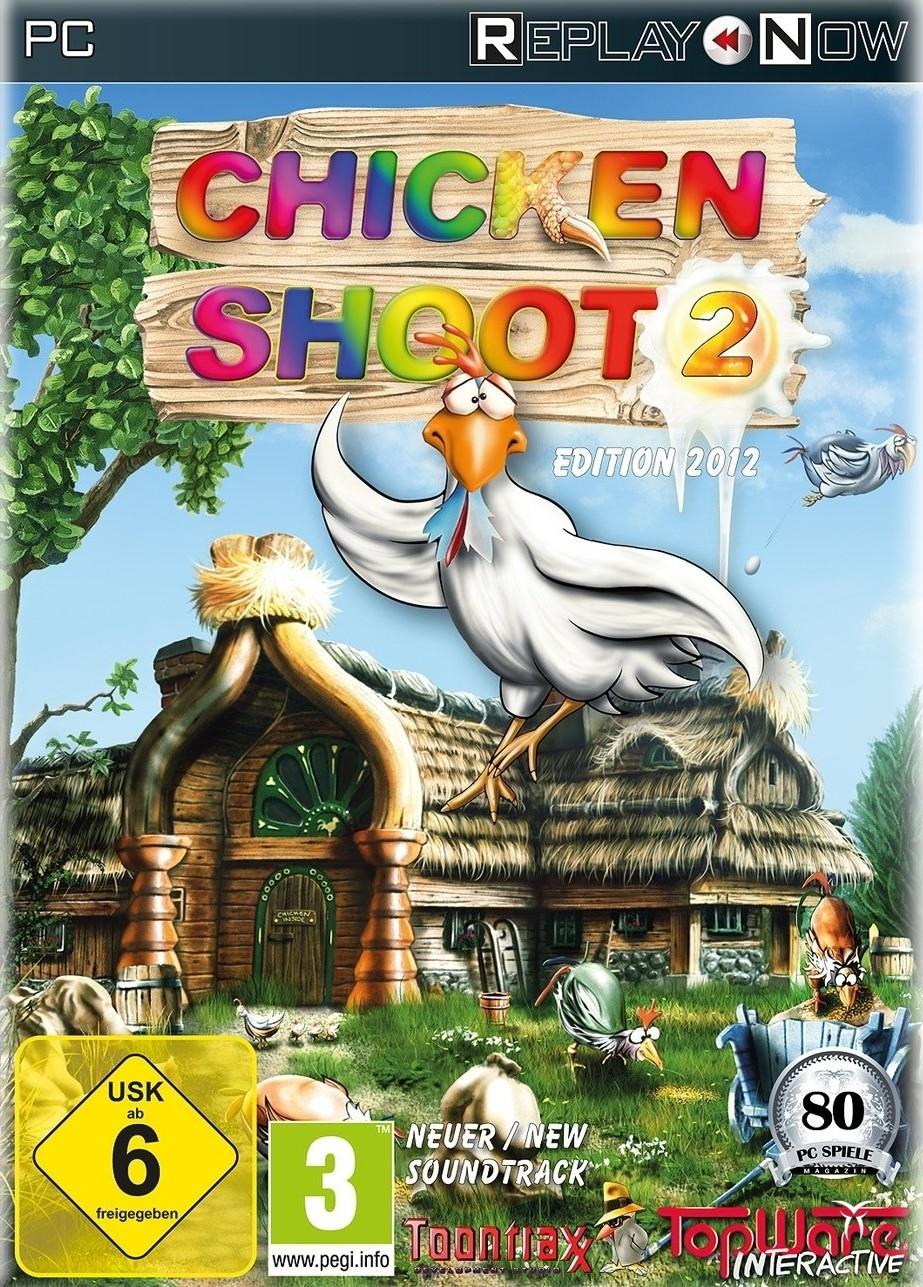
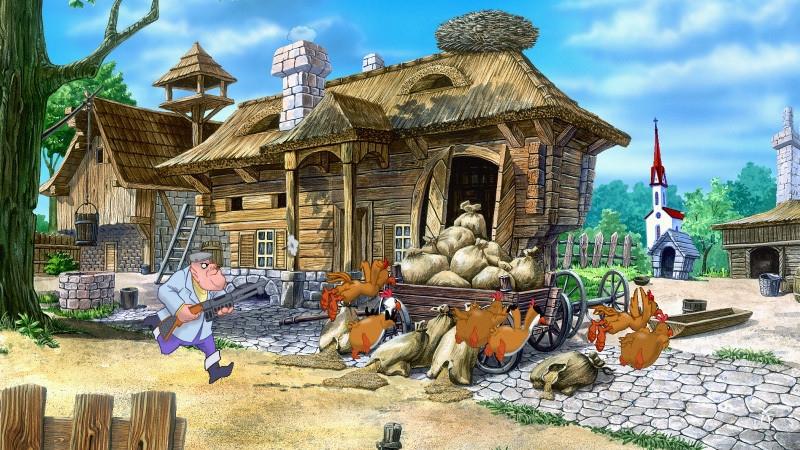
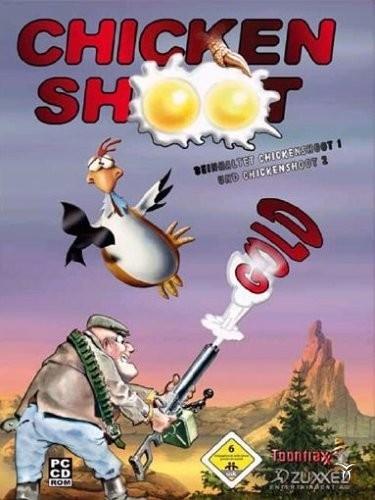
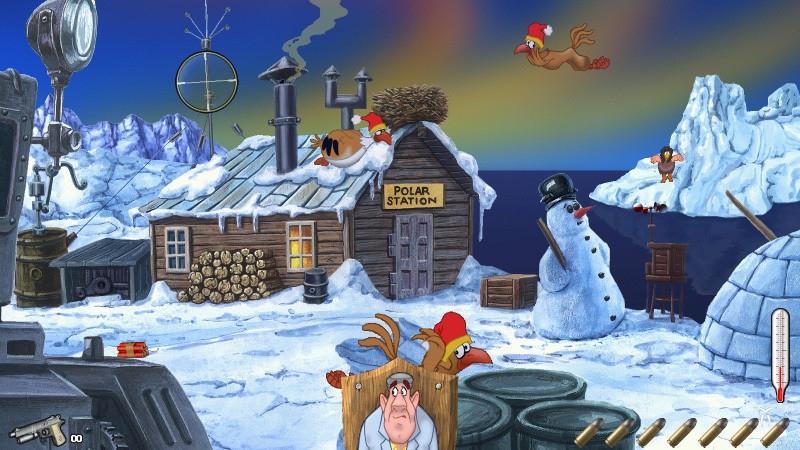
This tiresome bunch of feathered troublemakers is not giving any peace. Stop this hostile destruction from these rampaging roosters in Arcade mode, or fight against the clock in Classic mode in three difficulty levels. Six fabulous landscapes (in Chicken Shoot 1) and another seven landscapes (in Chicken Shoot 2) enchant the player again and again revealing new secrets and gimmicks every time. Punctuated with loads of original sound effects and underscored with idyllic music both parts will amuse not only the lone player, but the whole family with its variety of comic chicken animations, unique ...
Wymagania systemowe
Minimum
- Graphic
- 16MB
- Other
- 3-buttons mouse
- Other
- Internet connection required
- Other
- Keyboard requirement
- System
- Windows XP
- System
- Windows 7
- System
- Windows Vista
- System
- Windows 8
- Procesor
- AMD Singlecore CPU
- Procesor
- Intel Singlecore CPU
- Pamięć
- 0.512GB
- Miejsce na dysku
- 0.25GB
- Karta dźwiękowa
- DirectX compatible
Zalecane
- Other
- Keyboard requirement
- Other
- Internet connection required
- Other
- 3-buttons mouse
- Graphic
- 32MB
- System
- Windows 7
- System
- Windows Vista
- System
- Windows XP
- System
- Windows 8
- Miejsce na dysku
- 0.35GB
- Procesor
- AMD Singlecore CPU 1.5GHz
- Procesor
- Intel Singlecore CPU 1.5GHz
- Karta dźwiękowa
- DirectX compatible
- Pamięć
- 1GB