



Jak aktywować
- Zainstaluj Steam i zaloguj się na swoje konto (wystarczy darmowe).
- W górnym menu wybierz „Gry” → „Aktywuj produkt na Steam…”.
- Wpisz klucz dokładnie tak, jak w zamówieniu (z myślnikami), i potwierdź. Gra pojawi się w Twojej bibliotece.
O grze
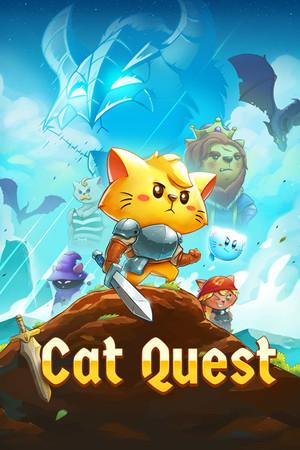
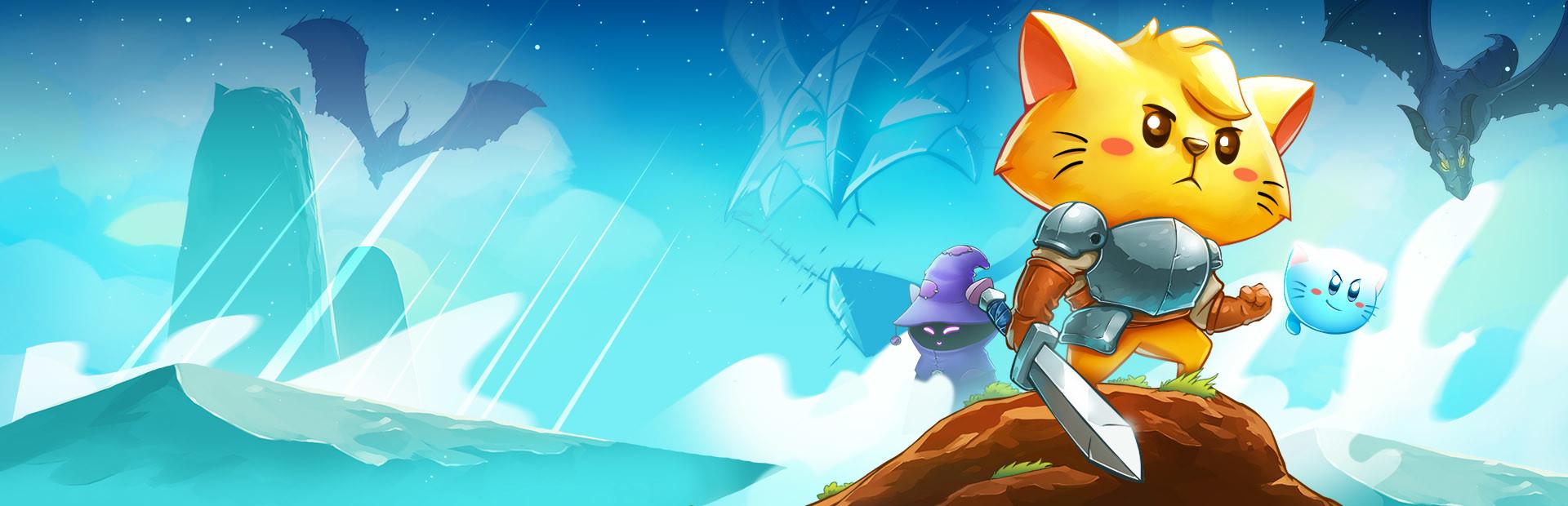
Cat Quest is an open world RPG set in the pawsome world of cats!
Leap into a grand adventure in purrsuit of the evil Drakoth and your catnapped sister! Explore Felingard's huge overworld map, risk life and limb delving into dungeons for epic loot, and lend a paw to a furry cast of characters in a flurry of side quests.
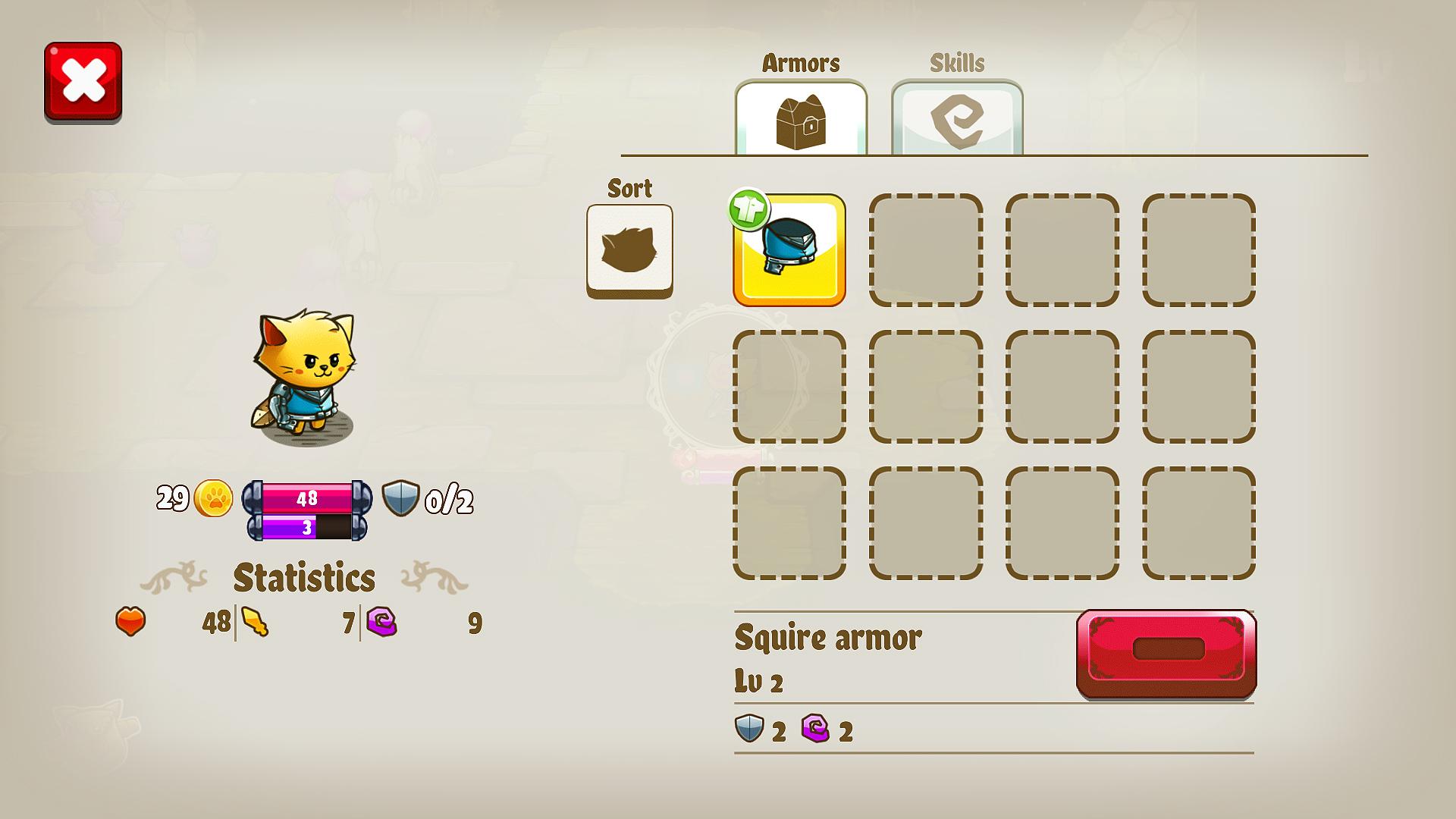
- Real-time Combat ...
Wymagania systemowe
Minimum
- Windows
- System
- Windows 7
- Procesor
- Intel(R) Core(TM) i3-2100 CPU @ 3.10GHz (4 CPUs), ~3.1GHz
- Pamięć
- 4 GB RAM
- Grafika
- Intel(R) HD Graphics 520
- Miejsce na dysku
- 250 MB available space
- macOS
- System
- OS X 10.6
- Pamięć
- 4 GB RAM
- Miejsce na dysku
- 300 MB available space
Zalecane
- Windows
- System
- Windows 10
- Procesor
- Intel(R) Core(TM) i7-7500U CPU @ 2.70GHz
- Pamięć
- 8 GB RAM
- Grafika
- Intel(R) HD Graphics 620
- DirectX
- Version 12
- Miejsce na dysku
- 250 MB available space
- macOS
- System
- OS X 10.7
- Pamięć
- 8 GB RAM
- Miejsce na dysku
- 300 MB available space
Informacje prawne
Cat Quest ©2017 The Gentlebros Pte. Ltd. "Cat Quest", "Gentlebros" and their related logos are all brands of The Gentlebros Pte Ltd. Developed by The Gentlebros Pte. Ltd, a member of the Kepler Interactive Group. Published by Kepler Interactive. All rights reserved.