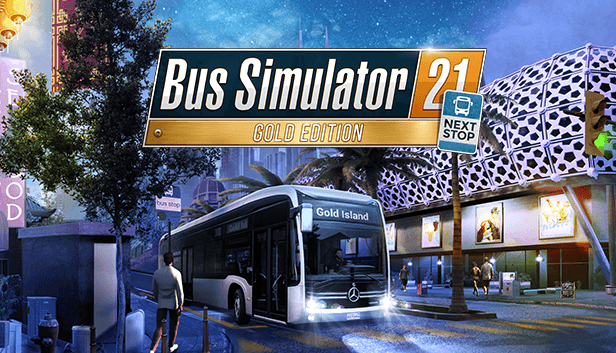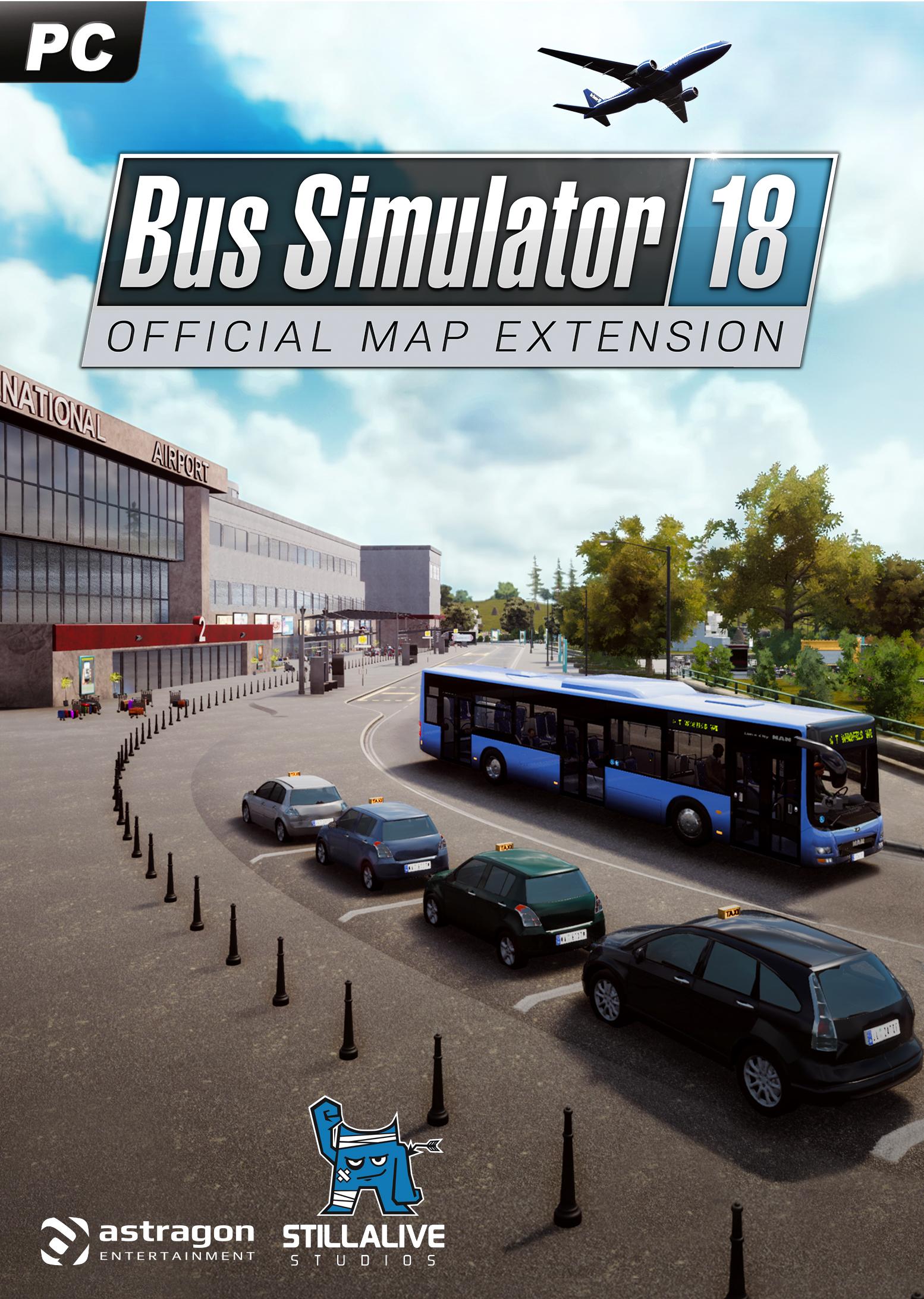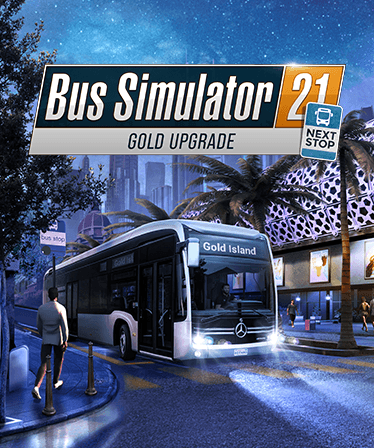
Najważniejsze informacje
- Platforma

- ProduktKlucz cyfrowy
- Data wydania16 maja 2023
- GatunkiSimulator
- Deweloperstillalive Studios
- WydawcaAstragon Entertainment
Jak aktywować
- Zainstaluj Steam i zaloguj się na swoje konto (wystarczy darmowe).
- W górnym menu wybierz „Gry” → „Aktywuj produkt na Steam…”.
- Wpisz klucz dokładnie tak, jak w zamówieniu (z myślnikami), i potwierdź. Gra pojawi się w Twojej bibliotece.
O grze
Wymagania systemowe
Minimum
- Steam account is required for game activation and installation.
- This content requires the base game Bus Simulator 21 Next Stop on Steam in order to play.
- Windows Requirements
- Requires a 64-bit processor and operating system
- System
- Windows 10 64-Bit
- Procesor
- Intel Core i3-2120 / AMD Phenom II X4 830 or equivalent
- Pamięć
- 8 GB RAM
- Grafika
- NVIDIA GeForce GTX 760 (2GB VRAM) / AMD Radeon R9 280 (2GB VRAM) or higher
- DirectX
- Version 12
- Sieć
- Broadband Internet connection
- Miejsce na dysku
- 18 GB available space
Zalecane
- Requires a 64-bit processor and operating system
- System
- Windows 10 64-Bit
- Procesor
- Intel Core i5-4440 / AMD FC-8140 or equivalent
- Pamięć
- 8 GB RAM
- Grafika
- NVIDIA GeForce GTX 1070 (8GB VRAM) / AMD Radeon RX Vega 56 (8GB VRAM) or higher
- DirectX
- Version 12
- Sieć
- Broadband Internet connection
- Miejsce na dysku
- 18 GB available space