





Jak aktywować
- Zainstaluj Steam i zaloguj się na swoje konto (wystarczy darmowe).
- W górnym menu wybierz „Gry” → „Aktywuj produkt na Steam…”.
- Wpisz klucz dokładnie tak, jak w zamówieniu (z myślnikami), i potwierdź. Gra pojawi się w Twojej bibliotece.
O grze
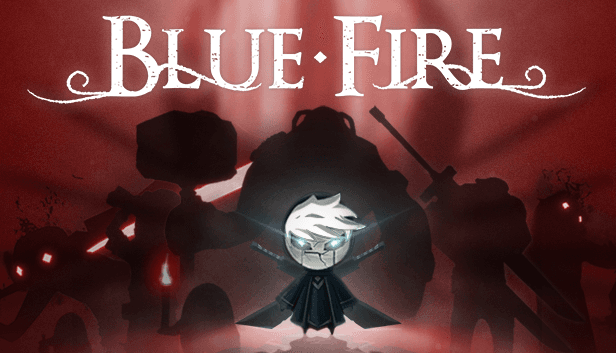
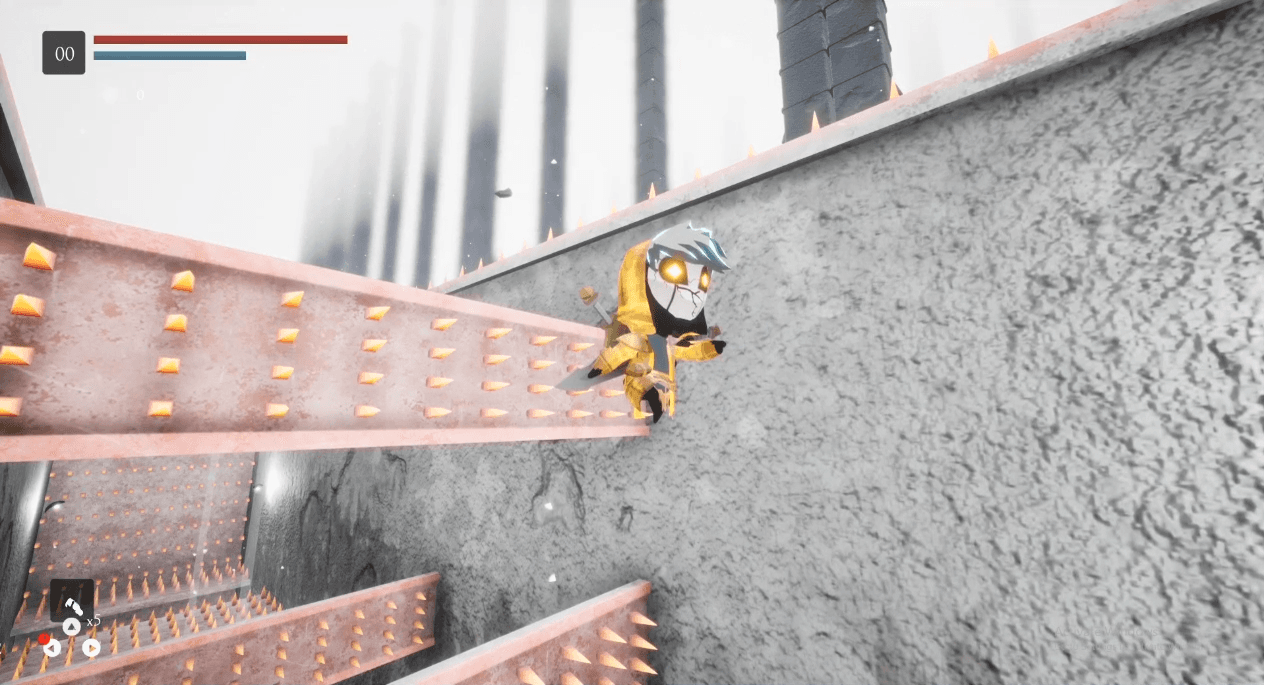
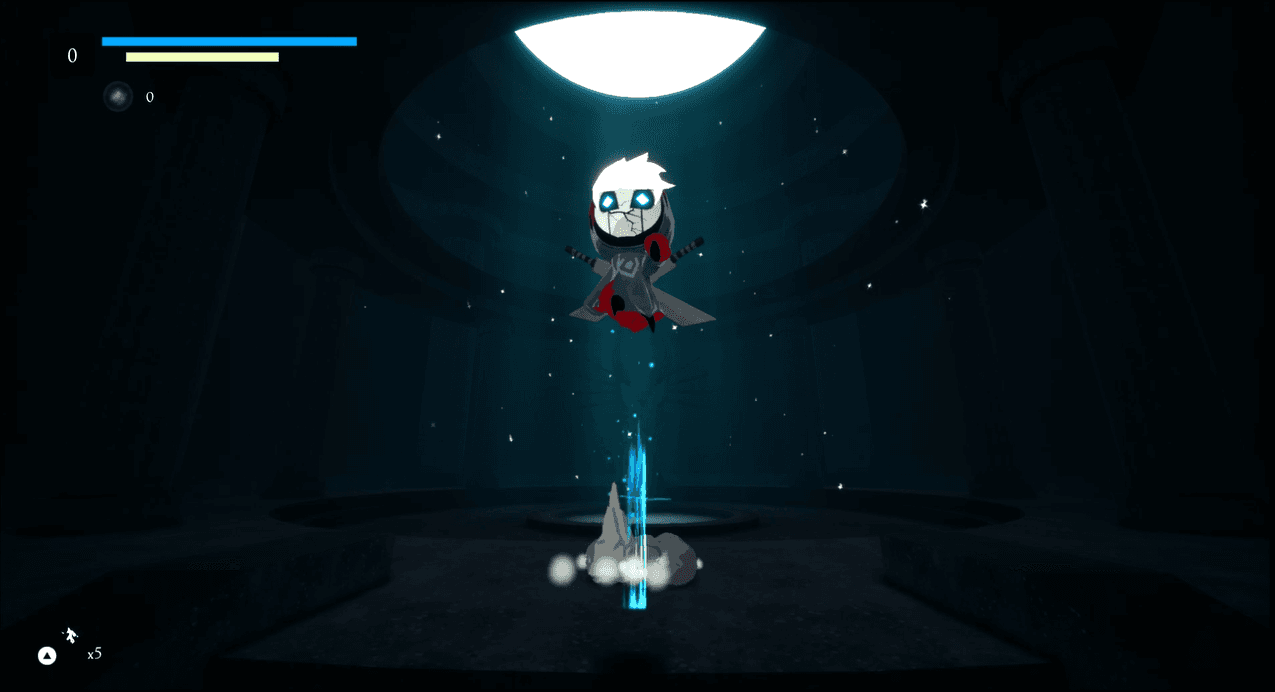
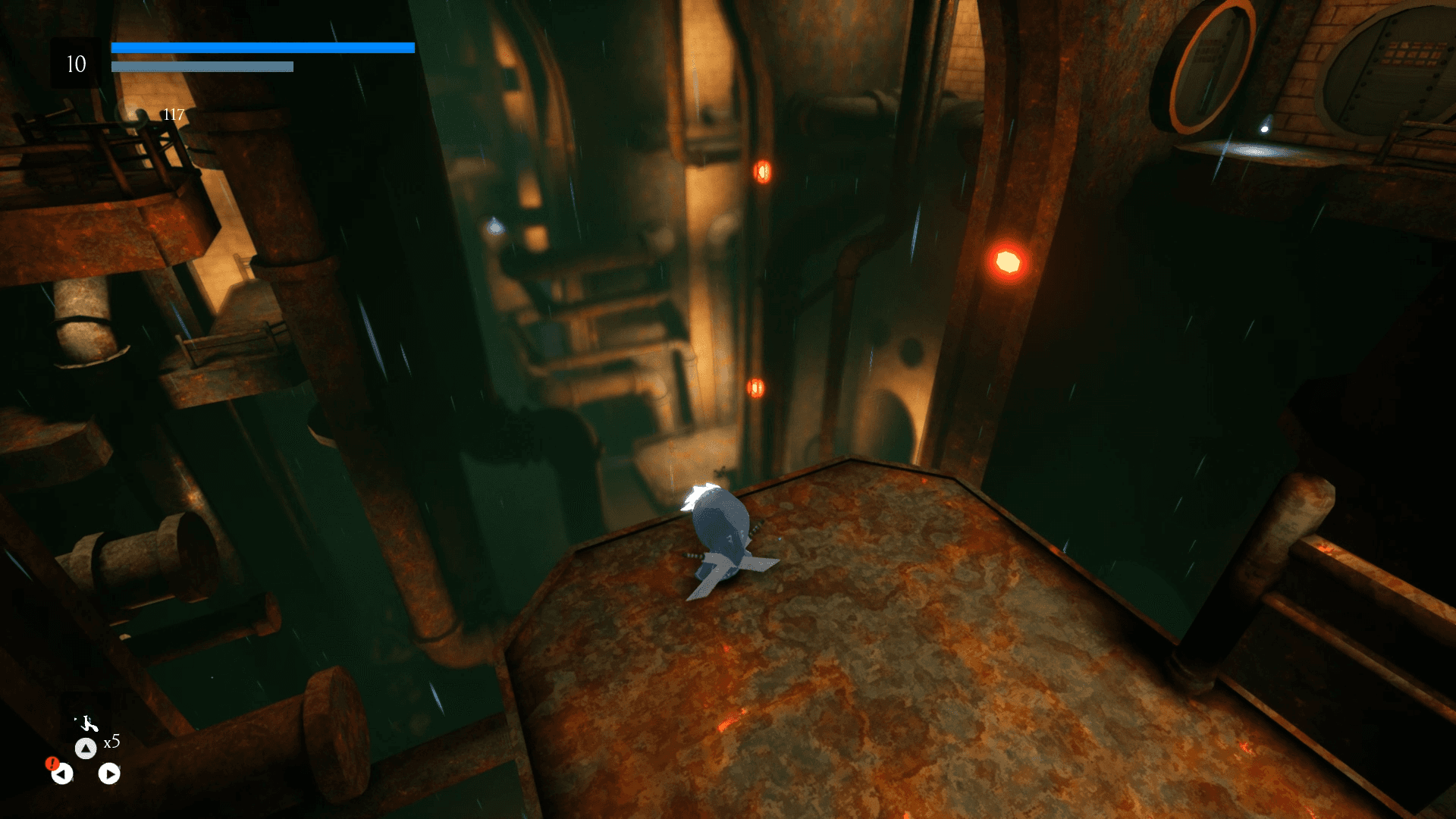
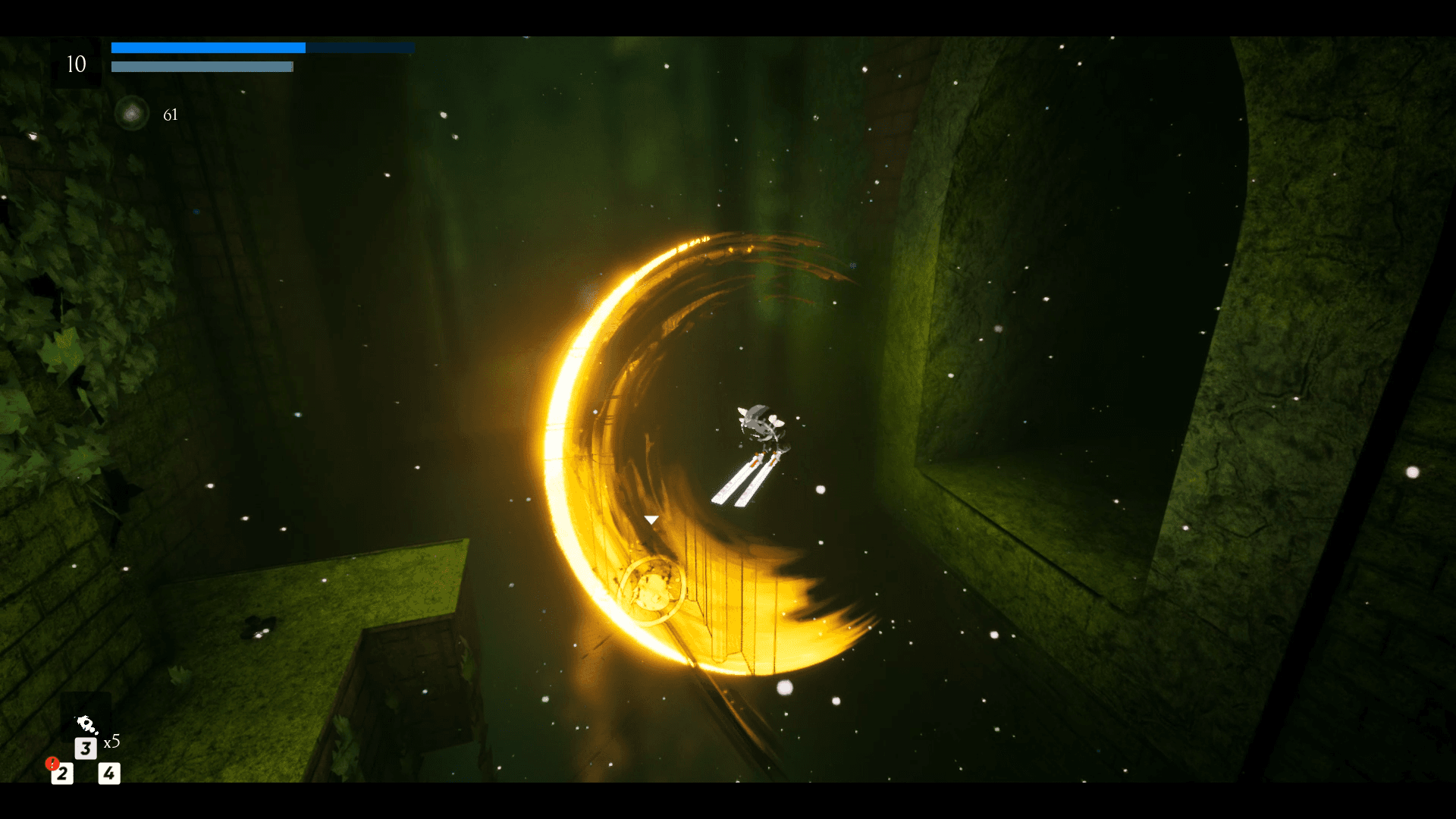
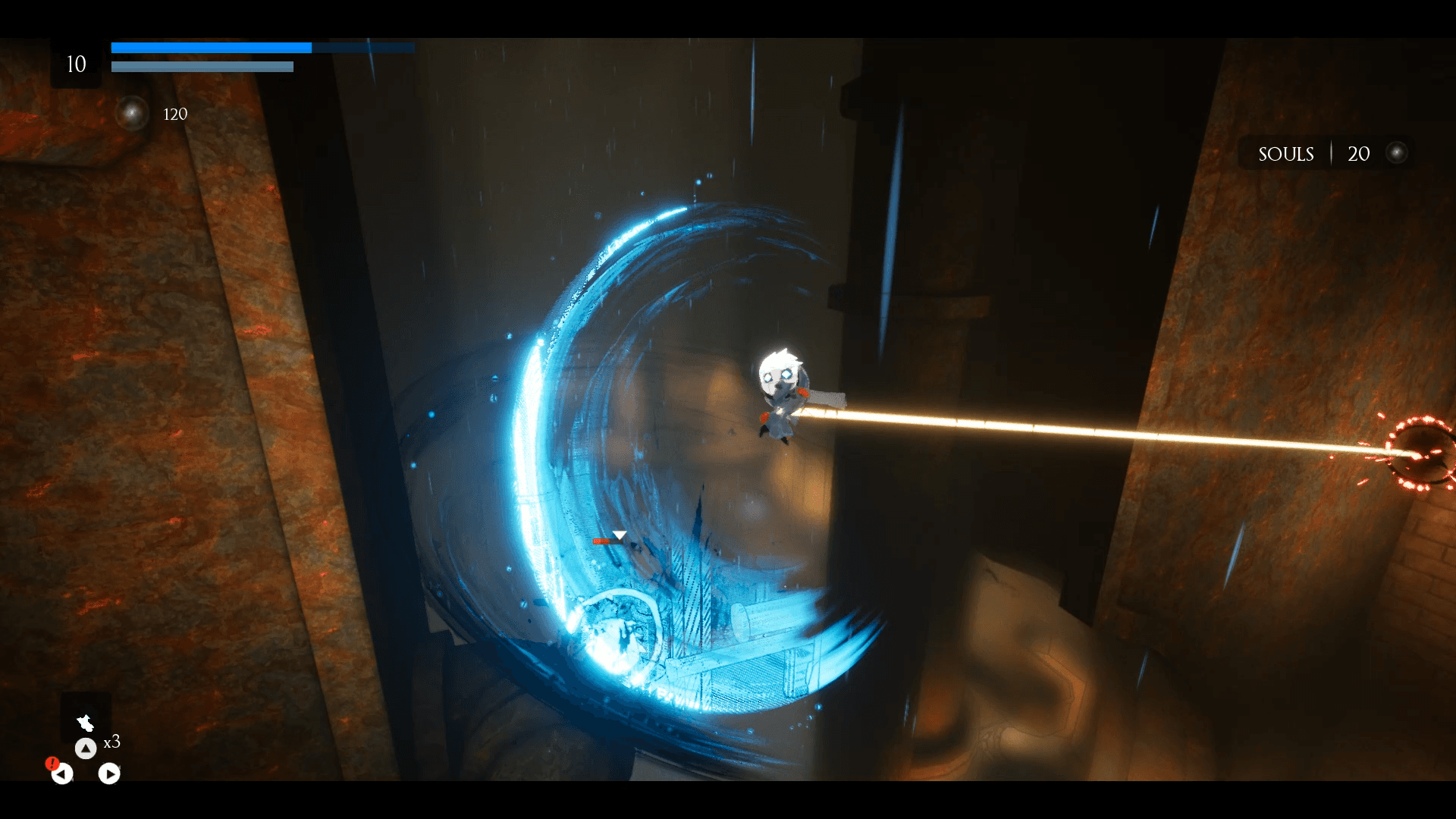
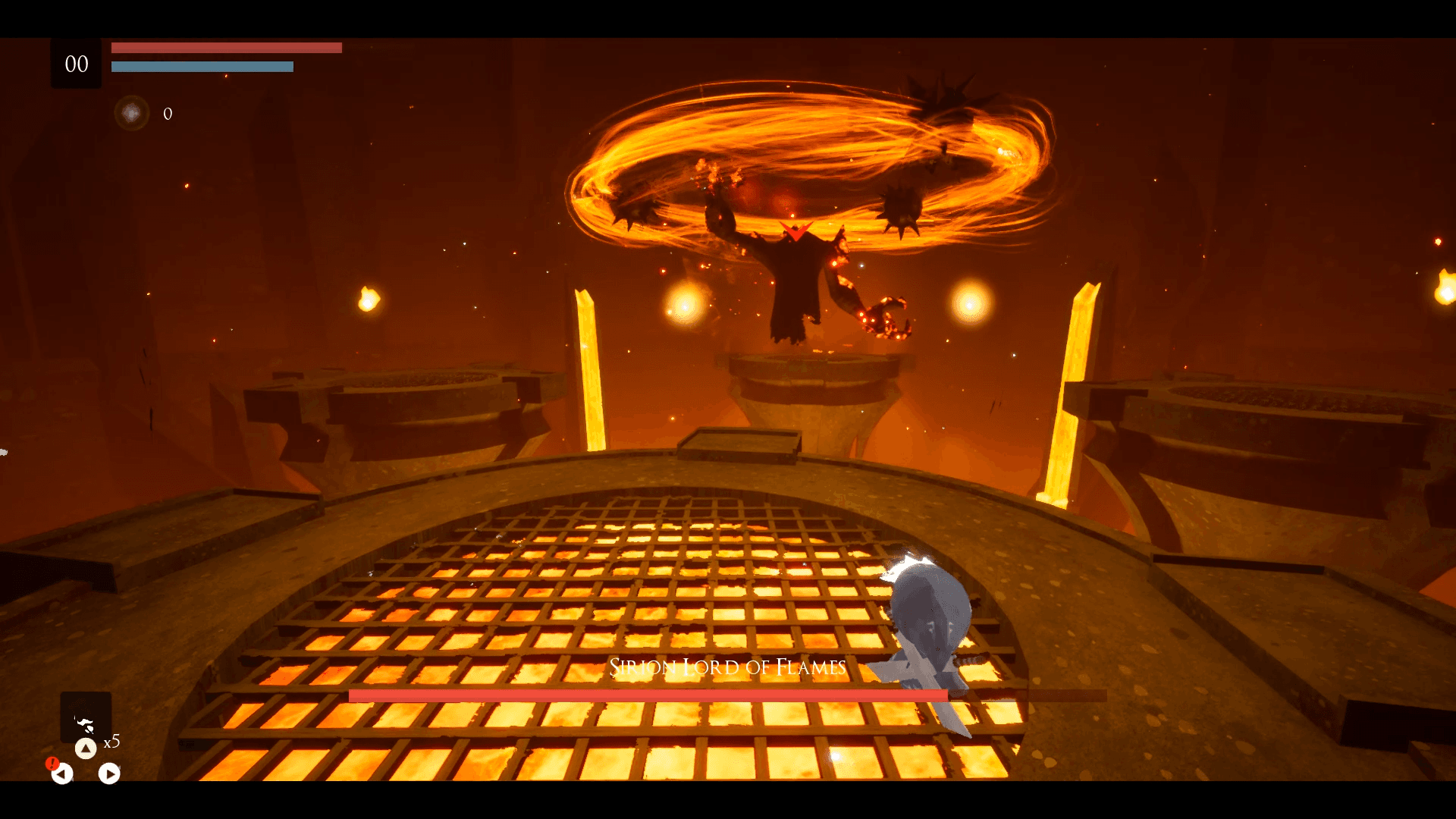
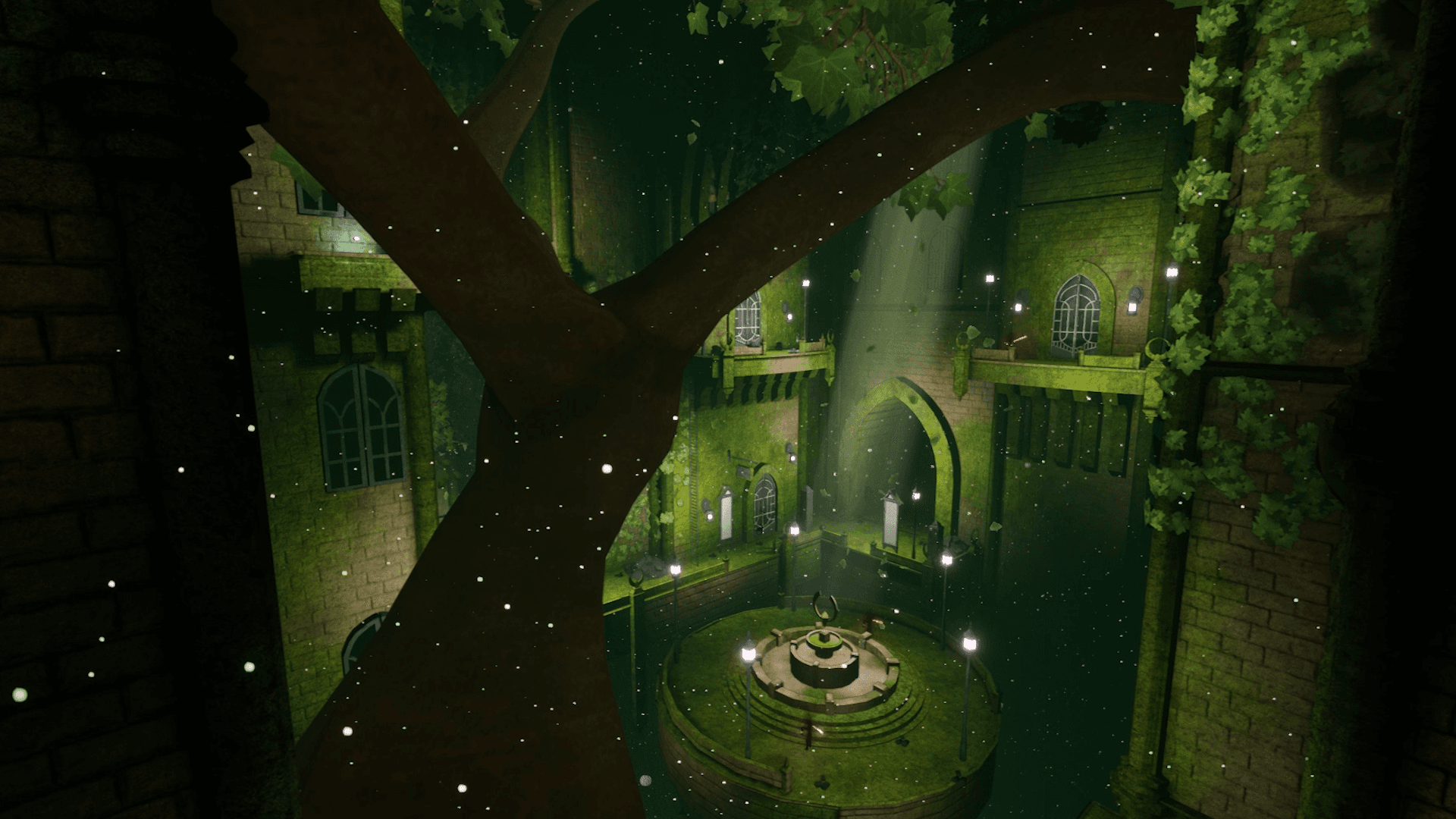
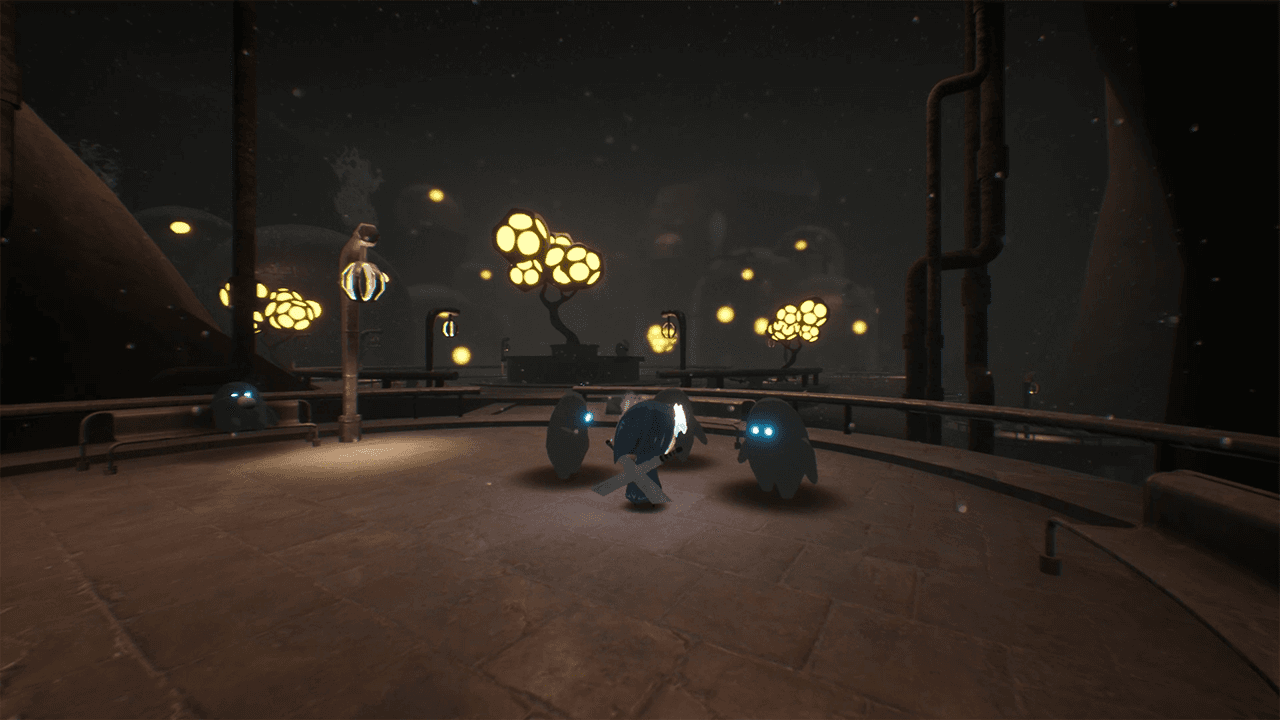
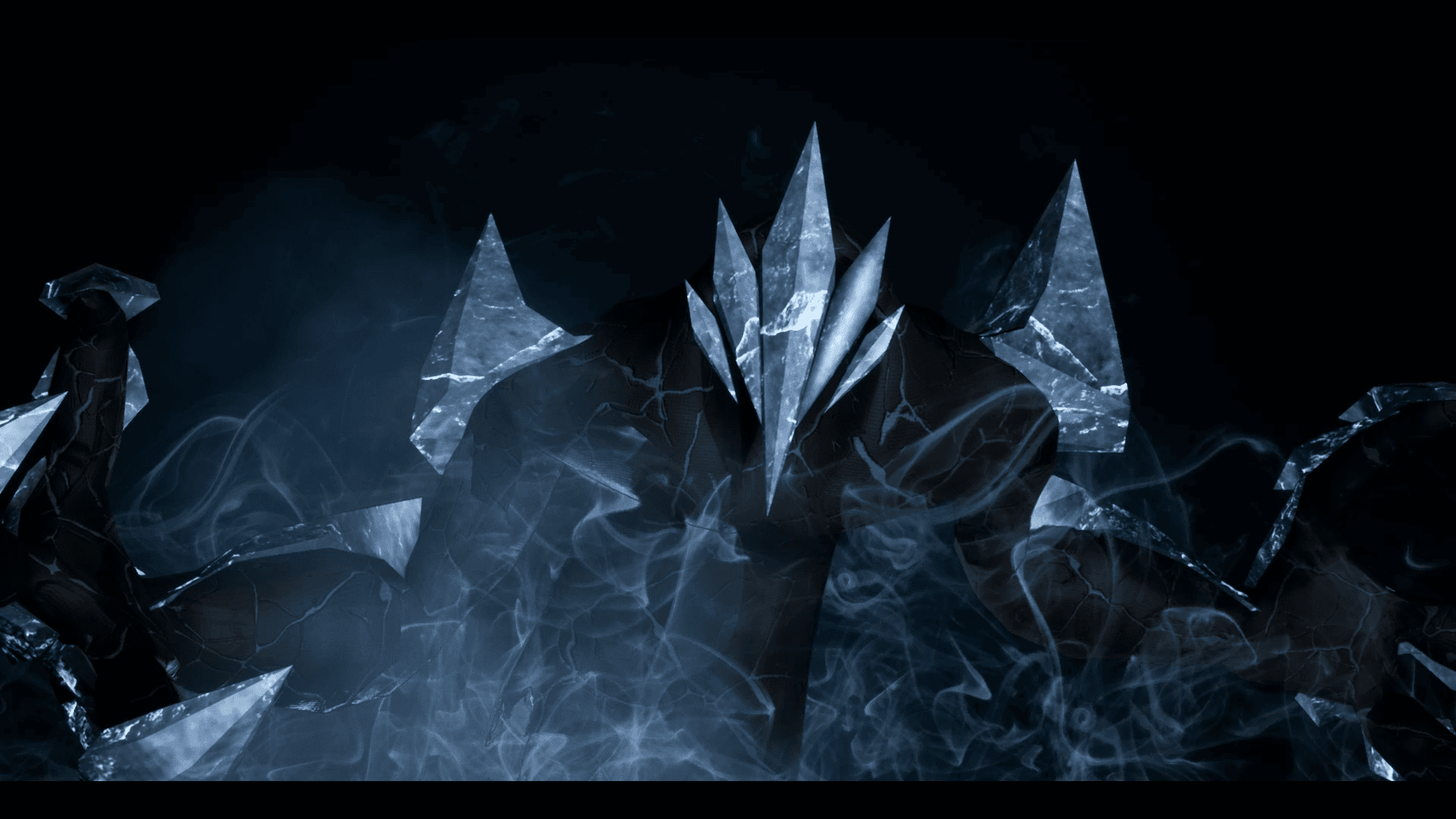
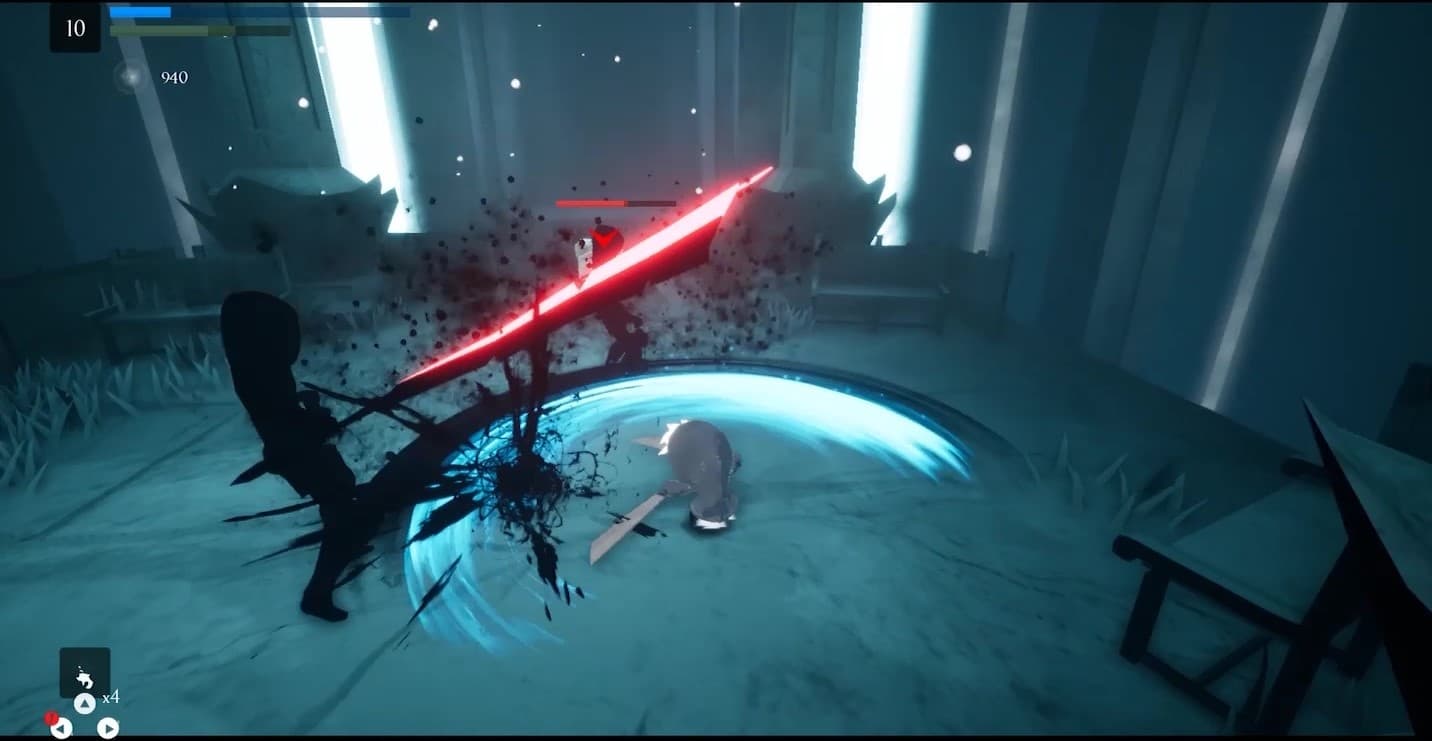
Embark on an extraordinary adventure through the perished world of Penumbra to explore unique temples filled with increasingly difficult 3D platforming challenges, diverse enemies, quests, collectibles, and more. Slash daunting adversaries, leap through deadly traps and master the art of movement.
Wymagania systemowe
Minimum
- System
- Windows 7
- Procesor
- Requires a 64-bit 3.0GHz processor and operating system
- Pamięć
- 4 GB RAM
- Grafika
- DirectX End-User Runtimes (June 2010)
- Miejsce na dysku
- 6 GB available space
Zalecane
- System
- Windows 10 64-bit
- Procesor
- Quad-core Intel or AMD, 2.5 GHz or faster
- Pamięć
- 8 GB RAM
- Grafika
- DirectX 11 or DirectX 12 compatible graphics card
- DirectX
- Version 11
- Miejsce na dysku
- 6 GB available space