





Jak aktywować
- Zainstaluj Steam i zaloguj się na swoje konto (wystarczy darmowe).
- W górnym menu wybierz „Gry” → „Aktywuj produkt na Steam…”.
- Wpisz klucz dokładnie tak, jak w zamówieniu (z myślnikami), i potwierdź. Gra pojawi się w Twojej bibliotece.
O grze
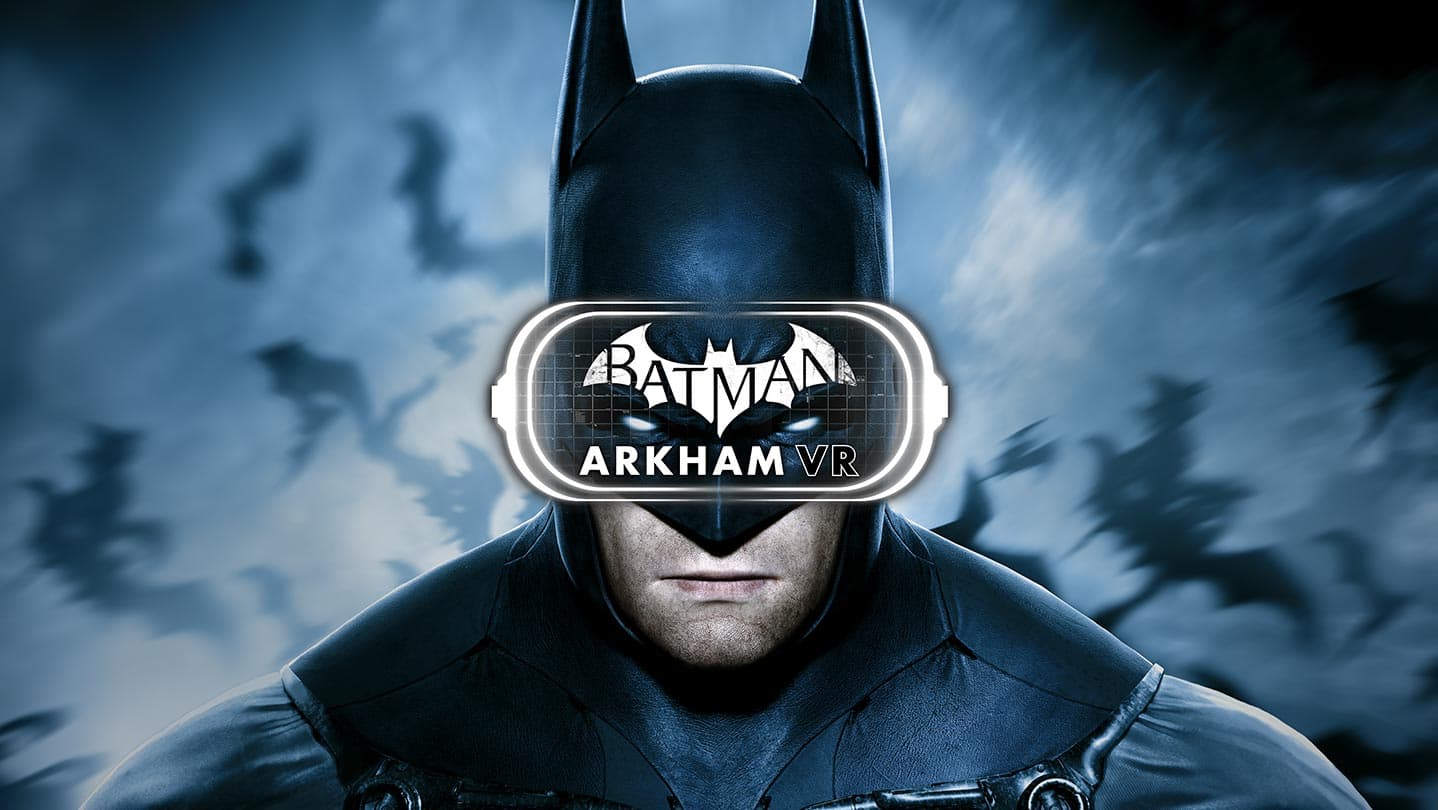
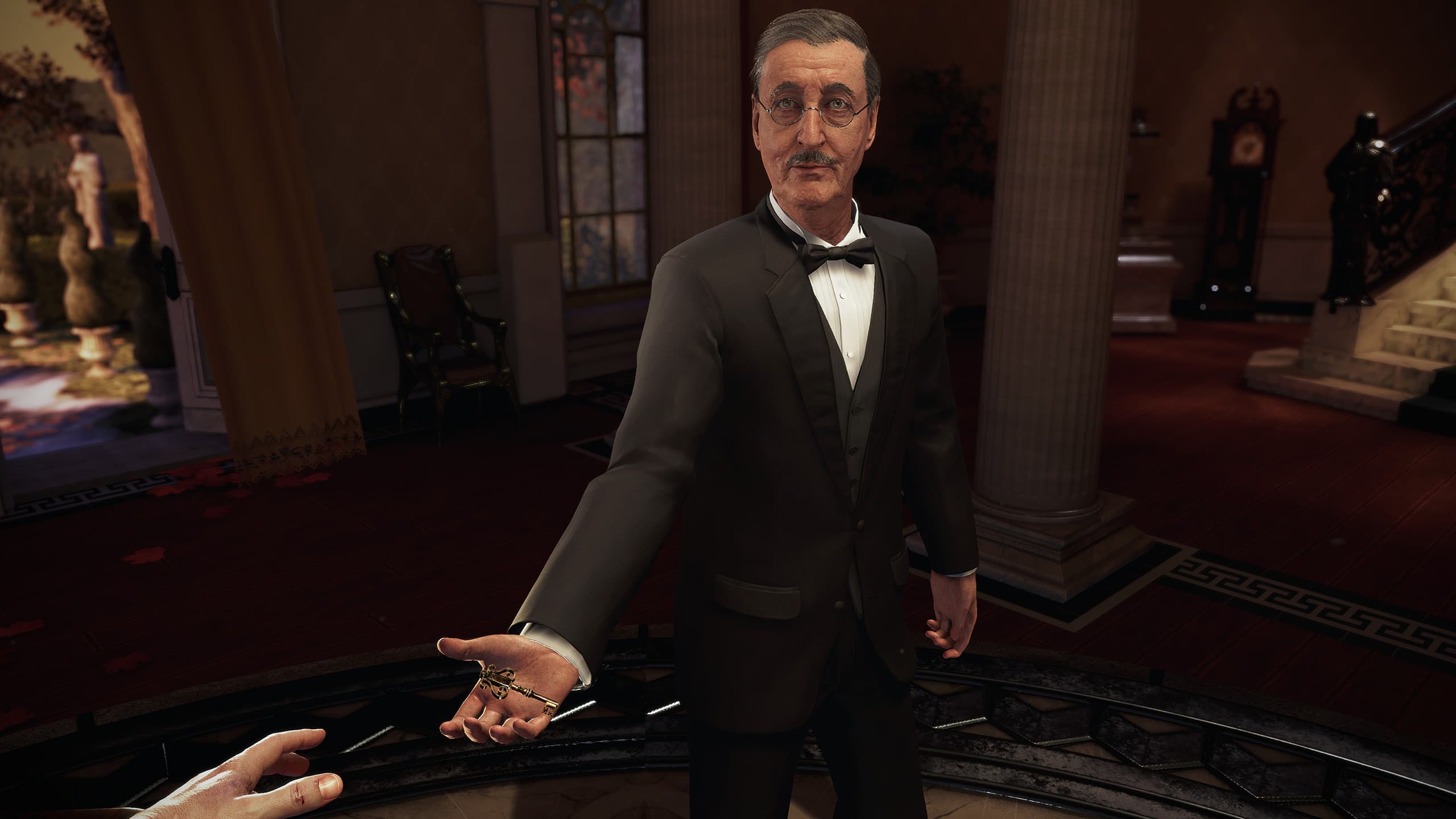
Batman™: Arkham VR zabierze cię w sam środek uniwersum Mrocznego Rycerza, pokazując ci je z całkowicie nowej perspektywy.
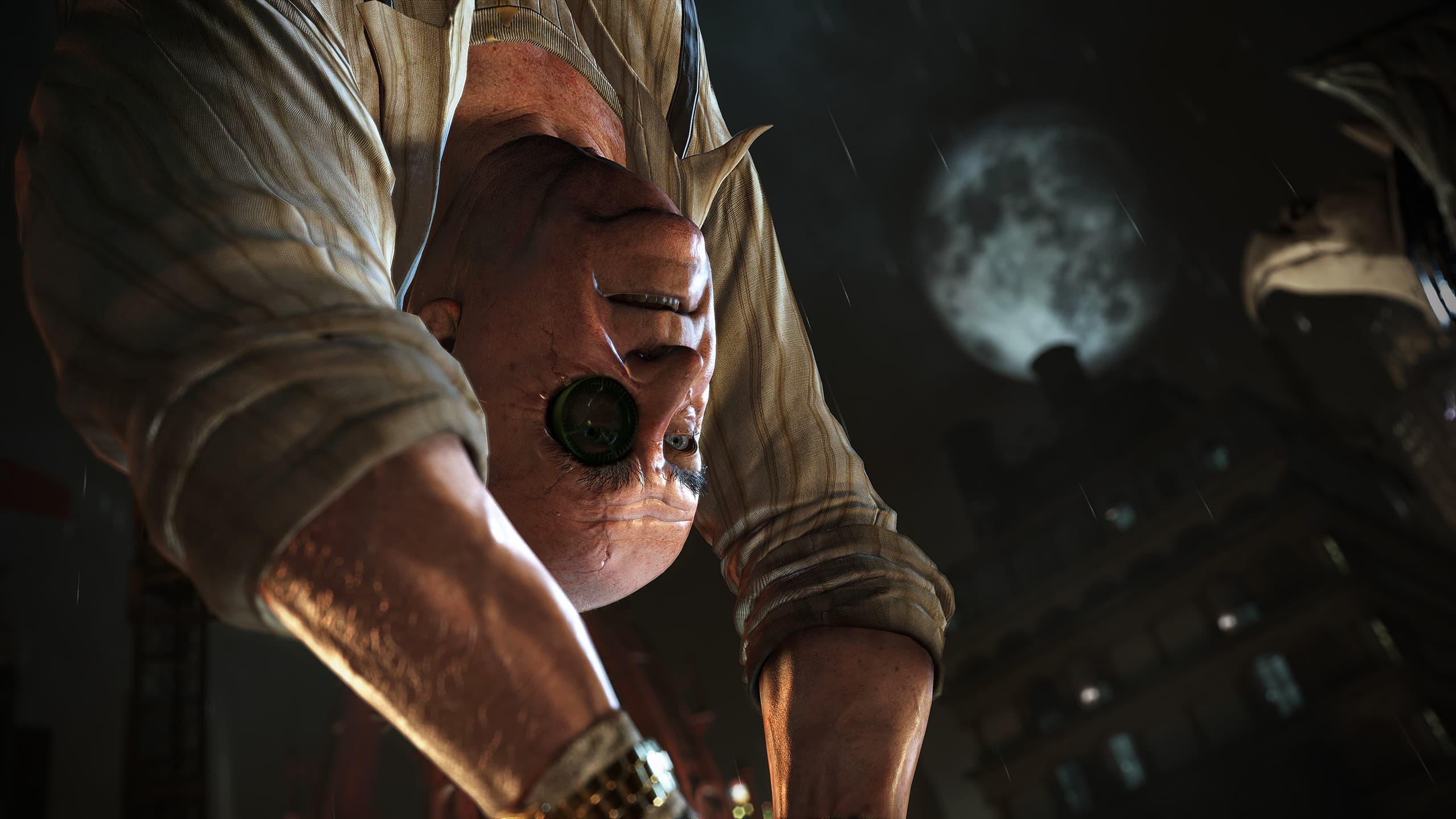
Zobacz Gotham oczami najlepszego detektywa na świecie w tej całkowicie nowej zagadce Arkham.
Myśl jak Batman. Wykorzystaj jego legendarne gadżety w trybie Virtual Reality, aby odkryć spisek, który śmiertelnie zagraża najbliższym sprzymierzeńcom Batmana.
Wymagania systemowe
Minimum
- Requires a 64-bit processor and operating system
- System
- 64-bit Windows™ 7 SP1, Windows™ 8.1 or later, or Windows™ 10
- Procesor
- Intel™ Core™ i5-4590 equivalent or greater
- Pamięć
- 8 GB RAM
- Grafika
- NVIDIA GeForce™ GTX 1060 / GTX 970 or AMD Radeon™ RX 480
- DirectX
- Version 11
- Miejsce na dysku
- 10 GB available space
Zalecane
- Requires a 64-bit processor and operating system
Informacje prawne
BATMAN: ARKHAM VR software © 2017 Warner Bros. Entertainment Inc. Developed by Rocksteady Studios.
BATMAN and all characters, their distinctive likenesses, and related elements are trademarks of DC Comics © 2017. All Rights Reserved. WB GAMES LOGO, WB SHIELD: ™ & © Warner Bros. Entertainment Inc. (s22)