

Jak aktywować
- Zainstaluj Steam i zaloguj się na swoje konto (wystarczy darmowe).
- W górnym menu wybierz „Gry” → „Aktywuj produkt na Steam…”.
- Wpisz klucz dokładnie tak, jak w zamówieniu (z myślnikami), i potwierdź. Gra pojawi się w Twojej bibliotece.
O grze
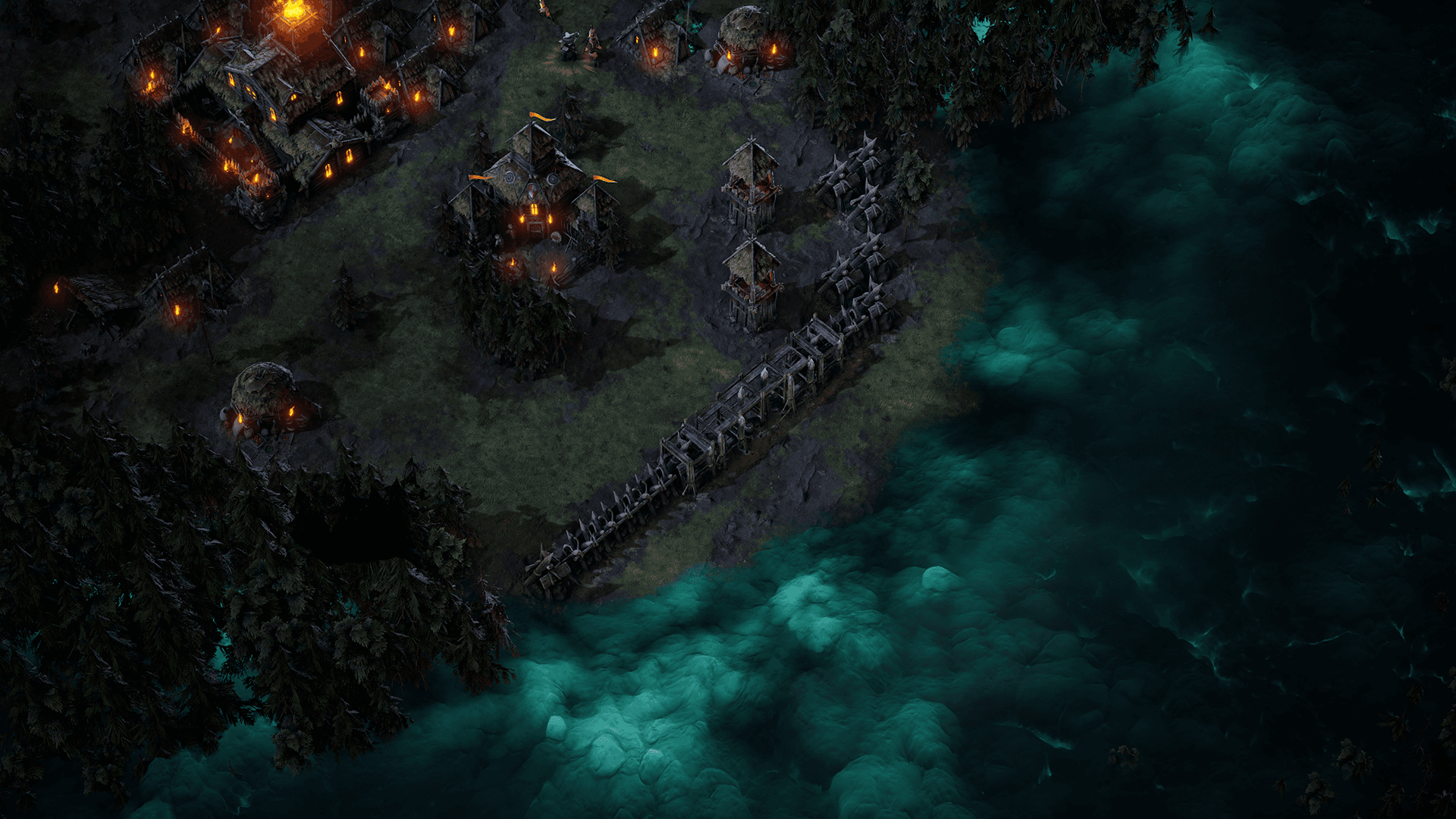
Age of Darkness: Final Stand is a dark fantasy survival RTS where you must illuminate, build and defend humanity’s last bastion against hordes of Nightmares. Set in the remnants of a kingdom consumed by a deadly fog, you decide. Will you hide in the light? Or take back your world.
Build, Gather and Fight in a Desperate Last Stand Against an Onslaught of Never Ending Evil! ...
Wymagania systemowe
Minimum
- Requires a 64-bit processor and operating system
- System
- Windows 10 Home
- Procesor
- Intel i5 Processor (8th Gen)
- Pamięć
- 8 GB RAM
- Grafika
- NVIDIA GeForce GTX 970
- Miejsce na dysku
- 5 GB available spacev
Zalecane
- Requires a 64-bit processor and operating system
- System
- Windows 10 Home
- Procesor
- Intel i7 Processor (9th Gen)
- Pamięć
- 8 GB RAM
- Grafika
- NVIDIA GeForce GTX 1060
- Miejsce na dysku
- 5 GB available space