




Jak aktywować
- Zainstaluj Steam i zaloguj się na swoje konto (wystarczy darmowe).
- W górnym menu wybierz „Gry” → „Aktywuj produkt na Steam…”.
- Wpisz klucz dokładnie tak, jak w zamówieniu (z myślnikami), i potwierdź. Gra pojawi się w Twojej bibliotece.
O grze
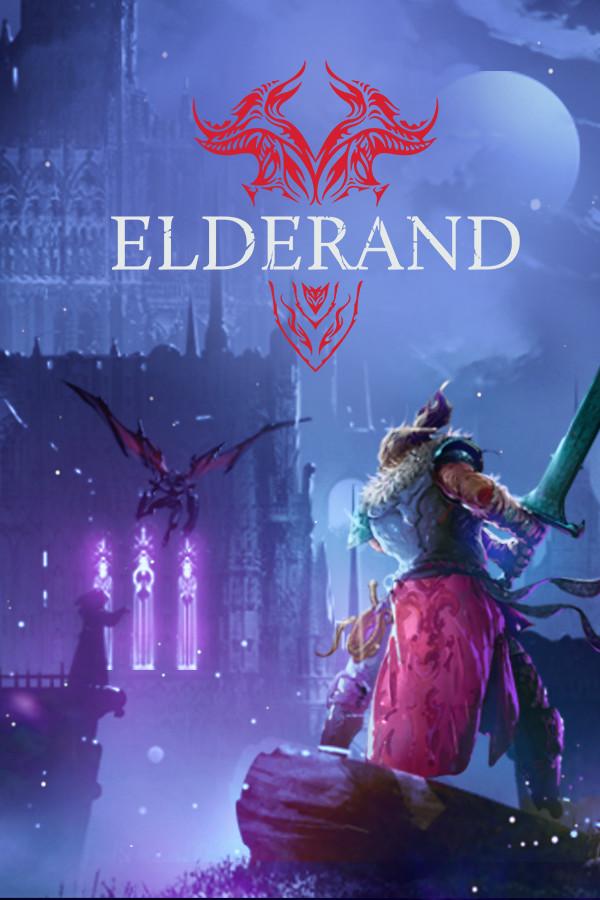
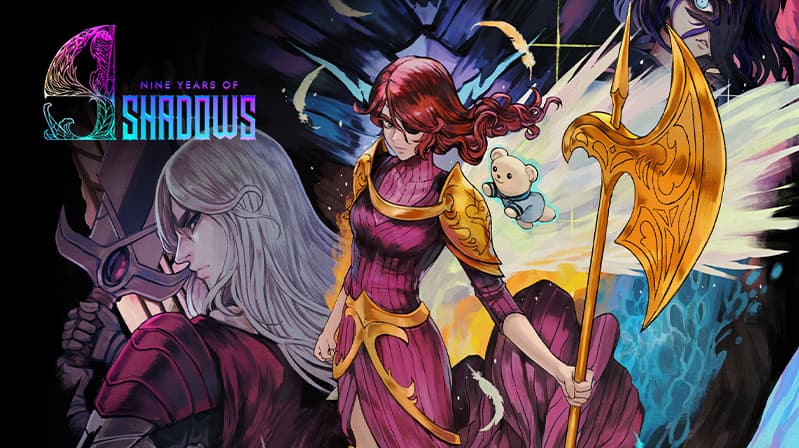
A Curse of Shadows
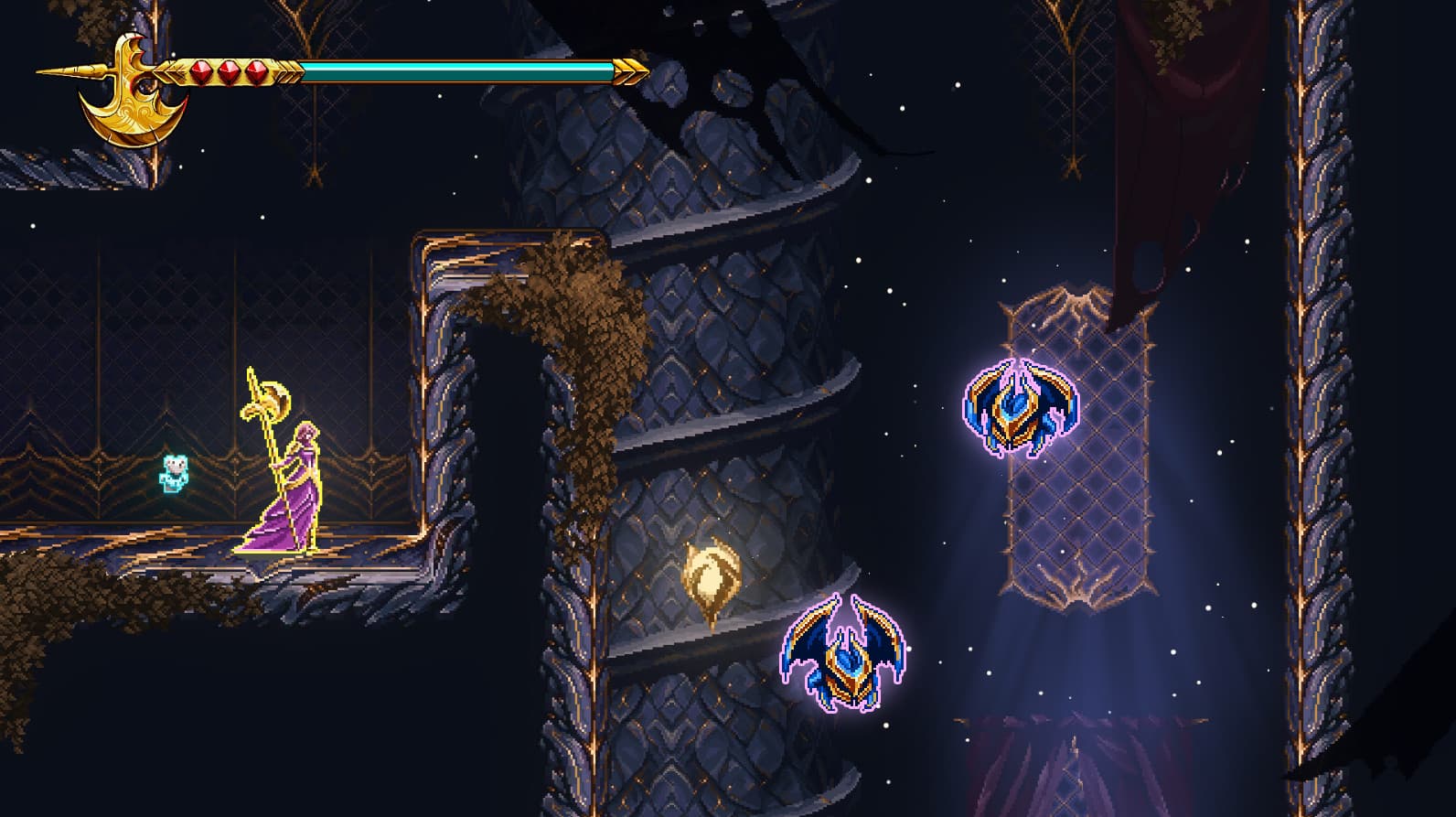
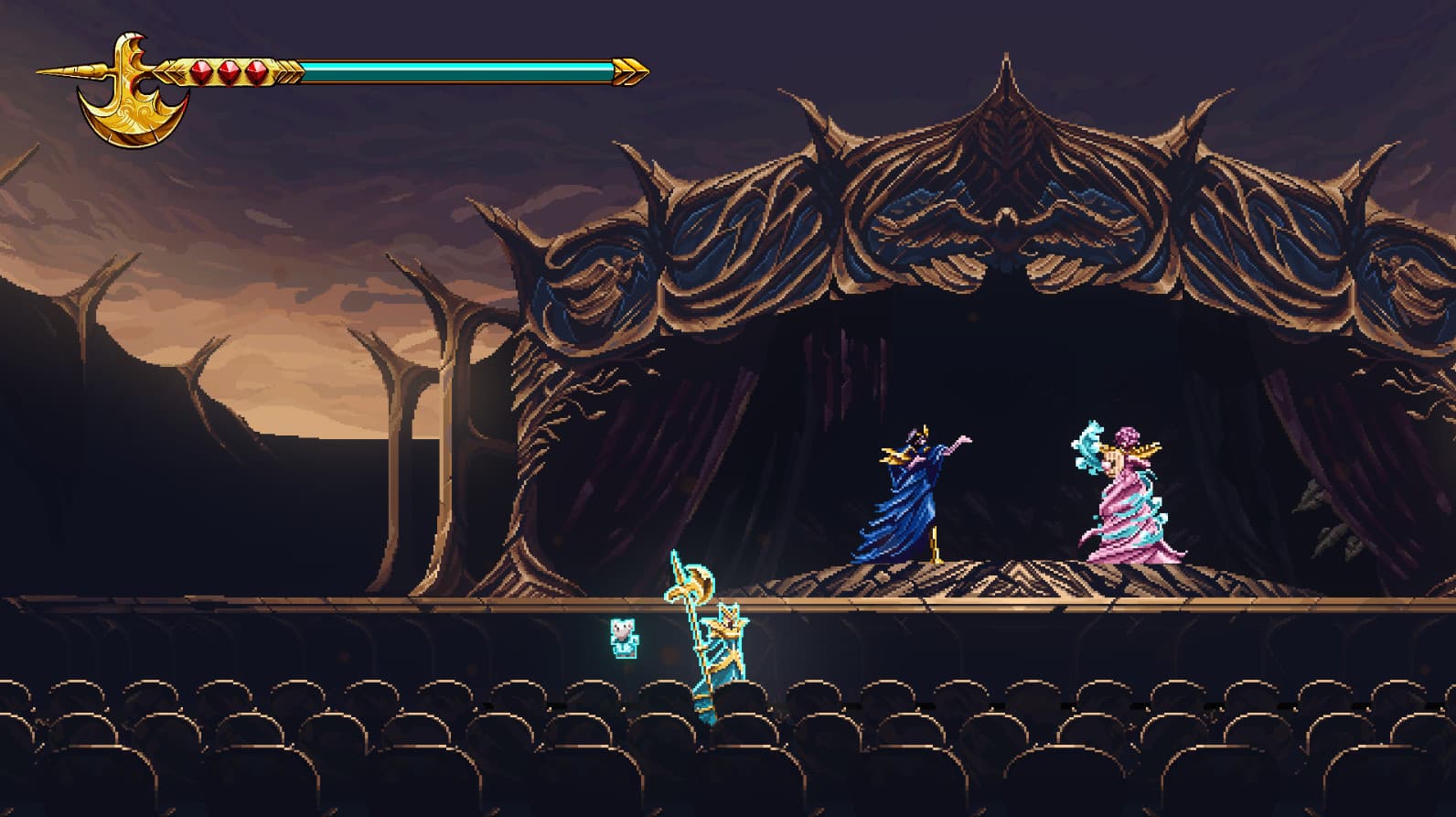
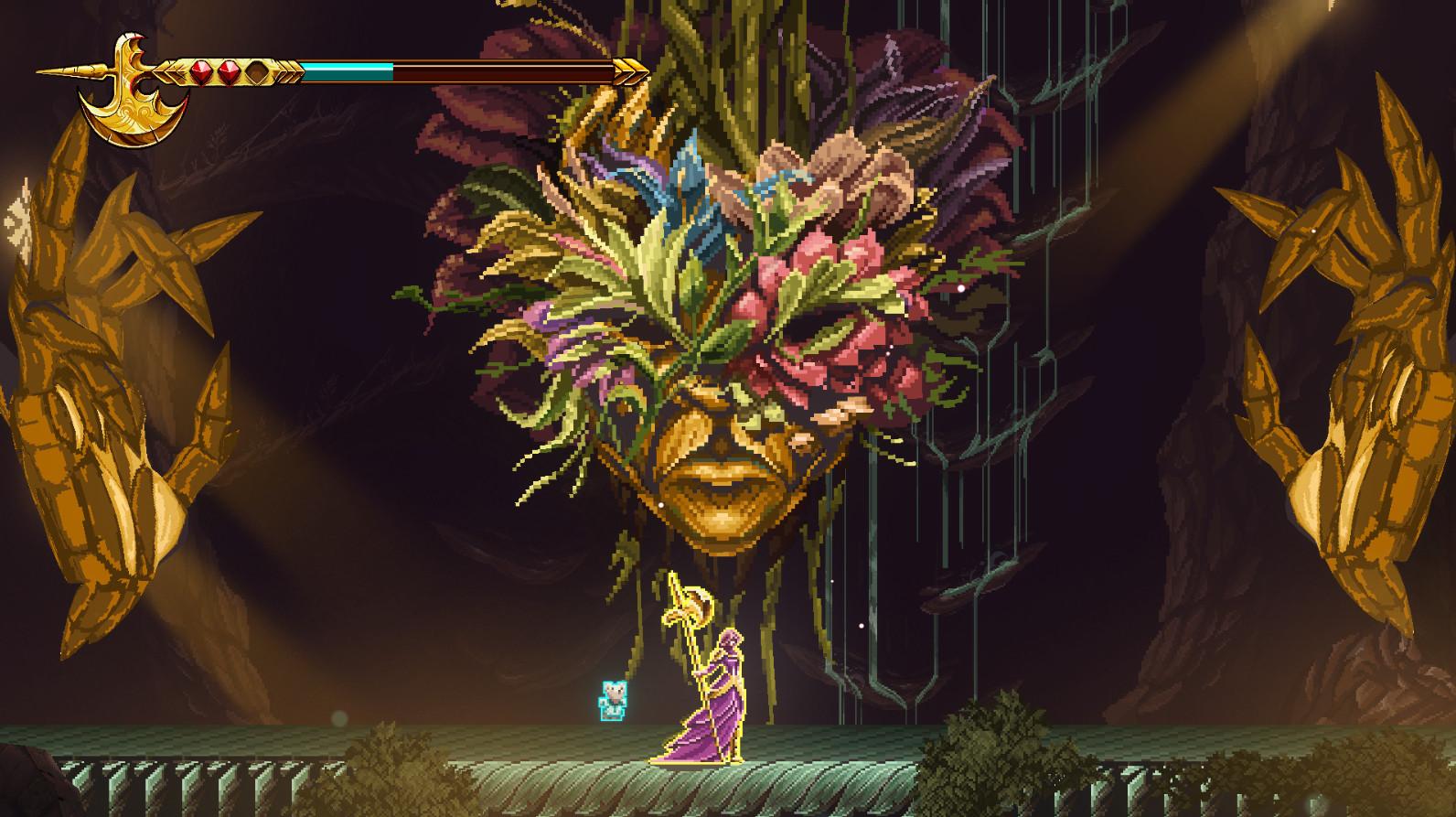
A fateful night of sorrow and ancient magic changed the life of a young child forever, and with it, everything else as mankind knew it. For 9 long years, the world has been submerged in the deepest of shadows, robbing every object and living creature of their color, their joy, and most importantly, hope. ...
Wymagania systemowe
Minimum
- Requires a 64-bit processor and operating system
- System
- Windows 10
- Procesor
- Intel Core i3-9100F
- Pamięć
- 8 GB RAM
- Grafika
- GT 730
Zalecane
- Requires a 64-bit processor and operating system
- System
- Windows 10
- Procesor
- Intel Core i3-9100F
- Pamięć
- 8 GB RAM
- Grafika
- GT 730