






Jak aktywować
- Zainstaluj Steam i zaloguj się na swoje konto (wystarczy darmowe).
- W górnym menu wybierz „Gry” → „Aktywuj produkt na Steam…”.
- Wpisz klucz dokładnie tak, jak w zamówieniu (z myślnikami), i potwierdź. Gra pojawi się w Twojej bibliotece.
O grze
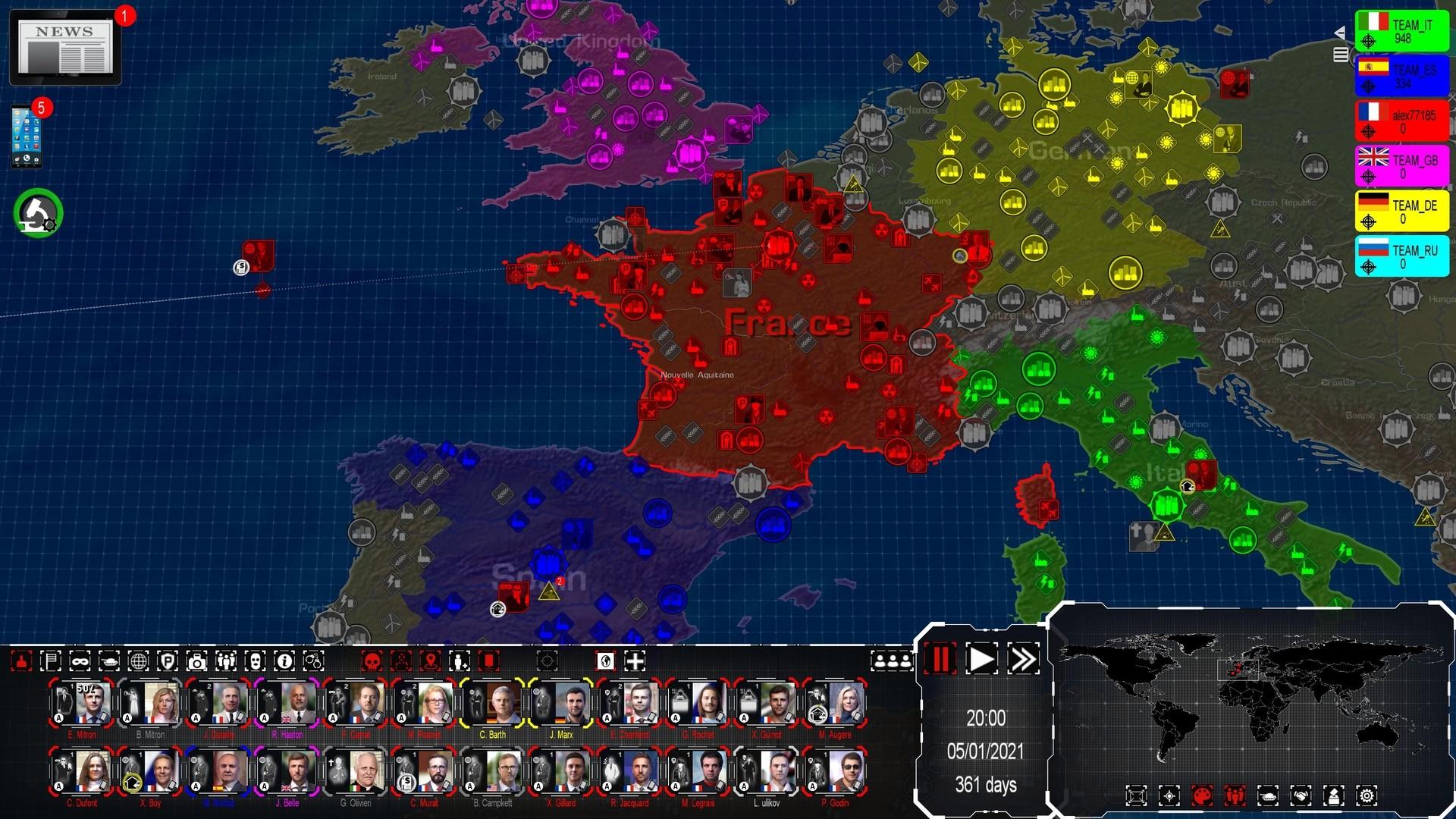
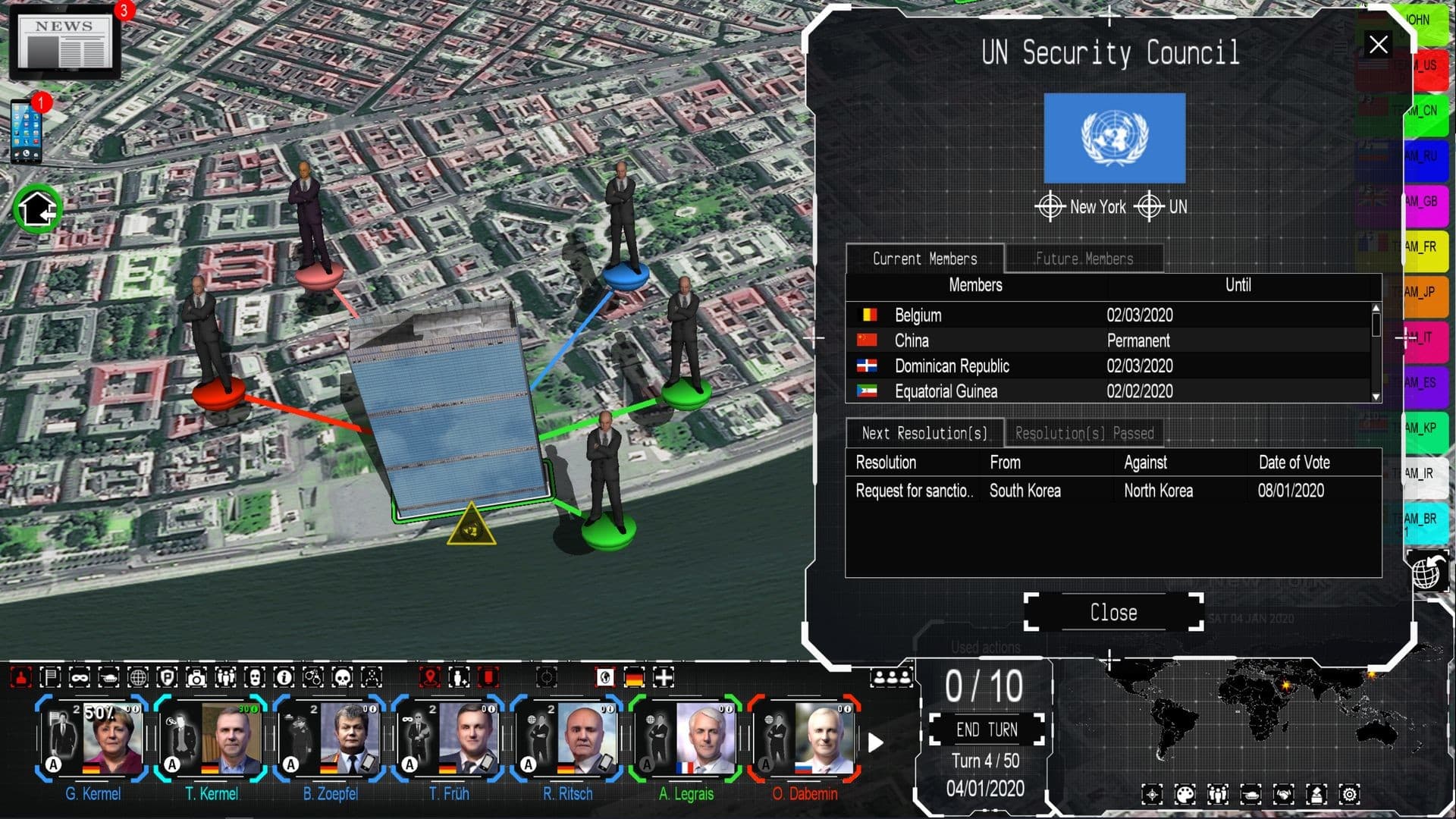
Being a Head of State in the 21st century implies many responsibilities, and making strategic choices in complex geopolitical situations. However, the most impactful decisions are neither the most visible nor the most ethical.
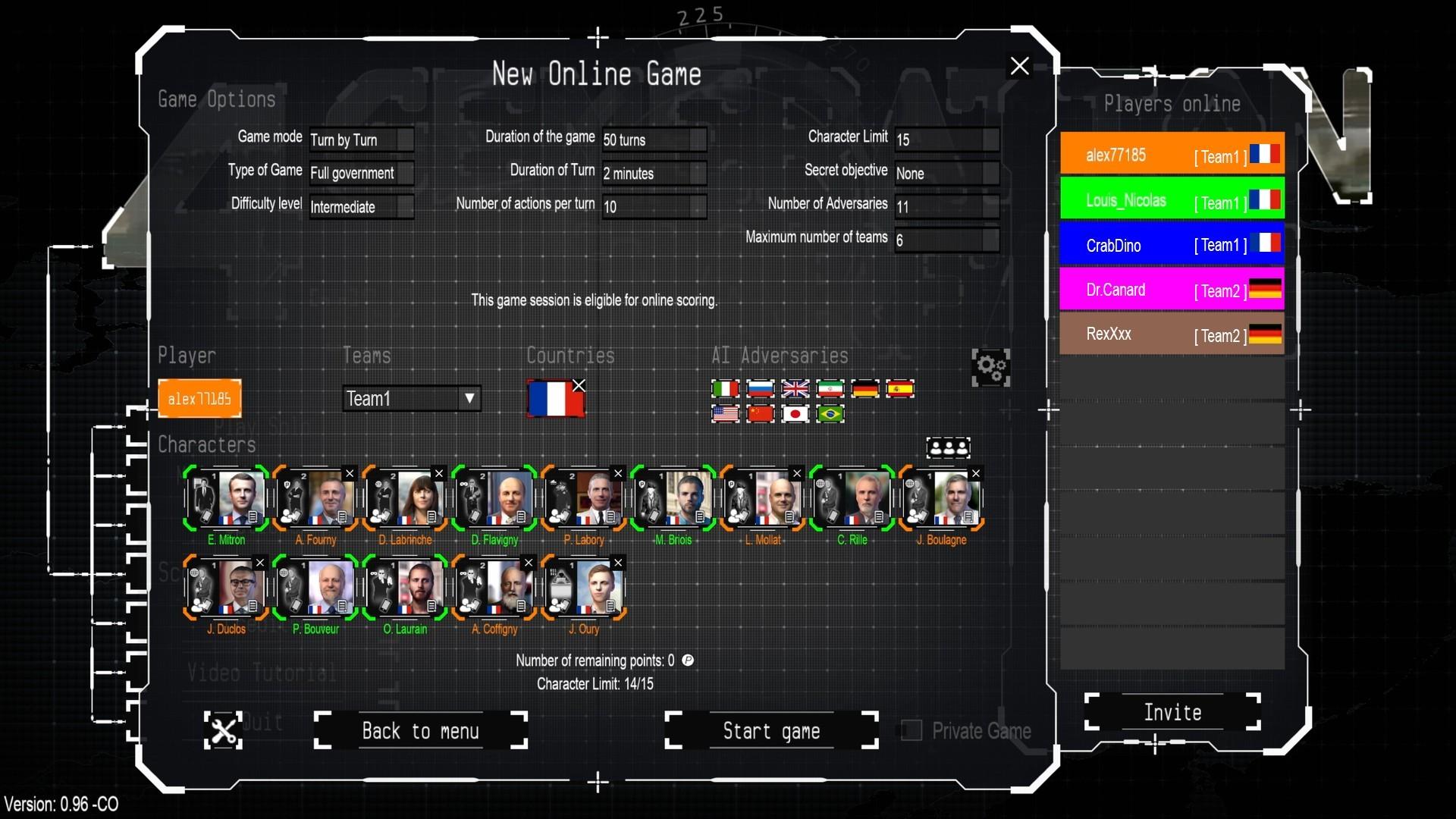
4th Generation Warfare offers a unique combination of strategy and RPG games, set in the depths of 21st century asymmetric warfare where sneak moves are a must. ...
Wymagania systemowe
Minimum
- Requires a 64-bit processor and operating system
- System
- Windows 11, 10, 8
- Procesor
- 1.6 GHZ
- Pamięć
- 4 GB RAM
- Miejsce na dysku
- 4 GB available space
Zalecane
- Requires a 64-bit processor and operating system
- System
- Windows 11, 10, 8
- Procesor
- 2 Ghz , multi-core processor
- Pamięć
- 8 GB RAM
- Grafika
- 3D Video card with 1 Gb or more of dedicated VRAM
- Miejsce na dysku
- 8 GB available space
Może Ci się spodobać
- Power and Revolution 2023 Edition

- Modding Tool Add-on - Power & Revolution 2022 Edition

- Geo-Political Simulator 5

- Modding Tool Add-on - Power & Revolution 2023 Edition

- God'n Spy Add-on - Power & Revolution 2023 Edition

- Deep Network Analyser - 4th Generation Warfare

- “Modding Tool” add-on for Geo-political Simulator 2026 Edition

- Geo-Political Simulator 2026 Edition
