



कैसे सक्रिय करें
- Steam इंस्टॉल करें और अपने खाते में साइन इन करें (मुफ़्त खाता काफ़ी है)।
- ऊपर के मेनू में „Games” → „Activate a Product on Steam…” चुनें।
- कुंजी को ठीक वैसे ही दर्ज करें जैसे ऑर्डर में दिखाई गई है (डैश सहित) और पुष्टि करें। गेम आपकी लाइब्रेरी में दिखाई देगा।
गेम के बारे में
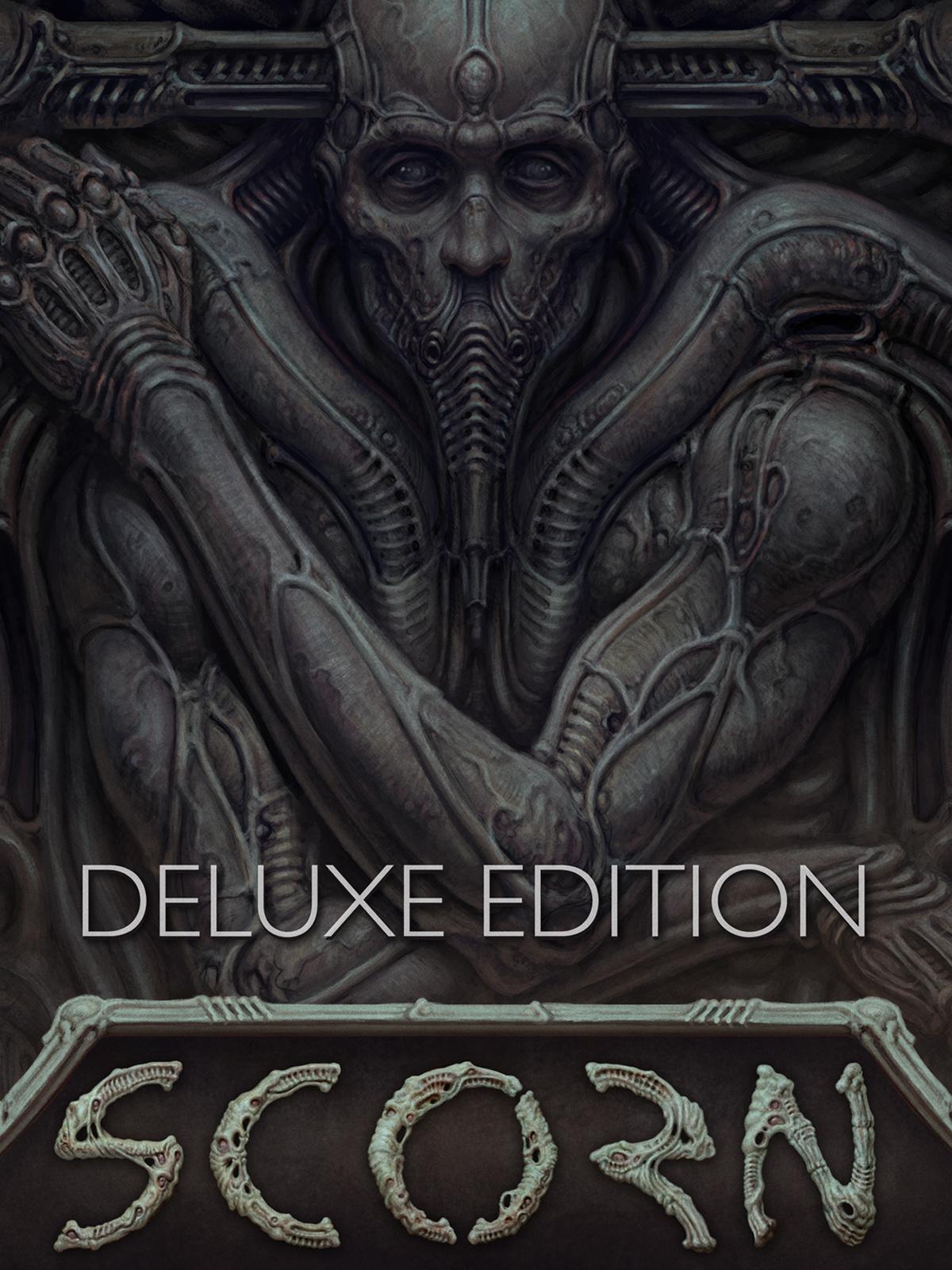
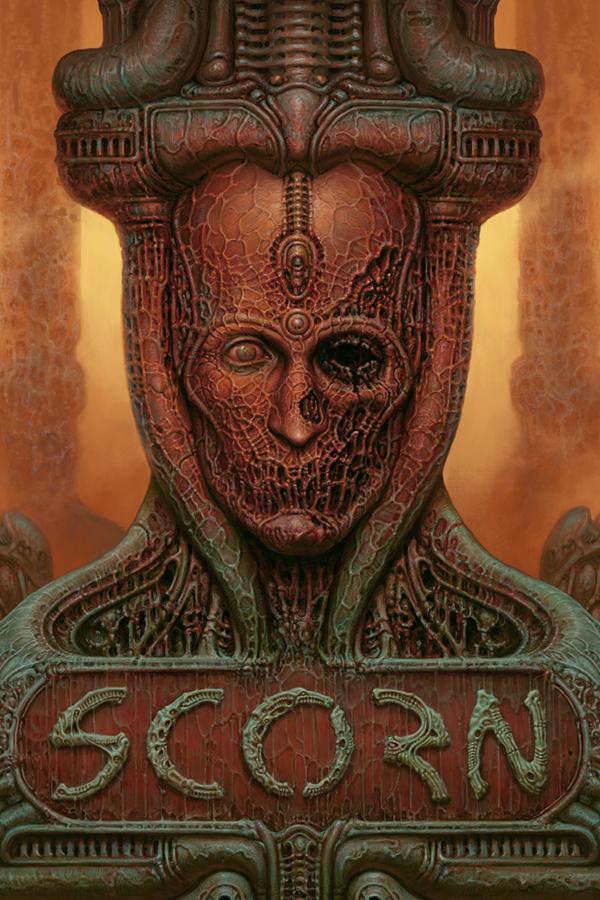
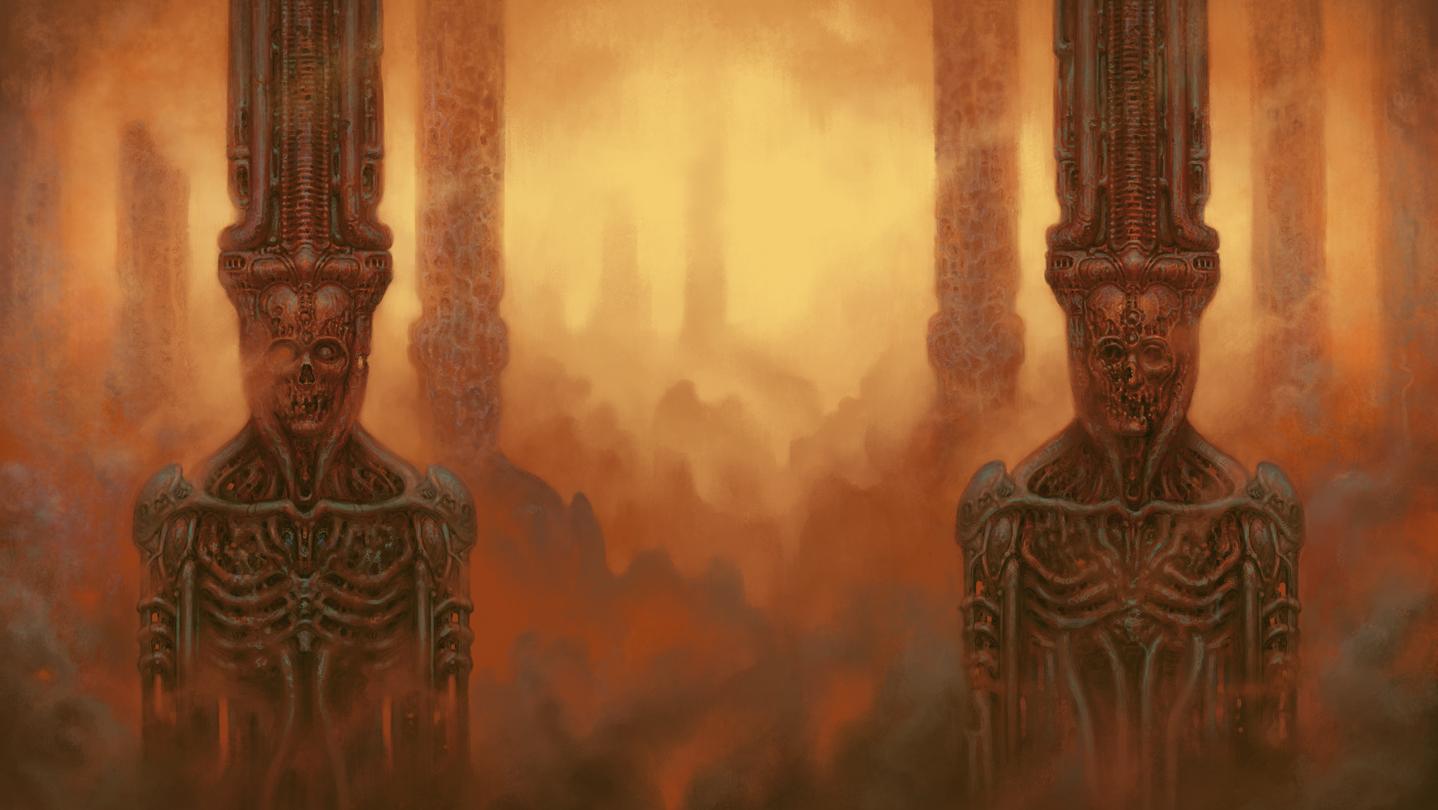
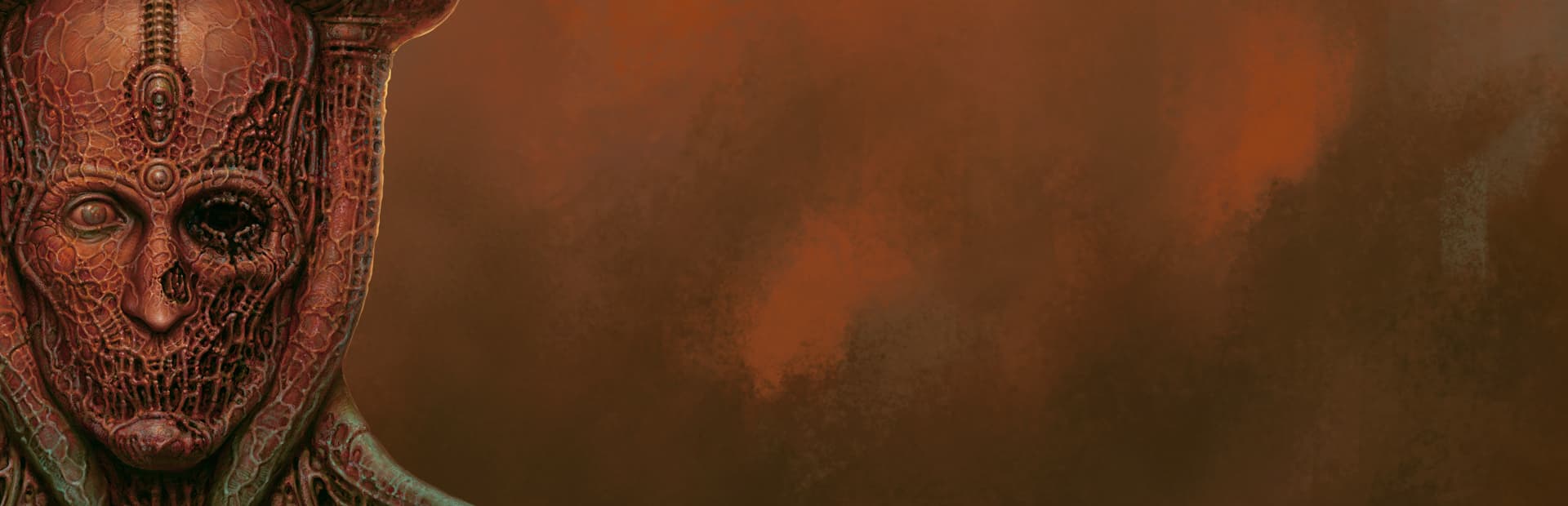
Scorn is an atmospheric first-person horror adventure game set in a nightmarish universe of odd forms and somber tapestry.
It is designed around the idea of ""being thrown into the world"". Isolated and lost inside this dream-like world, you will explore different interconnected regions in a non-linear fashion. The unsettling environment is a character itself. ...
सिस्टम आवश्यकताएं
न्यूनतम
- ऑपरेटिंग सिस्टम
- Windows 10
- प्रोसेसर
- QuadCore AMD Ryzen 3 3300X / Intel Core i5-8400
- मेमोरी
- 8 GB RAM
- ग्राफ़िक्स
- NVIDIA GeForce GTX 1060 (3 GB)
- DirectX
- Version 12
- स्टोरेज
- 50 GB available space
- अतिरिक्त जानकारी
- SSD (Solid State Drive).
सिफारिश की
- ऑपरेटिंग सिस्टम
- Windows 10/11
- प्रोसेसर
- AMD Ryzen 5 3600/Intel Core i7-8700
- मेमोरी
- 16 GB RAM
- ग्राफ़िक्स
- NVIDIA GeForce GTX 2070 (8 GB)
- DirectX
- Version 12
- स्टोरेज
- 50 GB available space
- अतिरिक्त जानकारी
- SSD (Solid State Drive).
कानूनी जानकारी
Scorn ©2022 Ebb Software GmbH. "Scorn", "Ebb" and the Ebb logo are all trademarks of Ebb Software GmbH. Developed by Ebb Software GmbH, a member of the Kepler Interactive group. Published by Kepler Interactive Limited. All rights reserved.