


कैसे सक्रिय करें
- Steam इंस्टॉल करें और अपने खाते में साइन इन करें (मुफ़्त खाता काफ़ी है)।
- ऊपर के मेनू में „Games” → „Activate a Product on Steam…” चुनें।
- कुंजी को ठीक वैसे ही दर्ज करें जैसे ऑर्डर में दिखाई गई है (डैश सहित) और पुष्टि करें। गेम आपकी लाइब्रेरी में दिखाई देगा।
गेम के बारे में
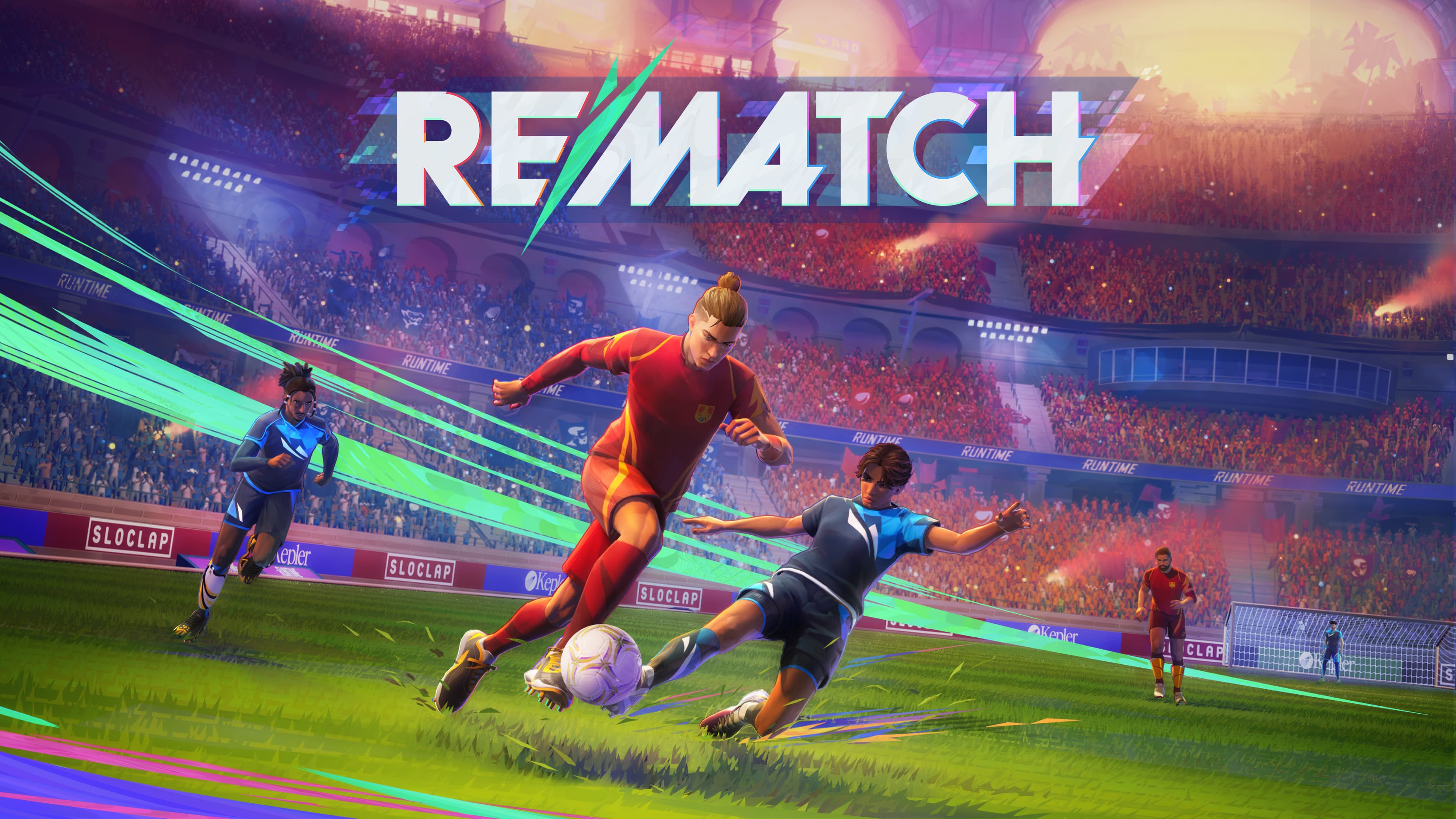
A NEW PERSPECTIVE ON FOOTBALL
Third Person Action - Tackle, dribble, aim, and shoot; dive into the heart of the action from an immersive viewpoint.
One Player Control - Observe the action, position yourself, execute perfectly: every decision matters, and relying on your teammates is essential to prevail.
Skill-based Gameplay - In a level playing field, with no player stats, victory is only about player skill and tactical coordination.
INTENSE ACTION & DEEP TACTICS
Credible Football, with an arcade twist - Feel like an amazing athlete, easily performing all the iconic moves of football. ...
सिस्टम आवश्यकताएं
- Windows
- ऑपरेटिंग सिस्टम
- Windows 10 / Windows 11
- प्रोसेसर
- AMD Ryzen 5 3400G / Intel Core i5-9400, or better
- मेमोरी
- 8 GB RAM
- ग्राफ़िक्स
- AMD Radeon RX 5500 (4GB) / NVIDIA GeForce RTX 1060 (4GB), or better
- DirectX
- Version 12
- नेटवर्क
- Broadband Internet connection
- स्टोरेज
- 20 GB available space
- अतिरिक्त जानकारी
- DirectX12 Shader Model 5.0 / SSD required
- WindowsOS
- Windows 10 / Windows 11
- प्रोसेसर
- AMD Ryzen 3700x / Intel Core 11600k or better
- मेमोरी
- 16 GB RAM
- ग्राफ़िक्स
- AMD Radeon RX 6700 XT (8 GB) / NVIDIA GeForce RTX 3060 TI (8 GB), or better
- DirectX
- Version 12
- नेटवर्क
- Broadband Internet connection
- स्टोरेज
- 20 GB available space
- अतिरिक्त जानकारी
- DirectX12 Shader Model 6.6 / SSD required
कानूनी जानकारी
Rematch ©2024 Sloclap SAS. “Rematch”, “Sloclap” and the Sloclap logo are all brands of Sloclap SAS. Developed and published by Sloclap SAS, a member of Kepler Interactive. All rights reserved.