




So aktivieren Sie
- Installiere Steam und melde dich bei deinem Konto an (ein kostenloses Konto reicht).
- Wähle im oberen Menü „Spiele“ → „Ein Produkt bei Steam aktivieren…“.
- Gib deinen Key genau wie in der Bestellung ein (mit Bindestrichen) und bestätige. Das Spiel erscheint in deiner Bibliothek.
Offizielle Aktivierungsanleitung von Steam
Damit Sie das Spiel aktivieren können benötigen Sie einen 'Steam-Account'. Weitere Informationen zur Aktivierung finden Sie unter diesem Link: https://support.steampowered.com/kb_article.php?ref=5414-TFBN-1352
Über das Spiel
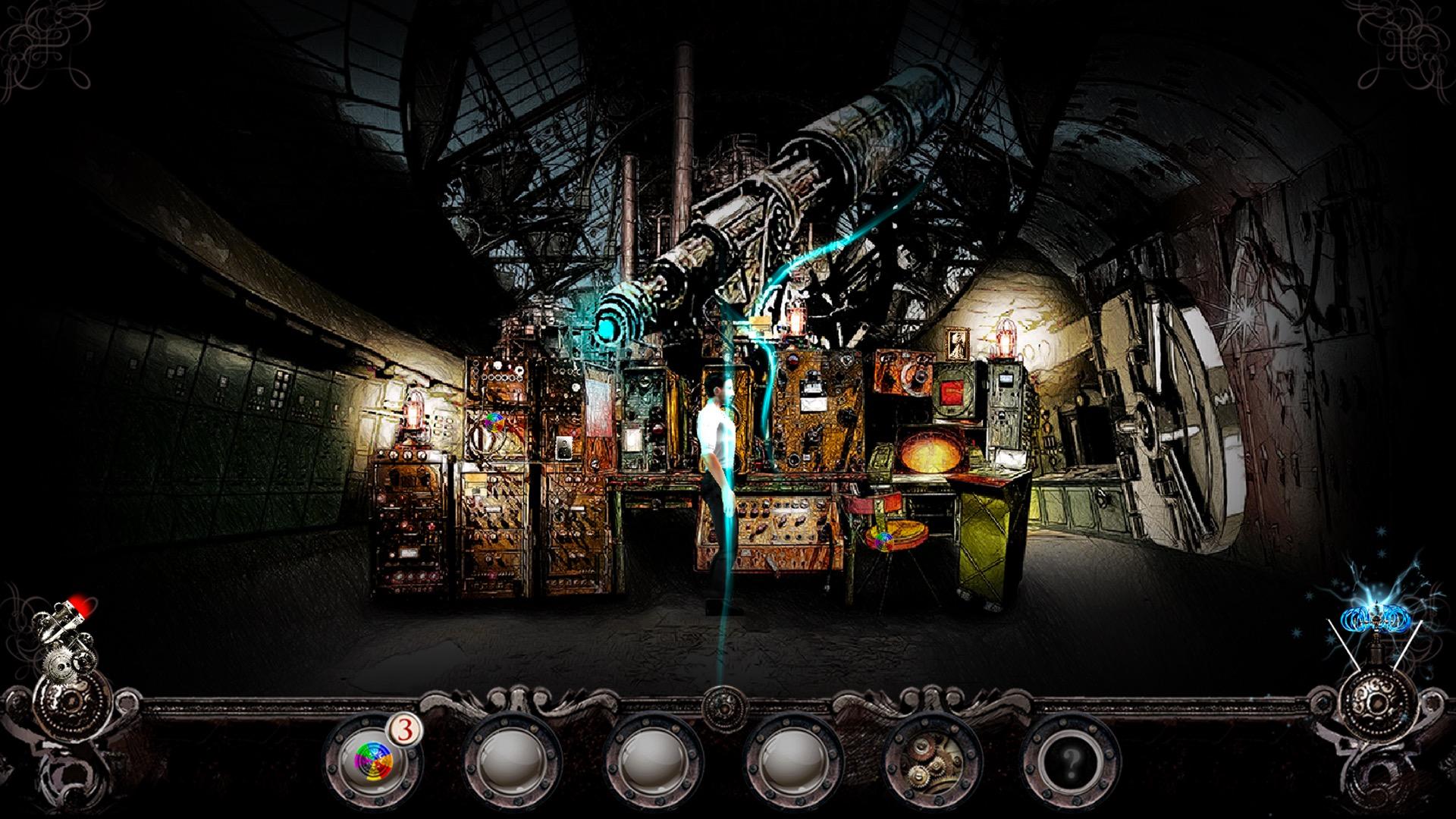
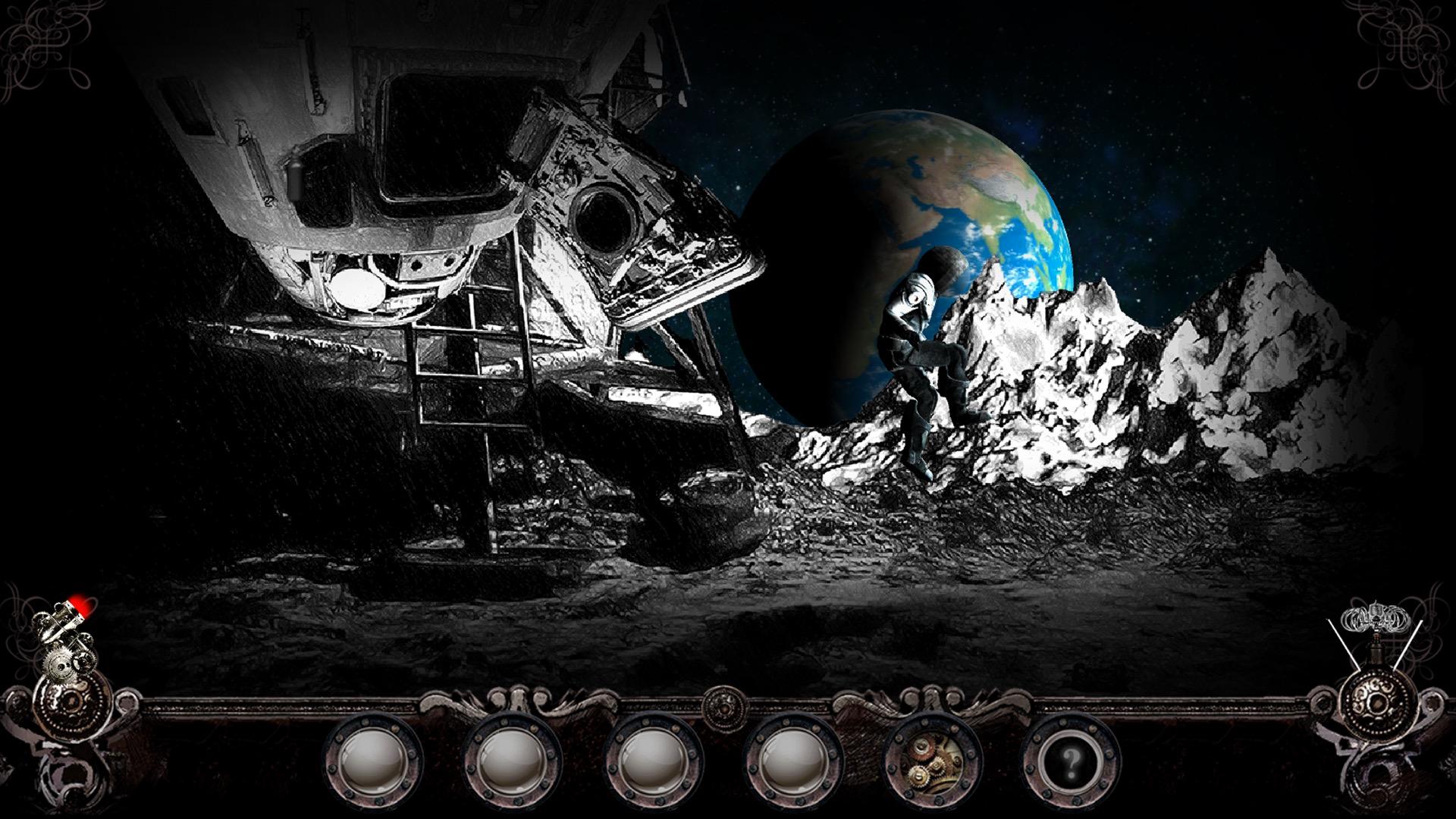
Steampunker is an award-winning point and click adventure game involving a search for hidden objects. It's set in an astonishing steampunk world.
The adventures of Vincent, our hero, begin when evil robots attack the Earth. The game contains a series of puzzles linked together into a traditional point and click adventure story. ...
Systemanforderungen
- Betriebssystem
- Windows XP SP2+
- Prozessor
- Intel Core i3 @ 1.7 GHz Dual core
- Arbeitsspeicher
- 4 GB RAM
- Grafik
- NVIDIA GeForce 9600 GT
- DirectX
- Version 9.0
- Speicherplatz
- 3 GB available space
- Betriebssystem
- Windows Vista 64-bit or newer
- Prozessor
- Intel Core i5 @ 3.0 GHz Dual Core
- Arbeitsspeicher
- 4 GB RAM
- Grafik
- NVIDIA GeForce GT 640
- DirectX
- Version 9.0
- Speicherplatz
- 3 GB available space
Rechtliche Hinweise
©2018 Anuman Interactive SA. All rights reserved. Developped by Telehorse. Published by Anuman Interactive SA. Microïds Indie is a trademark of Anuman Interactive SA. All rights reserved.