





So aktivieren Sie
- Installiere Steam und melde dich bei deinem Konto an (ein kostenloses Konto reicht).
- Wähle im oberen Menü „Spiele“ → „Ein Produkt bei Steam aktivieren…“.
- Gib deinen Key genau wie in der Bestellung ein (mit Bindestrichen) und bestätige. Das Spiel erscheint in deiner Bibliothek.
Offizielle Aktivierungsanleitung von Steam
Damit Sie das Spiel aktivieren können benötigen Sie einen 'Steam-Account'. Weitere Informationen zur Aktivierung finden Sie unter diesem Link: https://support.steampowered.com/kb_article.php?ref=5414-TFBN-1352
Über das Spiel
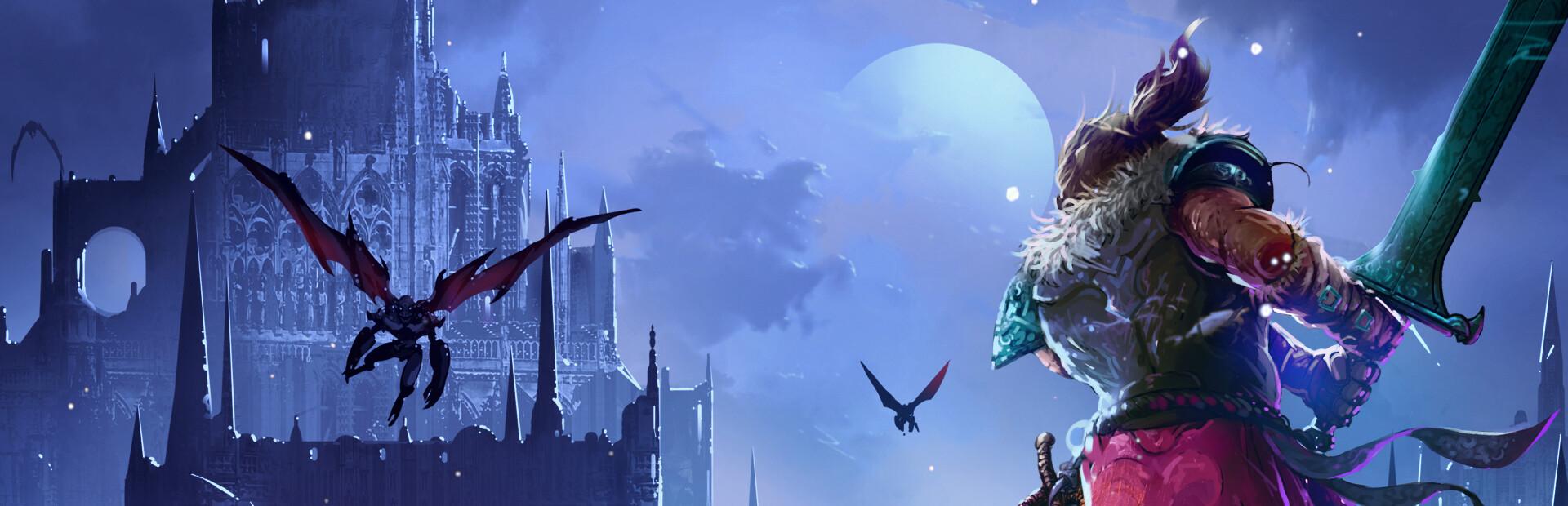
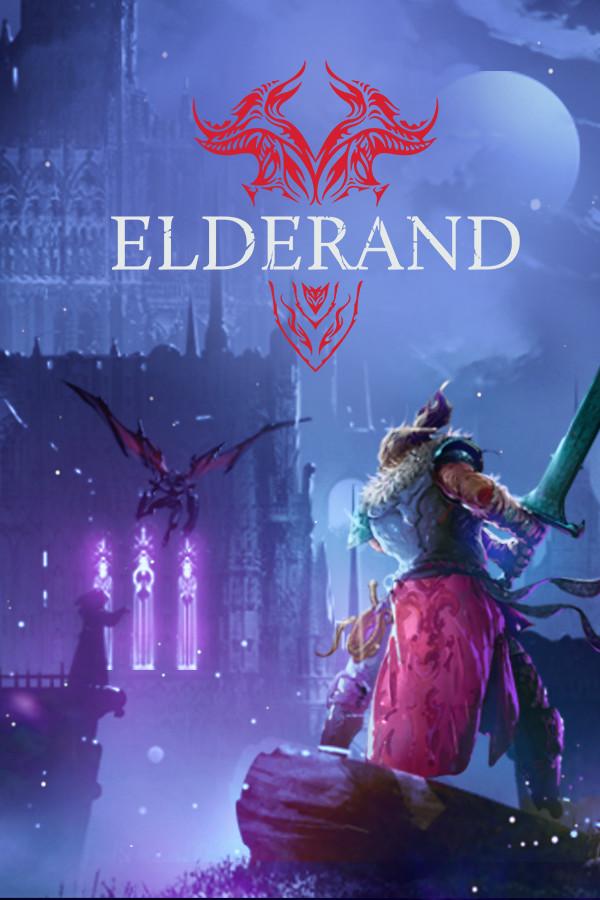
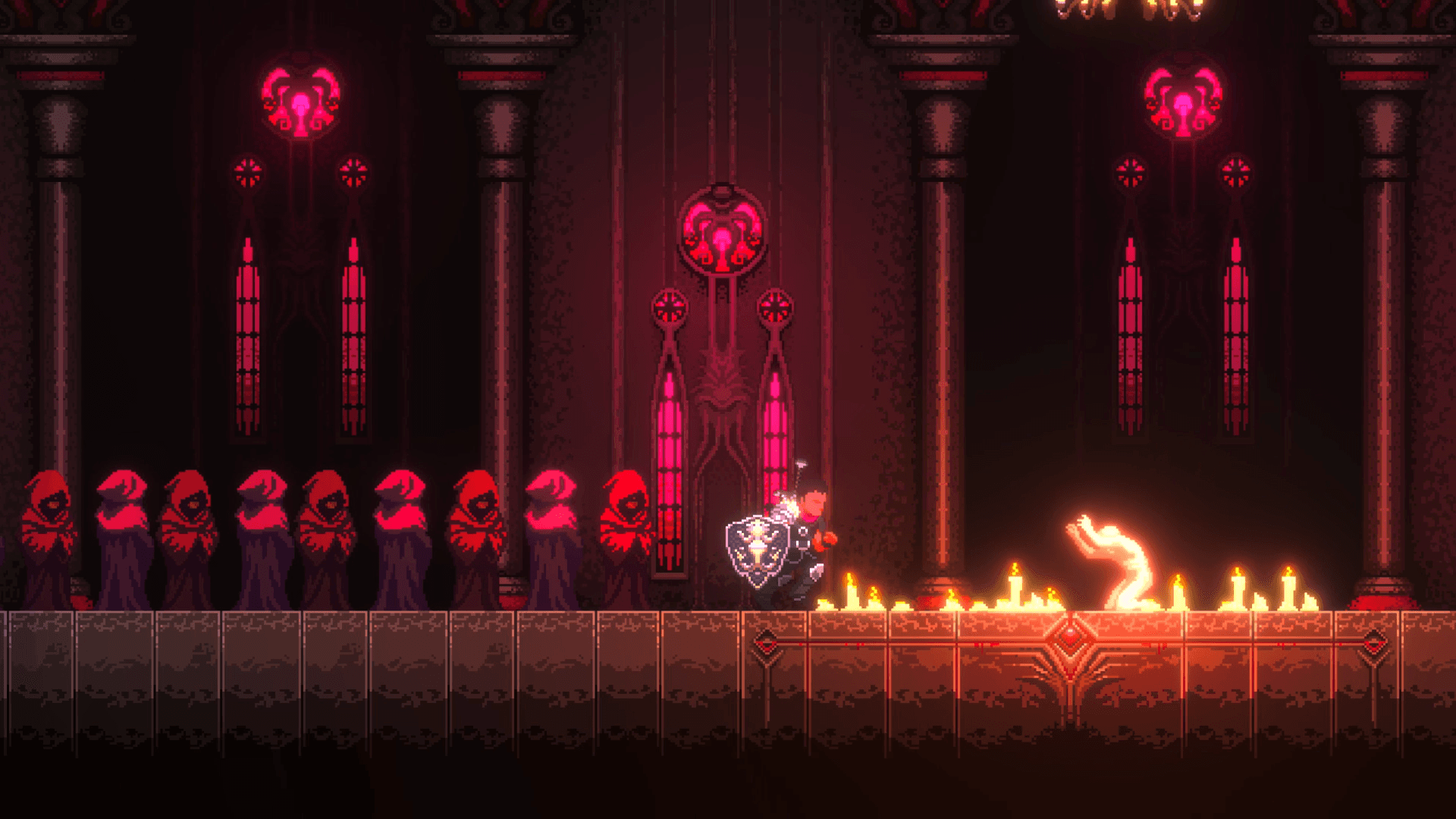
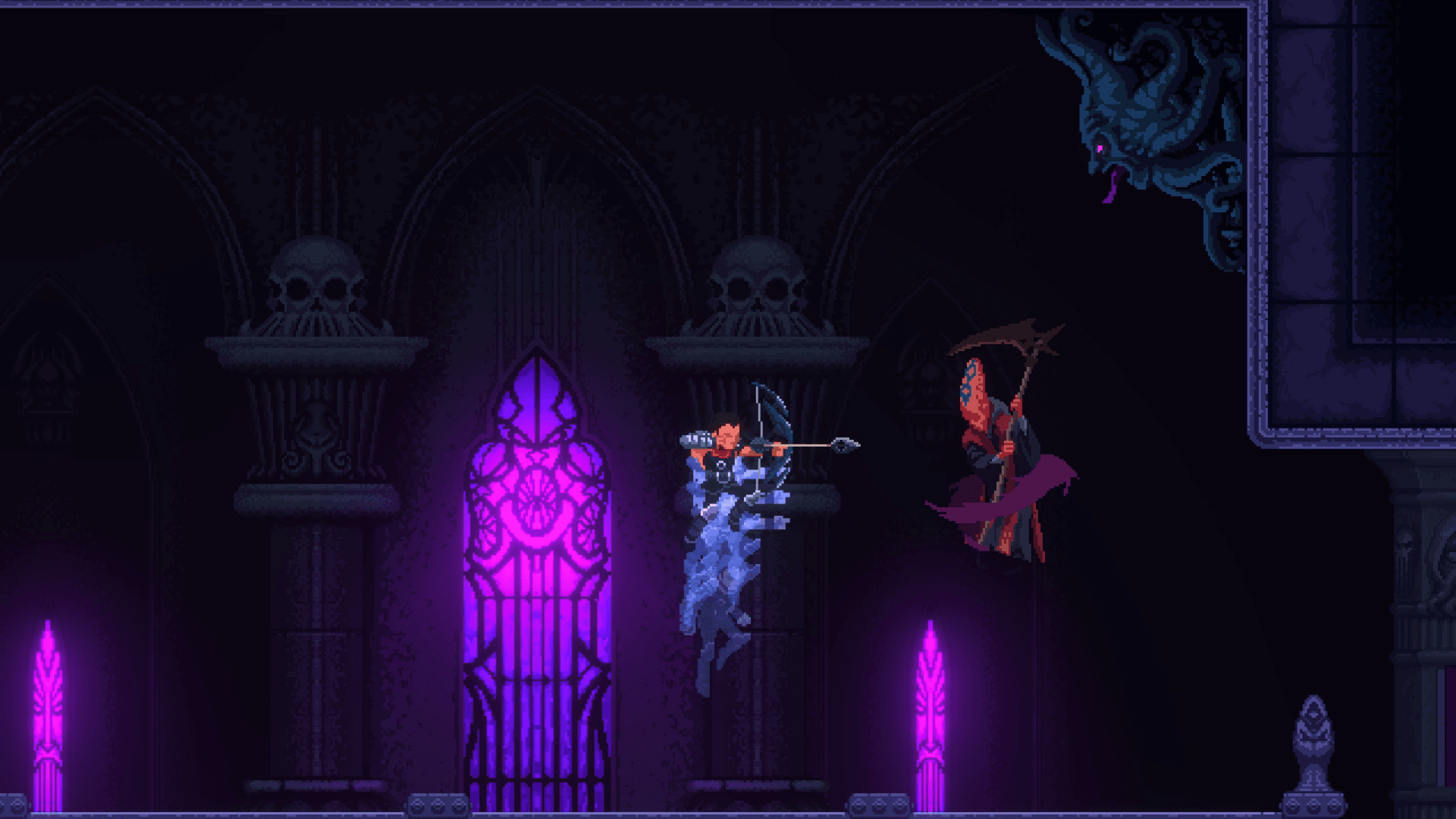
Through the darkness and madness, promised glory awaits. Heads will literally roll in this gruesome, retro-inspired action platformer, where only the strong will survive in brutal, skill-based combat against terrifying creatures.
Wield a variety of killing instruments and abilities to test your metal against towering, bone-chilling bosses. Explore a twisted Lovecraftian world shrouded in darkness and madness. RPG elements allow you to customize your battle experience to your liking, from your character’s appearance to skills, stats, and weapons. ...
Systemanforderungen
- Betriebssystem
- Windows 10 32bit
- Prozessor
- Intel Core 2 Duo E7500 2.93 GHz / AMD Athlon 64 X2 Dual Core Processor 5600+ 2.9GHz
- Arbeitsspeicher
- 2 GB RAM
- Grafik
- NVIDIA GeForce 9600 GT/ AMD Radeon HD 6450
- DirectX
- Version 11
- Speicherplatz
- 1 GB available space
- Soundkarte
- Windows Compatible Sound card